Templates
Free whiteboard templates
584 original templates for running a retro, planning a sprint, mapping a strategy or briefing an AI agent. Each one lands on your board as editable notes, shapes and tables, with a line that says how to use it.
Browse by category
Every category lists all of its templates. A template can sit in more than one.
Brainstorming templates
Get many ideas out fast, then narrow them down. Each board gives the group a prompt to write against, room to cluster what came up and a way to vote on what to try first.
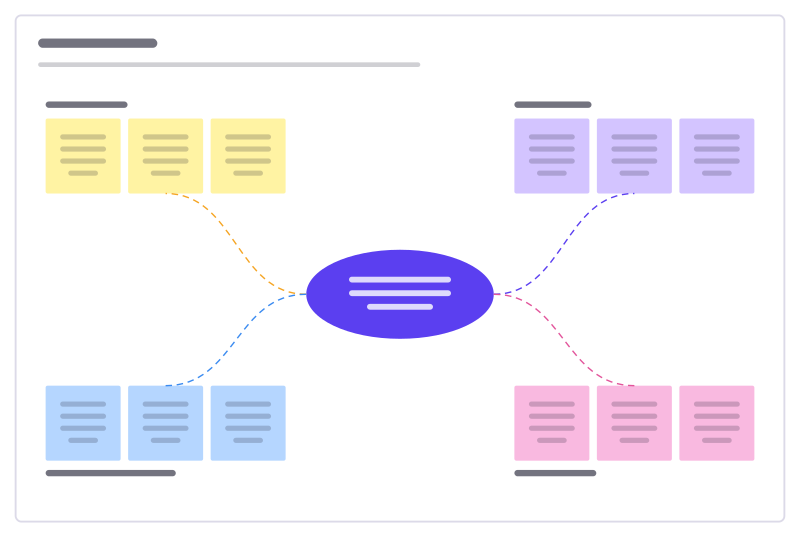
Idea burst
A central challenge with four idea clusters to fill, sort and vote on.
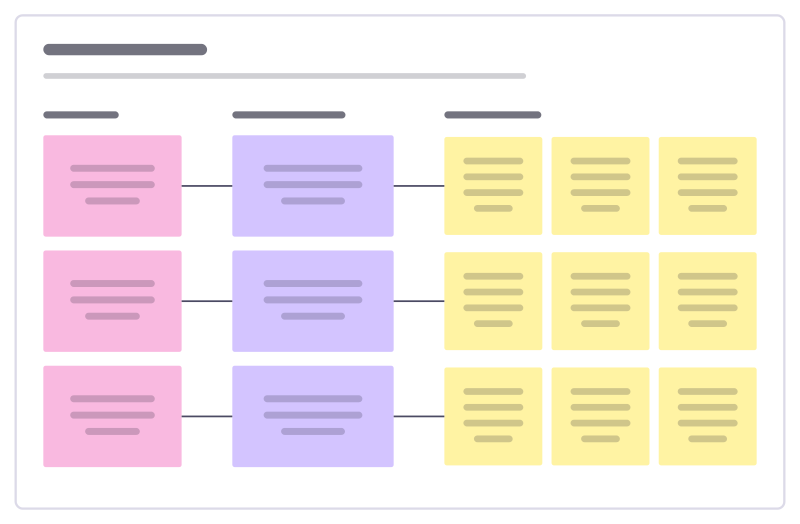
How might we
Turn research insights into “How might we…?” questions, then into first ideas.
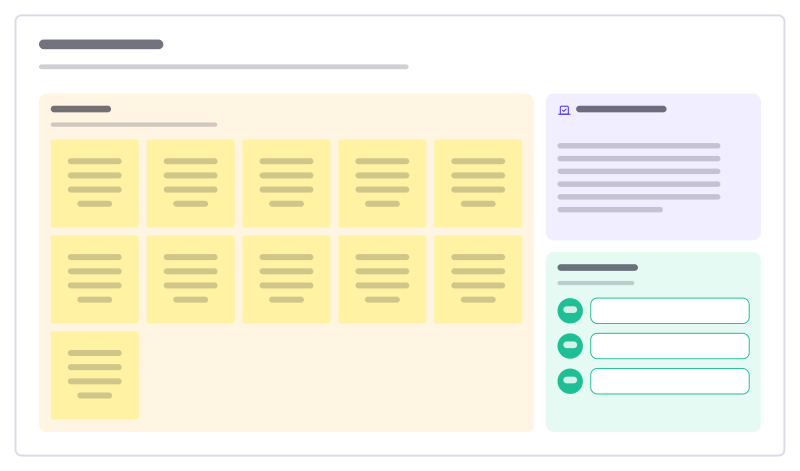
Dot voting
Collect ideas, vote with a fixed number of dots each, and move the winners to a shortlist.
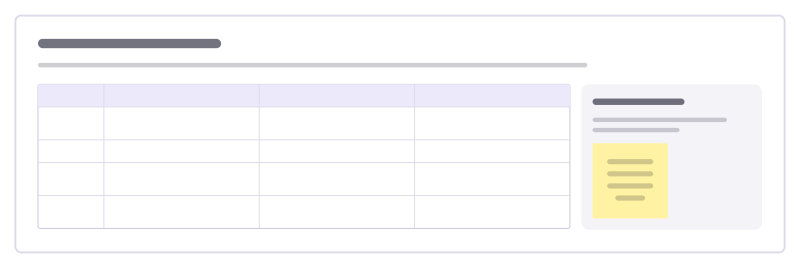
Brainwriting rounds
Generate ideas in writing instead of out loud: each person writes ideas, then builds on their neighbour’s, round after round.
Team building templates
Short activities that warm a group up or close a session well: check-in and check-out rounds, games that get people talking, and boards for saying thanks. Most take ten minutes or less.
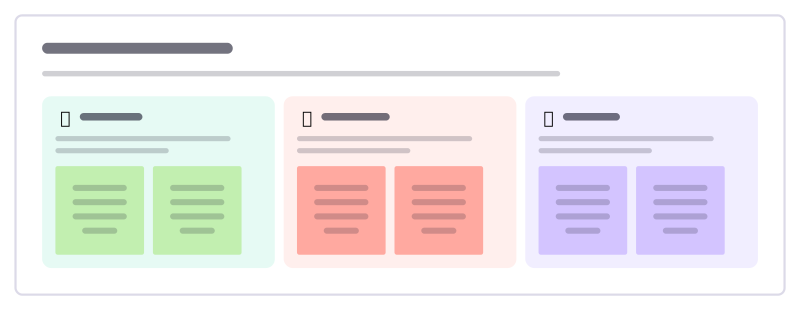
Rose, thorn, bud
A quick round where everyone shares a highlight, a struggle and something just starting to grow.
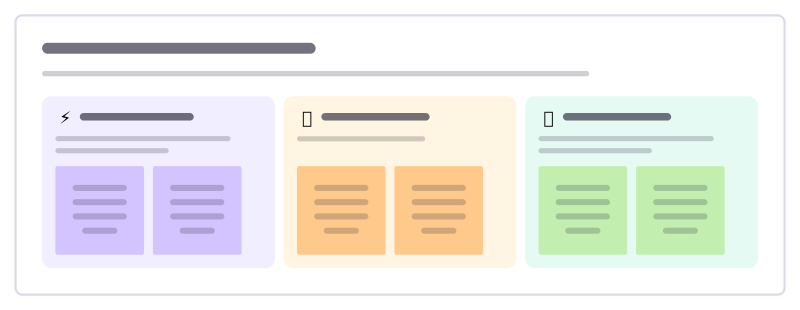
Superpowers and weak spots
Team members share what they’re great at and where they’d love help, so the team knows who to ask for what.
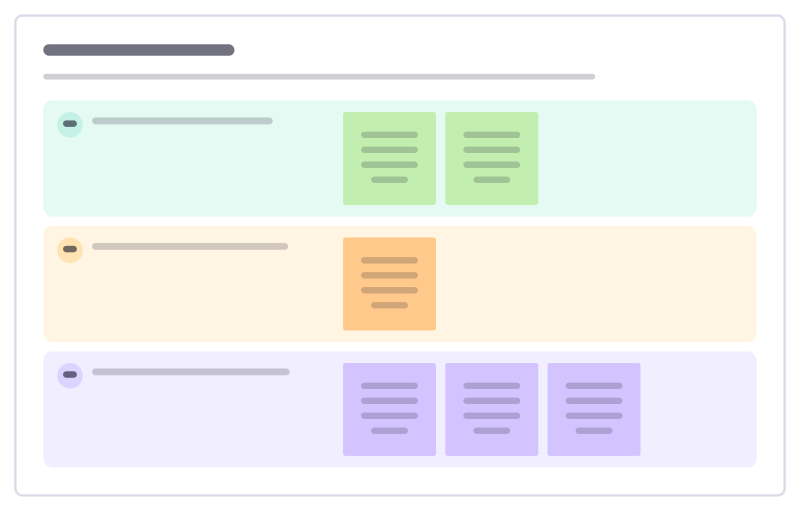
Check-out round
Close a meeting or workshop so nothing is left unsaid: one takeaway, one open question and how people are leaving.
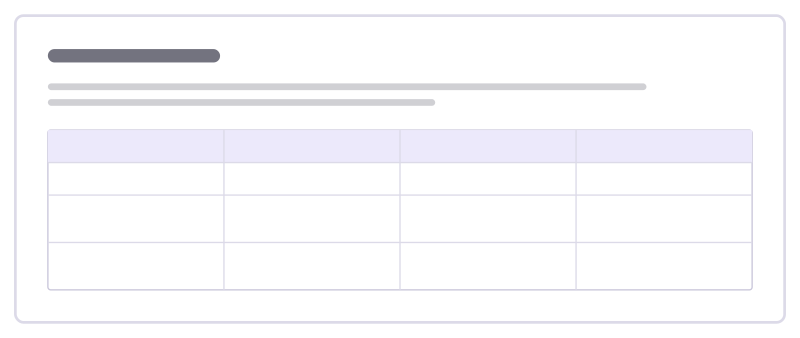
Team bingo
A getting-to-know-you game: find a teammate who matches each square and write their name in it.
Meeting templates
Run a meeting from agenda to decision: notes everyone adds to at once, a parking lot for side topics, voting and consent rounds, and a log of what was decided and who owns it.
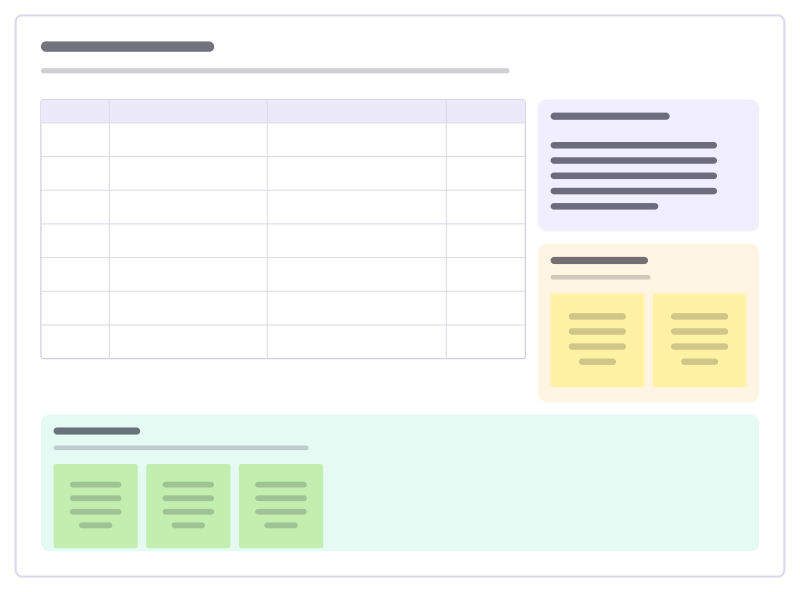
Workshop agenda
A timed agenda with methods and owners, the goals, a parking lot and a check-out.
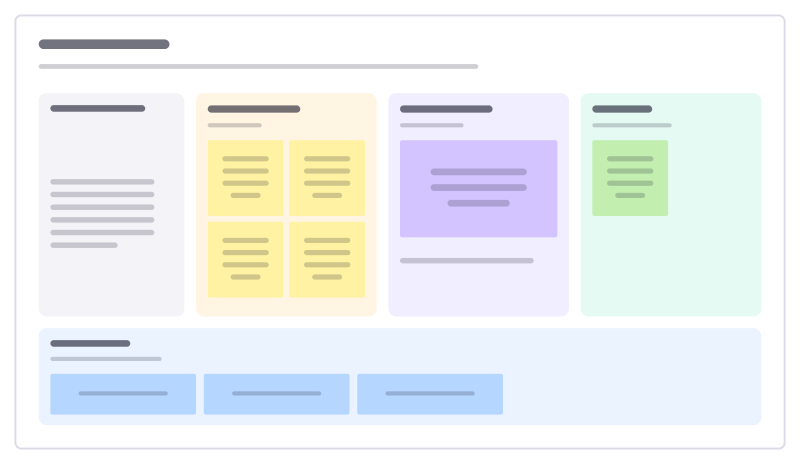
Lean coffee
An agenda-less meeting: propose topics, vote, and talk through them in timeboxes.
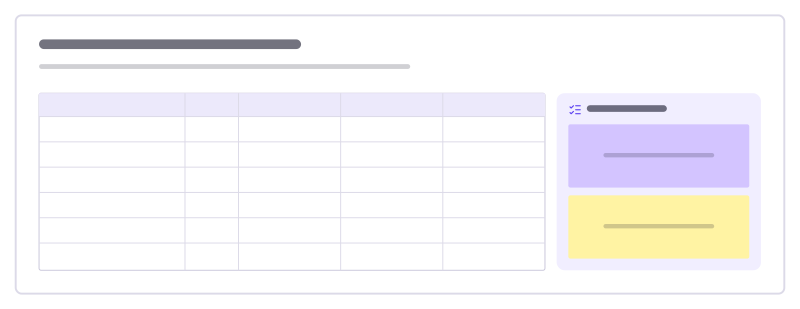
Decision matrix
Compare options on weighted criteria: score each 1–5, multiply by the weight, add it up.
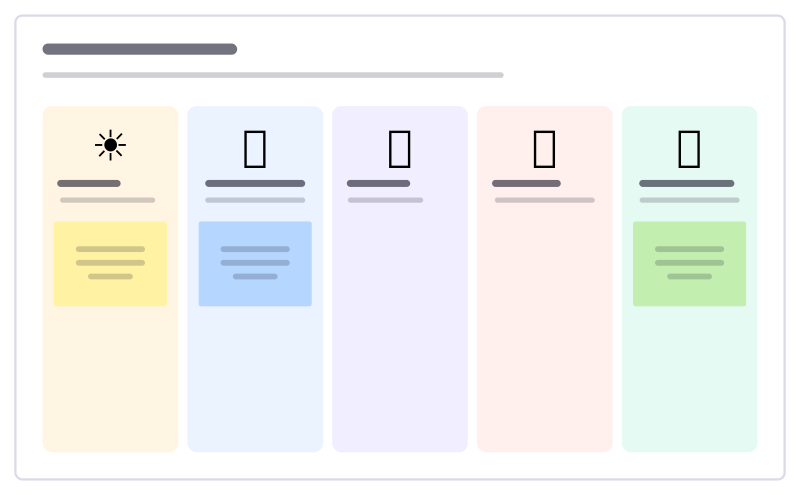
Weather check-in
A light warm-up: everyone places a sticky under the weather that matches their week.
Agile templates
What a team reaches for across a sprint: planning and capacity, a board to track the work, standups and reviews, and enough retrospective formats to keep every retro fresh.
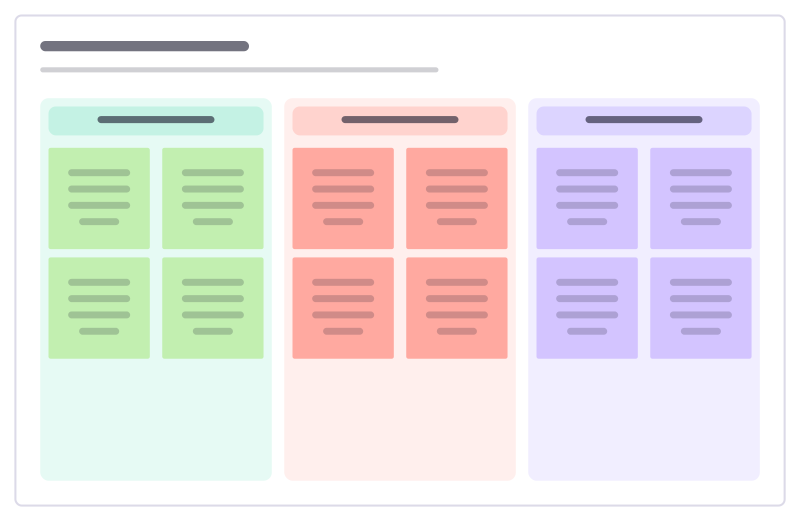
Retrospective
Went well, to improve and action items: a calm, classic sprint retro.
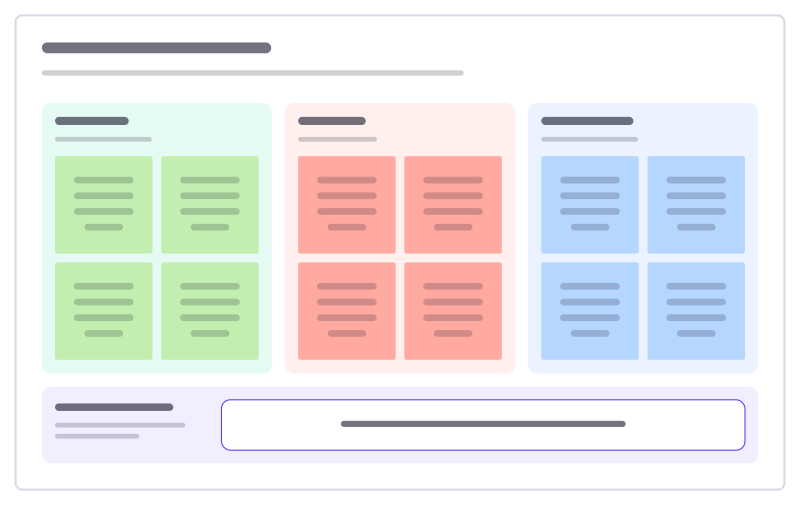
Start, stop, continue
A quick retro: what to begin, what to drop, what to keep, and one experiment.
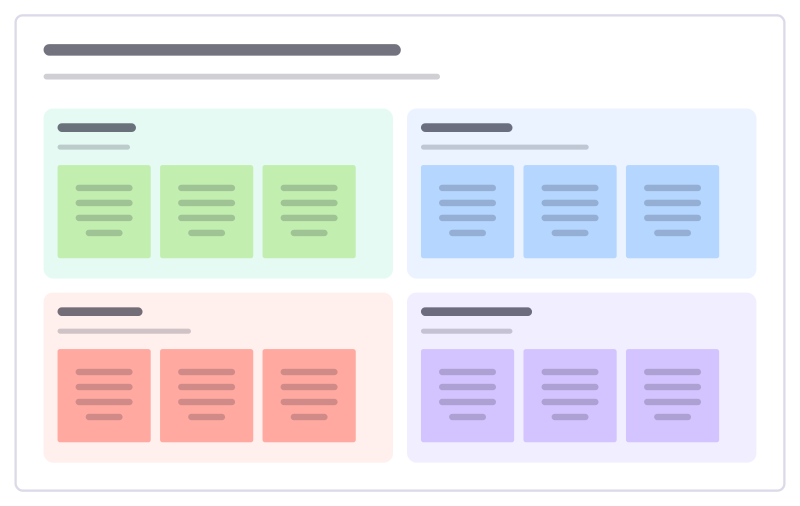
Liked, learned, lacked, longed for
A reflective retro in four quadrants that looks at learning, not only problems.
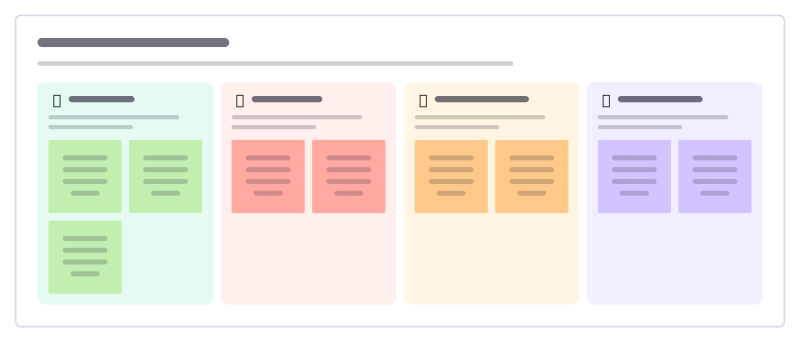
Hot air balloon retro
A picture-led retro: what lifts the team, what weighs it down, the weather ahead and where the balloon should go next.
Product management templates
From a customer problem to a shipped feature: write the requirements, prioritise with RICE, Kano or MoSCoW, map opportunities and assumptions, define the metrics and plan the launch.
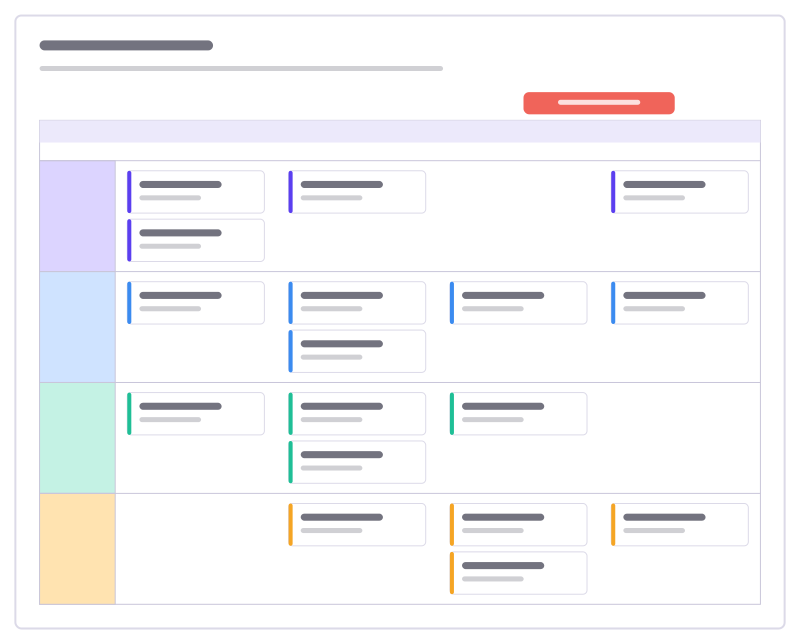
Release plan
Work per stream across four sprints as task cards in swimlanes, with the release marked.
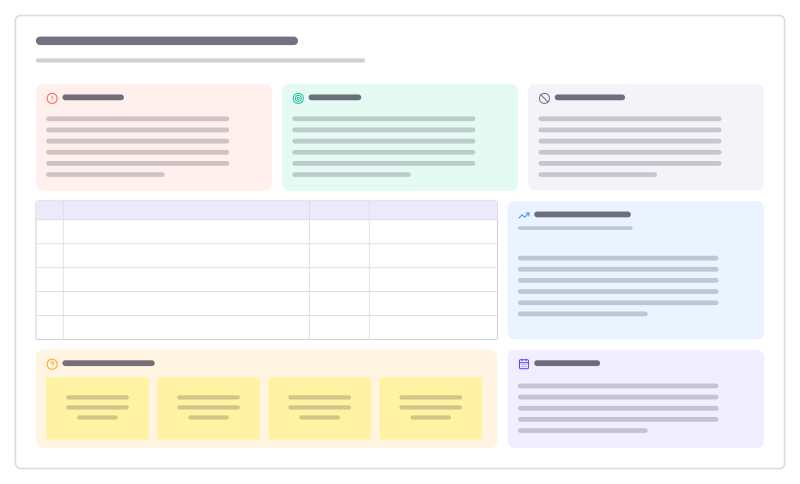
Product requirements (PRD)
A one-page spec: problem, goals and non-goals, prioritised requirements, metrics and open questions.
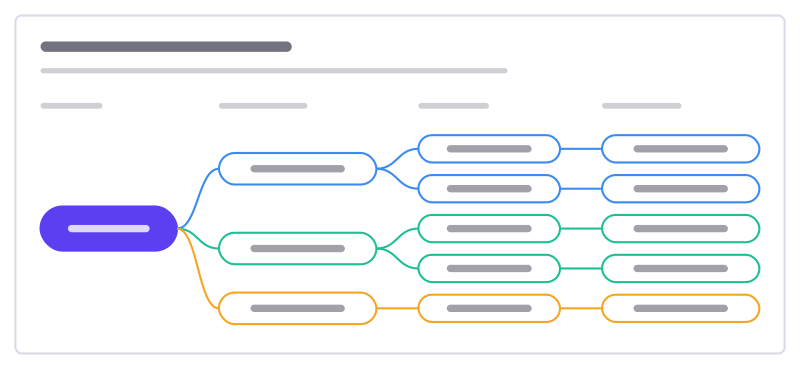
Opportunity solution tree
One outcome, the customer opportunities behind it, solutions for each and the experiments to test them.
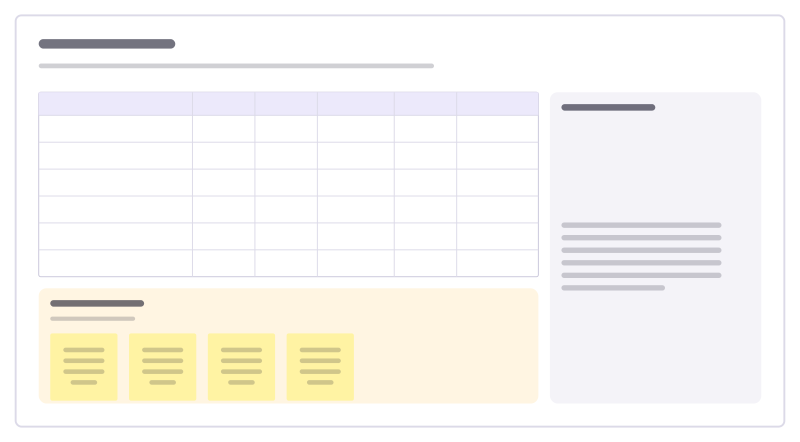
RICE scoring
Score ideas by reach, impact, confidence and effort, so the backlog order has reasons.
Design templates
Boards for the work around the design itself: map a user flow, run a critique or a five-day sprint, plan a usability test and read it out, and check accessibility and quality before release.
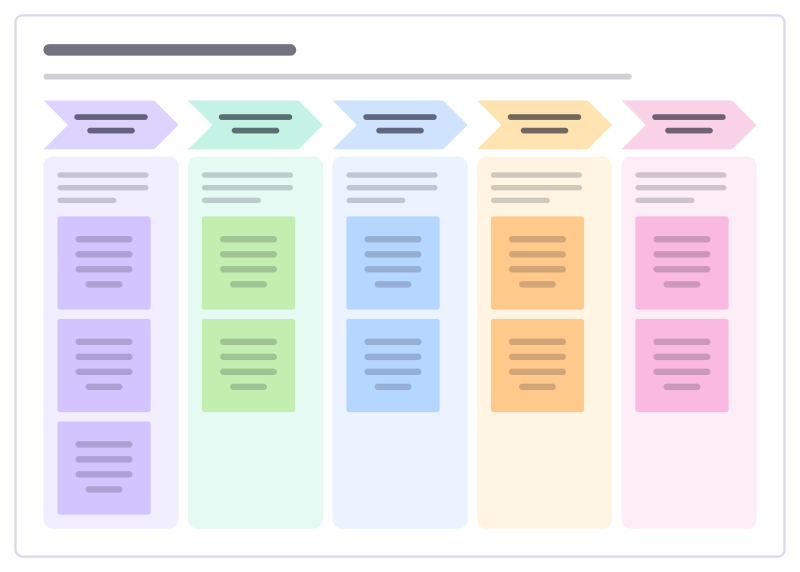
Five-day design sprint
Go from a big question to a tested prototype in one week: understand, explore, choose, build and learn from real people.
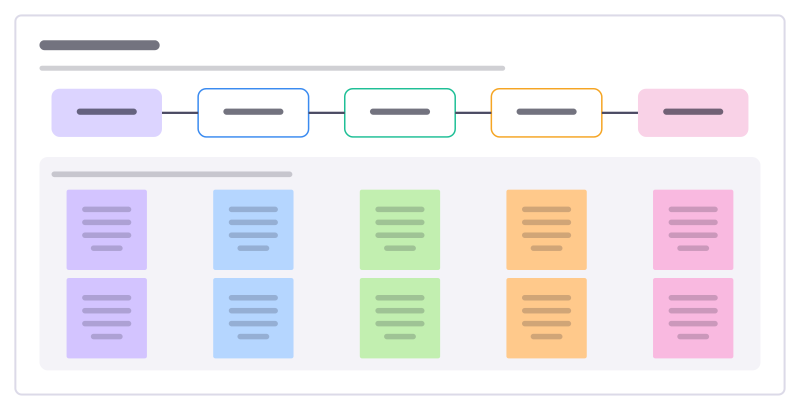
User flow
The screens and steps a person goes through to finish one task, with what each step must achieve and where it can go wrong.
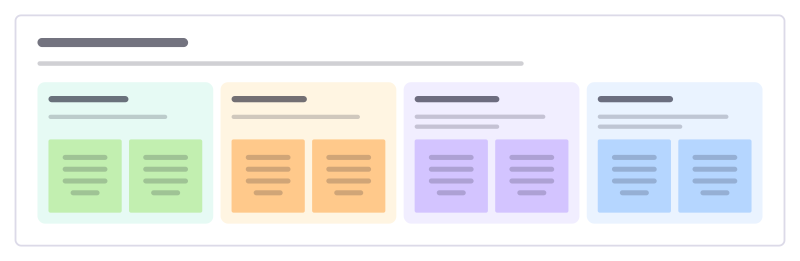
Design critique
Give feedback on a design against its goal: what works, open questions, concrete suggestions and what the designer decides.
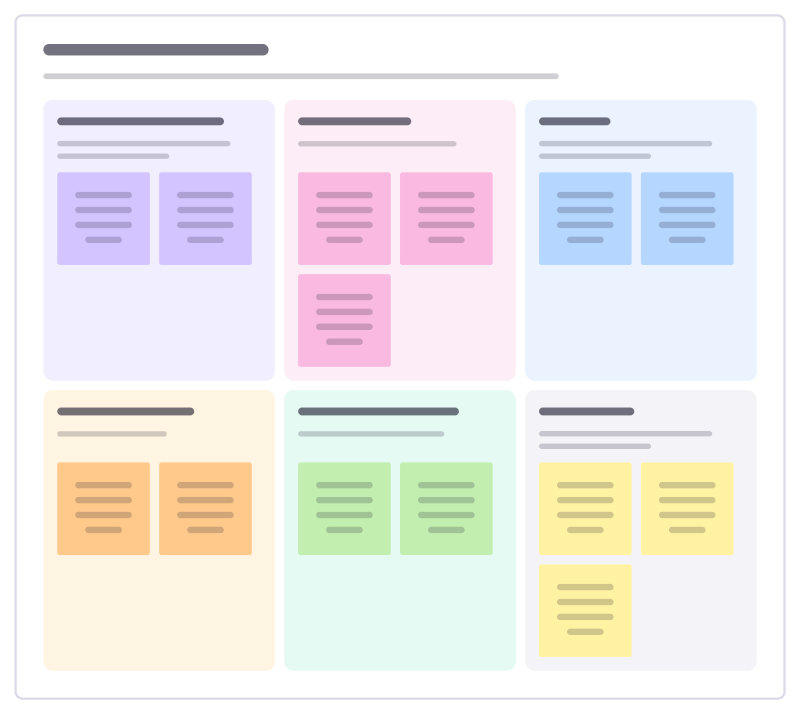
Usability test plan
Plan a round of usability sessions: what you need to learn, with whom, the tasks they will try and how you will judge success.
UX research templates
Plan a study, recruit for it, run the interviews and turn the notes into findings. Journey maps, empathy maps, personas and service blueprints keep what you learned in front of the team.
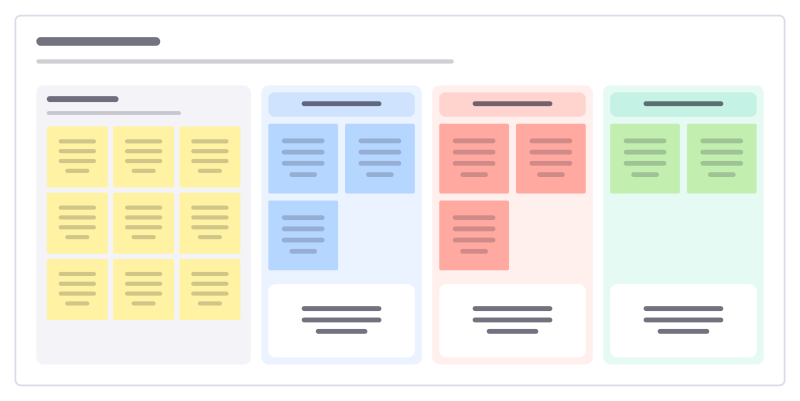
Affinity map
Turn a pile of research notes into themes, with one insight written under each.
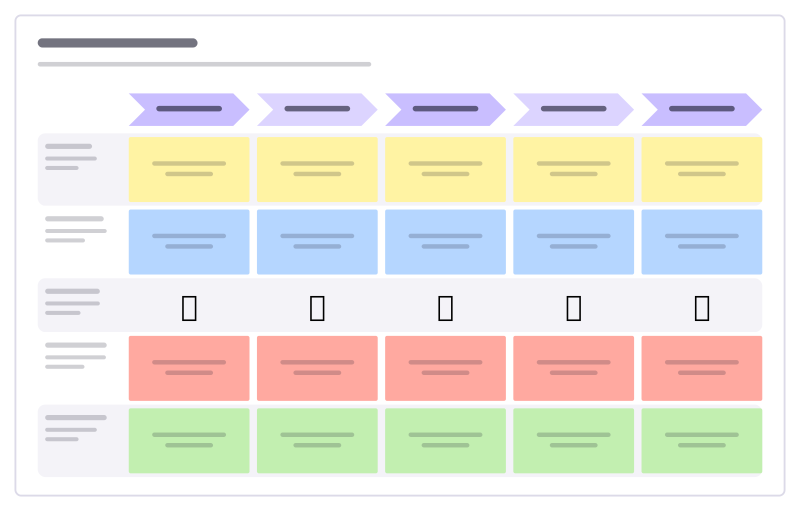
Customer journey
Stages across, lanes for doing, thinking, feeling, pain points and opportunities.
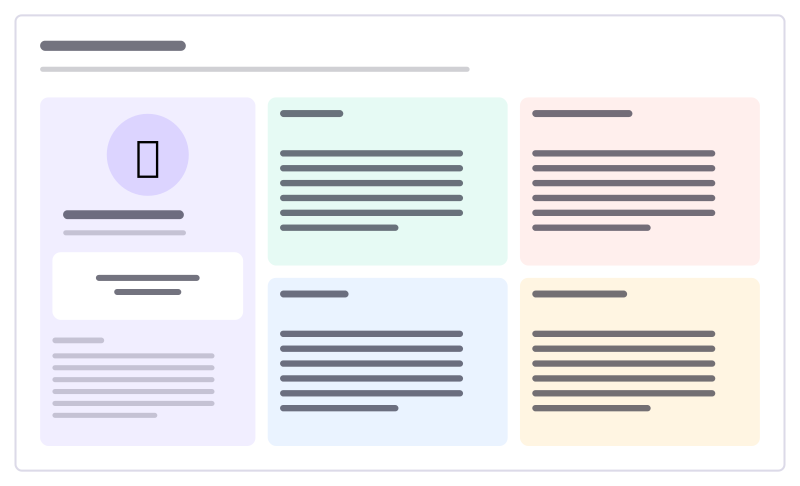
User persona
A research-based profile: who they are, goals, frustrations, habits and tools.
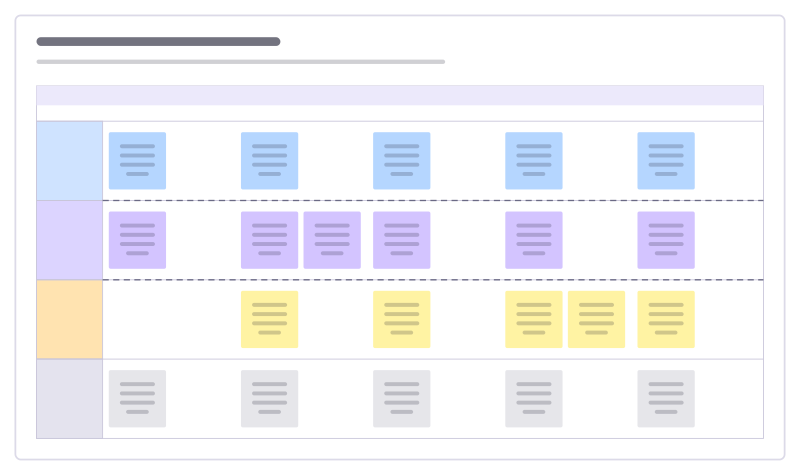
Service blueprint
What the customer does, what they see, what happens behind the scenes and the systems that support it.
Strategy templates
Decide where to play and how to win on one board everyone can see: read the situation, weigh options and bets, set objectives and lay out the roadmap that follows from them.
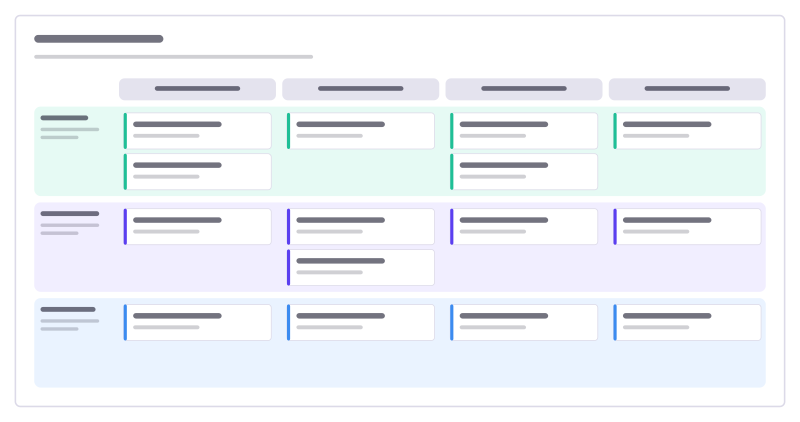
Product roadmap
Four quarters across, product themes down, with cards for each initiative.
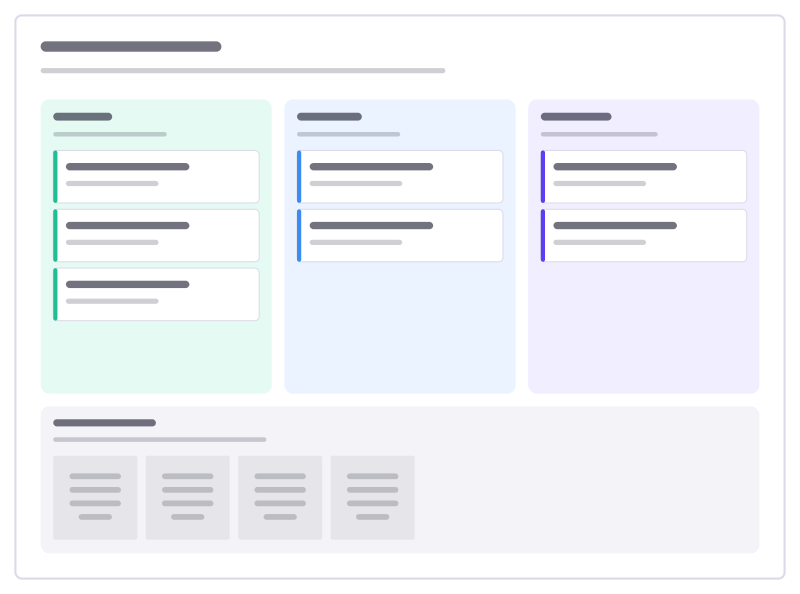
Now, next, later
A roadmap without dates: problems you’re solving now, next and later, plus parked ideas.
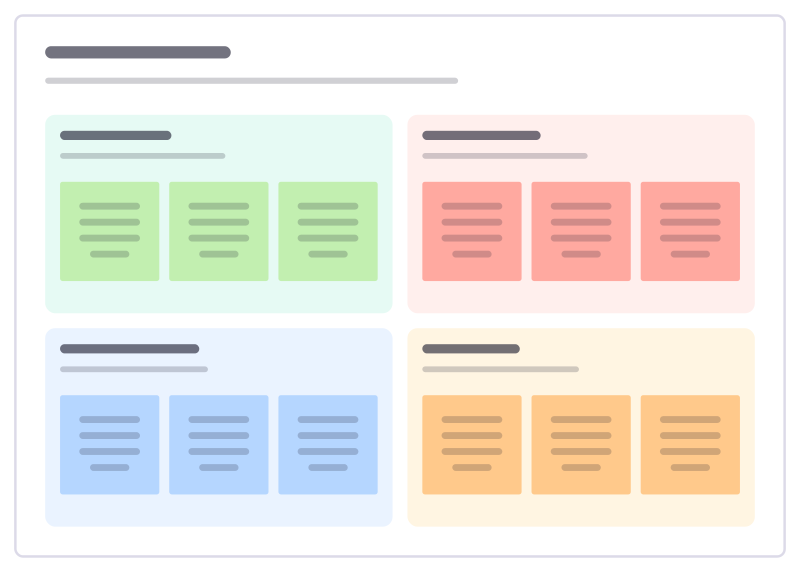
SWOT analysis
Strengths, weaknesses, opportunities and threats, with a guiding question in each.
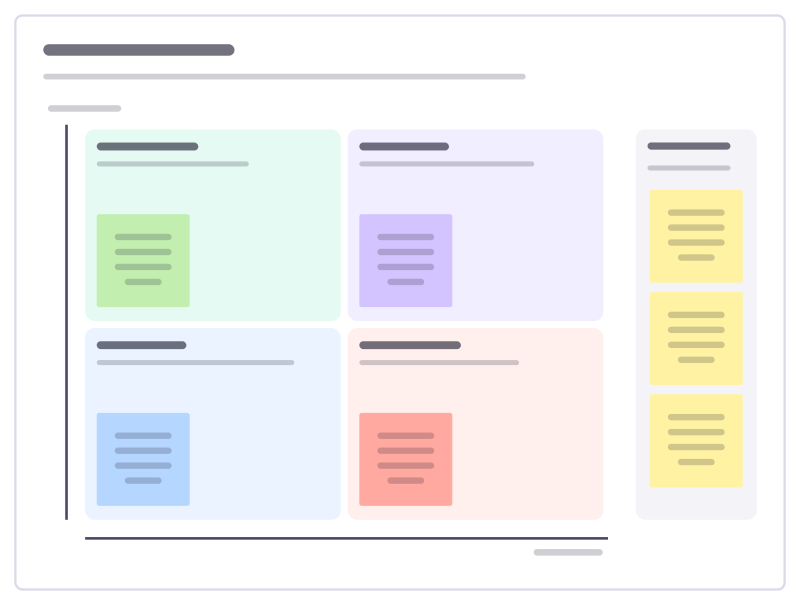
Impact × effort
A 2×2 matrix to sort ideas into quick wins, big bets, fill-ins and time sinks.
Consulting templates
Frameworks for structuring a problem and the analysis behind a recommendation: break the question down, track hypotheses, scan the environment and compare scenarios with the client in the room.
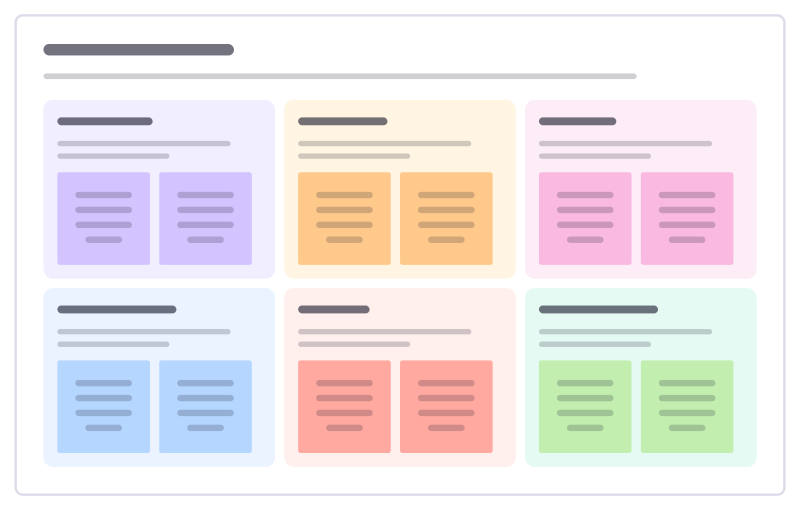
PESTLE analysis
Scan the outside world in six lenses: political, economic, social, technological, legal and environmental forces that could affect you.
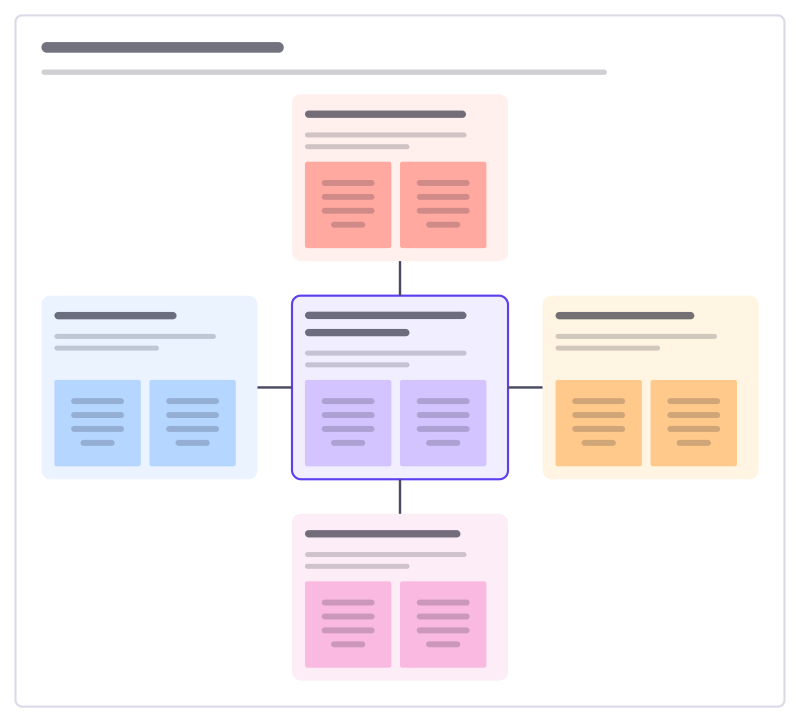
Five competitive forces
How attractive is a market? Look at rivals, new entrants, substitutes and the bargaining power of buyers and suppliers.
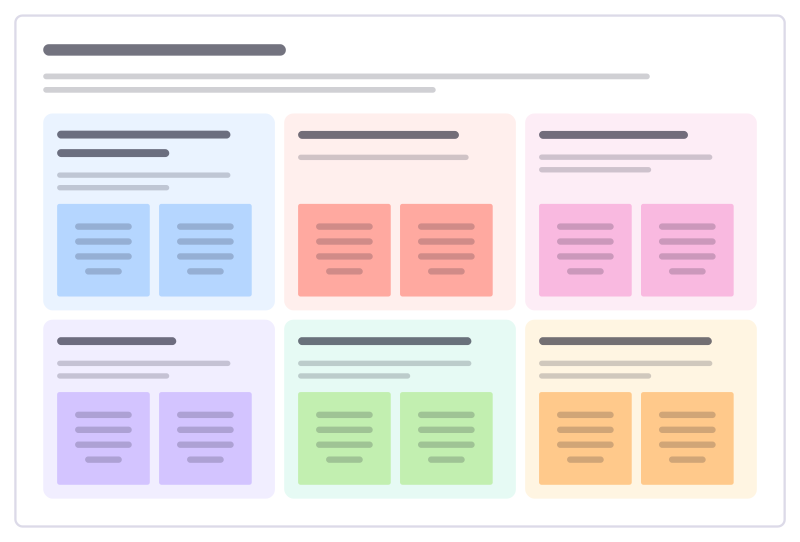
Value proposition fit
Line up what customers are trying to get done, what gets in their way and what they wish for, against what you offer and how it helps.
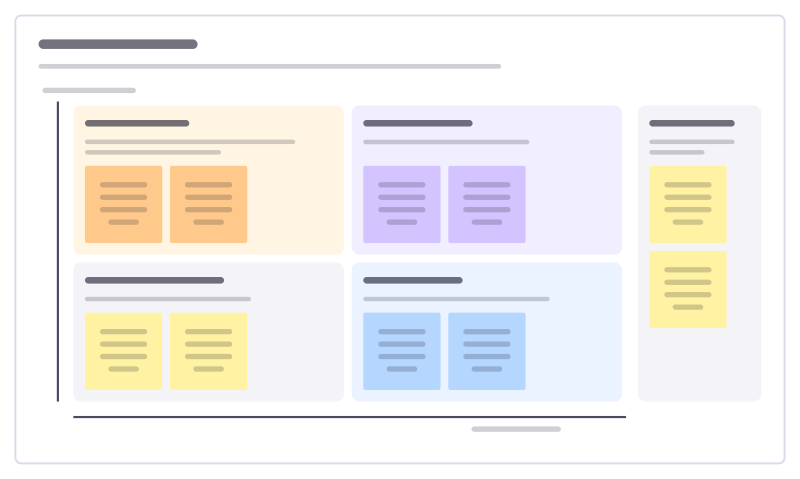
Stakeholder map
Place everyone affected by a change by their influence and interest, then decide how closely to involve each group.
Sales and marketing templates
Plan a campaign, sharpen positioning and messaging, schedule content, then review the pipeline, deals and key accounts. For marketing and sales teams that plan together.
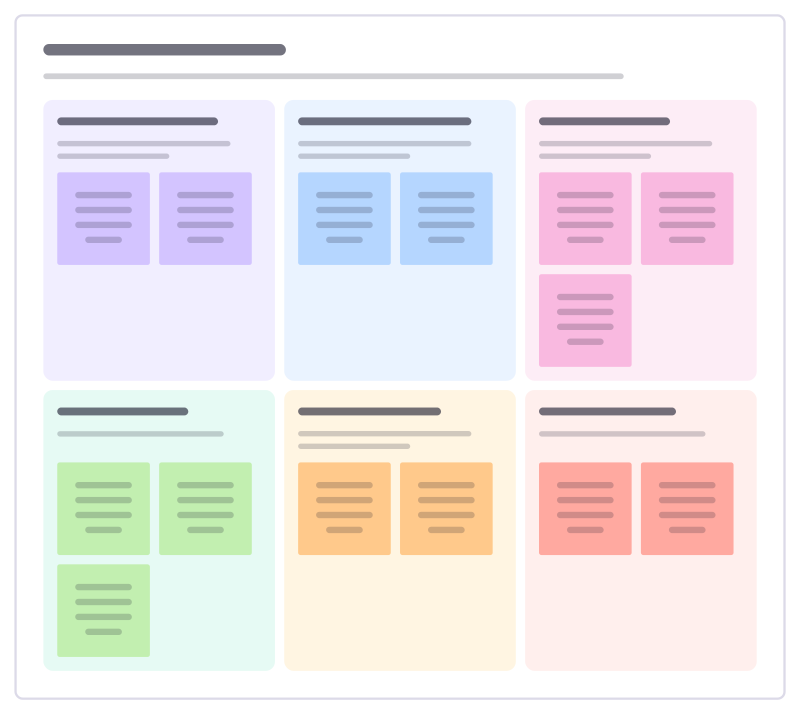
Customer success plan
Agree with a customer what success looks like for them, how you will both measure it and what each side does this quarter.
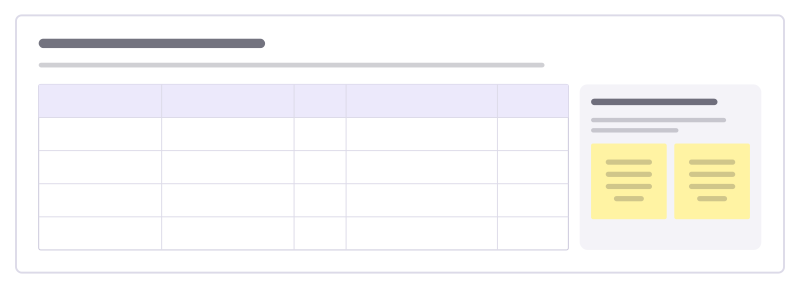
Support escalation review
Look back at the tickets that had to be escalated this month, find why they got stuck and fix the causes, not just the tickets.
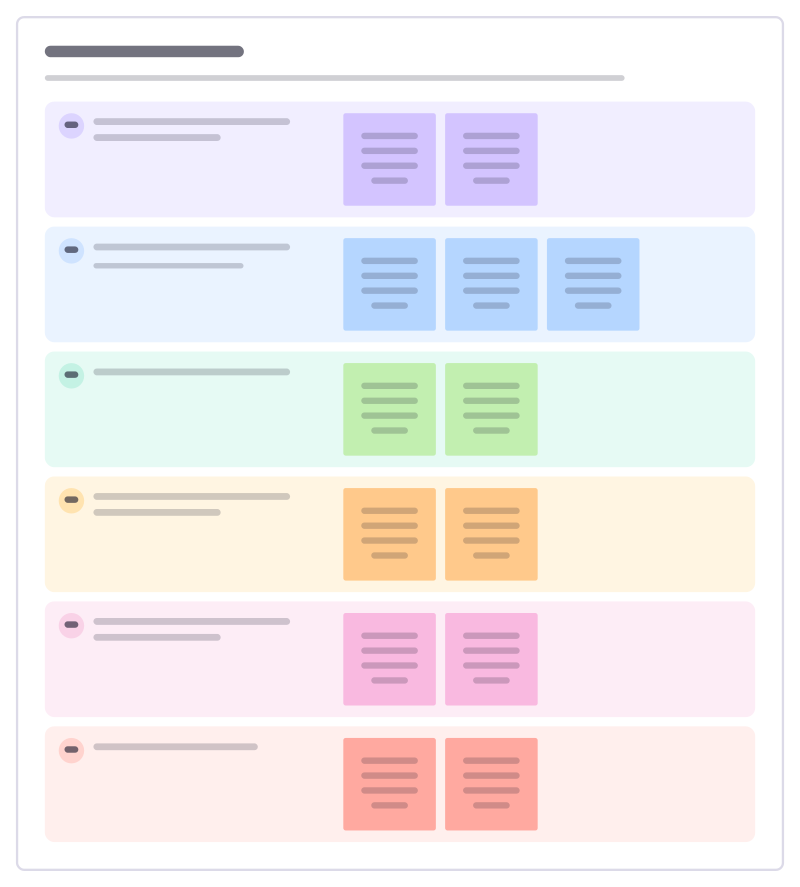
Support playbook
Write down how your team handles a common kind of ticket: how to spot it, what to ask, what to do and when to hand it on.
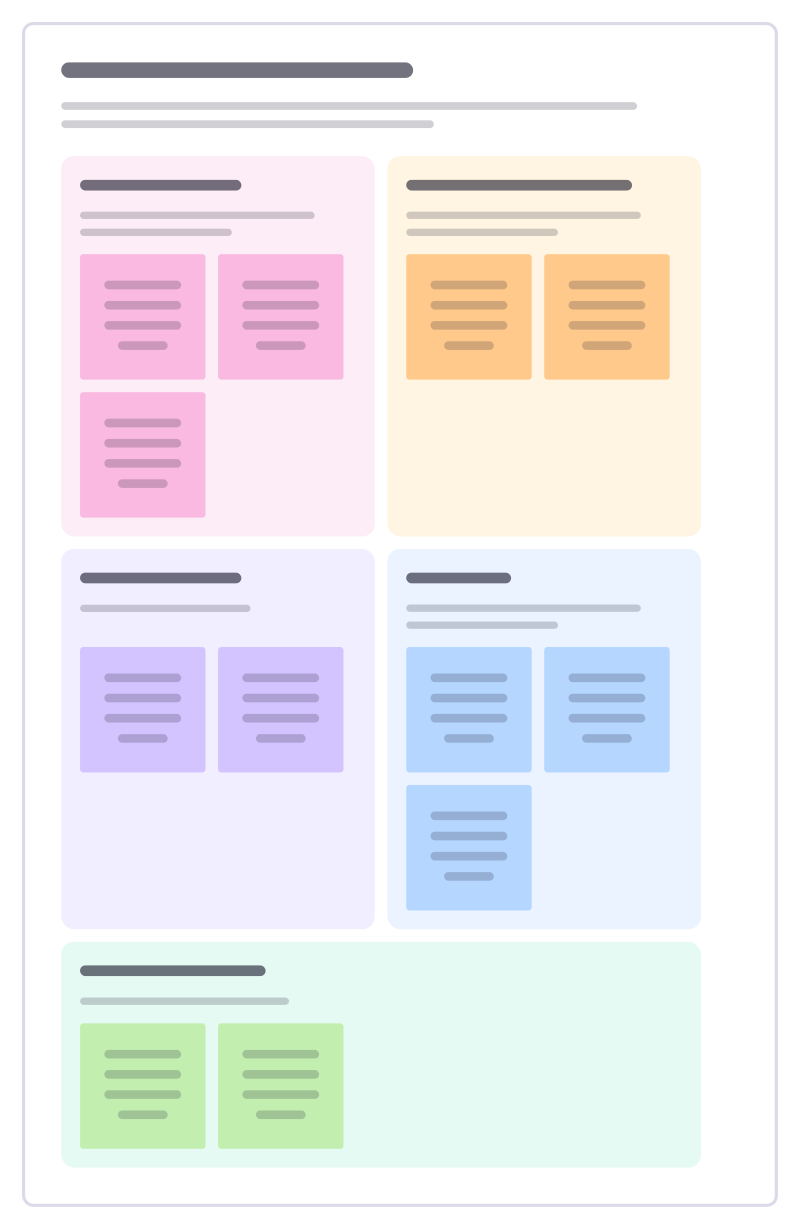
Customer advisory board
Plan a session with a small group of key customers: who to invite, what to ask them, what to share and how you will follow up.
HR templates
For managers and people teams: hire against a clear scorecard, welcome new starters, prepare feedback and performance conversations, map skills and career steps, and check how the team is doing.
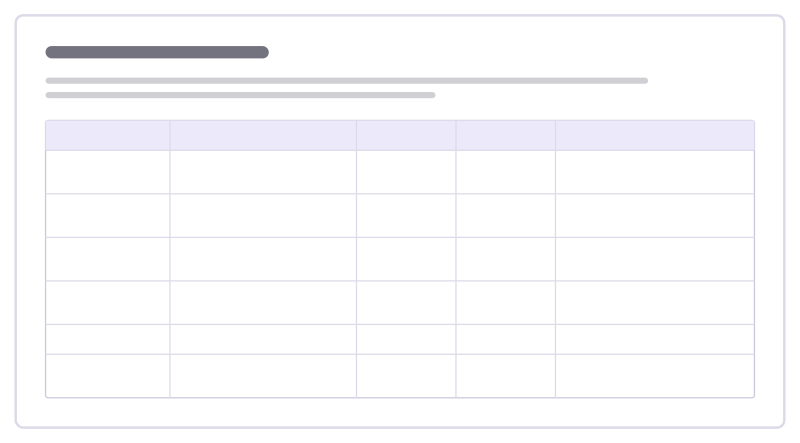
Team health check
A quick traffic-light read on how the team is doing across a few areas, compared with last time so trends stand out.
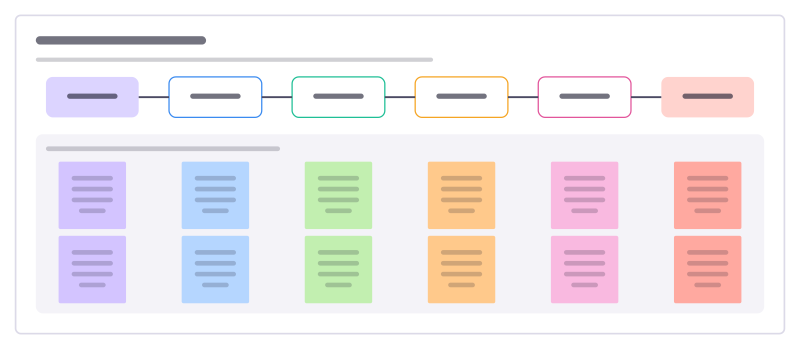
Volunteer onboarding
Take a new volunteer from signing up to their first shifts without losing them to slow replies, checks or a confusing first day.
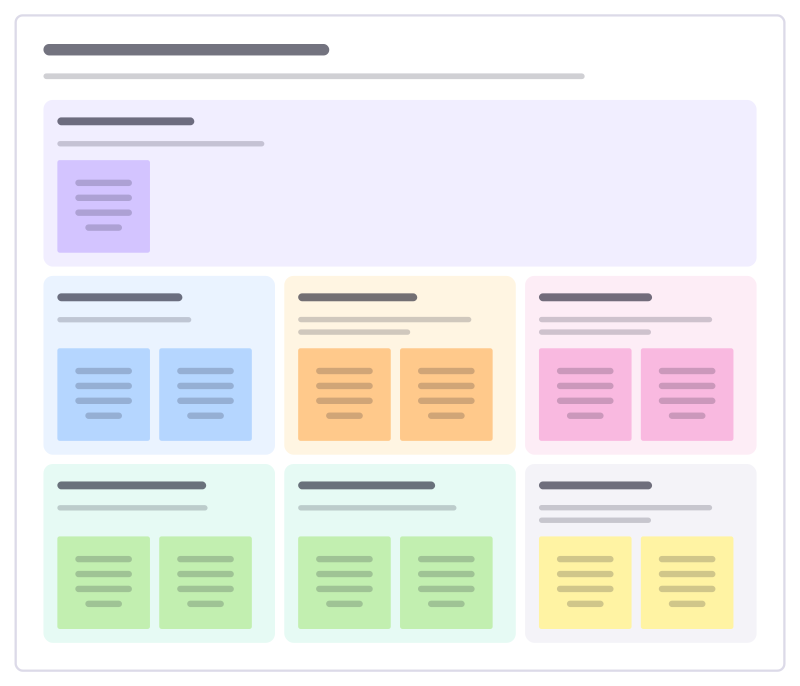
Volunteer role description
Describe a volunteer role so the right people say yes: why it matters, what they will do, the time it takes and the support they get.
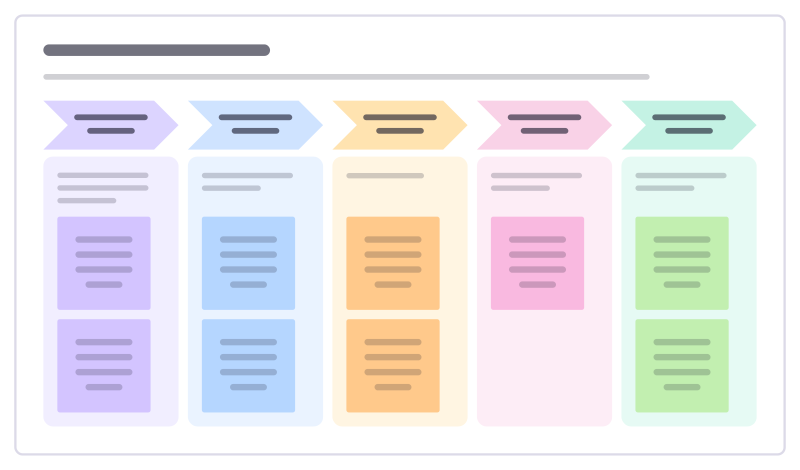
New hire first week
Plan a new colleague’s first five days so they meet the right people, get set up and do something real by Friday.
Operations templates
Map how work flows today, find where it breaks and fix the cause: value streams, process maps, five whys and failure modes, risk registers, and handovers for the day to day.
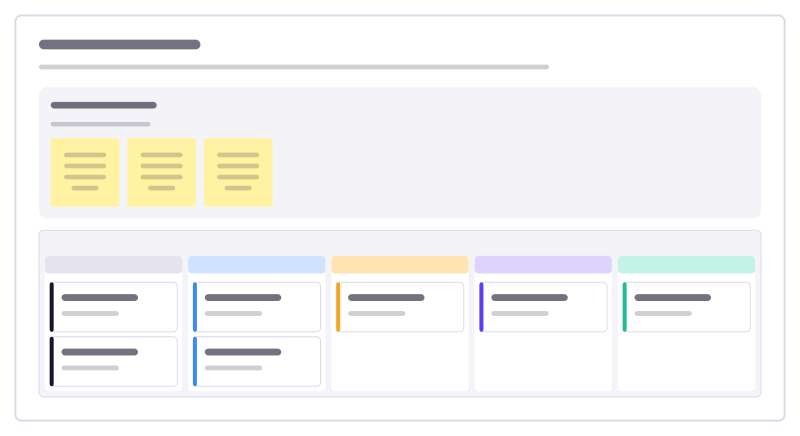
Month-end close
Track every task needed to close the books each month, who owns it and what is waiting on someone else.
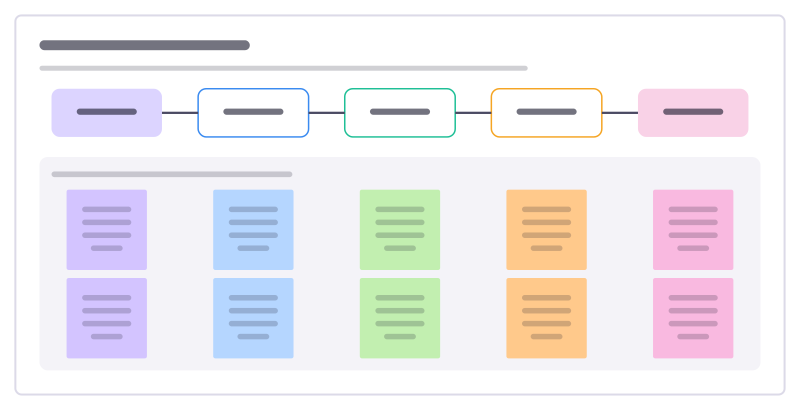
Expense claim process
Lay out how an expense goes from receipt to repayment, who checks what, and where claims get stuck or bounced back.
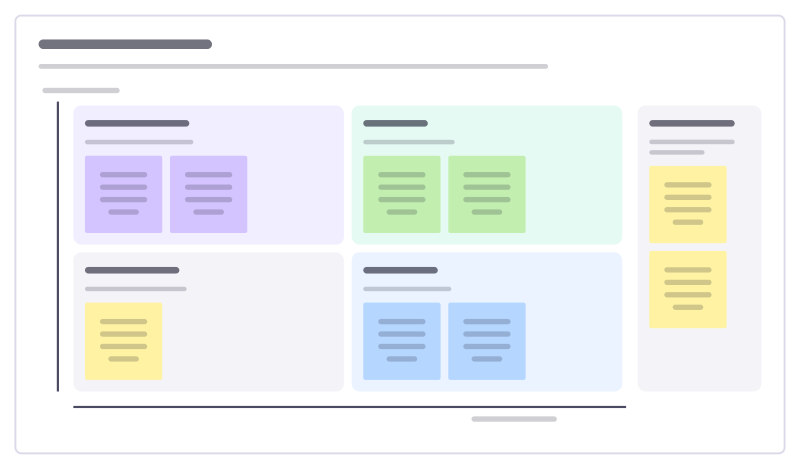
Cost saving ideas
Collect ideas to cut costs from everyone who spends money, then sort them by how much they save against how hard they are.
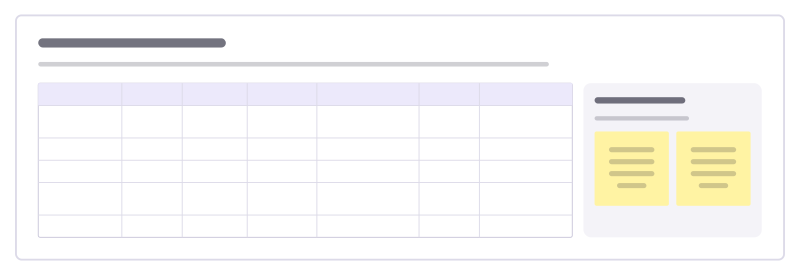
Software spend audit
List every paid tool, who owns it, what it costs and how many seats are used, then decide what to keep, merge or cancel.
Planning templates
Lay out who does what by when: project charters and timelines, Gantt charts and milestones, OKR trees, budgets, and status reports that keep everyone up to date.
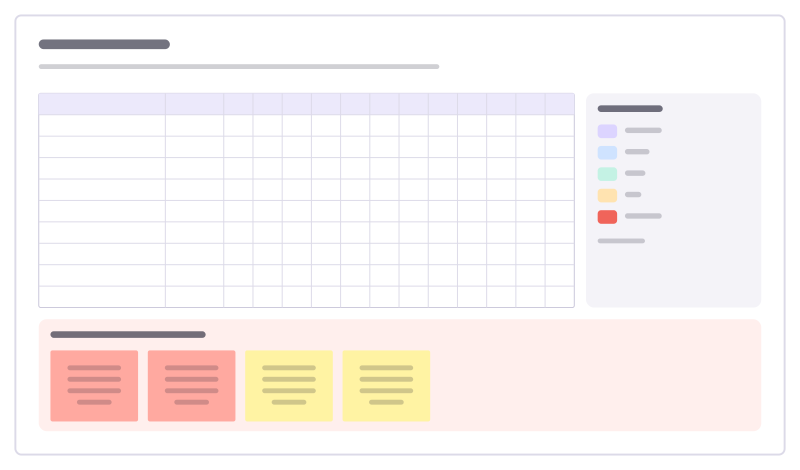
Gantt chart
Tasks against twelve weeks as colored bars in a table, with owners, a launch milestone and risks.
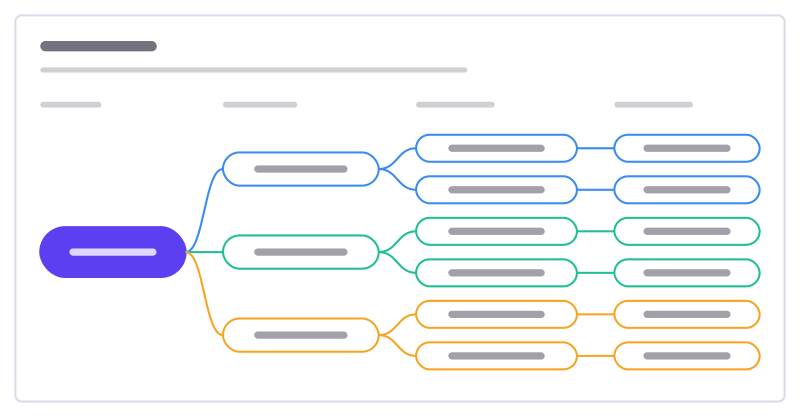
OKR tree
A mission broken into objectives, measurable key results and the initiatives behind them.
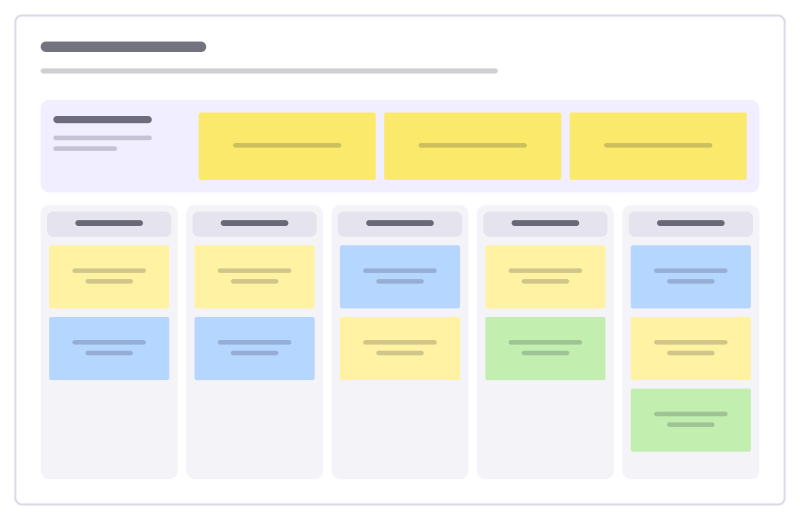
Weekly planner
Top three priorities plus a column per weekday for meetings, focus work and wins.
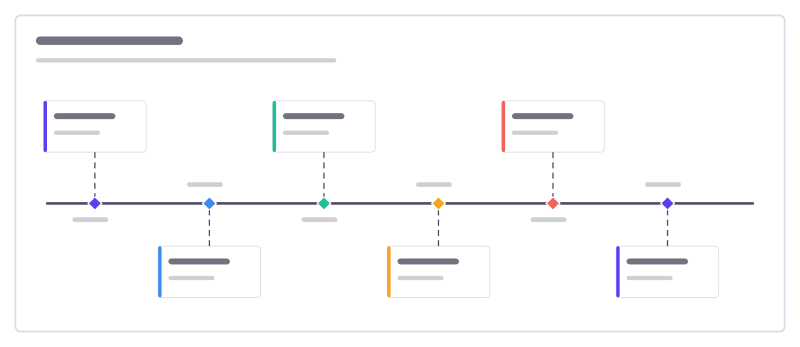
Project timeline
Six milestones along a time line, with what happens at each and who is involved.
Personal planning templates
Boards for your own week and your own goals: plan and review the week, track habits, sort tasks by urgency, keep a reading list and think a decision through before you make it.
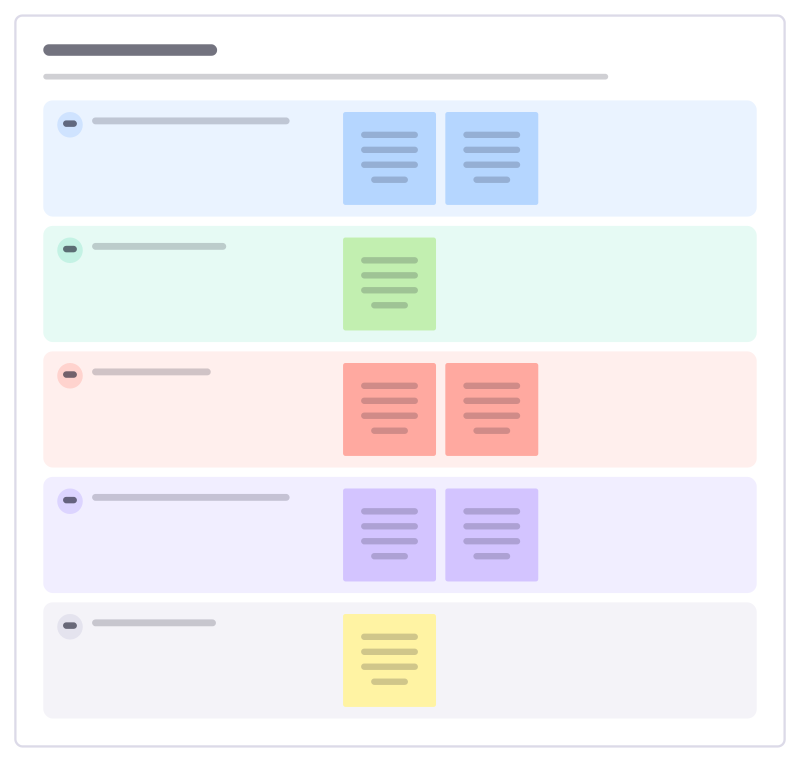
Monthly reset
A personal end-of-month review: what happened, what you’re proud of, what drained you and what to focus on next month.
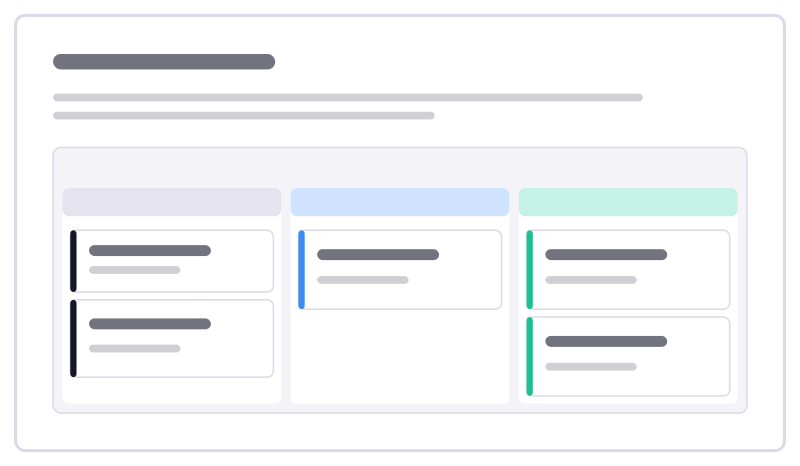
Reading list
Track books and articles from “want to read” to “done”, with a line on what each one taught you.
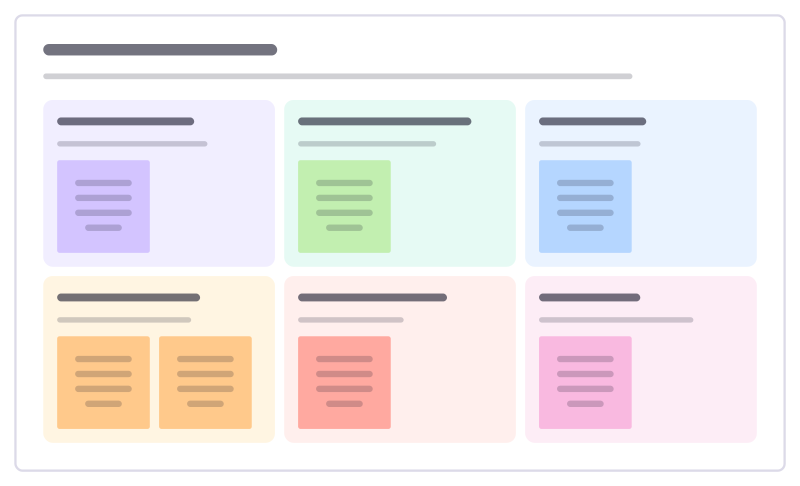
Side project planner
Plan a side project you’ll actually finish: why you’re doing it, the smallest finished version, time you have and what could stop you.
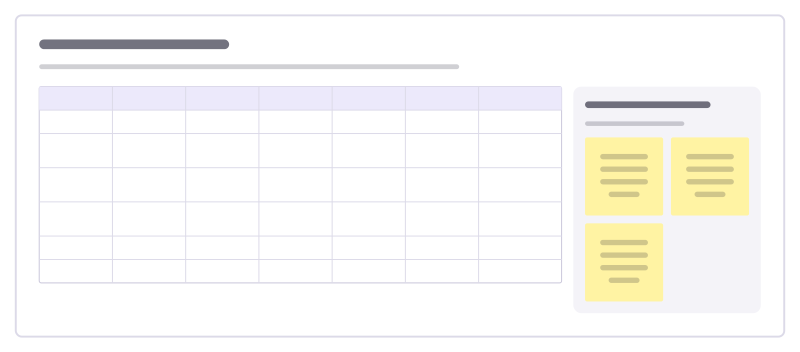
Family week planner
See who is where each day of the week: school runs, clubs, work trips and who is cooking, so nobody is left at the gate.
Diagram templates
Start a diagram from a layout that is already connected: flowcharts and swimlane processes, org charts, sitemaps and Venn diagrams, made of ordinary shapes and connectors you can rearrange.
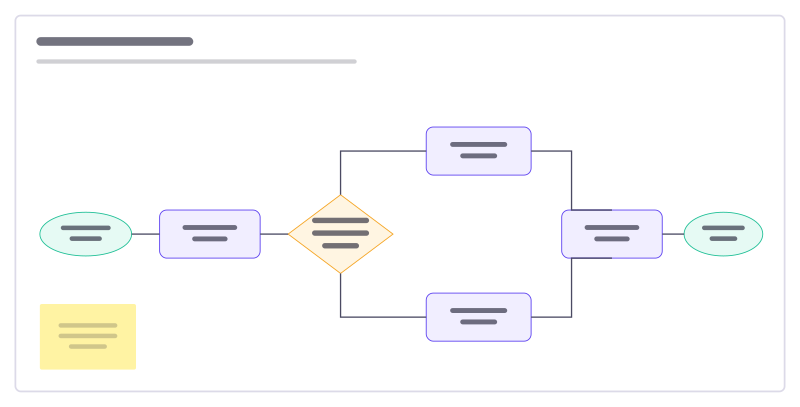
Flowchart starter
A support-request flow with a decision, two branches and connected steps.
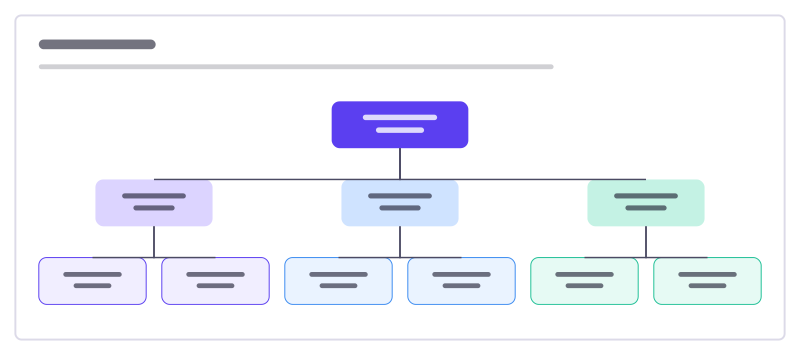
Org chart
Who leads what: a three-level reporting tree with connected, editable boxes.
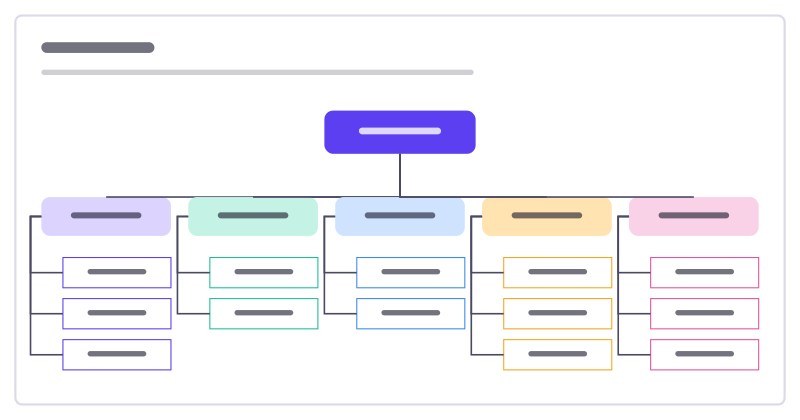
Sitemap
The pages of a website or app as a tree: home, main sections and the pages inside them.
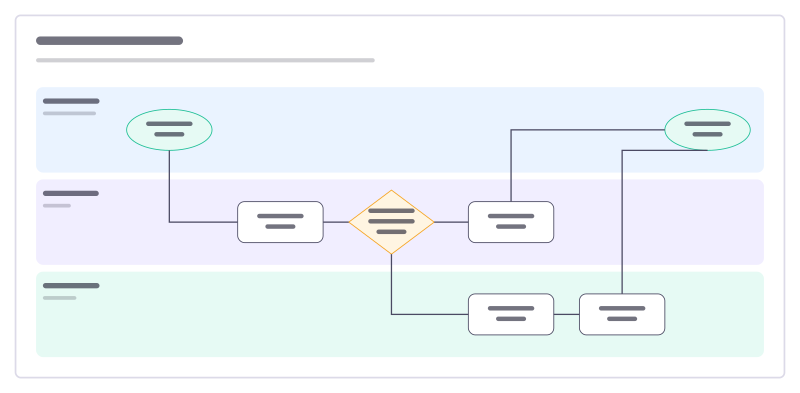
Swimlane process
A process across three teams: who does each step, and where work changes hands.
Software engineering templates
Sketch a system and its data, write the design and the decision behind it, run an incident from timeline to postmortem, and plan migrations, rollouts and on-call handovers together.
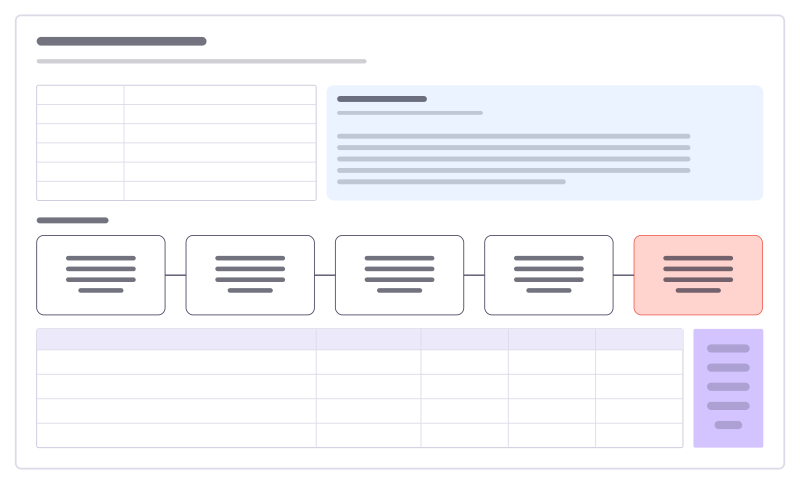
Incident postmortem
A blameless review: summary, what happened, five whys to the root cause and owned actions.
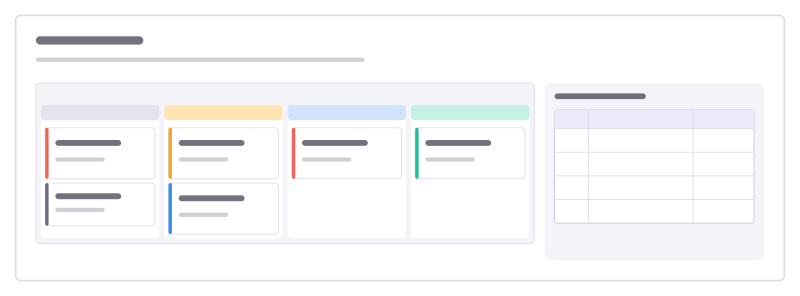
Bug triage board
A kanban for incoming bugs, from new to fixed, with a severity guide everyone agrees on.
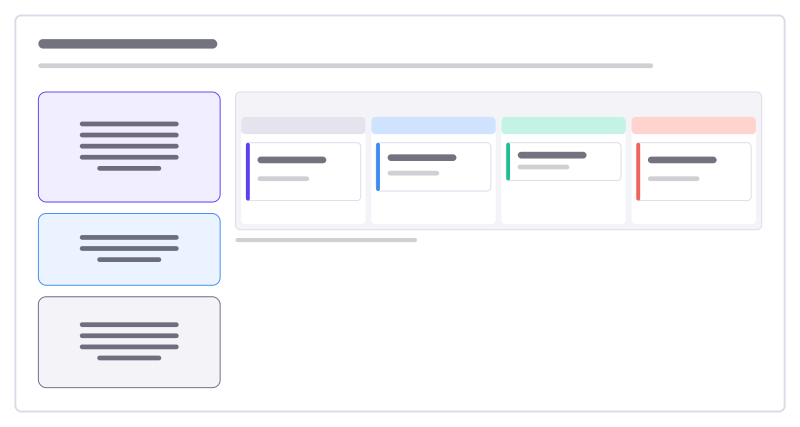
Agent control room
Watch and steer an AI agent: it posts its plan, status and tasks here; you move cards and comment to redirect it.
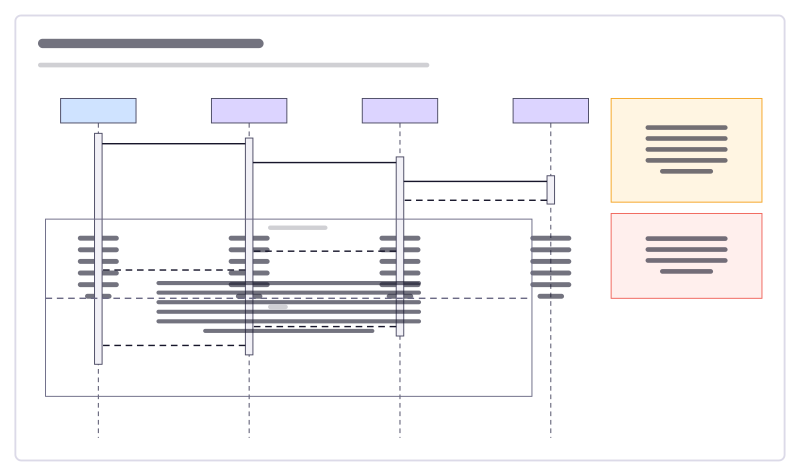
Sequence diagram
A sign-in flow as UML lifelines, activation bars, calls, replies and an alt fragment.
AI and agent templates
Decide where AI helps and keep people in charge of it: design an agent workflow and its permissions, brief an agent, review its runs and evals, and agree a use policy. Agents connected to Freero work on these boards with you.
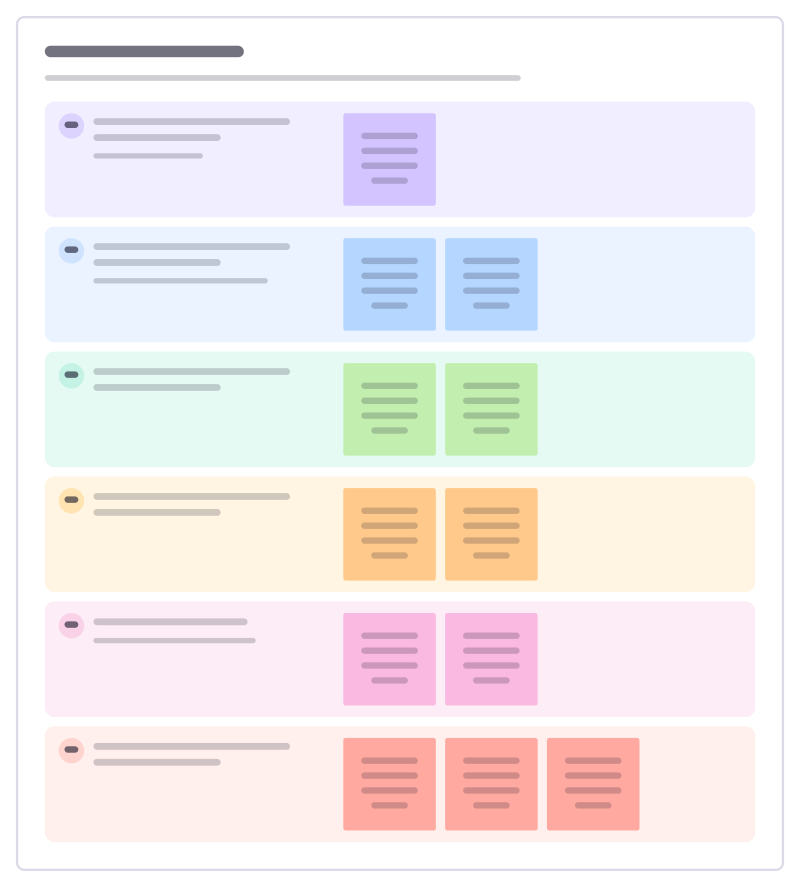
Agent task brief
Brief an AI agent like a new colleague: the goal, the context, the limits, when it is done, which tools it may use and when to stop and ask.
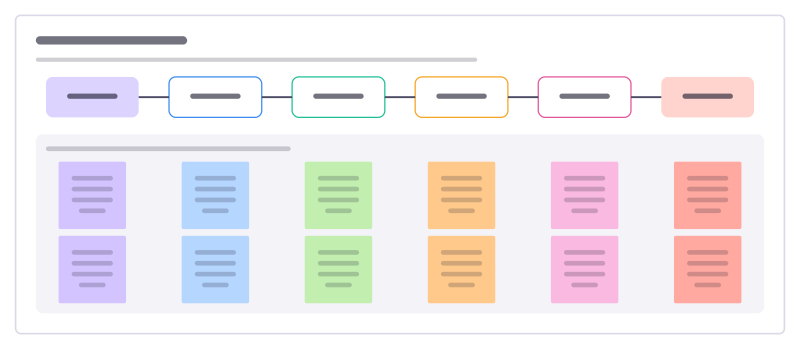
Agent handoff map
Who hands what to whom when people and agents share a piece of work, and the check that has to pass at each handoff.
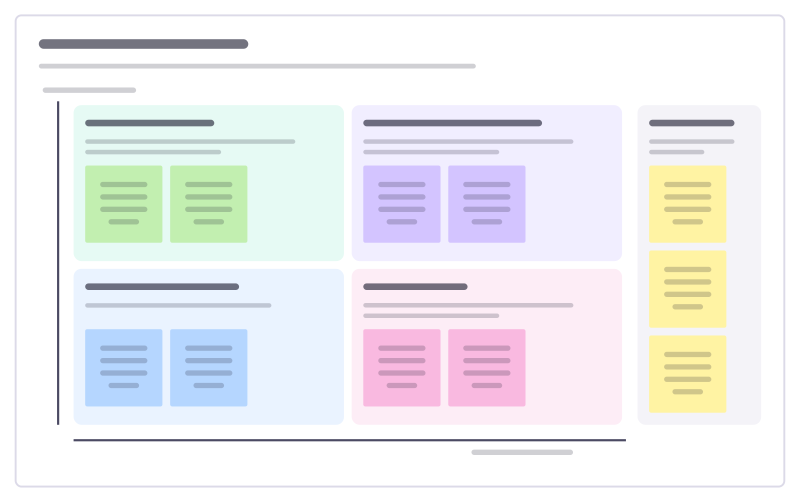
Human + agent workshop
Sort a team’s tasks by how much judgement and how much repetition they involve, to decide what agents do and what people keep.
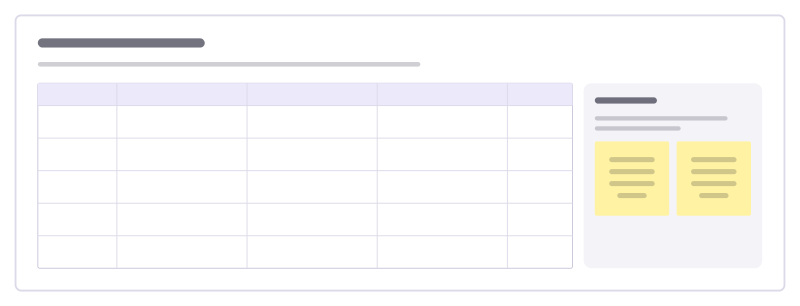
Eval review board
Go through test cases for an AI feature: the input, what good looks like, what it actually said and the verdict.
Classroom templates
For teachers and students: plan lessons and units, start from what the class already knows, map concepts, run discussions and group work, and check understanding with exit tickets and rubrics.
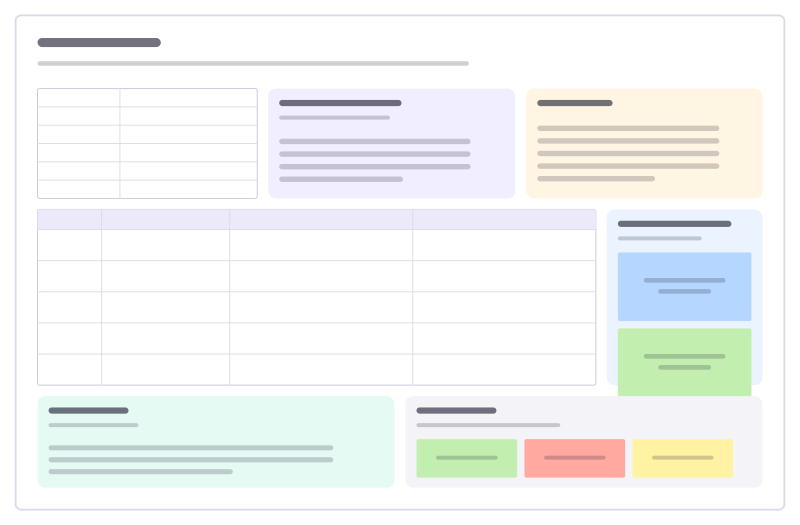
Lesson plan
Objectives, materials, a timed lesson flow, support and stretch, assessment and reflection.
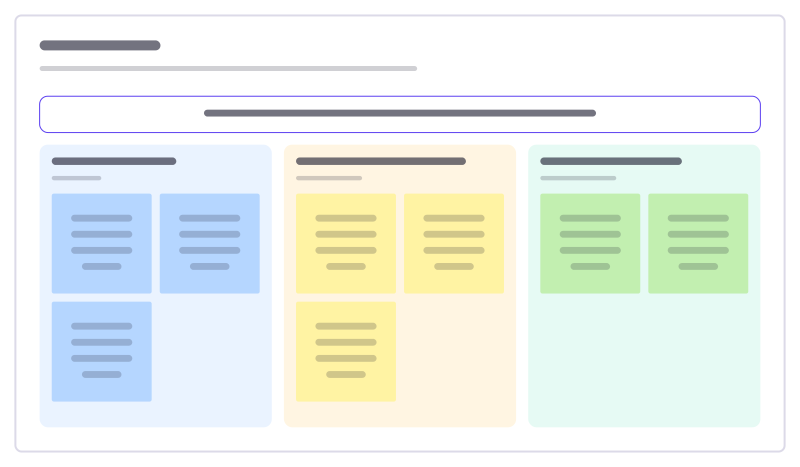
KWL chart
What students already Know, Want to know, and Learned about a topic.
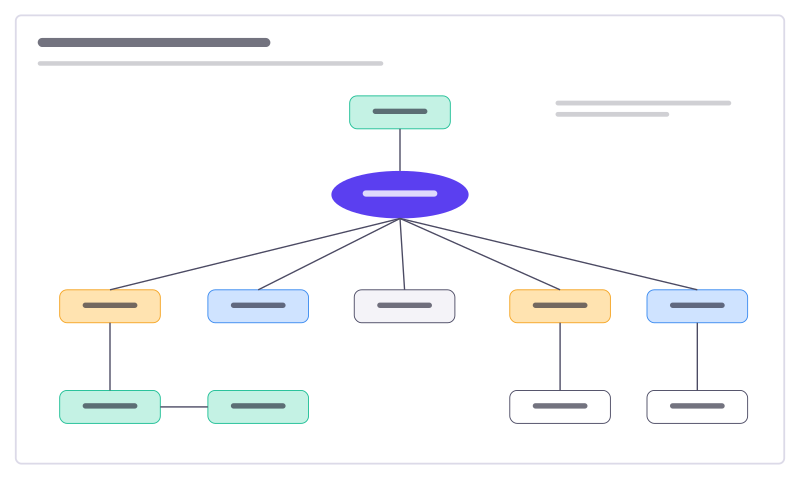
Concept map
Ideas linked by labelled arrows that say how they relate, around photosynthesis.
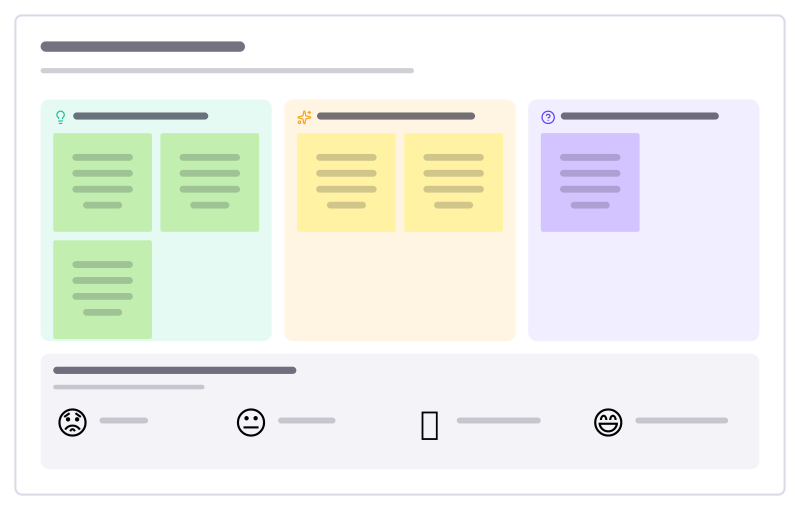
Exit ticket (3-2-1)
End-of-lesson check: three things learned, two found interesting, one question, and a confidence stamp.
Templates by use case
- Retrospectives: Guided retros: write alone under a timer, reveal, group, vote and leave with owned actions.
- Planning poker: Estimate cards with sealed picks, reveal together and write the agreed value on the card.
- Workshops: Run a workshop on one board: private writing, dot voting, a shared timer, follow the facilitator.
- Jira planning: Turn sticky notes into Jira issues on Cloud or Data Center, and keep both in step.
- Roadmaps: A roadmap on a timeline from Jira, Linear or GitHub issues, with bars that sync their dates.
- Brainstorming: Ideas on sticky notes, written privately against a timer, clustered and dot-voted down to the few worth trying.
- User story mapping: A story map of activities, user tasks and release slices, estimated and sent to Jira, Linear or GitHub.
- Agent control room: A board where AI agents post their plan, status and tasks, and people steer them.
Frequently asked questions
Are the templates free?
Yes. Every template is part of Freero, which is free and open source: no paid tier, no template store. Use any of them on as many boards as you like.
Can I change a template after adding it?
Yes. A template is ordinary board content: sticky notes, shapes, text, tables and cards you can edit, move, delete or add to. Adding it is one undo step.
Can I save my own templates?
Yes. Save a whole board from the board menu, or a selection from its right-click menu, as a template. It is yours to reuse, and you can share it with a team workspace you belong to.
Bring your team and your agents to one board
Free to use, open source, and yours to host. No credit card, no seat count.