Product management template
Release plan template
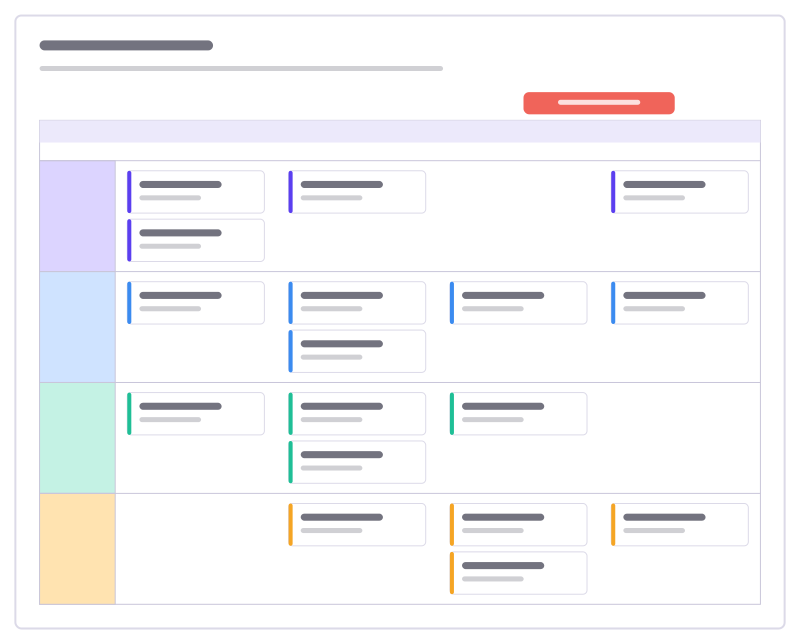
Work per stream across four sprints as task cards in swimlanes, with the release marked.
Free · Editable · Works with Claude and ChatGPT · Also in Agile, Planning
How to use the Release plan template
Start a board from it
Use this template opens a new Freero board with the Release plan template on it (sign up free first). On a board you already have, open Templates in the toolbar and search for “Release plan”.
Follow the instruction on the board
“Cards sit in their stream’s lane and the sprint they land in. Drag a card to replan; the lanes grow to fit.”
Fill in each part
- Release 2.4 · end of Sprint 16
- Guest access Lanes: Design · Web app · API · Quality
Bring your team and your agents
Invite people to the board or share a link, and work on it together live. The timer is in the top bar, private mode and voting in the board menu, and Claude or ChatGPT can join through Freero’s MCP server.
Work on it with an AI agent
Connect an assistant once and it works on the board with you, with your permissions: by default it reads and proposes, and people decide.
You ask: “Fill in the Release plan board from these notes.”
What happens It reads the board, then proposes sticky notes for it. Nothing changes until someone on the board accepts them.
You ask: “Group what we wrote into themes and list the actions.”
What happens It proposes clusters with a title each and task cards for the actions, labelled with its name and yours.
Set it up for Claude, ChatGPT or any MCP client.
Used for
- Roadmaps: A roadmap on a timeline from Jira, Linear or GitHub issues, with bars that sync their dates.
- User story mapping: A story map of activities, user tasks and release slices, estimated and sent to Jira, Linear or GitHub.
Related product management templates
Launch plan
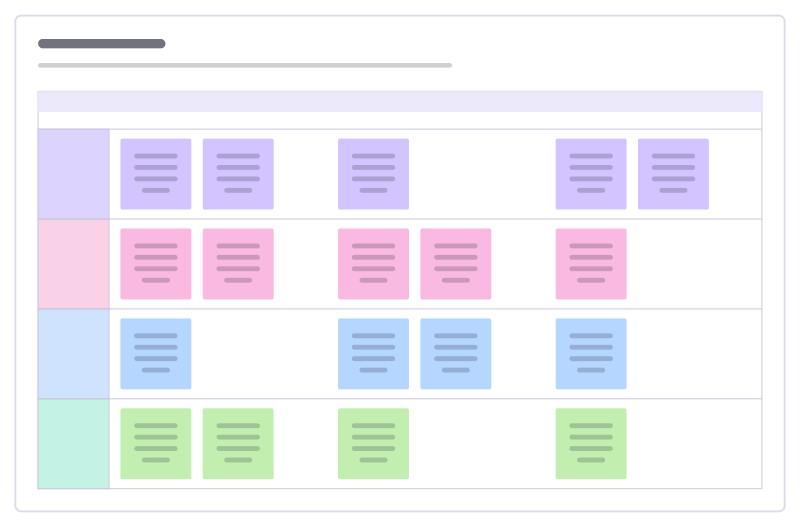
Who does what before, during and after a launch, in swimlanes per team.
MoSCoW prioritisation
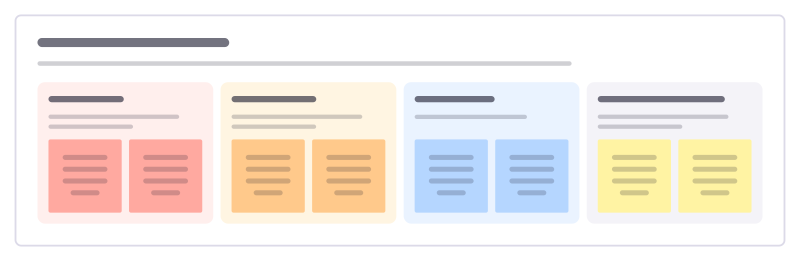
Agree the scope of a release or project as must have, should have, could have and won’t have this time.
Product requirements (PRD)
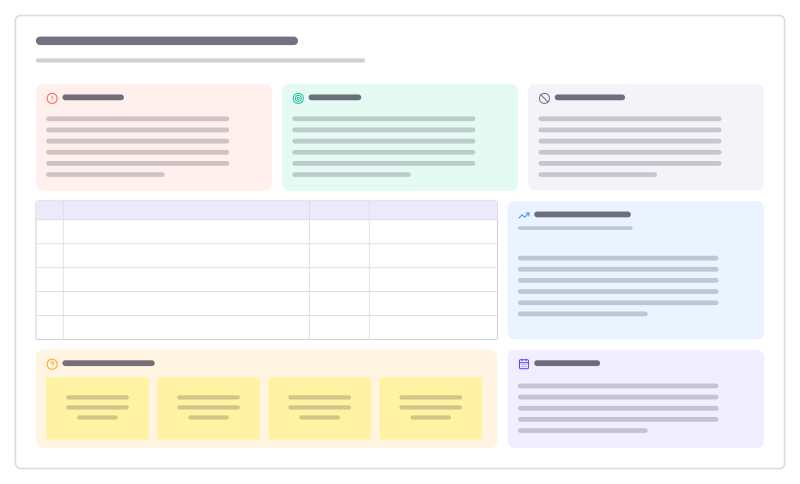
A one-page spec: problem, goals and non-goals, prioritised requirements, metrics and open questions.
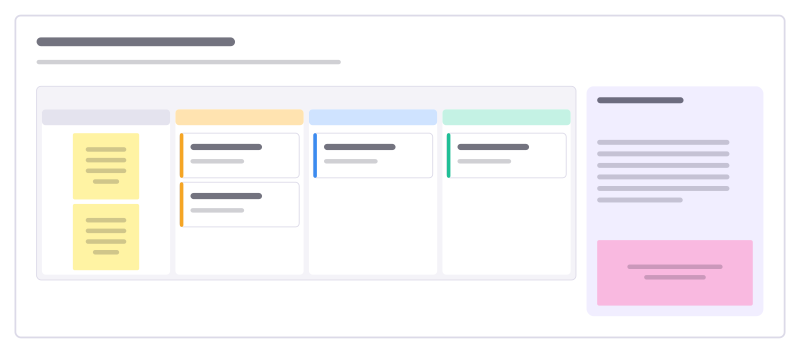
Customer feedback board
A kanban for feature requests and feedback: inbox, under review, planned and shipped.
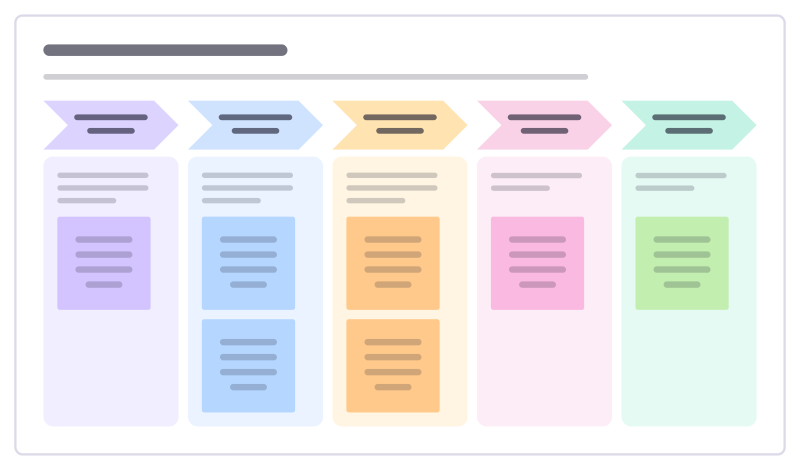
Discovery sprint plan
Plan two to four weeks of discovery: frame the question, learn from customers, generate options, test them and decide.
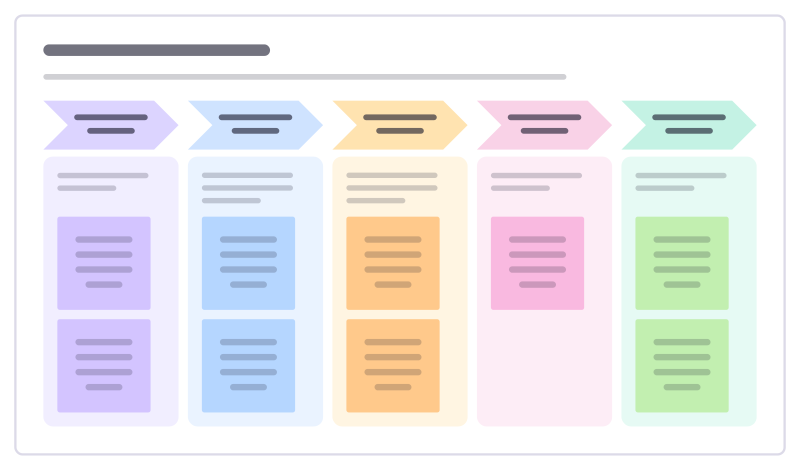
Beta programme plan
Run a beta that teaches you something: who to invite, how to onboard them, how to listen, when to iterate and how it ends.
All 83 product management templates · All 584 templates by category
Bring your team and your agents to one board
Free to use, open source, and yours to host. No credit card, no seat count.