Use case · Agent control room
A control room for your AI agents, on a whiteboard
Coding agents, research agents and automations work for hours. Give each one a lane on a board where it posts its plan, its status and its tasks as it goes, and where people steer it with the moves they already know: drag a card, write a comment, press pause.
How it works
Each agent gets a lane
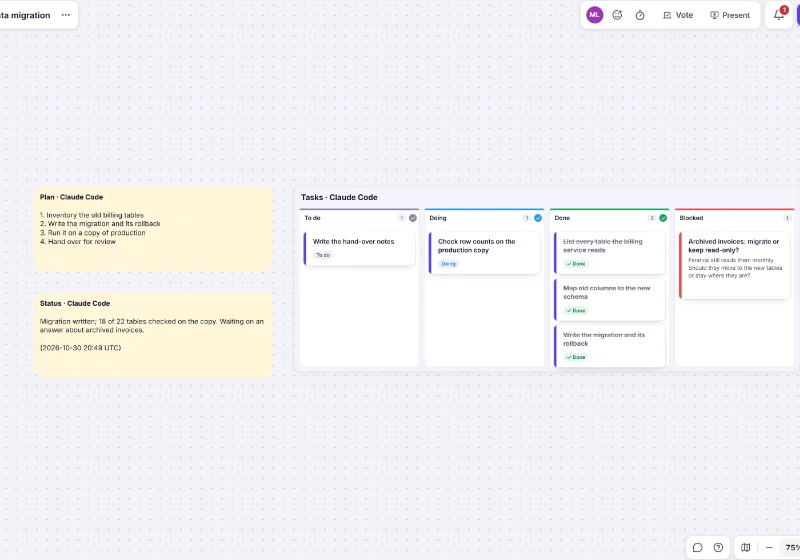
A Plan note, a Status note and a Tasks kanban with To do, Doing, Done and Blocked. Start from the Agent control room template, or let the agent create the board on its first post.The agent posts as it works
After each step it callspost_statuswith its plan, a one-line status and its tasks. A retry never duplicates a card.Blocked means it needs you
A task moved to Blocked carries the agent’s question, and the person it works for gets a notification.People steer, the agent listens
Drag a card back to To do to have it redone, out of Blocked to say go ahead, add a card or comment. Before its next step,get_feedbackreturns exactly what people changed.
People stay in charge
- Can: Pause agent on its lane: its writes on the board are refused until someone resumes it, and only a person can lift the pause.
- Can: Everything an agent adds is labelled with its name and the name of the person it works for, and shows in the activity feed.
- Can: What people write reaches the agent marked as untrusted board content, so a note can’t give it instructions.
- Can: On team boards, workspace webhooks can push people’s changes to the agent instead of it asking.
The control_room MCP prompt sets an agent up to work this way. Reference: MCP server guide.
Templates for working with agents
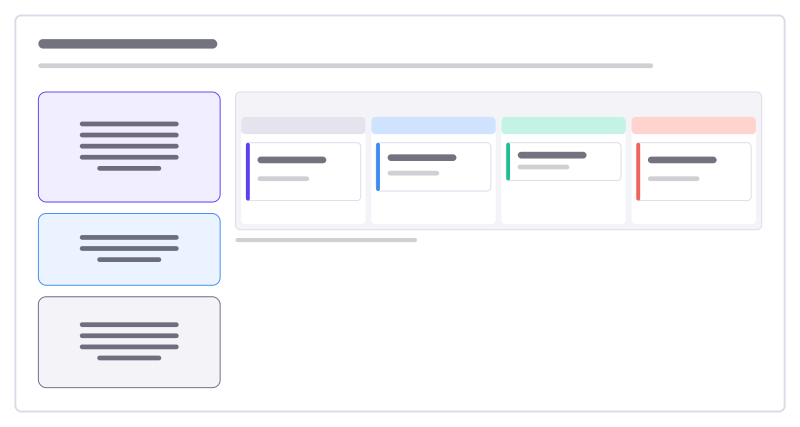
Agent control room
Watch and steer an AI agent: it posts its plan, status and tasks here; you move cards and comment to redirect it.
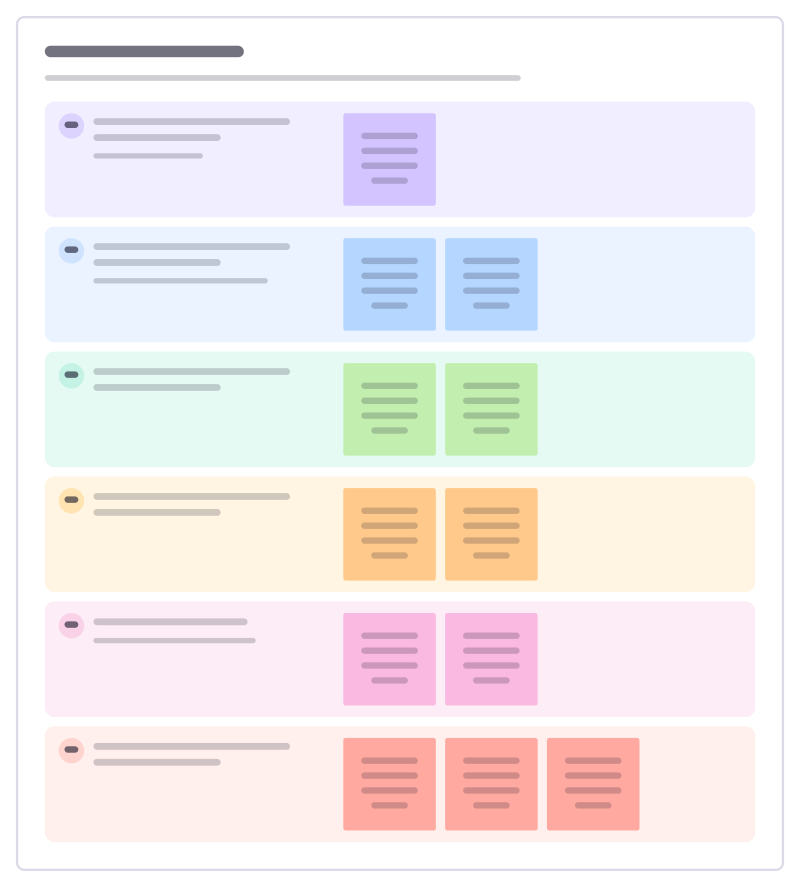
Agent task brief
Brief an AI agent like a new colleague: the goal, the context, the limits, when it is done, which tools it may use and when to stop and ask.
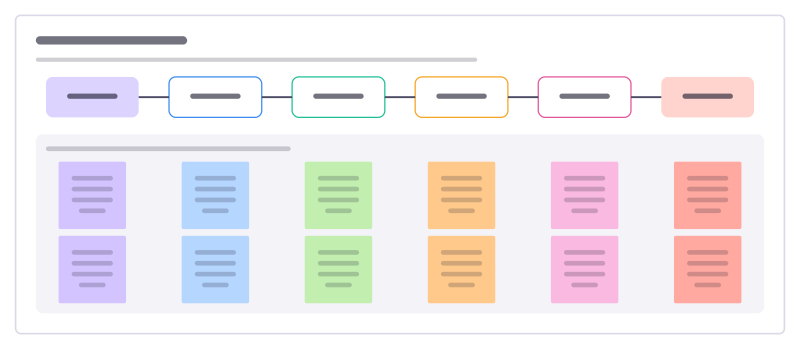
Agent handoff map
Who hands what to whom when people and agents share a piece of work, and the check that has to pass at each handoff.
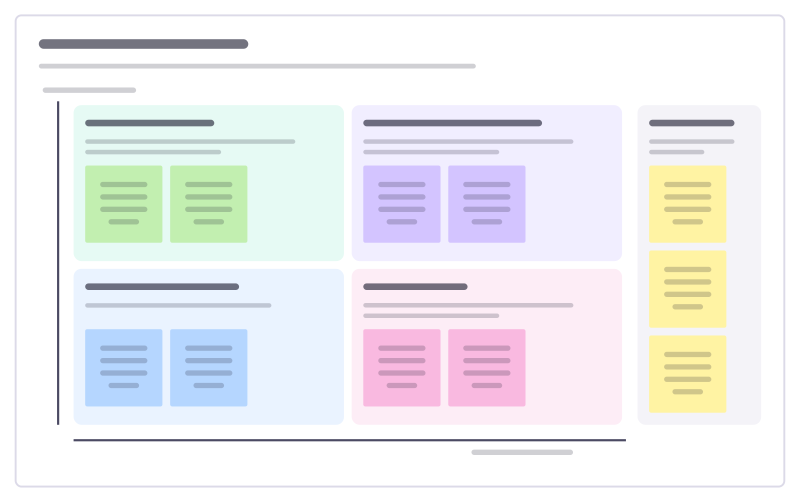
Human + agent workshop
Sort a team’s tasks by how much judgement and how much repetition they involve, to decide what agents do and what people keep.
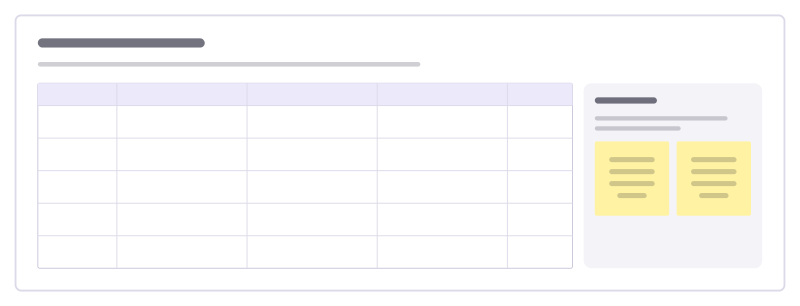
Eval review board
Go through test cases for an AI feature: the input, what good looks like, what it actually said and the verdict.
More ways teams use Freero
- Retrospectives: Guided retros: write alone under a timer, reveal, group, vote and leave with owned actions.
- Planning poker: Estimate cards with sealed picks, reveal together and write the agreed value on the card.
- Workshops: Run a workshop on one board: private writing, dot voting, a shared timer, follow the facilitator.
- Jira planning: Turn sticky notes into Jira issues on Cloud or Data Center, and keep both in step.
- Roadmaps: A roadmap on a timeline from Jira, Linear or GitHub issues, with bars that sync their dates.
- Brainstorming: Ideas on sticky notes, written privately against a timer, clustered and dot-voted down to the few worth trying.
- User story mapping: A story map of activities, user tasks and release slices, estimated and sent to Jira, Linear or GitHub.
Frequently asked questions
Which agents can post to a control room?
Any agent that connects to Freero’s MCP server (Claude Code, Cursor, an agent you built) or calls the REST API with a token that may change boards. Several agents can share one board, each in its own lane.
How do I stop an agent?
Select its lane’s Tasks kanban and press Pause agent. Until someone resumes it, every write that agent makes on the board is refused, and it can still read what people changed. You can also disconnect the app in Settings at any time.
Bring your team and your agents to one board
Free to use, open source, and yours to host. No credit card, no seat count.