Diagram template
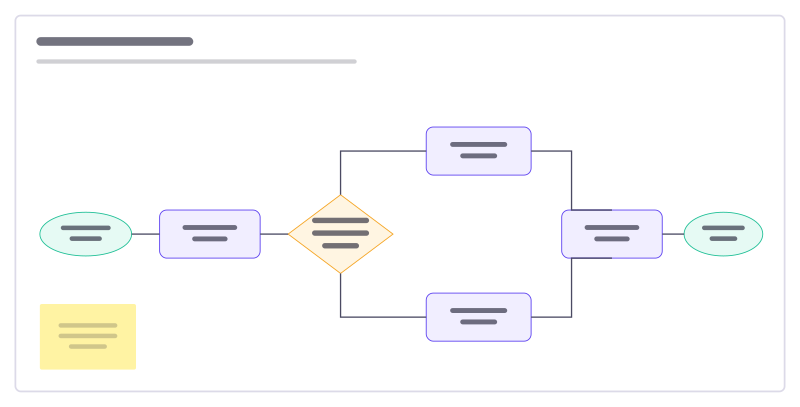
Flowchart starter template
A support-request flow with a decision, two branches and connected steps.
Free · Editable · Works with Claude and ChatGPT
How to use the Flowchart starter template
Start a board from it
Use this template opens a new Freero board with the Flowchart starter template on it (sign up free first). On a board you already have, open Templates in the toolbar and search for “Flowchart starter”.
Follow the instruction on the board
“Rename the steps to match your process. Diamonds are decisions: label every arrow that leaves one.”
Fill in each part
- Start Request arrives
- Urgent?
- End
Bring your team and your agents
Invite people to the board or share a link, and work on it together live. The timer is in the top bar, private mode and voting in the board menu, and Claude or ChatGPT can join through Freero’s MCP server.
Work on it with an AI agent
Connect an assistant once and it works on the board with you, with your permissions: by default it reads and proposes, and people decide.
You ask: “Fill in the Flowchart starter board from these notes.”
What happens It reads the board, then proposes sticky notes for it. Nothing changes until someone on the board accepts them.
You ask: “Group what we wrote into themes and list the actions.”
What happens It proposes clusters with a title each and task cards for the actions, labelled with its name and yours.
Set it up for Claude, ChatGPT or any MCP client.
Related diagram templates
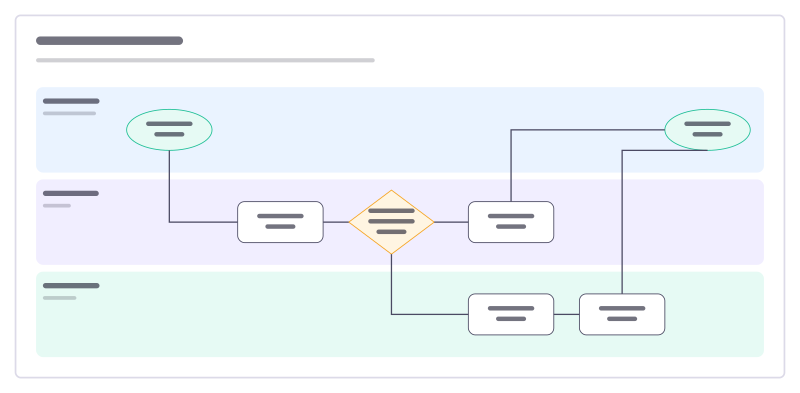
Swimlane process
A process across three teams: who does each step, and where work changes hands.
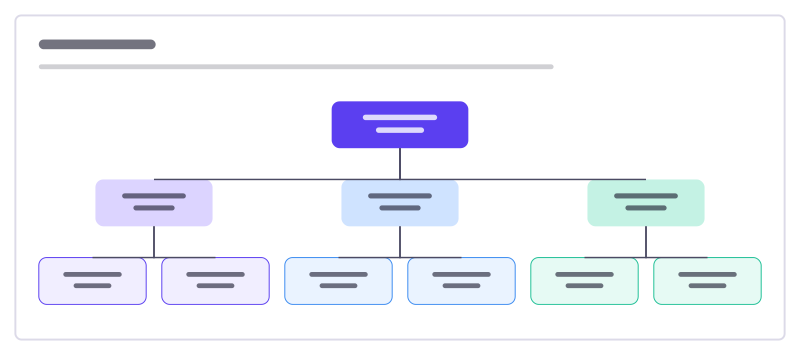
Org chart
Who leads what: a three-level reporting tree with connected, editable boxes.
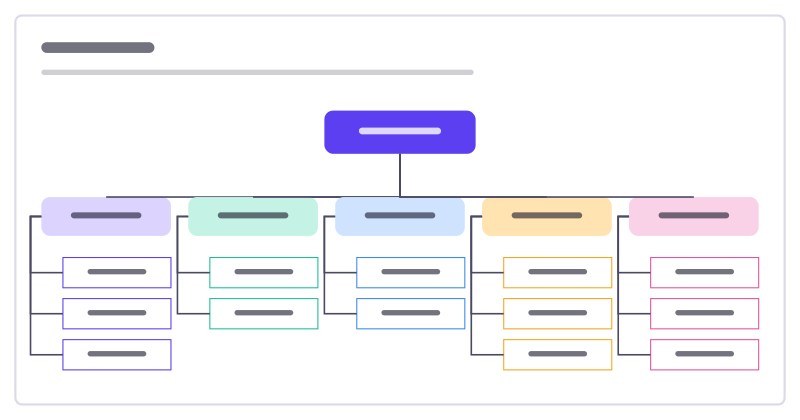
Sitemap
The pages of a website or app as a tree: home, main sections and the pages inside them.
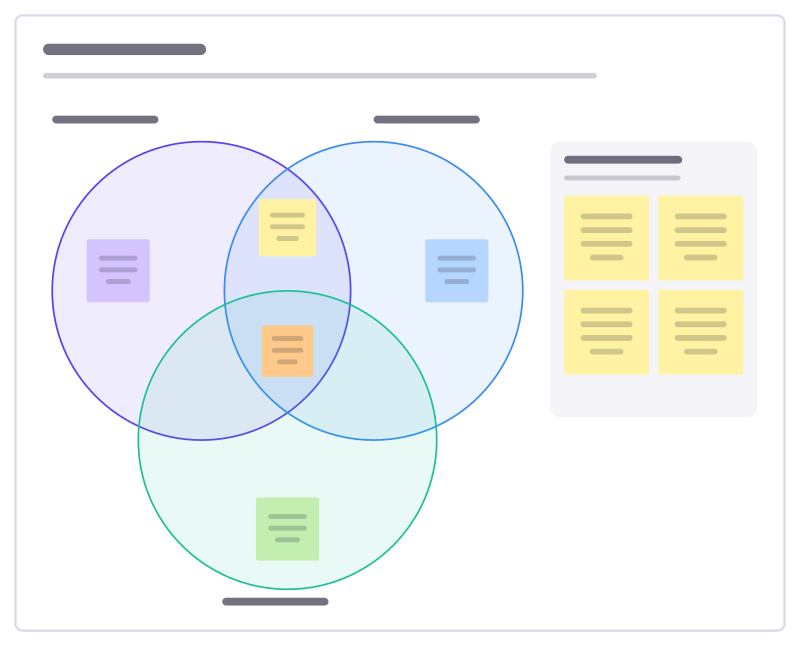
Venn diagram
Three overlapping circles to compare ideas and find what they share.
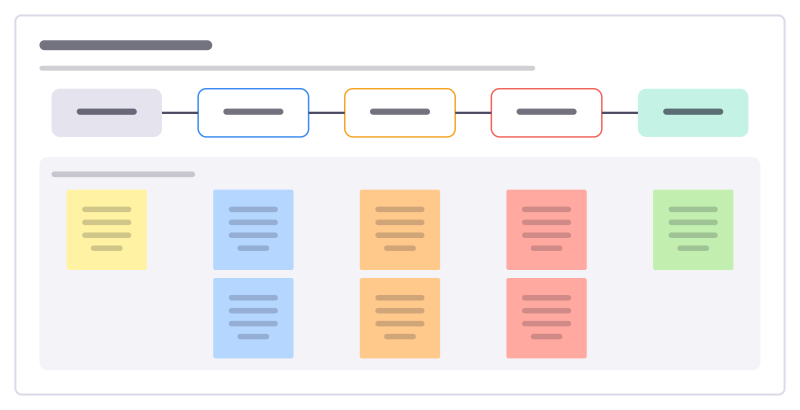
Value stream map
Follow one request through every step to delivery, with work time and wait time at each, to see where time really goes.
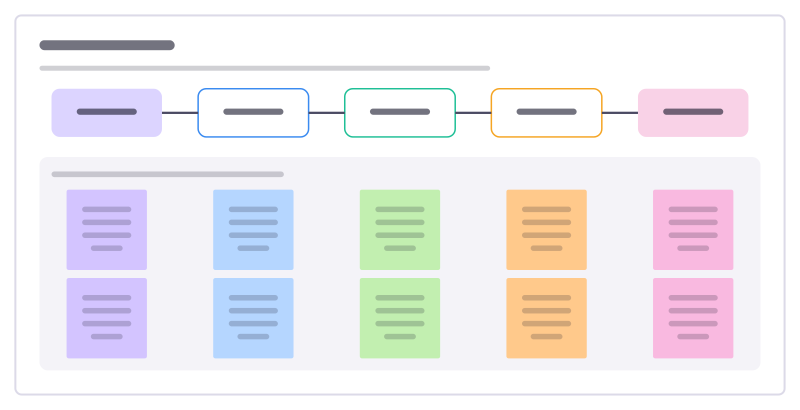
Process map
Lay out how a piece of work really flows today, step by step, with who does it, the tools involved and where time is lost.
Bring your team and your agents to one board
Free to use, open source, and yours to host. No credit card, no seat count.