Use case · Brainstorming
An online brainstorming tool that gets you from ideas to a decision
Put a question on the board, let everyone write their own ideas before they hear anyone else’s, then cluster, vote and pick what to try. Freero has the sticky notes, the timer, private writing and voting on one free whiteboard.
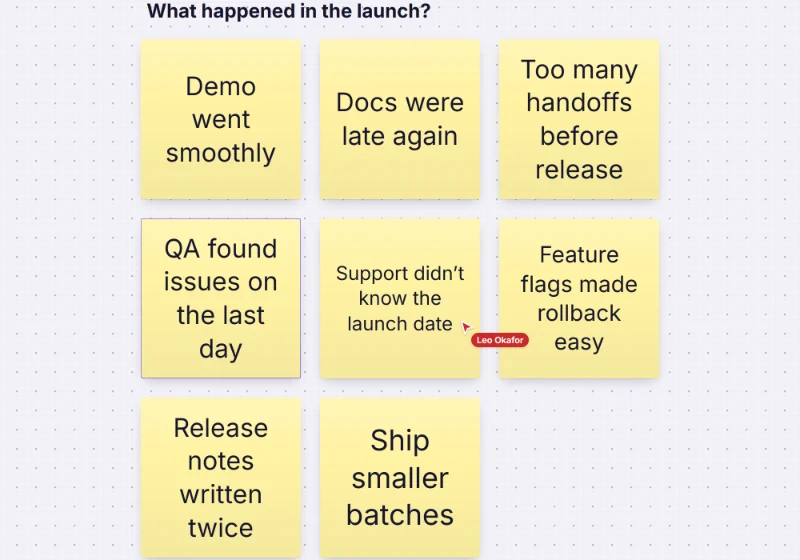
A brainstorm in four steps
Diverge, privately
Start private mode and a shared timer, and everyone writes on their own. Press N for a sticky note and Tab for the next one beside it, in any of twelve colours.Reveal
End private mode and every note appears at once, with names or anonymous, so the first idea said aloud doesn’t steer the rest.Cluster
Select the notes and Cluster by colour or Cluster by tag to make labelled groups in one step, then move the rest by hand. Select all with this colour or tag to gather a theme.Converge
Run dot voting with hidden results, then read the ranked list. Turn the winners into task cards with an owner, or send them to Jira, Linear or GitHub.
Keep the room on track
Facilitator controls keep a session moving without a second app.
- One timer for everyone, from one minute to a custom length, with a chime at zero.
- Follow the facilitator, or bring everyone to your view.
- Limit what people add while they write, so the board stays sticky notes, enforced by the server.
- Reactions on any note: approved, star, +1, question, love it or not this.
- Polls, word clouds and Q&A answered from a laptop or a phone.
- Guests can follow along and comment from a shared link without an account.
Running a longer session? See workshops on Freero and guided retrospectives.
An AI teammate for the sorting
Connected over MCP, Claude, ChatGPT or another assistant reads the notes and proposes themes. Nothing changes until someone accepts.
You ask: “Group the ideas on this board into themes and name each one.”
What happens It proposes clusters, shown as ghosts on the board for the group to accept or reject.
You ask: “Add ten more ideas we haven’t thought of, in a different colour.”
What happens It proposes new sticky notes next to yours, labelled with its name and yours.
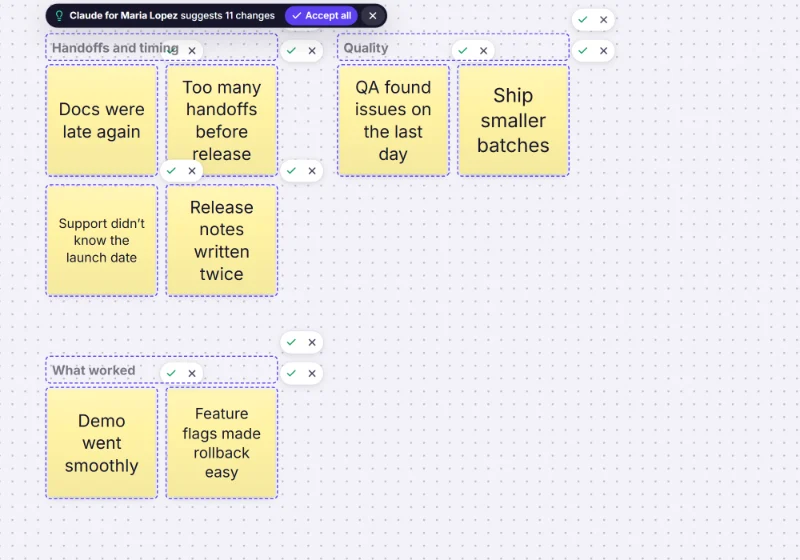
Freero also has built-in AI actions (generate ideas, cluster by theme, summarise) once the server’s operator or your team admin connects a model provider; see the AI guide. Mind-mapping instead? Try the mind map maker.
Brainstorming templates
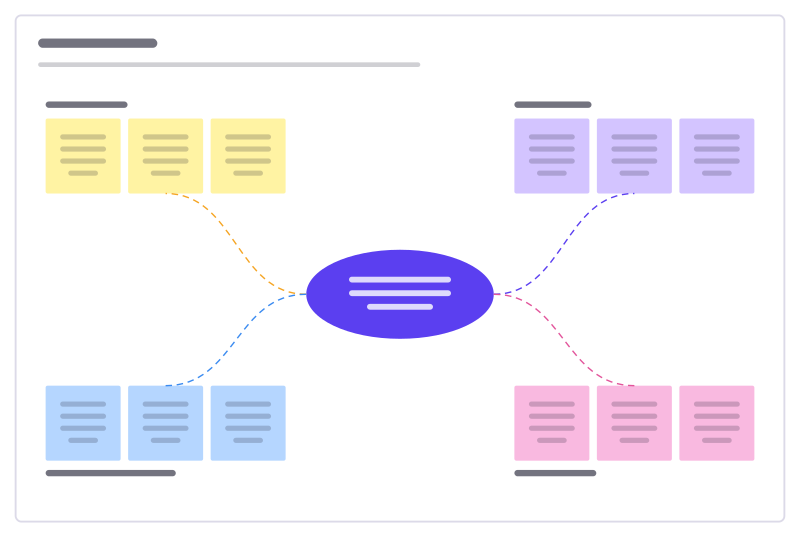
Idea burst
A central challenge with four idea clusters to fill, sort and vote on.
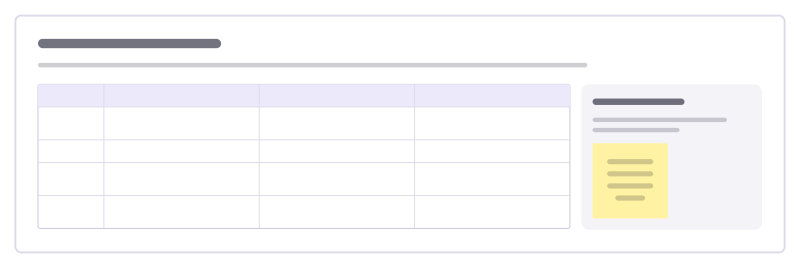
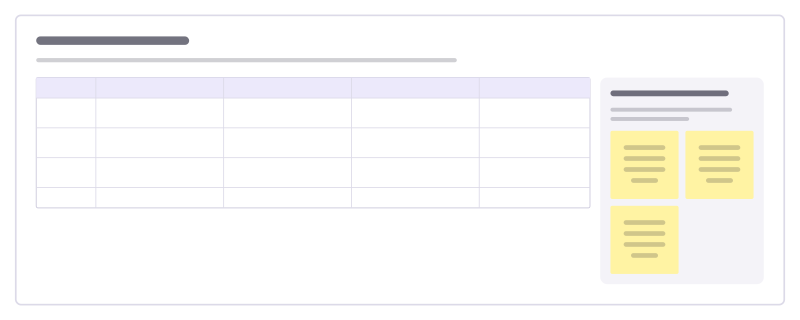
Brainwriting rounds
Generate ideas in writing instead of out loud: each person writes ideas, then builds on their neighbour’s, round after round.
Round robin ideas
Each person starts an idea, then passes it on so the next person builds on it, until every idea has had several hands.
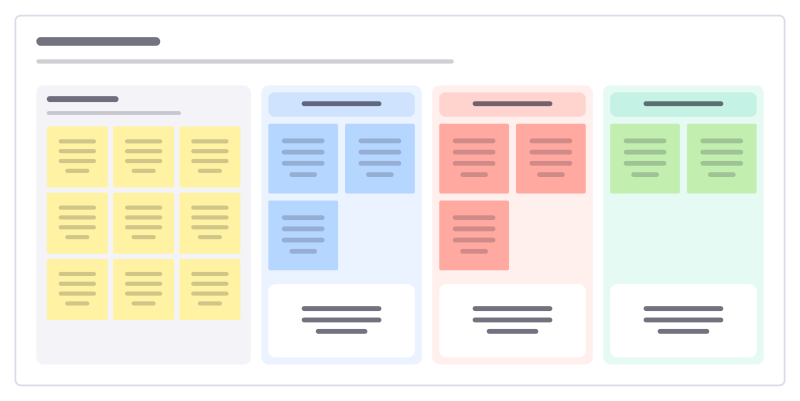
Affinity map
Turn a pile of research notes into themes, with one insight written under each.
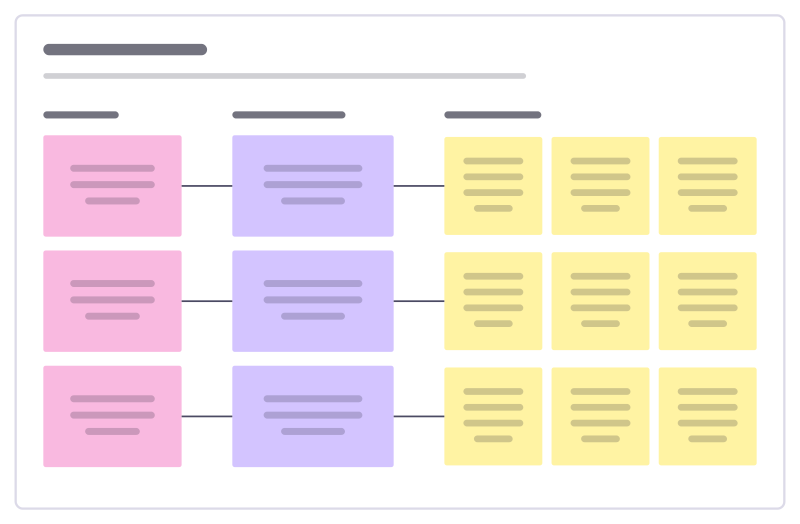
How might we
Turn research insights into “How might we…?” questions, then into first ideas.
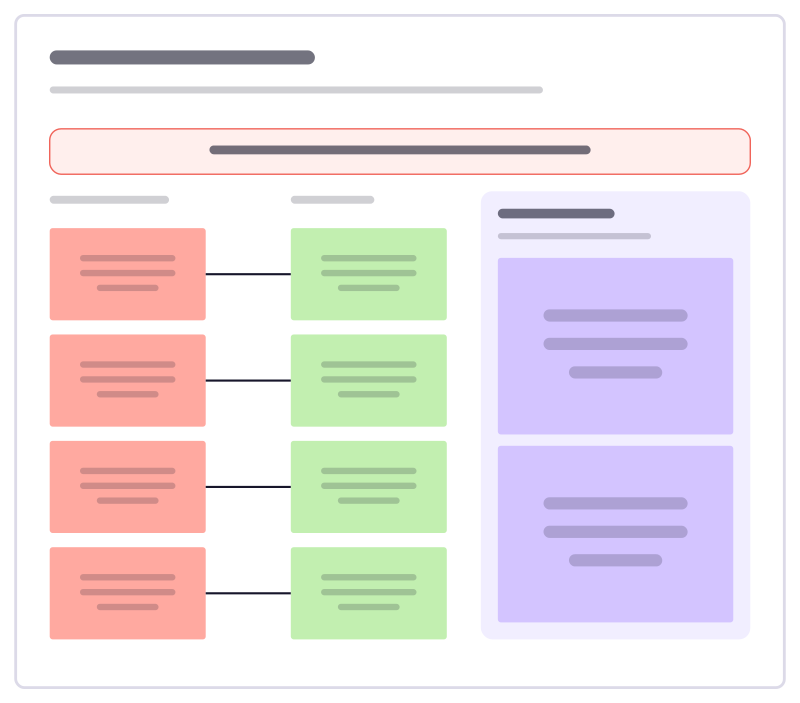
Reverse brainstorm
List ways to make a problem worse, then flip each one into an idea worth trying.
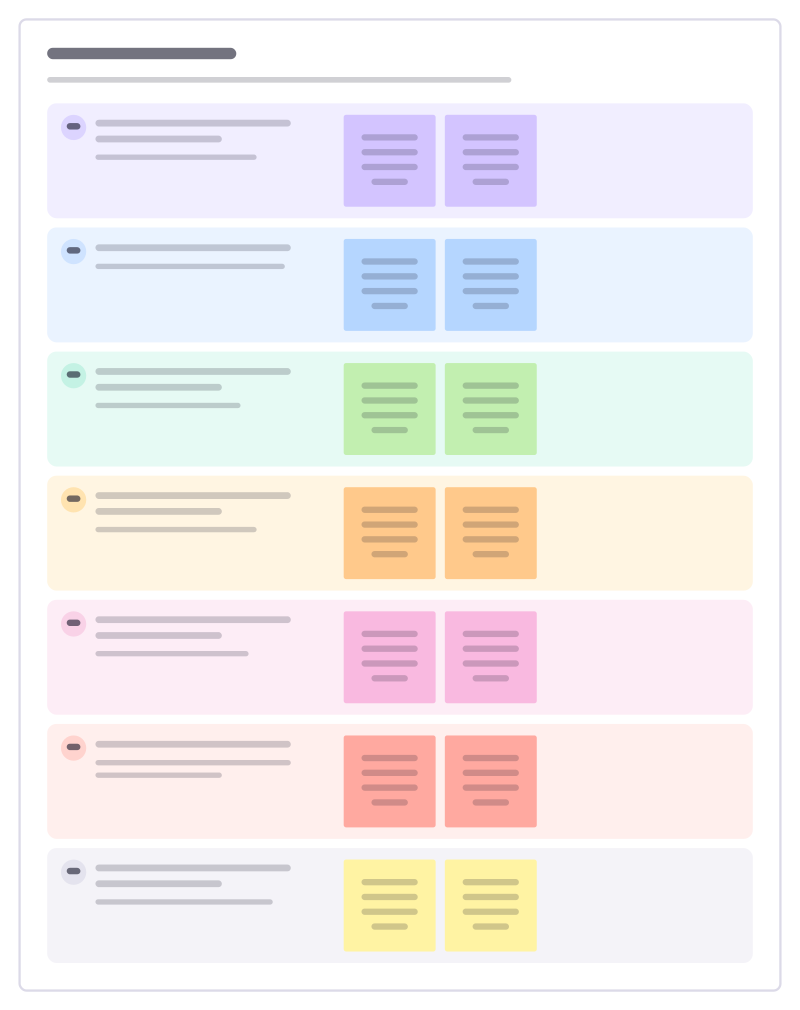
SCAMPER prompts
Seven ways to twist an existing product or process into new ideas: swap, combine, adapt, resize, repurpose, remove, reverse.
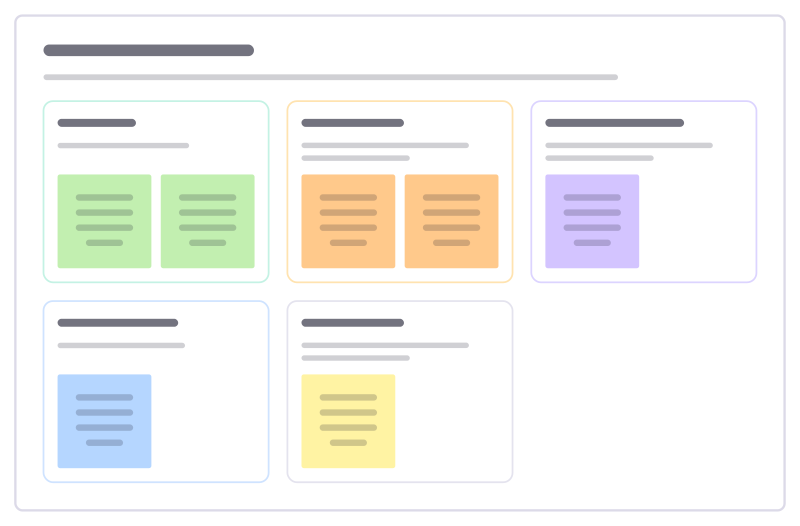
Idea sorting wall
After a brainstorm, sort every idea by what it needs next, so the good ones don’t die on the board.
More ways teams use Freero
- Retrospectives: Guided retros: write alone under a timer, reveal, group, vote and leave with owned actions.
- Planning poker: Estimate cards with sealed picks, reveal together and write the agreed value on the card.
- Workshops: Run a workshop on one board: private writing, dot voting, a shared timer, follow the facilitator.
- Jira planning: Turn sticky notes into Jira issues on Cloud or Data Center, and keep both in step.
- Roadmaps: A roadmap on a timeline from Jira, Linear or GitHub issues, with bars that sync their dates.
- User story mapping: A story map of activities, user tasks and release slices, estimated and sent to Jira, Linear or GitHub.
- Agent control room: A board where AI agents post their plan, status and tasks, and people steer them.
Frequently asked questions
Can people brainstorm without seeing each other’s ideas first?
Yes. Start private mode for the board or one frame: while it is on, what each person writes is visible only to them, and the server sends it to nobody else. The facilitator reveals everything at once, with names or anonymously.
How does dot voting work?
Start voting, give each person 1 to 20 votes and choose whether all notes or only the selected ones can be voted on. With results hidden, ballots stay sealed on the server until voting ends; then the notes are ranked by votes.
Is there a limit on sticky notes?
No limit on notes. Freero is free with no paid plan; the default fair-use limits are 5,000 boards and 1 GB of uploads per account.
Bring your team and your agents to one board
Free to use, open source, and yours to host. No credit card, no seat count.