Planning template
Weekly planner template
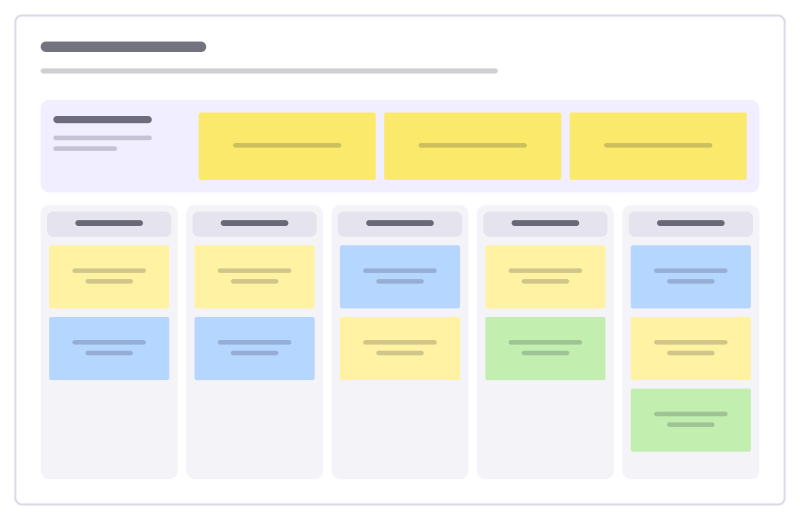
Top three priorities plus a column per weekday for meetings, focus work and wins.
Free · Editable · Works with Claude and ChatGPT
How to use the Weekly planner template
Start a board from it
Use this template opens a new Freero board with the Weekly planner template on it (sign up free first). On a board you already have, open Templates in the toolbar and search for “Weekly planner”.
Follow the instruction on the board
“Pick three priorities first, then plan the days around them. Yellow = focus work, blue = meetings, green = personal.”
Fill in each part
- This week’s top 3 If only these get done, the week was a success.
- Monday
- Tuesday
- Wednesday
- Thursday
- Friday
Bring your team and your agents
Invite people to the board or share a link, and work on it together live. The timer is in the top bar, private mode and voting in the board menu, and Claude or ChatGPT can join through Freero’s MCP server.
Work on it with an AI agent
Connect an assistant once and it works on the board with you, with your permissions: by default it reads and proposes, and people decide.
You ask: “Fill in the Weekly planner board from these notes.”
What happens It reads the board, then proposes sticky notes for it. Nothing changes until someone on the board accepts them.
You ask: “Group what we wrote into themes and list the actions.”
What happens It proposes clusters with a title each and task cards for the actions, labelled with its name and yours.
Set it up for Claude, ChatGPT or any MCP client.
Related planning templates
Project timeline
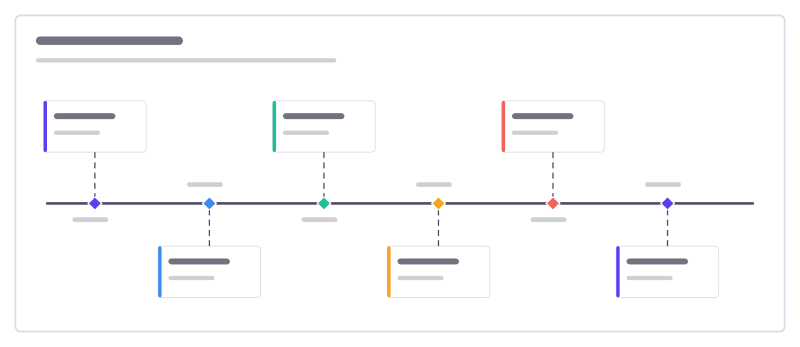
Six milestones along a time line, with what happens at each and who is involved.
Gantt chart
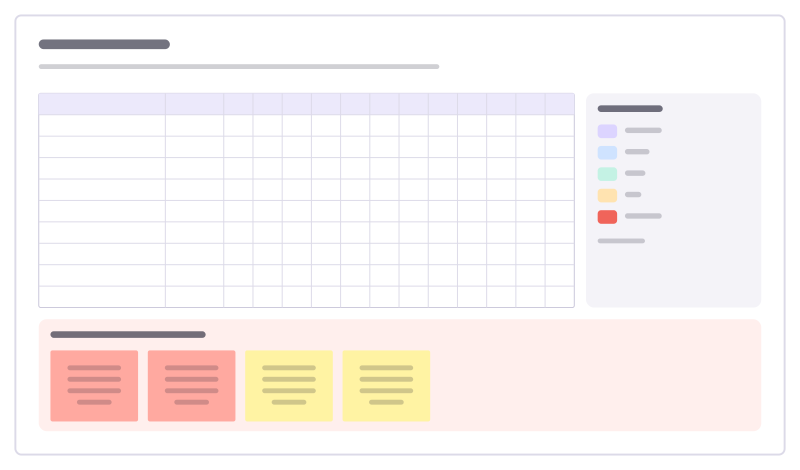
Tasks against twelve weeks as colored bars in a table, with owners, a launch milestone and risks.
Critical path
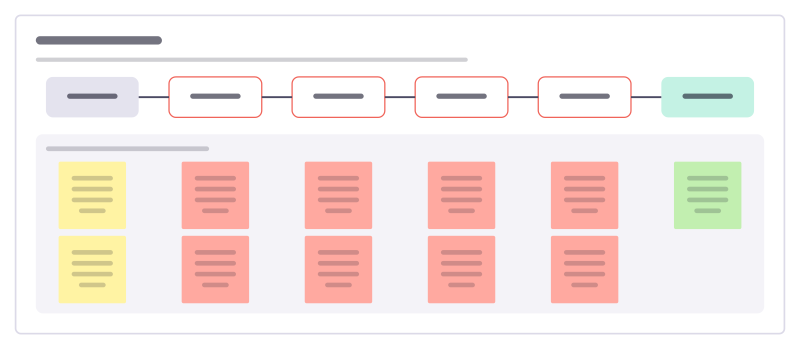
Line up the chain of tasks that sets the earliest finish date, with how long each takes, so you know where a delay moves the whole project.
OKR tree
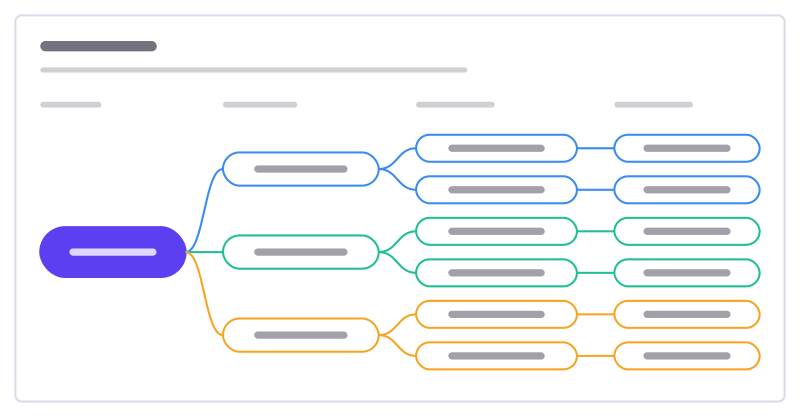
A mission broken into objectives, measurable key results and the initiatives behind them.
OKR tracker
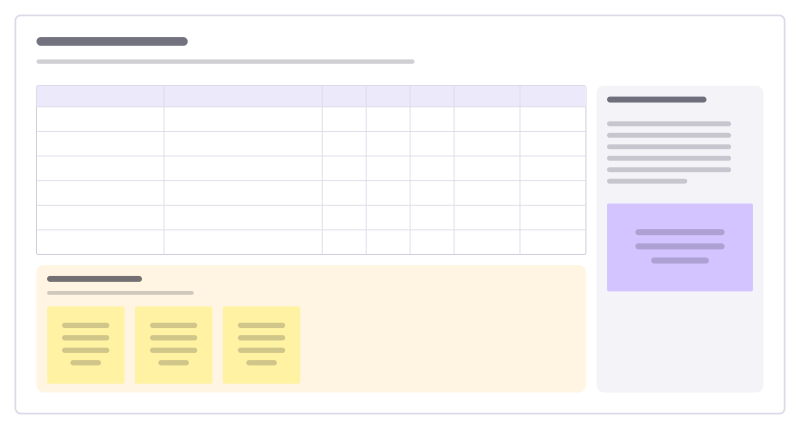
Key results with start, target and current values, confidence and owners, plus check-in notes.
Onboarding plan
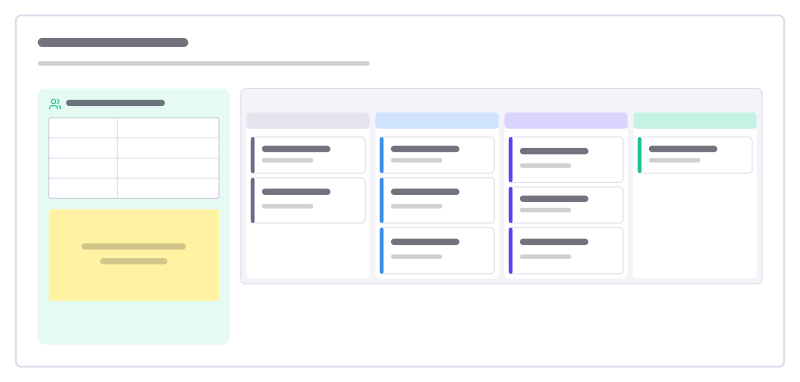
A new hire’s first month as a kanban checklist, with the people to know and questions to ask.
Bring your team and your agents to one board
Free to use, open source, and yours to host. No credit card, no seat count.