Use case · Roadmaps
A roadmap from Jira or Linear, on a timeline you can move
Put the issues your team tracks on a whiteboard timeline: each issue is a bar from its start to its due date, in a lane per epic, team or label. Move a bar and the dates change in the tracker; change them in the tracker and the bar moves.
How it works
Add a timeline
Pick Timeline from the toolbar’s more tools and click the board: a date axis by day, week, month or quarter, with lanes.Import issues onto it
Select the timeline and choose Import issues onto this timeline… from its right-click menu. Run a query and group by epic, team or first label.Plan by dragging
Each issue is a linked task card drawn as a bar. Moving or resizing it writes the card’s dates, which sync to the issue like any field.Switch the view
The same bars also show as Now · Next · Later, for a roadmap without dates.
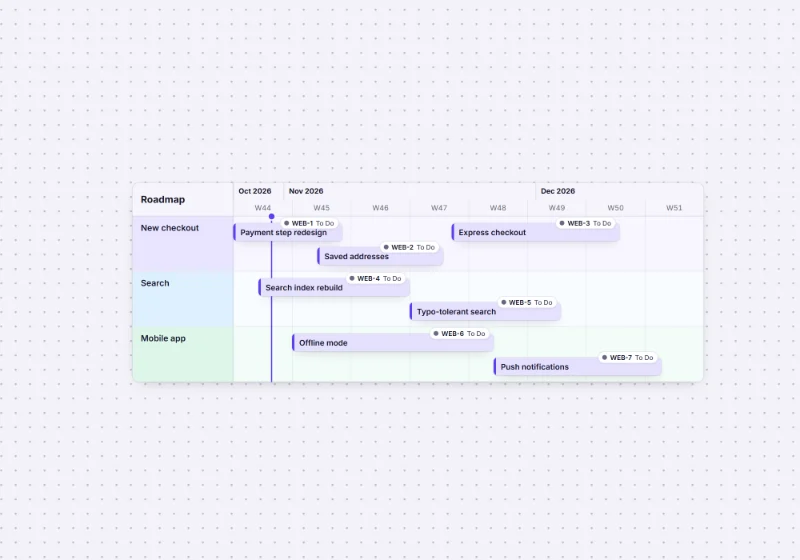
Grouped the way your tracker is
- Can: Epic lanes: the parent on Jira, the project on Linear, the milestone on GitHub.
- Can: Team lanes: the project on Jira, the team on Linear, the repository on GitHub.
- Can: Or a lane per first label. Lanes are matched by name, and the timeline’s range grows to hold the dates.
- Can: Dependencies: draw connectors between bars.
Details: roadmap mode in the tracker guide. For planning before anything is in the tracker, start from a Now, next, later board.
With an agent
A connected assistant can read the roadmap board’s outline and answer “what is planned for next month?”, or import issues for you with import_from_tracker. See Claude, ChatGPT and building with agents.
Roadmap and planning templates
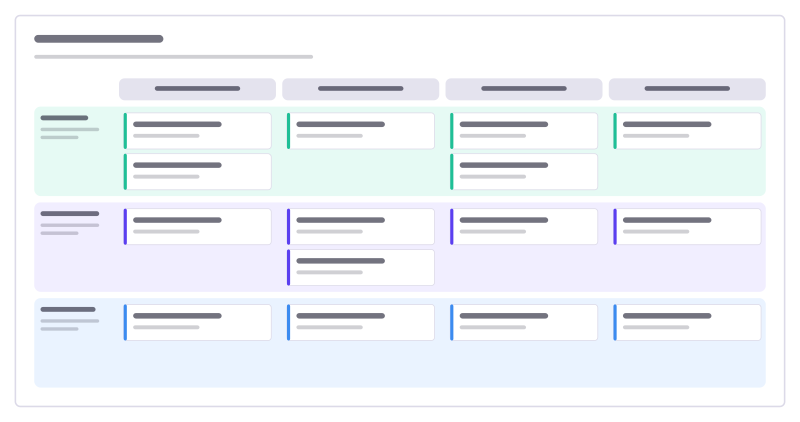
Product roadmap
Four quarters across, product themes down, with cards for each initiative.
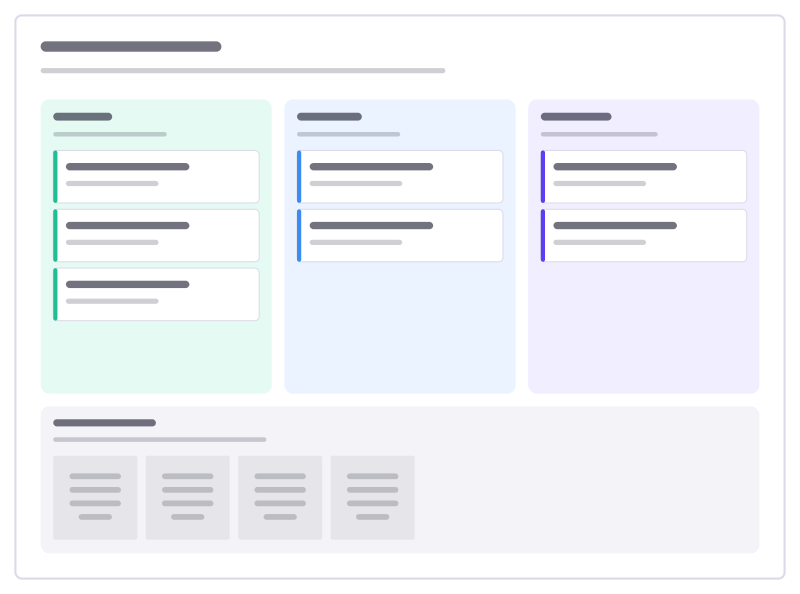
Now, next, later
A roadmap without dates: problems you’re solving now, next and later, plus parked ideas.
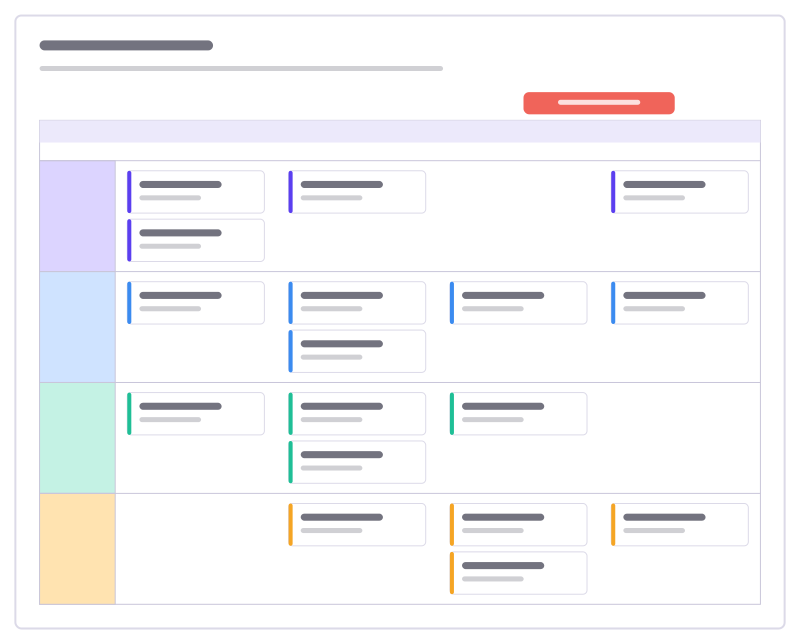
Release plan
Work per stream across four sprints as task cards in swimlanes, with the release marked.
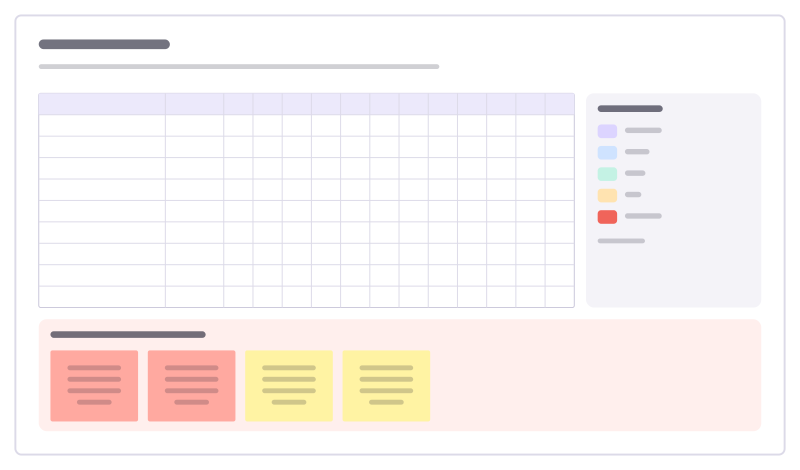
Gantt chart
Tasks against twelve weeks as colored bars in a table, with owners, a launch milestone and risks.
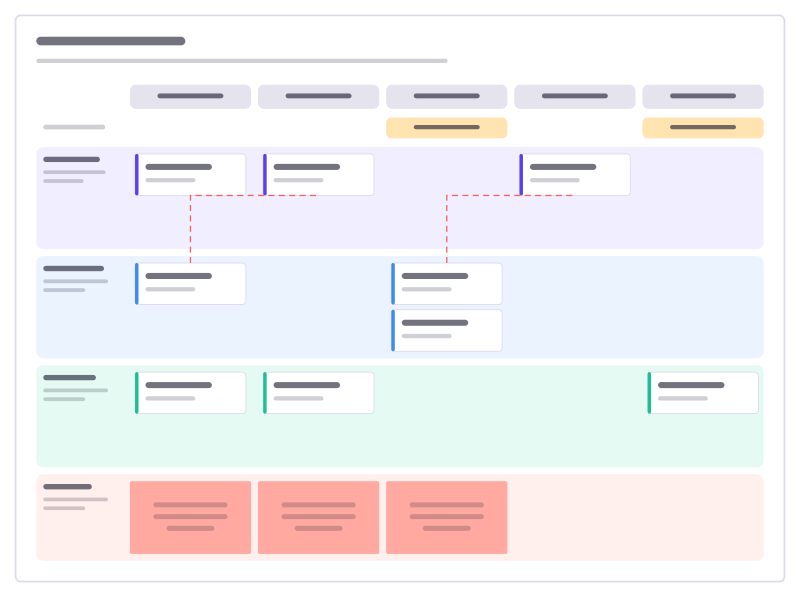
Quarter planning
Teams down, sprints across: features per sprint, milestones, dependencies and risks.
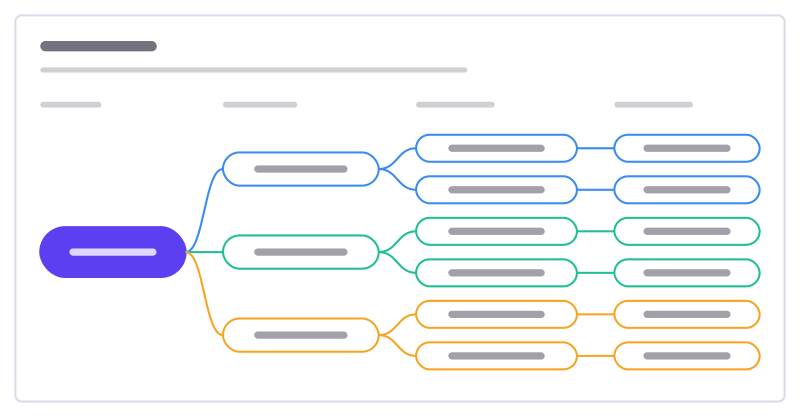
OKR tree
A mission broken into objectives, measurable key results and the initiatives behind them.
More ways teams use Freero
- Retrospectives: Guided retros: write alone under a timer, reveal, group, vote and leave with owned actions.
- Planning poker: Estimate cards with sealed picks, reveal together and write the agreed value on the card.
- Workshops: Run a workshop on one board: private writing, dot voting, a shared timer, follow the facilitator.
- Jira planning: Turn sticky notes into Jira issues on Cloud or Data Center, and keep both in step.
- Brainstorming: Ideas on sticky notes, written privately against a timer, clustered and dot-voted down to the few worth trying.
- User story mapping: A story map of activities, user tasks and release slices, estimated and sent to Jira, Linear or GitHub.
- Agent control room: A board where AI agents post their plan, status and tasks, and people steer them.
Frequently asked questions
What happens to issues without dates?
They go to an Unscheduled frame under the timeline instead of being dropped. Drag one onto the timeline to give it dates.
Does it work with GitHub issues?
GitHub issues import too, in lanes per milestone, repository or label, but GitHub issues have no start or due dates, so they start in the Unscheduled frame and their dates stay on the board.
Bring your team and your agents to one board
Free to use, open source, and yours to host. No credit card, no seat count.