Software engineering template
Incident postmortem template
A blameless review: summary, what happened, five whys to the root cause and owned actions.
Free · Editable · Works with Claude and ChatGPT · Also in Meetings
How to use the Incident postmortem template
Start a board from it
Use this template opens a new Freero board with the Incident postmortem template on it (sign up free first). On a board you already have, open Templates in the toolbar and search for “Incident postmortem”.
Follow the instruction on the board
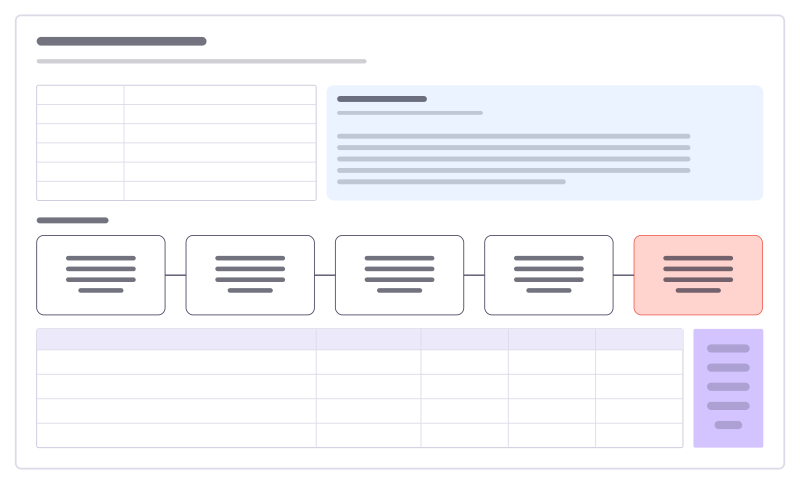
“Blameless: ask how the system let this happen, not who did it. Every action gets an owner and a date.”
Fill in each part
- What happened Two or three sentences a newcomer would understand.
- Five whys
- Why did checkouts fail? Payment calls timed out
- Why did they time out? Timeout dropped to 2 s
- Why was it lowered? To free up worker threads
- Why wasn’t it caught? No test with real latency
- Root cause Timeouts change without a load check
- Table Columns: Action · Owner · Type · Due · Status
Bring your team and your agents
Invite people to the board or share a link, and work on it together live. The timer is in the top bar, private mode and voting in the board menu, and Claude or ChatGPT can join through Freero’s MCP server.
Work on it with an AI agent
Connect an assistant once and it works on the board with you, with your permissions: by default it reads and proposes, and people decide.
You ask: “Fill in the Incident postmortem board from these notes.”
What happens It reads the board, then proposes sticky notes for it. Nothing changes until someone on the board accepts them.
You ask: “Group what we wrote into themes and list the actions.”
What happens It proposes clusters with a title each and task cards for the actions, labelled with its name and yours.
Set it up for Claude, ChatGPT or any MCP client.
Used for
- Retrospectives: Guided retros: write alone under a timer, reveal, group, vote and leave with owned actions.
Related software engineering templates
Five whys
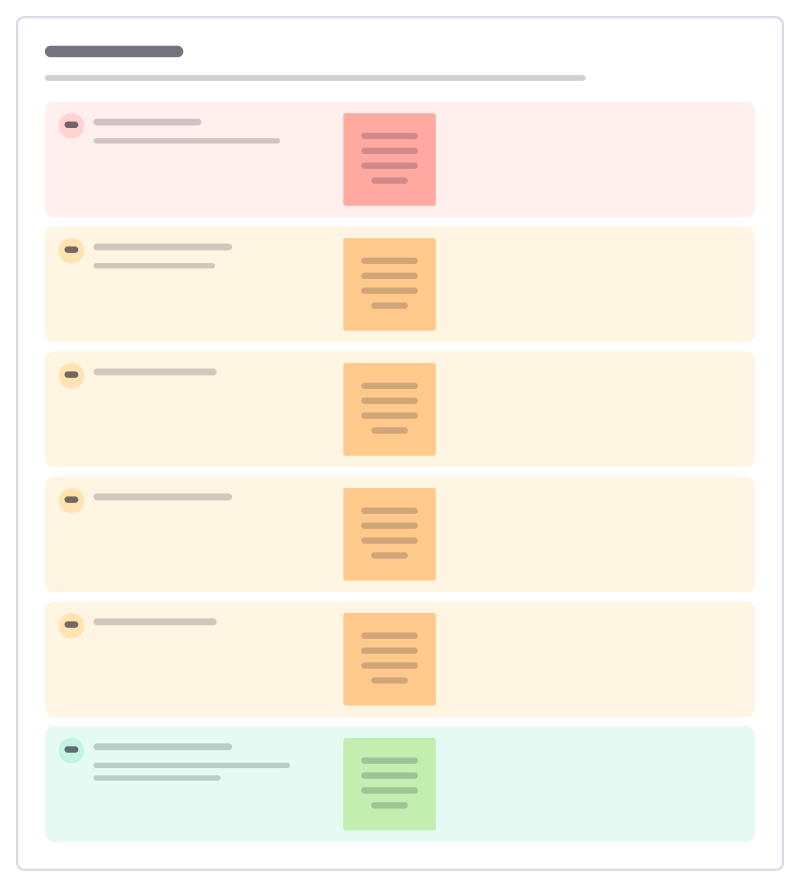
Ask "why?" until you reach a cause you can actually fix, writing down the evidence for each answer on the way.
Incident timeline
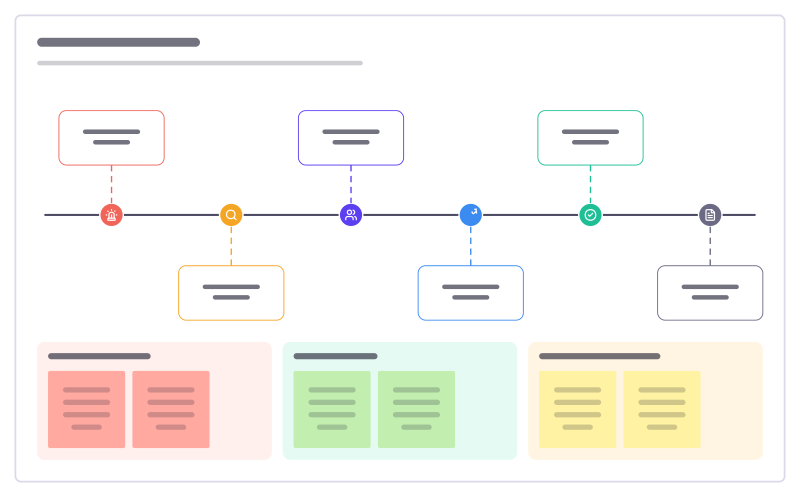
What happened when during an outage, from first alert to follow-up, with impact and lessons.
Agent incident review
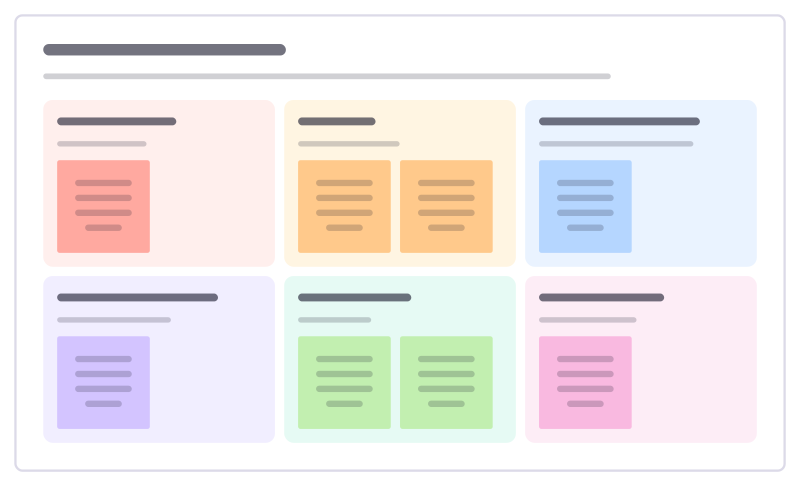
Look into a time an AI agent got something wrong: what happened, why it happened, why checks missed it, and what changes.
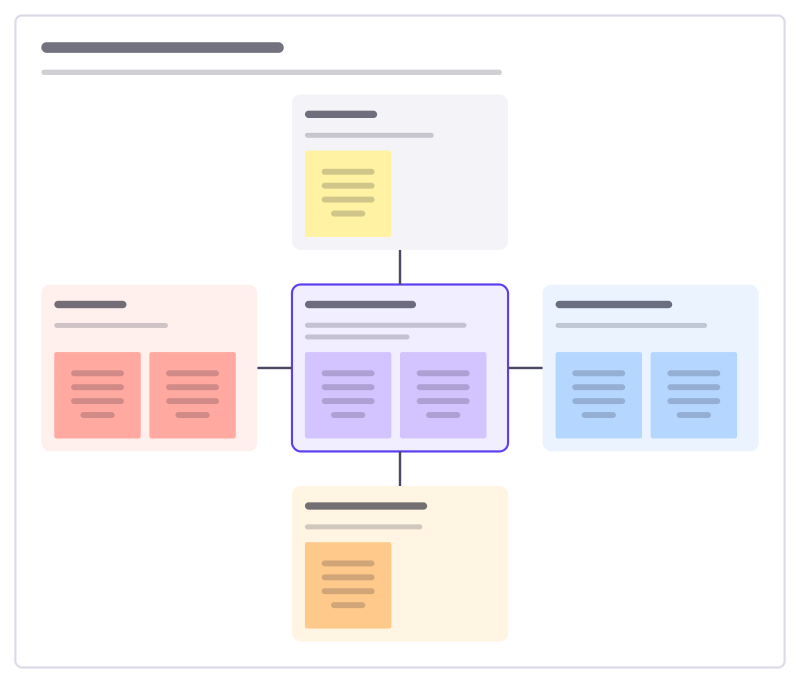
Incident response roles
Who does what when a serious incident starts: the incident lead in the middle, and the roles that support them.
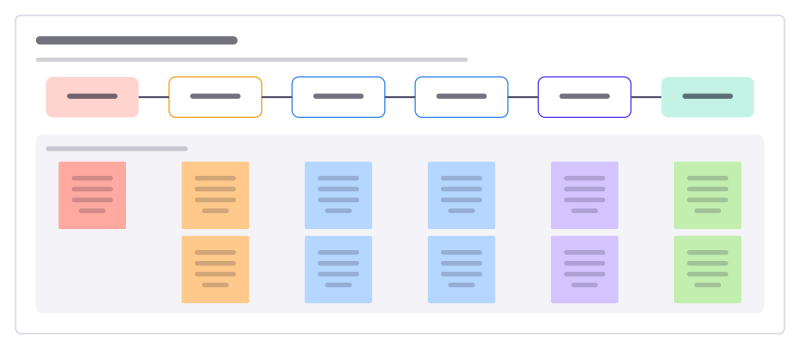
Metric drop investigation
Work out why a key number suddenly changed, step by step: is it real, where is it, when did it start and what caused it.
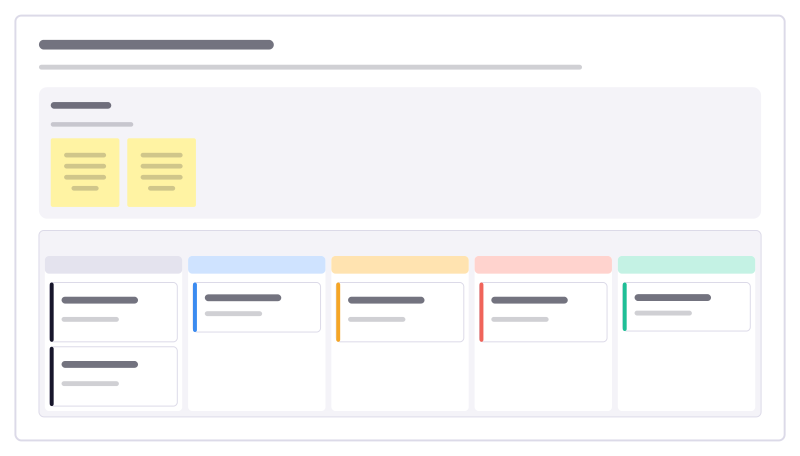
Postmortem action tracker
Follow the fixes agreed in incident reviews through to done, so the same failure doesn’t come back next quarter.
All 89 software engineering templates · All 584 templates by category
Bring your team and your agents to one board
Free to use, open source, and yours to host. No credit card, no seat count.