Use case · Planning poker
Planning poker online, right on the board
Estimate the cards your team already planned on the whiteboard, one by one. Everyone picks in private, the facilitator reveals, you talk about the spread, and the agreed value lands on the card. No separate poker app, no copying stories over.
How a round works
Pick what to estimate
Select cards or sticky notes, or none to estimate every card on the board, and choose Estimate with planning poker… from the board menu or the right-click menu.Choose a deck
Fibonacci (0, 1, 2, 3, 5, 8, 13, 21, ?), T-shirt sizes (XS to XXL, ?), or your own values.Everyone picks in private
The board zooms to the item being estimated. Picks stay sealed on the server until the reveal.Reveal and agree
The reveal shows every pick and the spread, and points out who picked far from the rest, worth hearing first. The facilitator saves the agreed value on the card and moves to the next item.
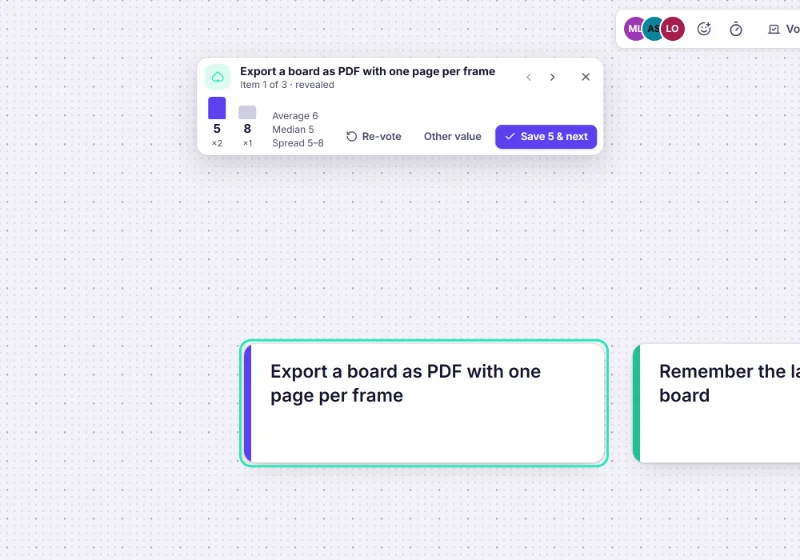
From estimate to story points
- Can: Import the stories from Jira, Linear or GitHub as cards with Import issues…, estimate them, and the numbers sync back: story points on Jira, the estimate on Linear.
- Can: Cards keep their estimate after the round, so a sprint-planning board shows what fits.
- Can: Any editor can end a round whose facilitator left, from the board menu.
More on keeping a board and Jira in step: Jira planning on a whiteboard.
Templates for estimation and planning
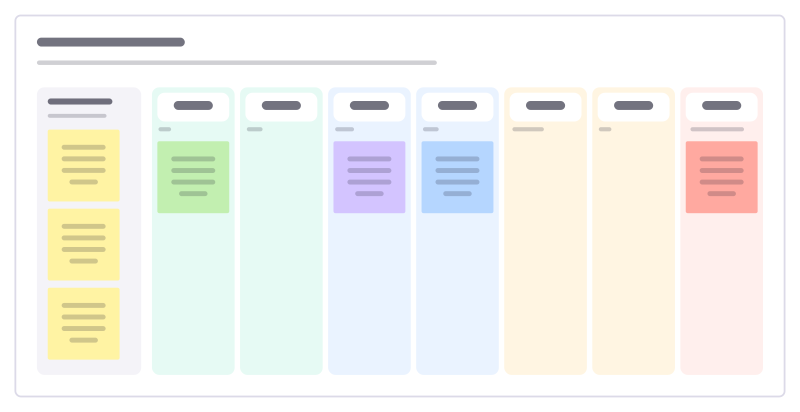
Relative sizing
Sort stories into size columns against one reference story instead of arguing hours.
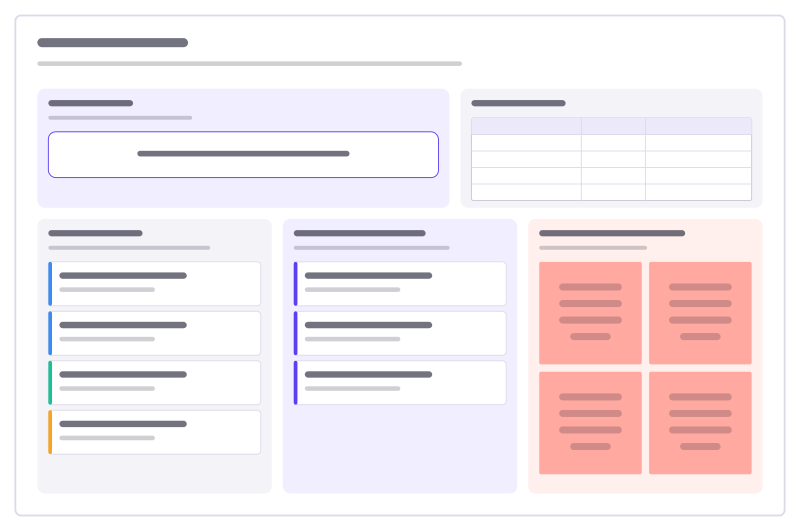
Sprint planning
Sprint goal, team capacity, the ready backlog, what you commit to, and the risks.
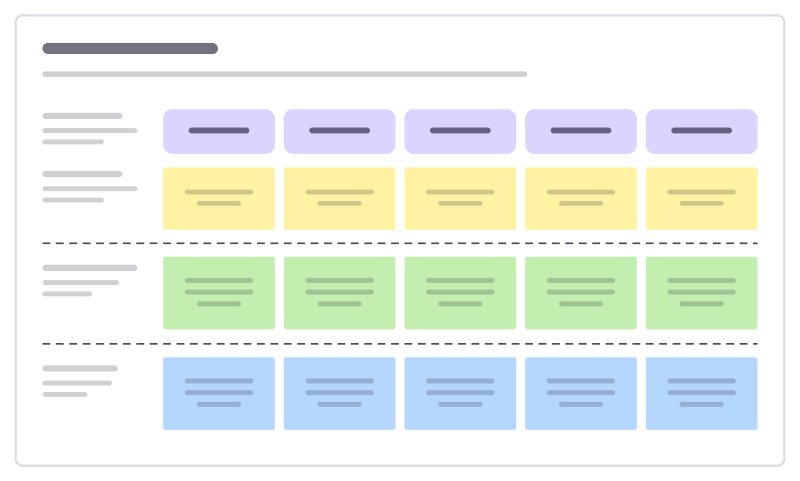
User story map
The user journey as a backbone of activities, with stories sliced into releases.
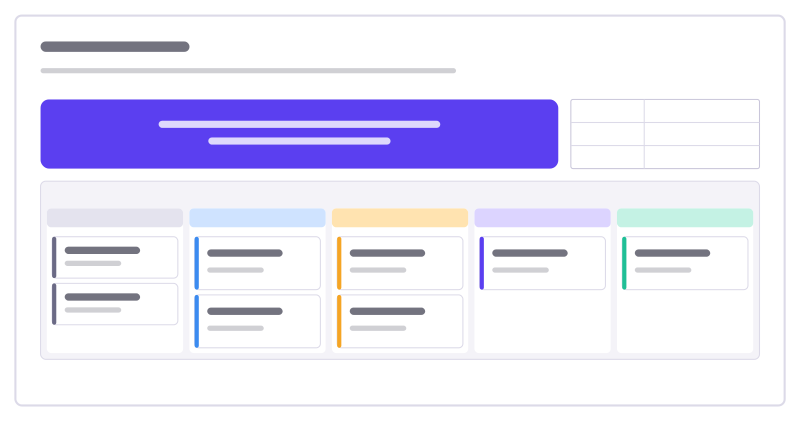
Sprint board
The sprint goal and facts on top, a five-column task kanban with WIP limits below.
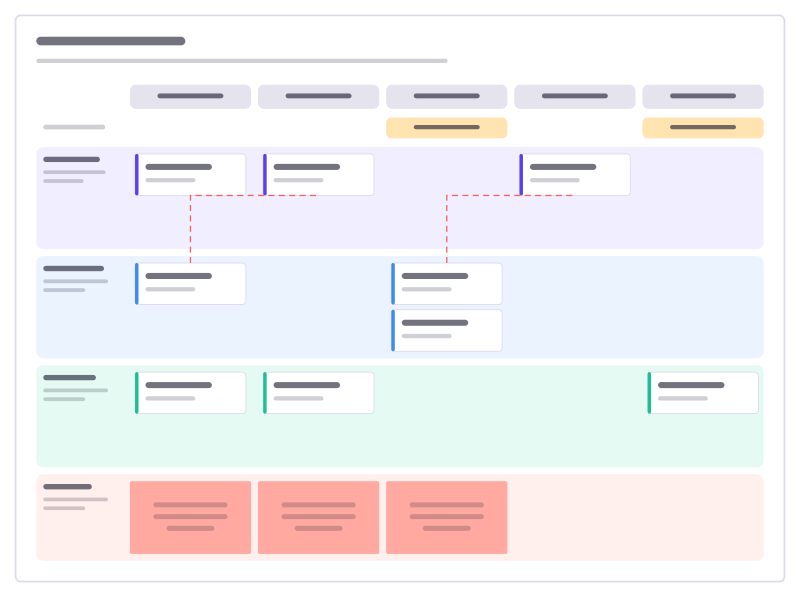
Quarter planning
Teams down, sprints across: features per sprint, milestones, dependencies and risks.
More ways teams use Freero
- Retrospectives: Guided retros: write alone under a timer, reveal, group, vote and leave with owned actions.
- Workshops: Run a workshop on one board: private writing, dot voting, a shared timer, follow the facilitator.
- Jira planning: Turn sticky notes into Jira issues on Cloud or Data Center, and keep both in step.
- Roadmaps: A roadmap on a timeline from Jira, Linear or GitHub issues, with bars that sync their dates.
- Brainstorming: Ideas on sticky notes, written privately against a timer, clustered and dot-voted down to the few worth trying.
- User story mapping: A story map of activities, user tasks and release slices, estimated and sent to Jira, Linear or GitHub.
- Agent control room: A board where AI agents post their plan, status and tasks, and people steer them.
Frequently asked questions
Is the planning poker free?
Yes. It is part of every Freero board, with nothing to install or buy. Freero is free and open source.
Can others see my pick before the reveal?
No. Your pick is kept private on the server, which sends it to nobody else until the facilitator reveals that item.
Do estimates reach Jira?
The agreed value is written into the card’s estimate. When the card is linked to a Jira issue, a numeric estimate syncs to the issue’s story points field (on Linear, its estimate).
Bring your team and your agents to one board
Free to use, open source, and yours to host. No credit card, no seat count.