Personal planning template
Family week planner template
See who is where each day of the week: school runs, clubs, work trips and who is cooking, so nobody is left at the gate.
Free · Editable · Works with Claude and ChatGPT · Also in Planning
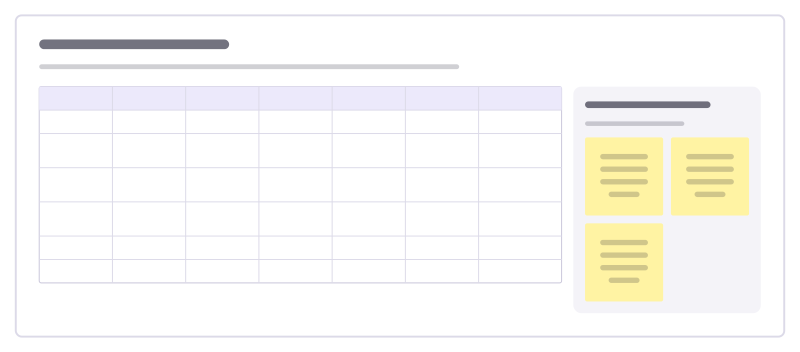
How to use the Family week planner template
Start a board from it
Use this template opens a new Freero board with the Family week planner template on it (sign up free first). On a board you already have, open Templates in the toolbar and search for “Family week planner”.
Follow the instruction on the board
“Fill it in together on Sunday evening. Anything with a gap (no driver, no cook) gets a name before the week starts.”
Fill in each part
- Table Columns: Who · Mon · Tue · Wed · Thu · Fri · Weekend
- Before Sunday ends Check these so the week runs.
Bring your team and your agents
Invite people to the board or share a link, and work on it together live. The timer is in the top bar, private mode and voting in the board menu, and Claude or ChatGPT can join through Freero’s MCP server.
Work on it with an AI agent
Connect an assistant once and it works on the board with you, with your permissions: by default it reads and proposes, and people decide.
You ask: “Fill in the Family week planner board from these notes.”
What happens It reads the board, then proposes sticky notes for it. Nothing changes until someone on the board accepts them.
You ask: “Group what we wrote into themes and list the actions.”
What happens It proposes clusters with a title each and task cards for the actions, labelled with its name and yours.
Set it up for Claude, ChatGPT or any MCP client.
Related personal planning templates
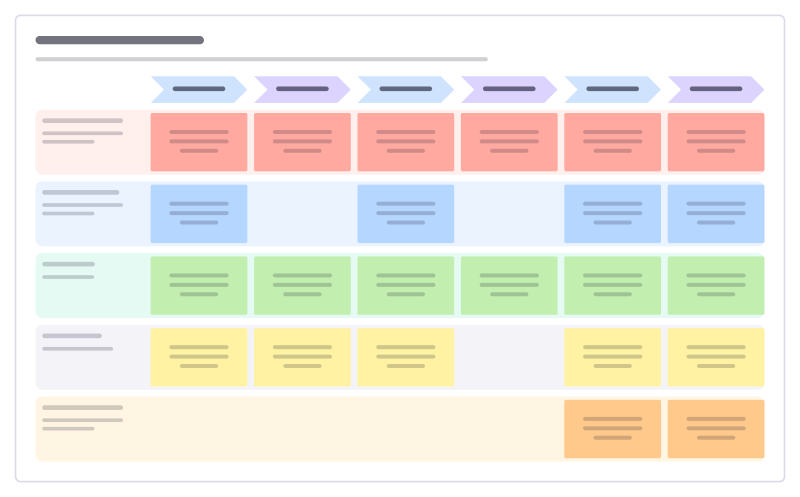
School holidays plan
Cover the long summer break week by week: who looks after the children, camps and clubs, days out and quiet days.
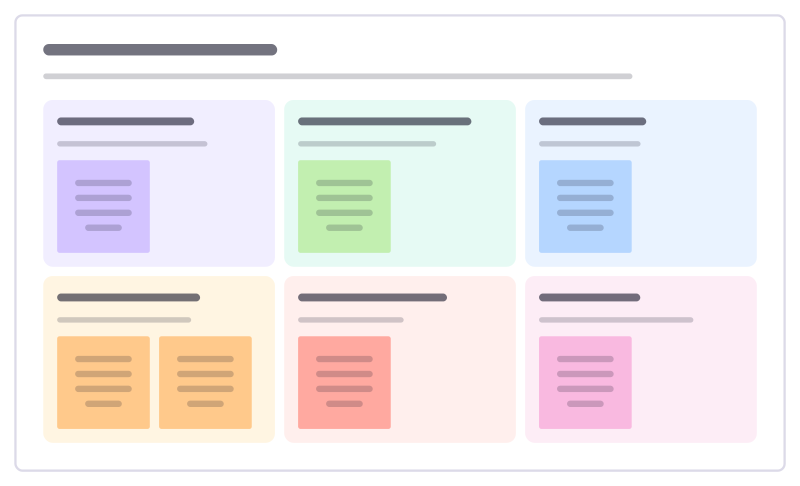
Side project planner
Plan a side project you’ll actually finish: why you’re doing it, the smallest finished version, time you have and what could stop you.
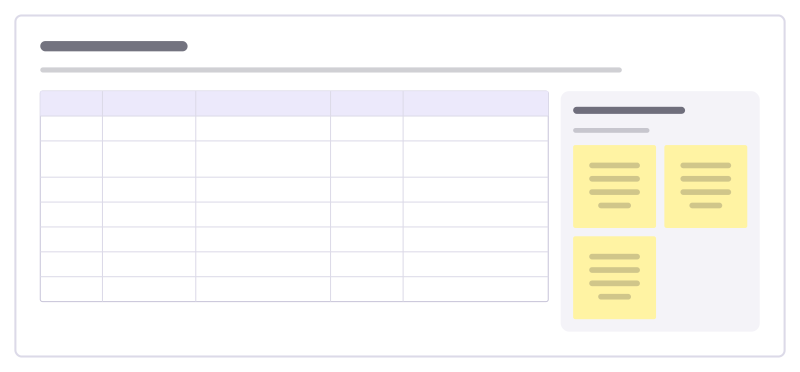
Meal planner
Plan a week of dinners around how busy each evening is, then turn the plan into one shopping list.
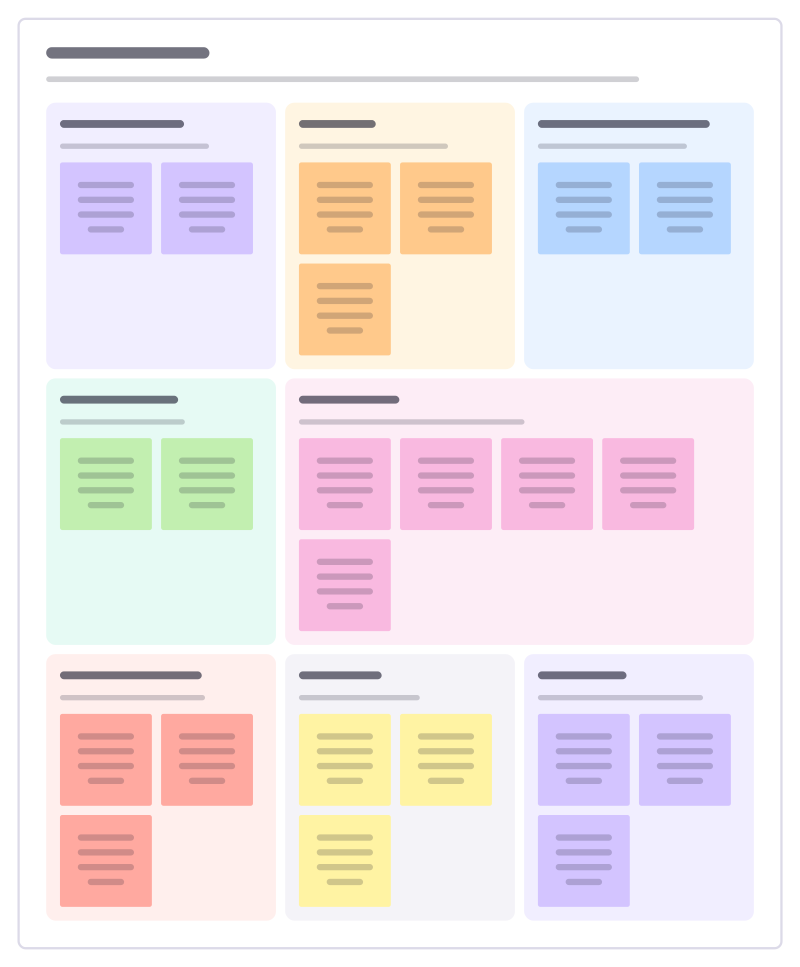
Trip planner
Plan a holiday or trip in one place: dates and budget, travel and stays, a rough day-by-day plan and what to book before you go.
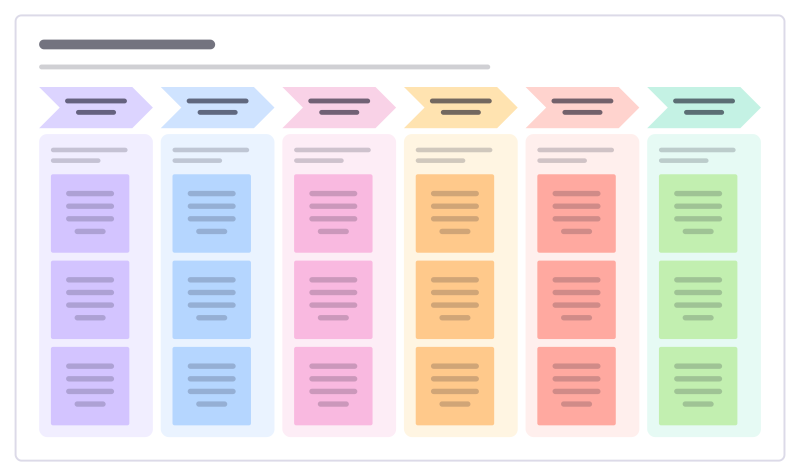
Moving house plan
Get from one home to the next without losing the kettle: what to sort, book, tell and pack in the weeks before and after.
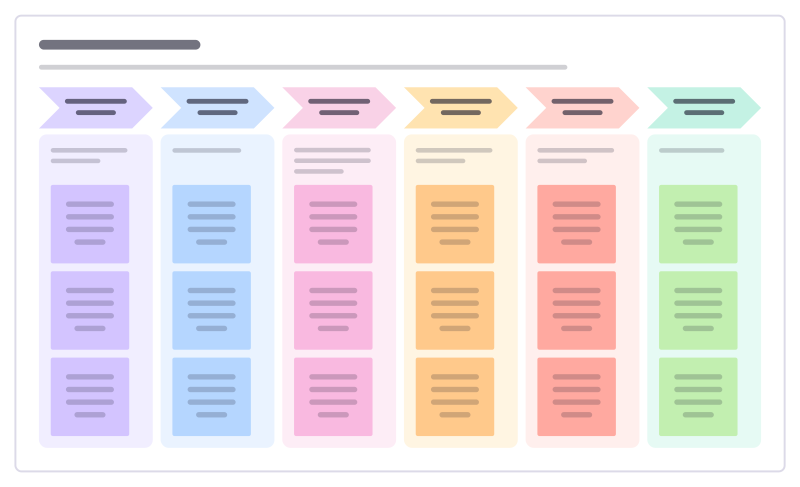
Wedding planner
Plan a wedding month by month, from setting the budget and guest list to the final week, so the big decisions come in the right order.
All 35 personal planning templates · All 584 templates by category
Bring your team and your agents to one board
Free to use, open source, and yours to host. No credit card, no seat count.