Planning template
OKR tree template
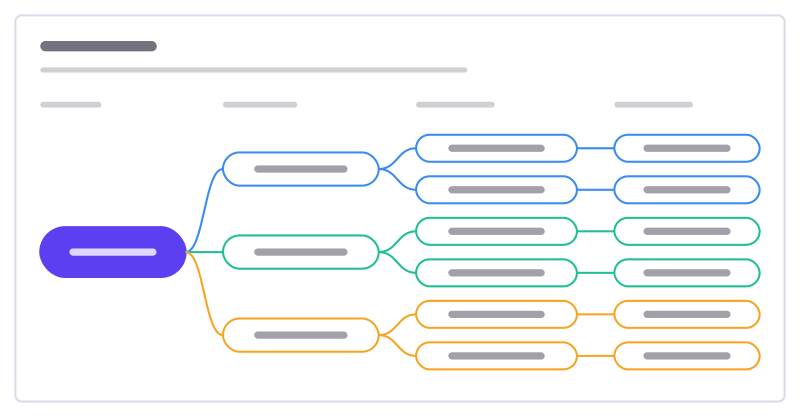
A mission broken into objectives, measurable key results and the initiatives behind them.
Free · Editable · Works with Claude and ChatGPT · Also in Strategy
How to use the OKR tree template
Start a board from it
Use this template opens a new Freero board with the OKR tree template on it (sign up free first). On a board you already have, open Templates in the toolbar and search for “OKR tree”.
Follow the instruction on the board
“Objectives say where to go, key results how you’ll know you got there. Initiatives are bets: swap them freely.”
Fill in each part
- Mission
- Objectives
- Key results
- Initiatives
- Make the easiest whiteboard to start with Branches: New teams get value in their first session · Teams keep coming back · Support stays light
Bring your team and your agents
Invite people to the board or share a link, and work on it together live. The timer is in the top bar, private mode and voting in the board menu, and Claude or ChatGPT can join through Freero’s MCP server.
Work on it with an AI agent
Connect an assistant once and it works on the board with you, with your permissions: by default it reads and proposes, and people decide.
You ask: “Fill in the OKR tree board from these notes.”
What happens It reads the board, then proposes sticky notes for it. Nothing changes until someone on the board accepts them.
You ask: “Group what we wrote into themes and list the actions.”
What happens It proposes clusters with a title each and task cards for the actions, labelled with its name and yours.
Set it up for Claude, ChatGPT or any MCP client.
Used for
- Roadmaps: A roadmap on a timeline from Jira, Linear or GitHub issues, with bars that sync their dates.
Related planning templates
OKRs
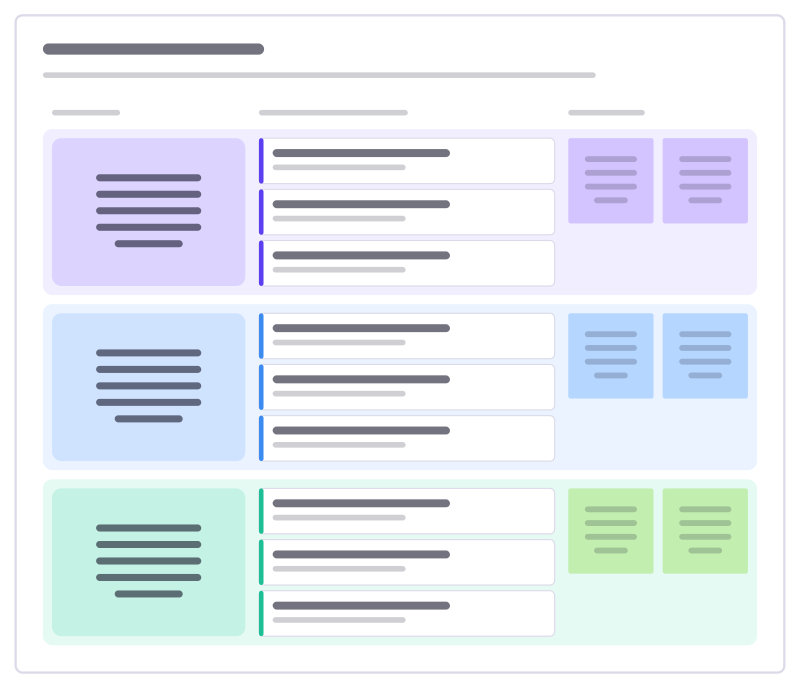
Three objectives, each with measurable key results and the initiatives that move them.
OKR tracker
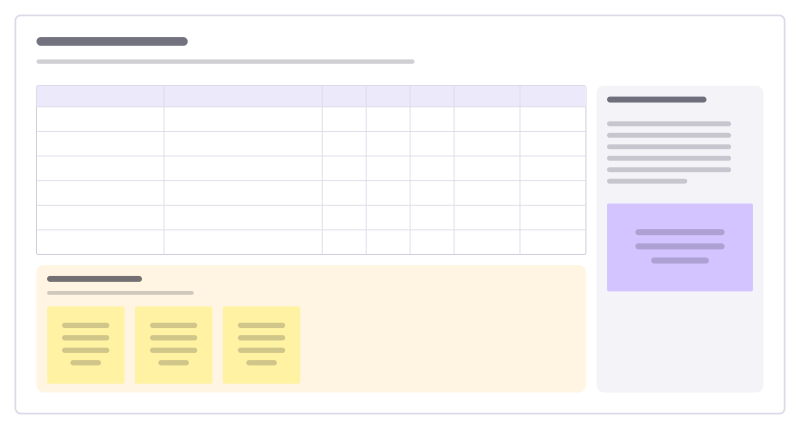
Key results with start, target and current values, confidence and owners, plus check-in notes.
Goal map
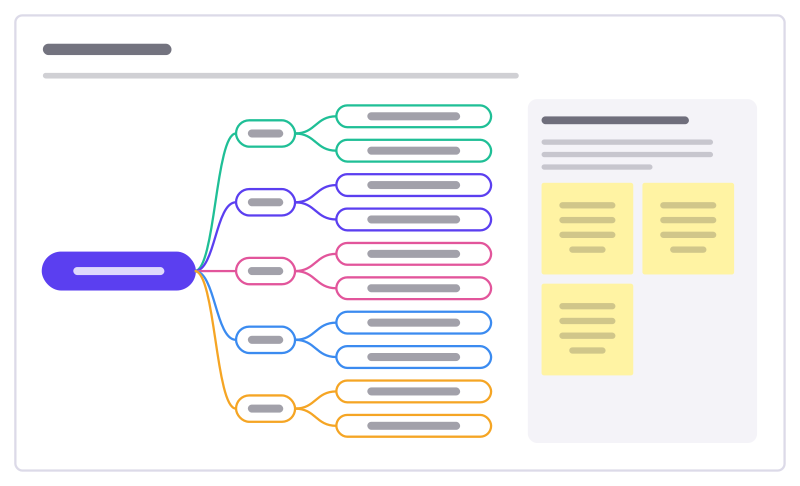
Your year as a map: a handful of life areas, each with the goals that matter in it and the first step toward each.
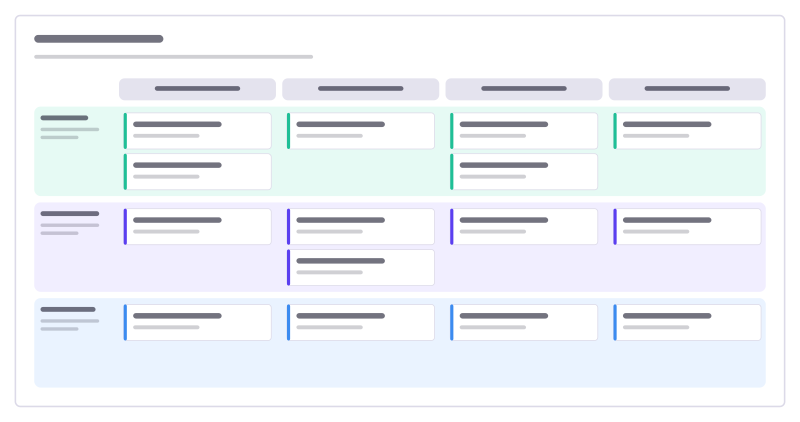
Product roadmap
Four quarters across, product themes down, with cards for each initiative.
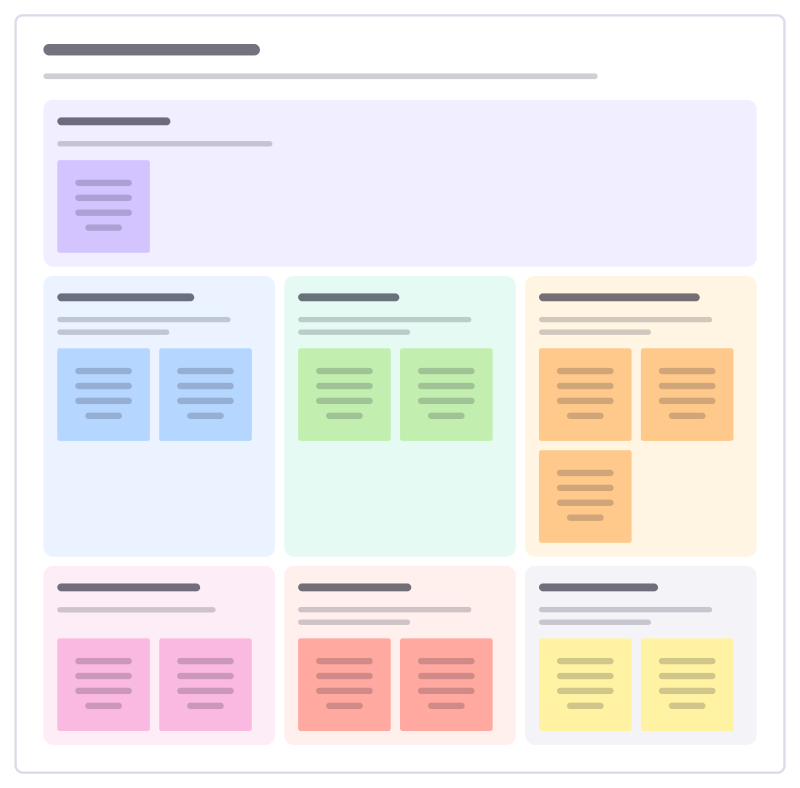
Strategy on a page
The whole strategy on one board: why you exist, where you compete, why you win, the few priorities, how you measure them and what you stop.
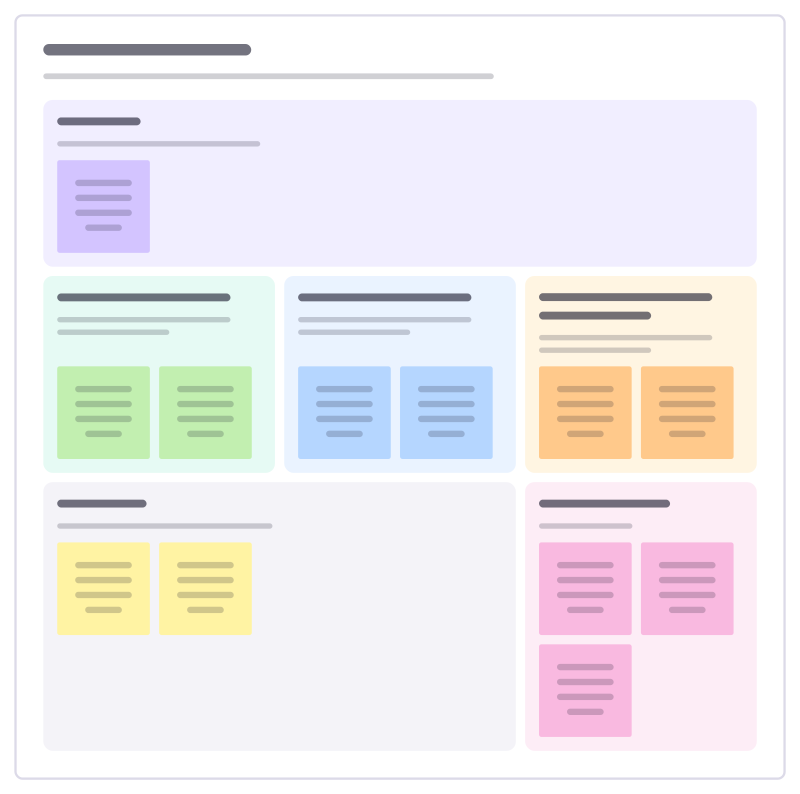
Strategic pillars
Hold a strategy up on a few pillars: the mission they serve, what each pillar means, the enablers under them and how progress shows.
Bring your team and your agents to one board
Free to use, open source, and yours to host. No credit card, no seat count.