Use case · Jira planning
A Jira whiteboard: from sticky notes to issues, and back
Plan the way people think, on a board, and keep the result where the work is tracked. A cluster of notes becomes one Jira issue, every note links back to it, and the board shows each issue’s key, status and assignee as they change. Jira Cloud and Jira Data Center alike, plus Linear and GitHub.
How it works
Connect your tracker
Jira Cloud, Jira Data Center or Server, Linear, GitHub or GitHub Enterprise Server. Freero tests every connection before keeping it.Send notes as issues
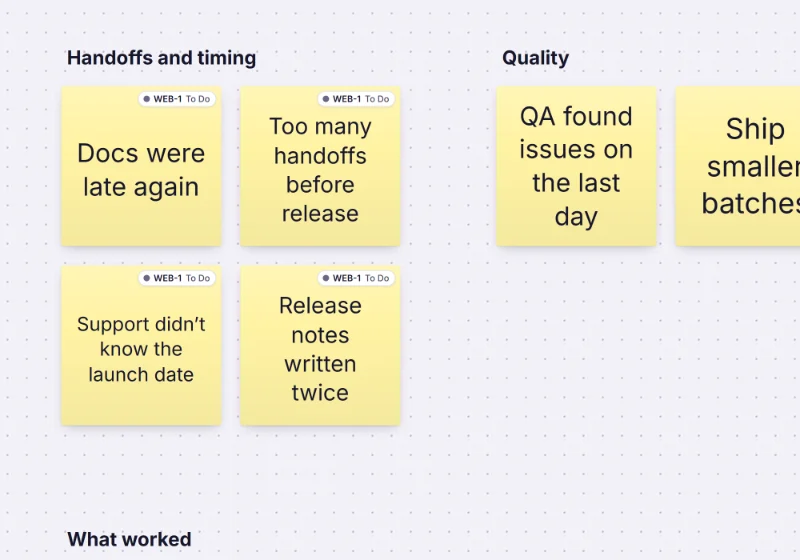
Select sticky notes, a cluster or cards and choose Send to tracker…: one issue listing every note with a link back, or one issue per item.See the issue on the board
Each linked note or card shows the issue’s key, status and assignee, updated when the issue changes in the tracker.Bring issues in
Import issues… turns a JQL query (or a Linear or GitHub search) into linked cards; importing again adds only the new ones.
What travels with the issue
| On the board | In the tracker |
|---|---|
| A card’s title, a note’s first line, a cluster’s heading | Title |
| A card’s description, a note’s text, a list of the notes with links back | Description |
| Tags | Labels |
| Card status or kanban column | Status, through the Jira workflow’s transitions |
| Card assignee | Assignee, matched by verified email (not on GitHub) |
| Start and due dates | Start date (Jira) and due date (not on GitHub) |
| A numeric estimate | Story points on Jira, the estimate on Linear |
The full mapping, conflicts and security: issue trackers in Freero. Connecting: Jira Cloud · Jira Data Center.
Ask an agent to file it
Claude, ChatGPT or your own agent uses the same sync people do, labelled with its name and yours.
You ask: “Send the “Checkout bugs” cluster to Jira as one issue in project WEB.”
What happens One issue listing every note with a link back; the notes then show its key and status.
Needs: permission to change boards
You ask: “Import the open issues of the current sprint as cards into the Doing column.”
What happens Linked cards placed in that kanban column, each in the column of its status if that differs.
Needs: permission to change boards (without it, the cards are proposed)
The tools are sync_to_tracker, import_from_tracker and list_tracker_connections; see building with agents.
Templates for planning with Jira
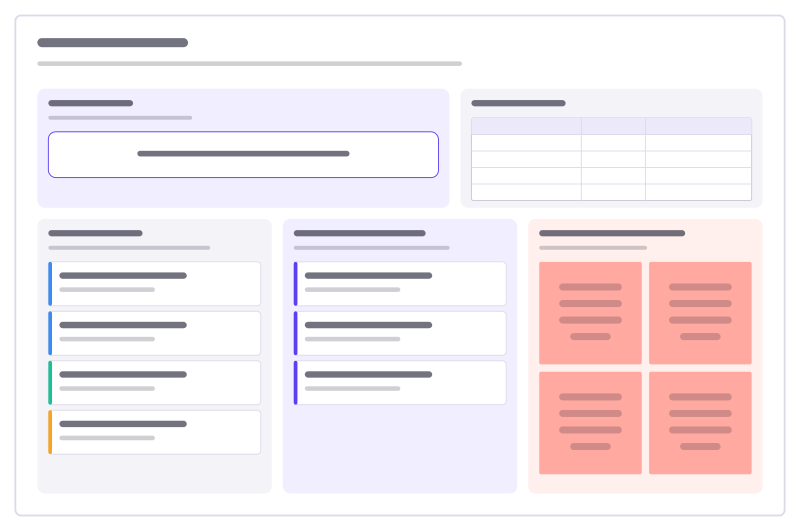
Sprint planning
Sprint goal, team capacity, the ready backlog, what you commit to, and the risks.
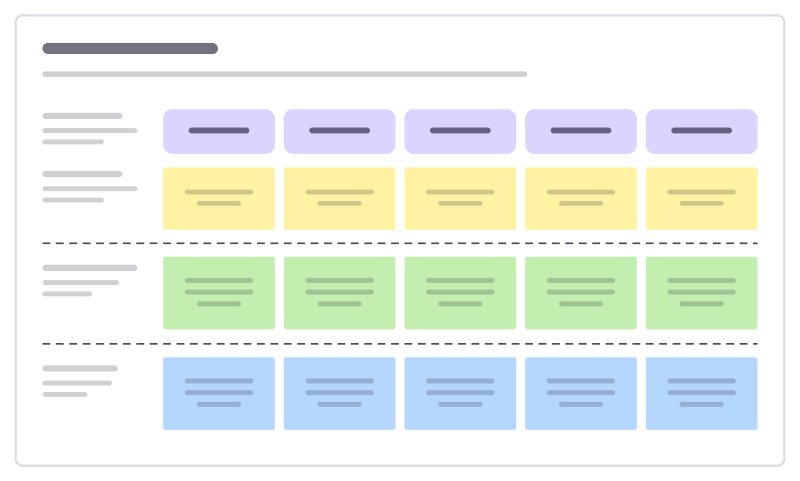
User story map
The user journey as a backbone of activities, with stories sliced into releases.
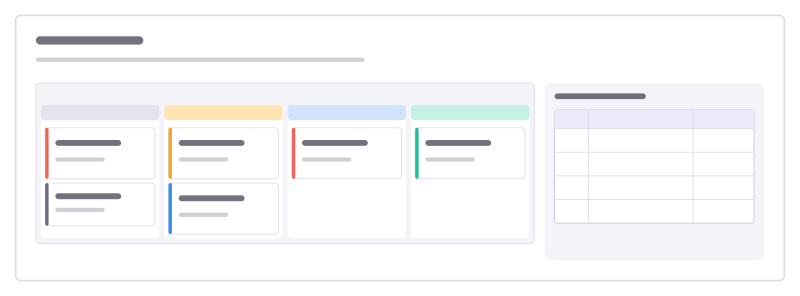
Bug triage board
A kanban for incoming bugs, from new to fixed, with a severity guide everyone agrees on.
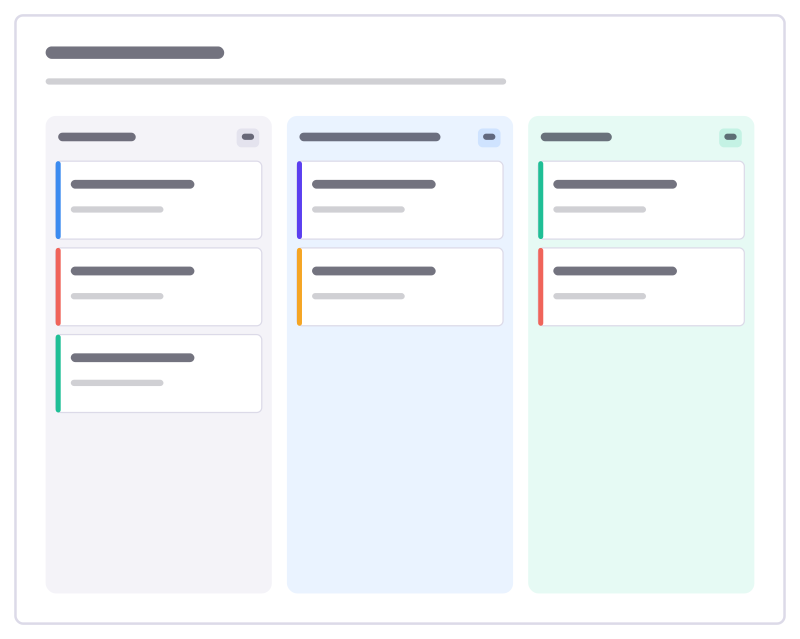
Kanban board
To do, Doing and Done columns with task cards and a work-in-progress limit.
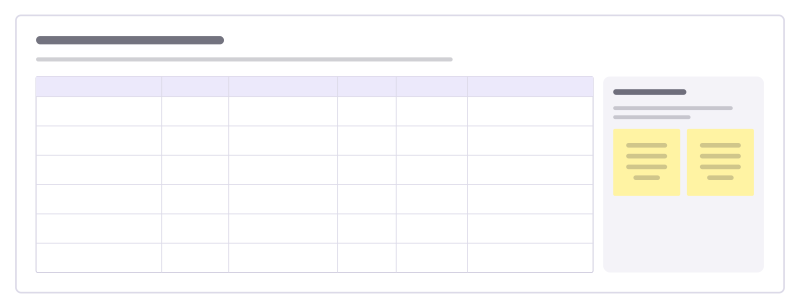
Team dependencies board
Who is waiting on whom across teams, by when, and how healthy each hand-off is, so blockers surface before planning day.
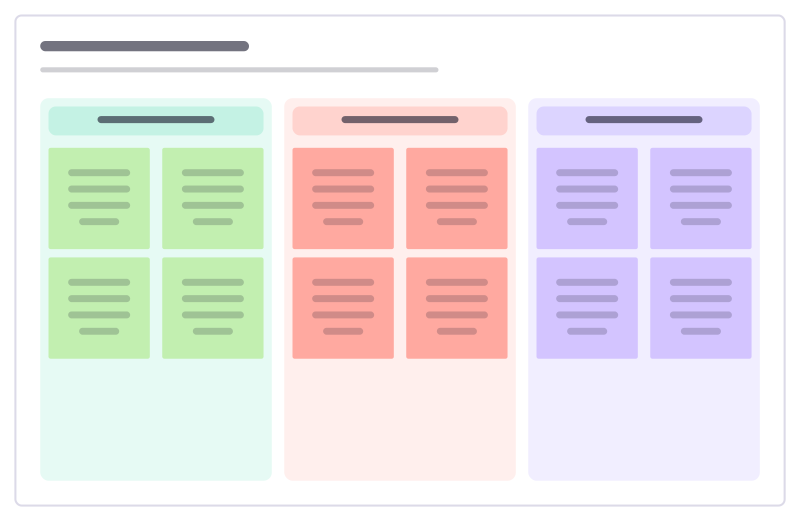
Retrospective
Went well, to improve and action items: a calm, classic sprint retro.
More ways teams use Freero
- Retrospectives: Guided retros: write alone under a timer, reveal, group, vote and leave with owned actions.
- Planning poker: Estimate cards with sealed picks, reveal together and write the agreed value on the card.
- Workshops: Run a workshop on one board: private writing, dot voting, a shared timer, follow the facilitator.
- Roadmaps: A roadmap on a timeline from Jira, Linear or GitHub issues, with bars that sync their dates.
- Brainstorming: Ideas on sticky notes, written privately against a timer, clustered and dot-voted down to the few worth trying.
- User story mapping: A story map of activities, user tasks and release slices, estimated and sent to Jira, Linear or GitHub.
- Agent control room: A board where AI agents post their plan, status and tasks, and people steer them.
Frequently asked questions
Does it work with Jira Data Center or Server?
Yes. Freero connects to Jira Data Center and Server with a personal access token, and to Jira Cloud with an API token or OAuth. Changes come back by webhook, or by polling where a Data Center version has no webhook secret.
What happens when the board and Jira disagree?
Each field is merged against what both sides last agreed on, so a change on one side flows to the other. If the same field changed on both sides within one sync, Jira’s value wins and the board’s value is kept in a comment on the item.
Who can connect Jira?
A team’s owners and admins connect it in the admin console for the whole team, and anyone can add their own connection in Settings for the boards they can edit.
Bring your team and your agents to one board
Free to use, open source, and yours to host. No credit card, no seat count.