Design template
User flow template
The screens and steps a person goes through to finish one task, with what each step must achieve and where it can go wrong.
Free · Editable · Works with Claude and ChatGPT · Also in Product, Diagramming
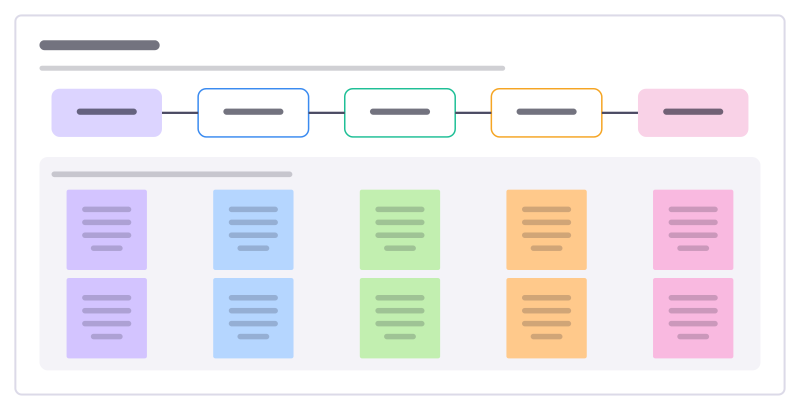
How to use the User flow template
Start a board from it
Use this template opens a new Freero board with the User flow template on it (sign up free first). On a board you already have, open Templates in the toolbar and search for “User flow”.
Follow the instruction on the board
“Map one task for one person, happy path first. Add the edge cases under each step, then count how many steps you can remove.”
Fill in each part
- What this step must achieve, and what can go wrong
- Opens the reminder text
- Picks a time slot
- Confirms details
- Adds insurance
- Booking confirmed
Bring your team and your agents
Invite people to the board or share a link, and work on it together live. The timer is in the top bar, private mode and voting in the board menu, and Claude or ChatGPT can join through Freero’s MCP server.
Work on it with an AI agent
Connect an assistant once and it works on the board with you, with your permissions: by default it reads and proposes, and people decide.
You ask: “Fill in the User flow board from these notes.”
What happens It reads the board, then proposes sticky notes for it. Nothing changes until someone on the board accepts them.
You ask: “Group what we wrote into themes and list the actions.”
What happens It proposes clusters with a title each and task cards for the actions, labelled with its name and yours.
Set it up for Claude, ChatGPT or any MCP client.
Related design templates
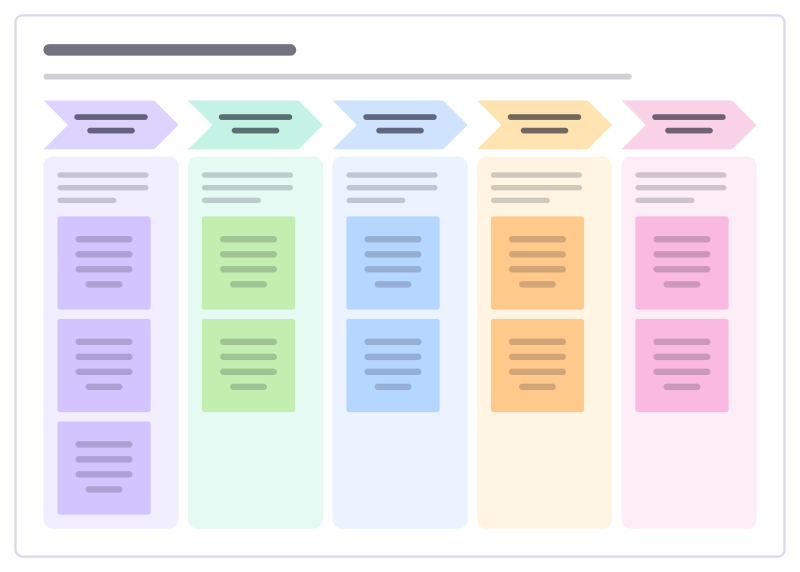
Five-day design sprint
Go from a big question to a tested prototype in one week: understand, explore, choose, build and learn from real people.
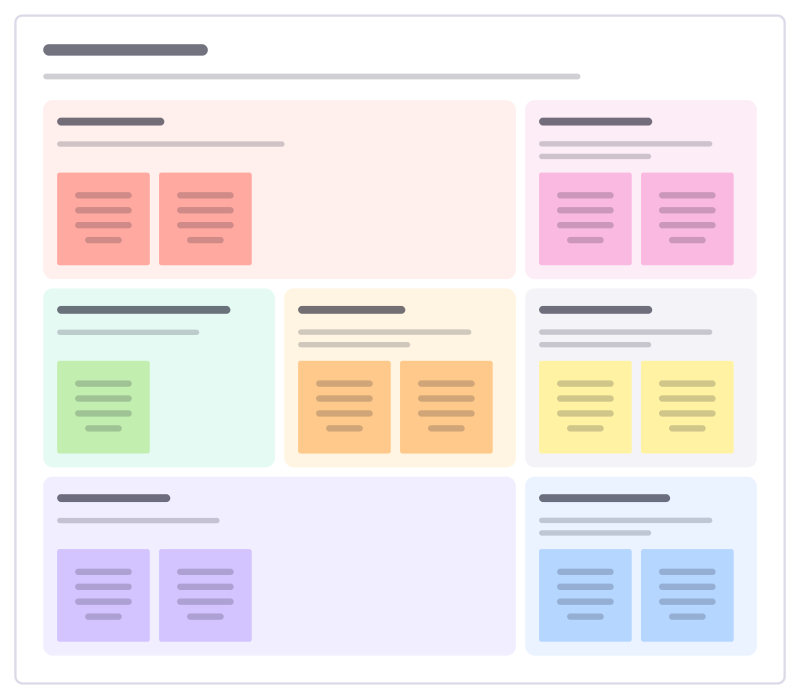
Design brief
Frame a design project before anyone opens a design tool: the problem, people, constraints, what success means and what to deliver.
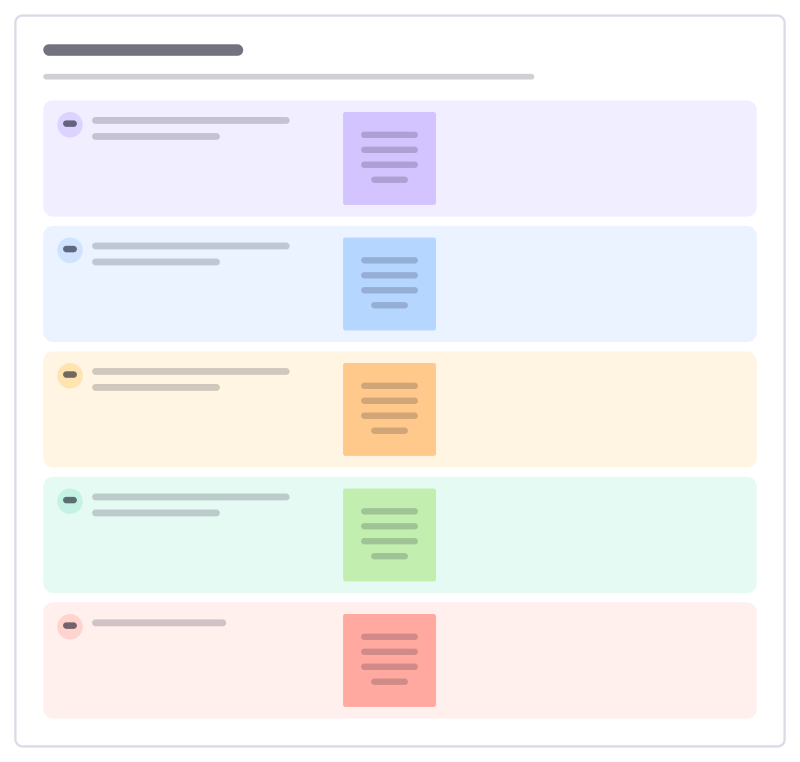
Wireframe review
Review early wireframes on structure and flow before anyone discusses colours: is the content right, and can people find it?
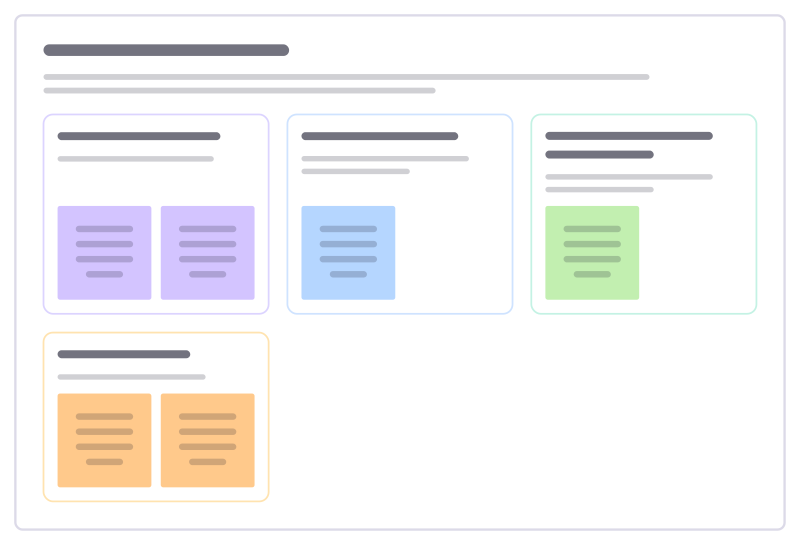
Inspiration share-out
Everyone brings examples from other products or places that solve a similar problem well, and the group captures what to borrow.
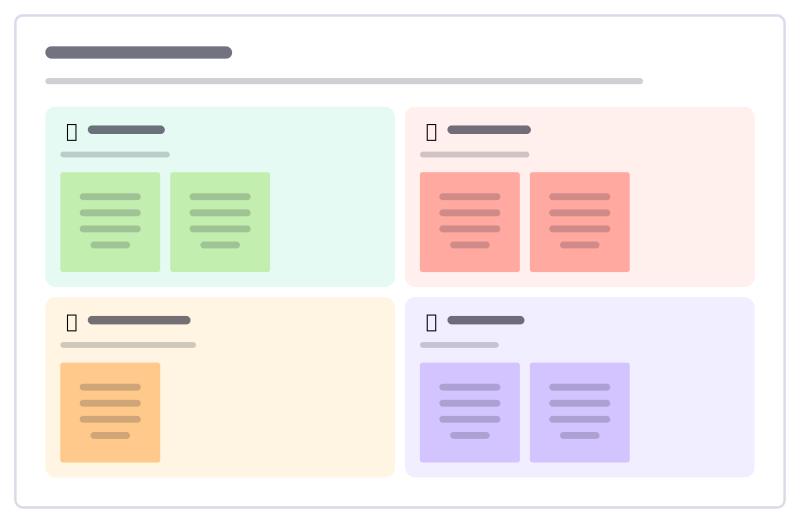
Feedback grid
Collect reactions to a demo, prototype or talk in four boxes: what people liked, what to change, open questions and new ideas.
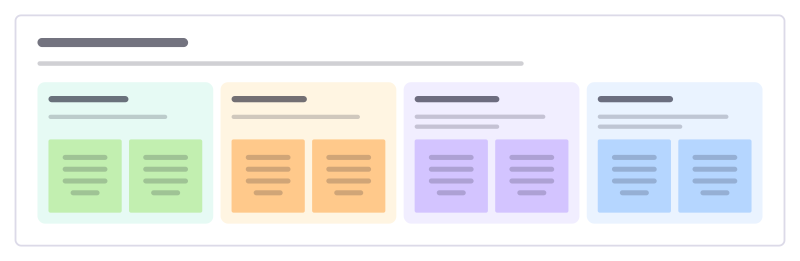
Design critique
Give feedback on a design against its goal: what works, open questions, concrete suggestions and what the designer decides.
Bring your team and your agents to one board
Free to use, open source, and yours to host. No credit card, no seat count.