Use case · Workshops
An online workshop whiteboard with the facilitation built in
Brainstorms, design sprints, lean coffee or a strategy offsite: run them on one board with the tools that keep a session fair and moving, and nothing extra to buy or install.
Facilitation tools on every board
Private mode
Everyone writes alone until you reveal all notes at once, optionally without names. The server keeps drafts from other participants, not just the screen.Dot voting
A set number of votes per person on notes, cards and shapes, hidden until you show the ranked results.Shared timer
One countdown for everyone, in the board’s top bar.Facilitator controls
Lock the board to comments, limit what people may add, bring everyone to your view and hide other cursors.Polls and Q&A
Polls, word clouds, rankings, rating scales and Q&A, answered from the board or a phone, with results drawn on the board.Planning poker
Estimate cards with sealed picks and a reveal. How it works.
An agent as your co-facilitator
Connect Claude, ChatGPT or another MCP client and ask it to do the parts that eat workshop time.
- “Group these notes into themes” after a brainstorm: it proposes clusters with titles, and nothing changes until someone accepts.
- “Turn the shortlisted ideas into task cards”: it proposes cards in a kanban or frame you name.
- “Summarise what the board says”: it reads the board’s outline, the same structured read the API gives, and answers in the chat.
Workshop templates
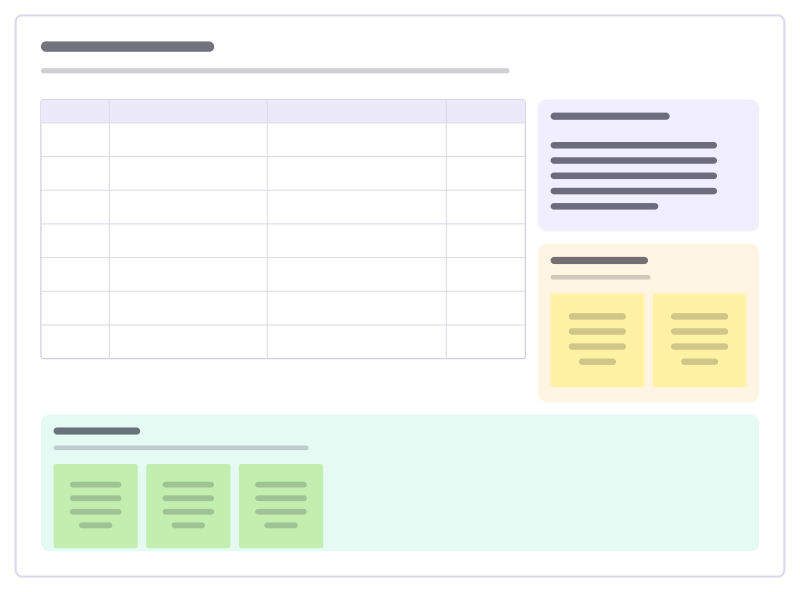
Workshop agenda
A timed agenda with methods and owners, the goals, a parking lot and a check-out.
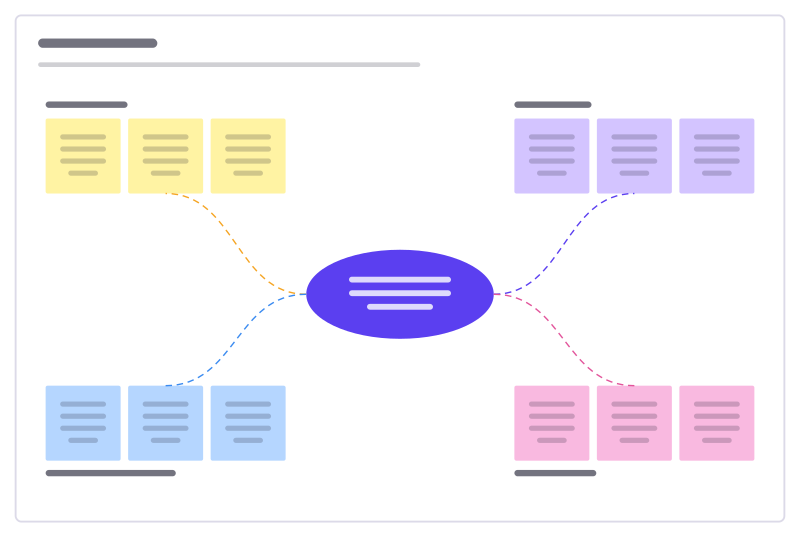
Idea burst
A central challenge with four idea clusters to fill, sort and vote on.
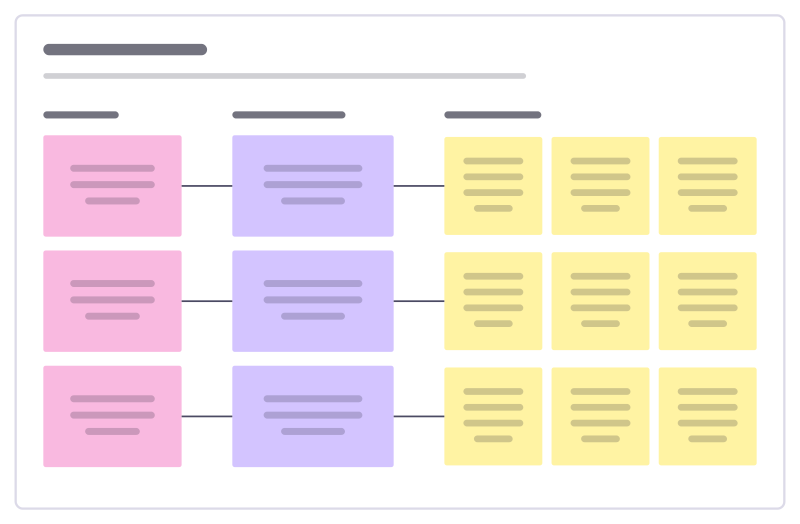
How might we
Turn research insights into “How might we…?” questions, then into first ideas.
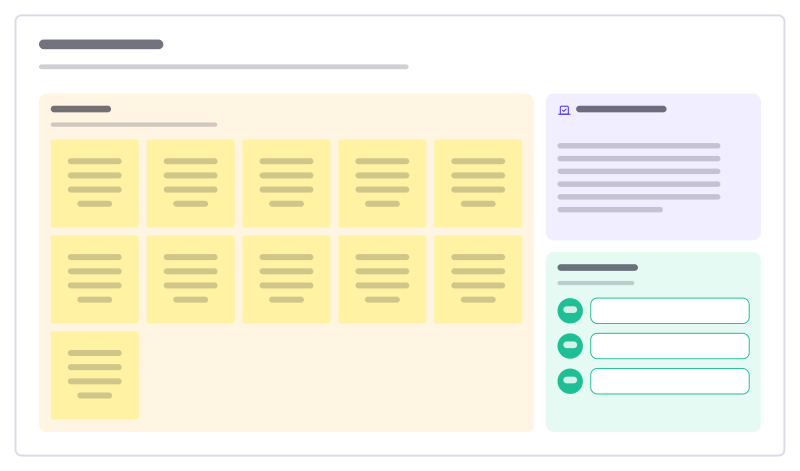
Dot voting
Collect ideas, vote with a fixed number of dots each, and move the winners to a shortlist.
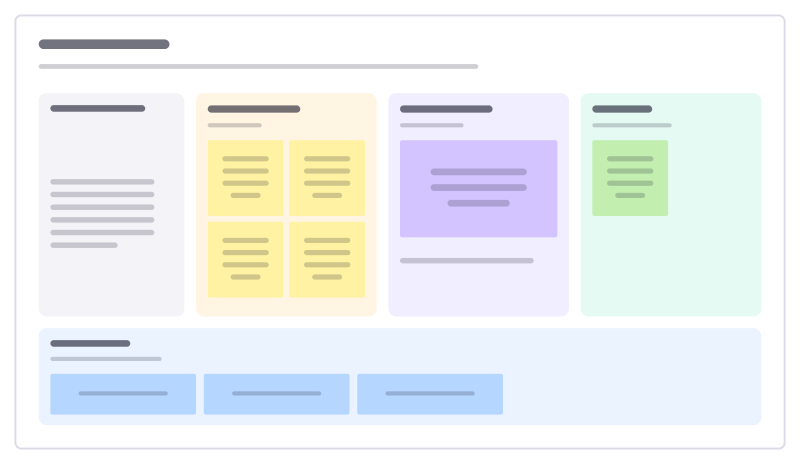
Lean coffee
An agenda-less meeting: propose topics, vote, and talk through them in timeboxes.
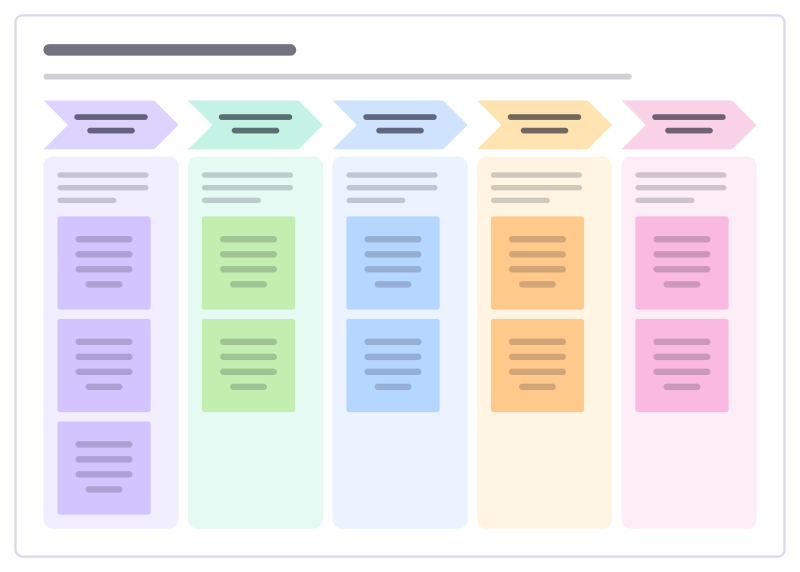
Five-day design sprint
Go from a big question to a tested prototype in one week: understand, explore, choose, build and learn from real people.
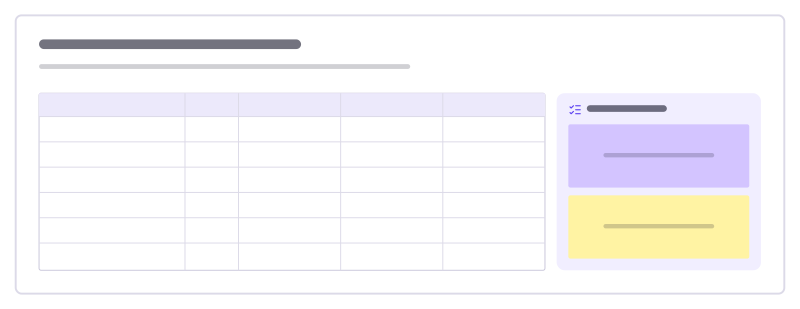
Decision matrix
Compare options on weighted criteria: score each 1–5, multiply by the weight, add it up.
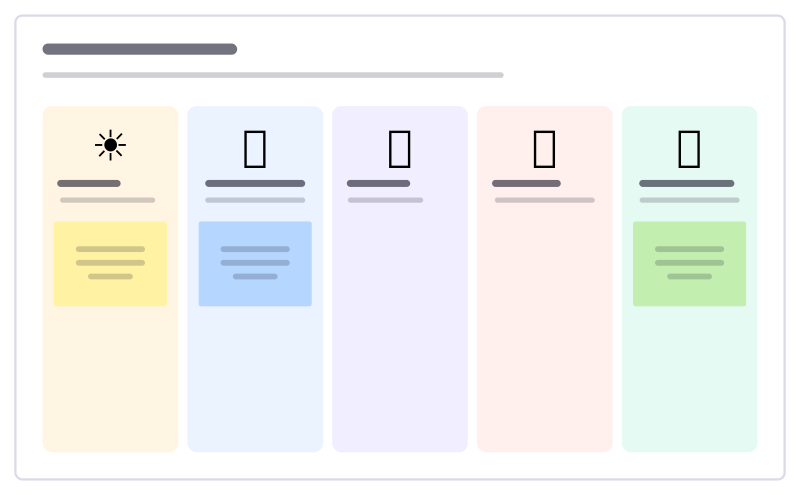
Weather check-in
A light warm-up: everyone places a sticky under the weather that matches their week.
More ways teams use Freero
- Retrospectives: Guided retros: write alone under a timer, reveal, group, vote and leave with owned actions.
- Planning poker: Estimate cards with sealed picks, reveal together and write the agreed value on the card.
- Jira planning: Turn sticky notes into Jira issues on Cloud or Data Center, and keep both in step.
- Roadmaps: A roadmap on a timeline from Jira, Linear or GitHub issues, with bars that sync their dates.
- Brainstorming: Ideas on sticky notes, written privately against a timer, clustered and dot-voted down to the few worth trying.
- User story mapping: A story map of activities, user tasks and release slices, estimated and sent to Jira, Linear or GitHub.
- Agent control room: A board where AI agents post their plan, status and tasks, and people steer them.
Frequently asked questions
How does dot voting work in Freero?
The facilitator starts voting from the board menu and sets the votes per person. Everyone spends them on sticky notes, cards or shapes; results can stay hidden until the facilitator shows them as a ranked list.
Can I keep participants from moving things around?
Yes. Facilitator controls can lock the board so participants only comment, or limit what they may add, for example sticky notes only. The server enforces it, and the controls end when the facilitator leaves.
Bring your team and your agents to one board
Free to use, open source, and yours to host. No credit card, no seat count.