Team building template
Team bingo template
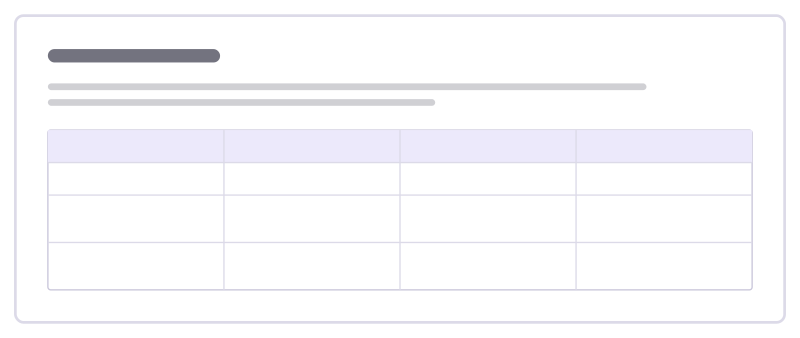
A getting-to-know-you game: find a teammate who matches each square and write their name in it.
Free · Editable · Works with Claude and ChatGPT
How to use the Team bingo template
Start a board from it
Use this template opens a new Freero board with the Team bingo template on it (sign up free first). On a board you already have, open Templates in the toolbar and search for “Team bingo”.
Follow the instruction on the board
“Ten minutes, find a different person for every square. In a remote team, people add their names to squares that fit them instead.”
Fill in each part
- Table Columns: Find someone who… · Find someone who… · Find someone who… · Find someone who…
Bring your team and your agents
Invite people to the board or share a link, and work on it together live. The timer is in the top bar, private mode and voting in the board menu, and Claude or ChatGPT can join through Freero’s MCP server.
Work on it with an AI agent
Connect an assistant once and it works on the board with you, with your permissions: by default it reads and proposes, and people decide.
You ask: “Fill in the Team bingo board from these notes.”
What happens It reads the board, then proposes sticky notes for it. Nothing changes until someone on the board accepts them.
You ask: “Group what we wrote into themes and list the actions.”
What happens It proposes clusters with a title each and task cards for the actions, labelled with its name and yours.
Set it up for Claude, ChatGPT or any MCP client.
Related team building templates

Superpowers and weak spots
Team members share what they’re great at and where they’d love help, so the team knows who to ask for what.
Two truths and a lie
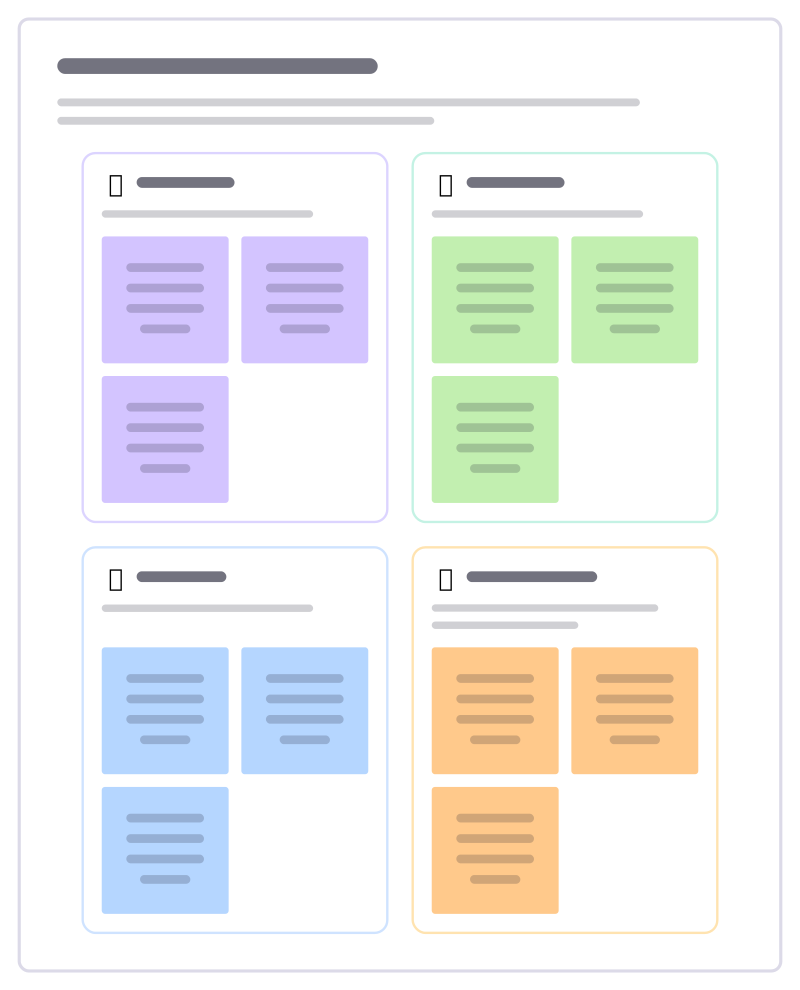
Each person writes three statements about themselves, one of them false; the team guesses which before the reveal.
Team trading cards
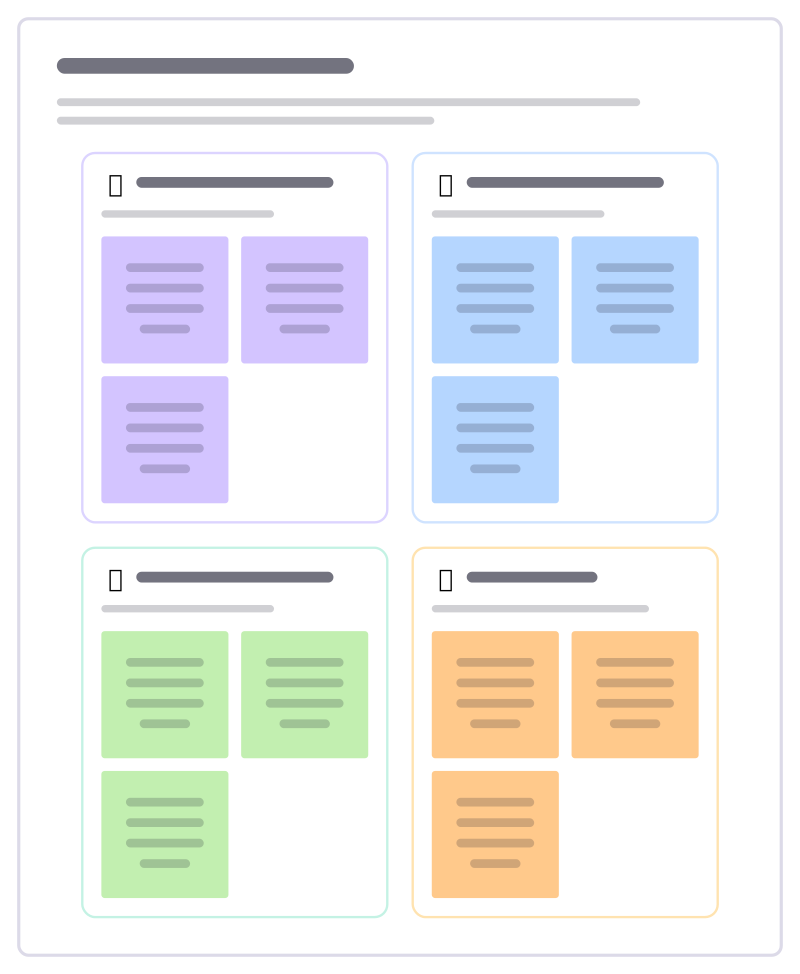
Everyone makes a card about themselves: a superpower, what fuels them and a topic to ask them about. Good for new or growing teams.
Check-in round
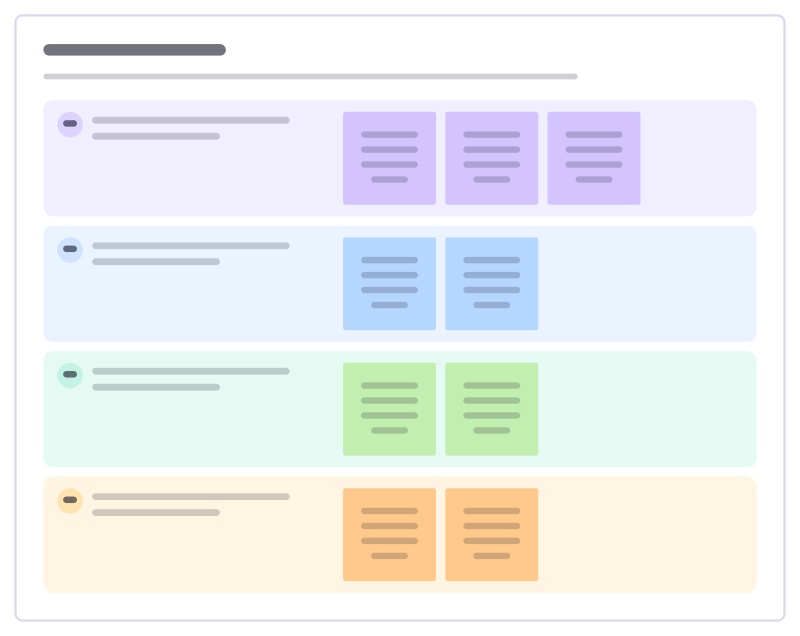
Open a meeting so everyone has spoken once in the first five minutes: a choice of short check-in questions with example answers.
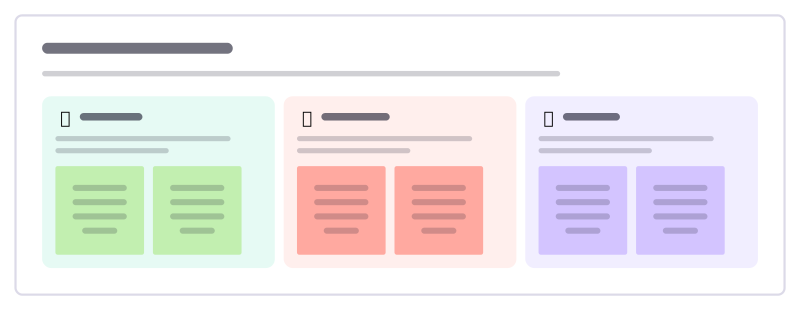
Rose, thorn, bud
A quick round where everyone shares a highlight, a struggle and something just starting to grow.
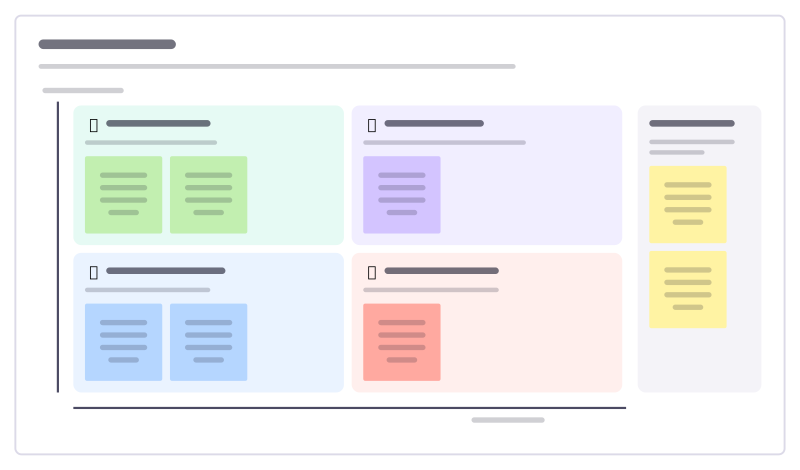
This or that
A playful 2×2 where everyone places their name: early bird or night owl, planner or improviser. A fast way to see the team’s mix.
All 18 team building templates · All 584 templates by category
Bring your team and your agents to one board
Free to use, open source, and yours to host. No credit card, no seat count.