Use case · User story mapping
User story mapping online, from the first activity to the backlog
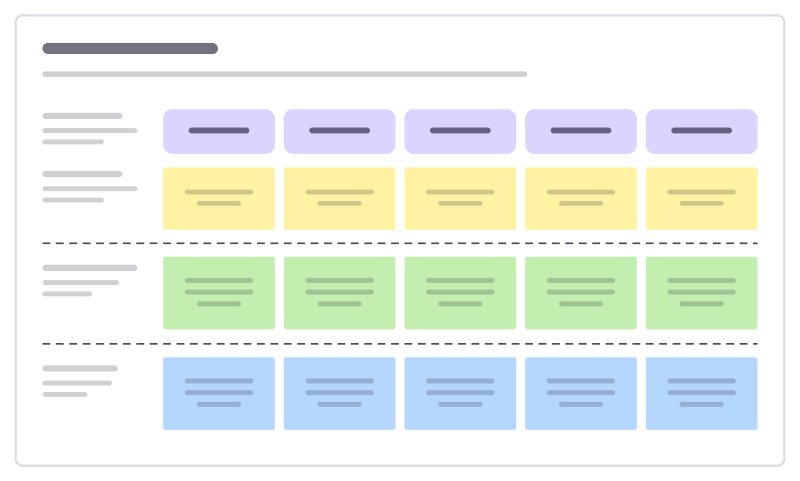
Lay out how people use your product from left to right, break each step into stories, and slice the map into releases. Freero’s story map is a template on a free collaborative whiteboard, so the whole team builds it together and the stories go straight to your tracker.
Build the map together
The backbone
Along the top, write the activities a person goes through, in order: discover, sign up, set up, use, share. Everyone adds at once, with live cursors.User tasks and stories
Under each activity, the tasks people do, and under those the stories that deliver them. Tab adds the next sticky note beside the last.Release slices
Drag the dashed lines to split the stories into Release 1, the smallest version worth shipping, and the releases after it. Add a row for each.Estimate and ship
Convert stories to cards, estimate them with planning poker, then send the first release to Jira, Linear or GitHub as issues that stay in sync.
From the map to the tracker
The board stays the picture; the tracker holds the work. Freero keeps them in step.
- One issue per story, or one issue for a whole cluster with a link back to every note.
- Live status on the map: each linked story shows its issue key, status and assignee, updated when the issue changes.
- Jira Cloud and Data Center, Linear, and GitHub including Enterprise Server.
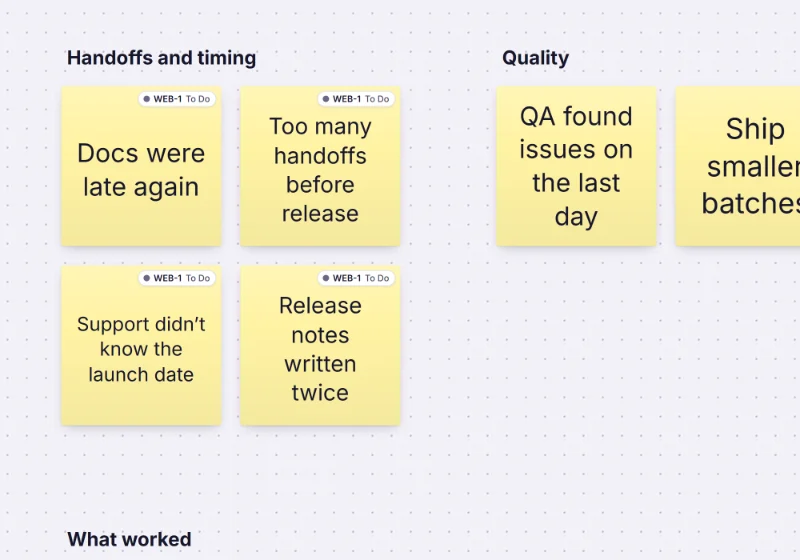
More on this in Jira planning on a whiteboard; for dates, put the releases on a roadmap timeline.
Let an agent draft the stories
Connected over MCP, Claude or ChatGPT reads the map and proposes stories; the team decides what stays.
You ask: “For each activity on this story map, propose the user tasks and stories we are missing.”
What happens It proposes sticky notes under each activity, shown as suggestions for the team to accept or reject.
You ask: “Send the Release 1 stories to Jira, one issue each.”
What happens It sends them through the same sync people use, and each note shows its new issue.
Needs: permission to change boards
Set it up for Claude or ChatGPT. Planning the work as columns instead? See the kanban board.
Story mapping templates
User story map
The user journey as a backbone of activities, with stories sliced into releases.
Story splitting
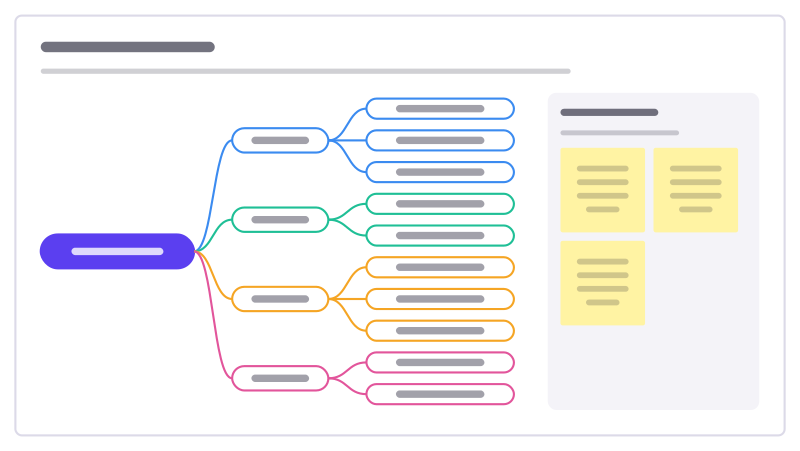
Break a story that’s too big into smaller ones that each still deliver something, using a few reliable ways to split.
Backlog refinement
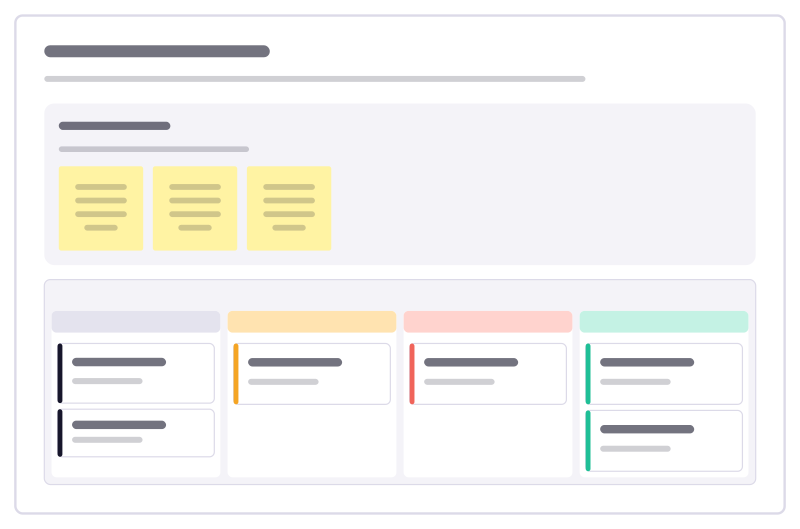
Move backlog items from rough idea to ready-to-plan, and catch the ones that are too big or too vague before planning day.
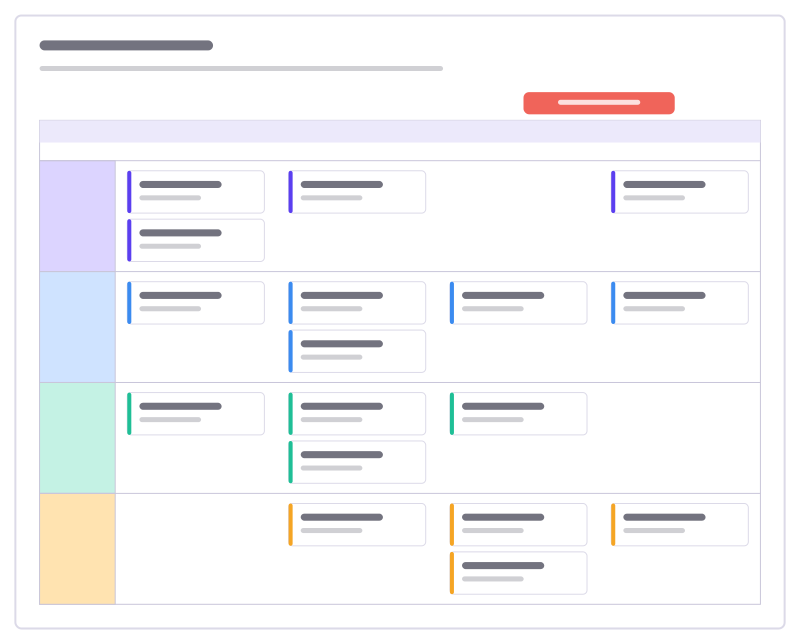
Release plan
Work per stream across four sprints as task cards in swimlanes, with the release marked.
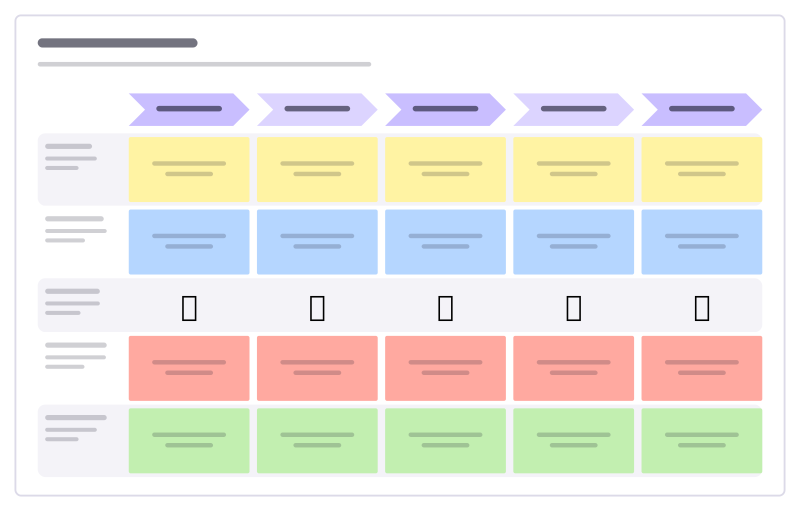
Customer journey
Stages across, lanes for doing, thinking, feeling, pain points and opportunities.

User persona
A research-based profile: who they are, goals, frustrations, habits and tools.
More ways teams use Freero
- Retrospectives: Guided retros: write alone under a timer, reveal, group, vote and leave with owned actions.
- Planning poker: Estimate cards with sealed picks, reveal together and write the agreed value on the card.
- Workshops: Run a workshop on one board: private writing, dot voting, a shared timer, follow the facilitator.
- Jira planning: Turn sticky notes into Jira issues on Cloud or Data Center, and keep both in step.
- Roadmaps: A roadmap on a timeline from Jira, Linear or GitHub issues, with bars that sync their dates.
- Brainstorming: Ideas on sticky notes, written privately against a timer, clustered and dot-voted down to the few worth trying.
- Agent control room: A board where AI agents post their plan, status and tasks, and people steer them.
Frequently asked questions
Is there a user story map template?
Yes. The User story map template lays out a row of activities, the user tasks under them, and release rows (Release 1 as the MVP, then Release 2) separated by dashed lines. It is made of ordinary sticky notes, shapes and lines in a frame, so you can edit, extend or move every part.
Can I send the stories to Jira?
Yes. Select the stories in a release row and send them to Jira Cloud, Jira Data Center, Linear or GitHub as one issue each. Each note then shows its issue’s key, status and assignee, kept in sync both ways.
Can we estimate the stories on the map?
Yes. Convert story notes to task cards and estimate them with planning poker on the board: picks stay sealed until the reveal and the agreed value is written on the card.
Bring your team and your agents to one board
Free to use, open source, and yours to host. No credit card, no seat count.