Agile template
Sprint planning template
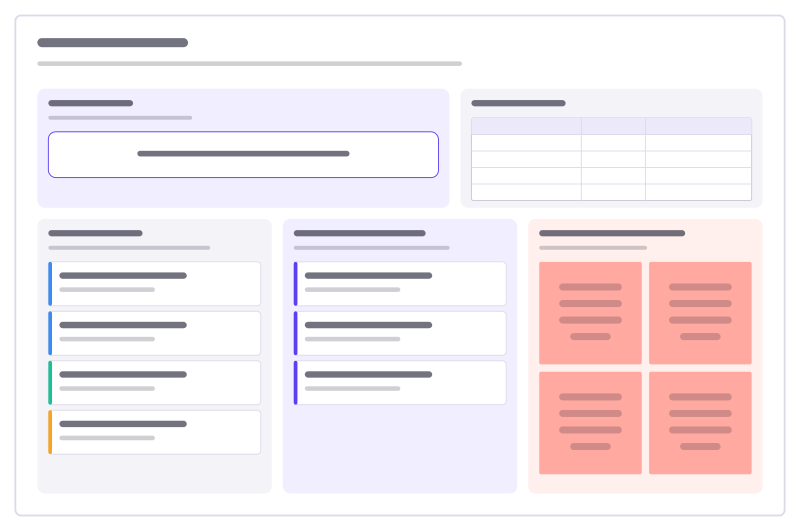
Sprint goal, team capacity, the ready backlog, what you commit to, and the risks.
Free · Editable · Works with Claude and ChatGPT · Also in Planning
How to use the Sprint planning template
Start a board from it
Use this template opens a new Freero board with the Sprint planning template on it (sign up free first). On a board you already have, open Templates in the toolbar and search for “Sprint planning”.
Follow the instruction on the board
“Agree on the goal first, check how many days people really have, then pull work from the top of the backlog until it’s full.”
Fill in each part
- Sprint goal One sentence the whole team can repeat by heart.
- Team capacity
- Table Columns: Teammate · Days available · Notes
- Ready backlog Ordered by priority, estimated, clear enough to start.
- Committed this sprint Pulled from the backlog. Stop when capacity is full.
- Risks & dependencies What could stop us, and who we need.
Bring your team and your agents
Invite people to the board or share a link, and work on it together live. The timer is in the top bar, private mode and voting in the board menu, and Claude or ChatGPT can join through Freero’s MCP server.
Work on it with an AI agent
Connect an assistant once and it works on the board with you, with your permissions: by default it reads and proposes, and people decide.
You ask: “Fill in the Sprint planning board from these notes.”
What happens It reads the board, then proposes sticky notes for it. Nothing changes until someone on the board accepts them.
You ask: “Group what we wrote into themes and list the actions.”
What happens It proposes clusters with a title each and task cards for the actions, labelled with its name and yours.
Set it up for Claude, ChatGPT or any MCP client.
Used for
- Planning poker: Estimate cards with sealed picks, reveal together and write the agreed value on the card.
- Jira planning: Turn sticky notes into Jira issues on Cloud or Data Center, and keep both in step.
Related agile templates
Sprint goal canvas
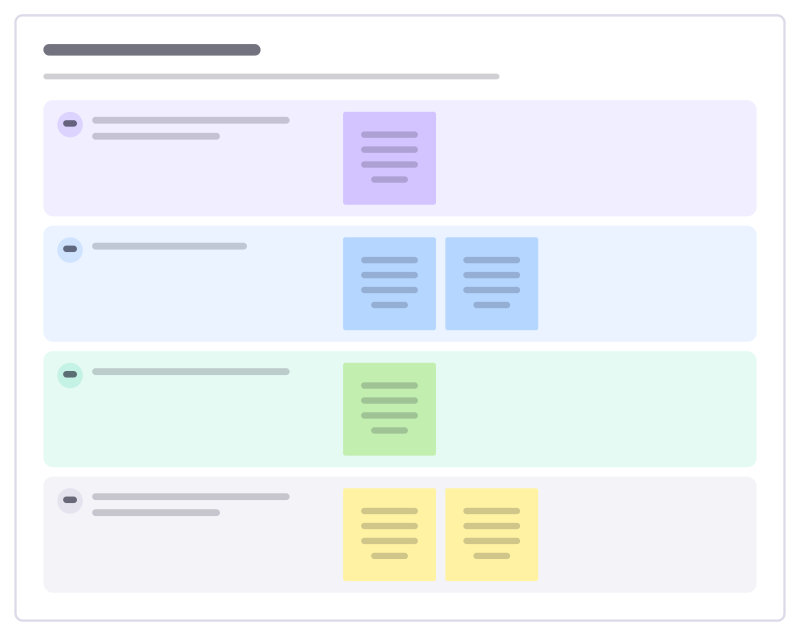
Write a sprint goal the team can steer by: the outcome, why it matters now, how you’ll know, and what you won’t do.
Kanban board
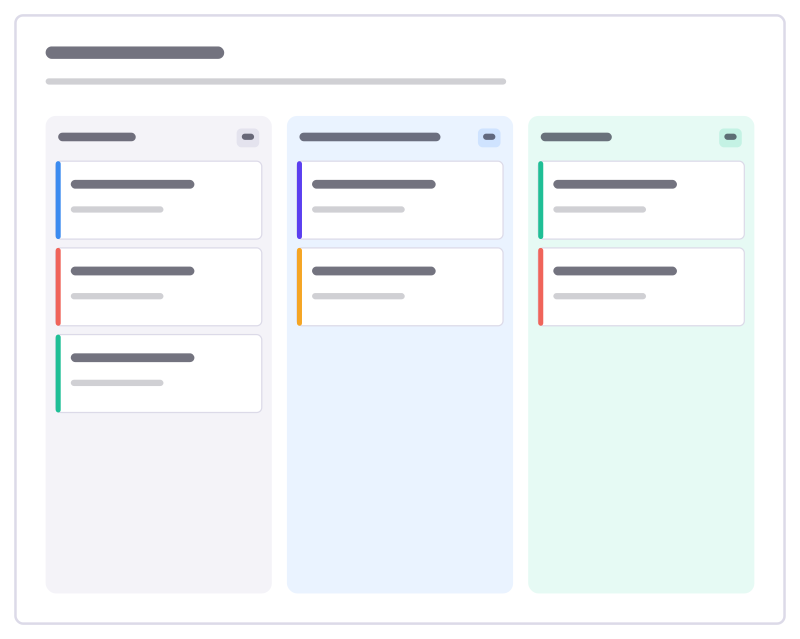
To do, Doing and Done columns with task cards and a work-in-progress limit.
Sprint board
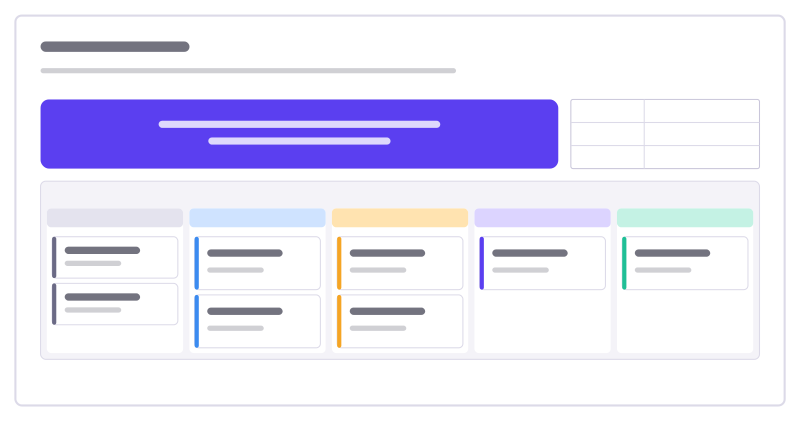
The sprint goal and facts on top, a five-column task kanban with WIP limits below.
User story map
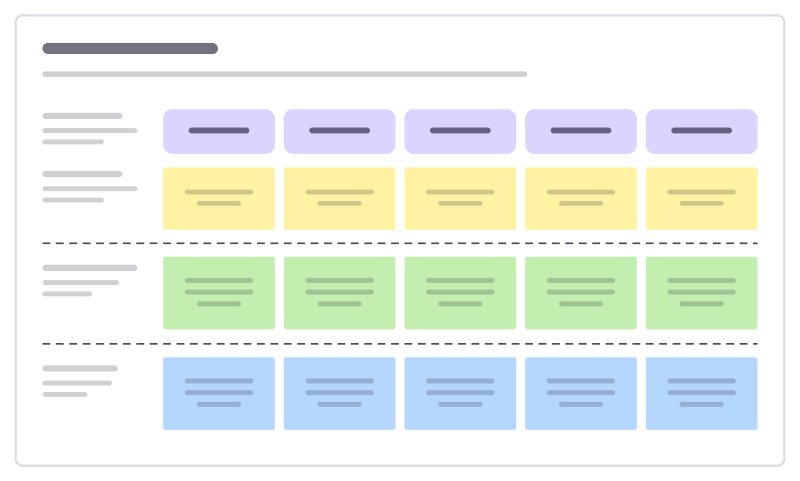
The user journey as a backbone of activities, with stories sliced into releases.
Sprint capacity
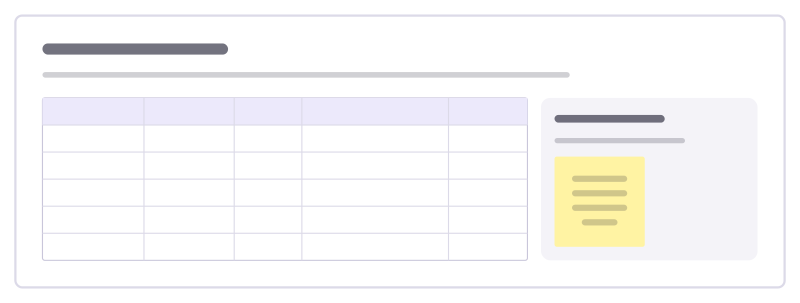
Work out how much the team can really take on: days available per person, time lost to other work, and the total to plan against.

Futurespective
Imagine it is six months from now and things went well. Work backwards to what made it happen and what could stop it.
Bring your team and your agents to one board
Free to use, open source, and yours to host. No credit card, no seat count.