Agile template
Relative sizing template
Sort stories into size columns against one reference story instead of arguing hours.
Free · Editable · Works with Claude and ChatGPT
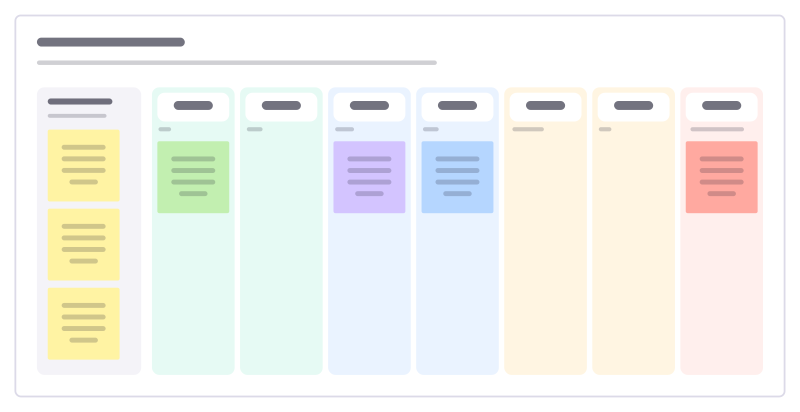
How to use the Relative sizing template
Start a board from it
Use this template opens a new Freero board with the Relative sizing template on it (sign up free first). On a board you already have, open Templates in the toolbar and search for “Relative sizing”.
Follow the instruction on the board
“Agree on one reference story (a 3) first. Then place every other story by comparing it with what’s already on the wall.”
Fill in each part
- To size One story at a time.
Bring your team and your agents
Invite people to the board or share a link, and work on it together live. The timer is in the top bar, private mode and voting in the board menu, and Claude or ChatGPT can join through Freero’s MCP server.
Work on it with an AI agent
Connect an assistant once and it works on the board with you, with your permissions: by default it reads and proposes, and people decide.
You ask: “Fill in the Relative sizing board from these notes.”
What happens It reads the board, then proposes sticky notes for it. Nothing changes until someone on the board accepts them.
You ask: “Group what we wrote into themes and list the actions.”
What happens It proposes clusters with a title each and task cards for the actions, labelled with its name and yours.
Set it up for Claude, ChatGPT or any MCP client.
Used for
- Planning poker: Estimate cards with sealed picks, reveal together and write the agreed value on the card.
Related agile templates
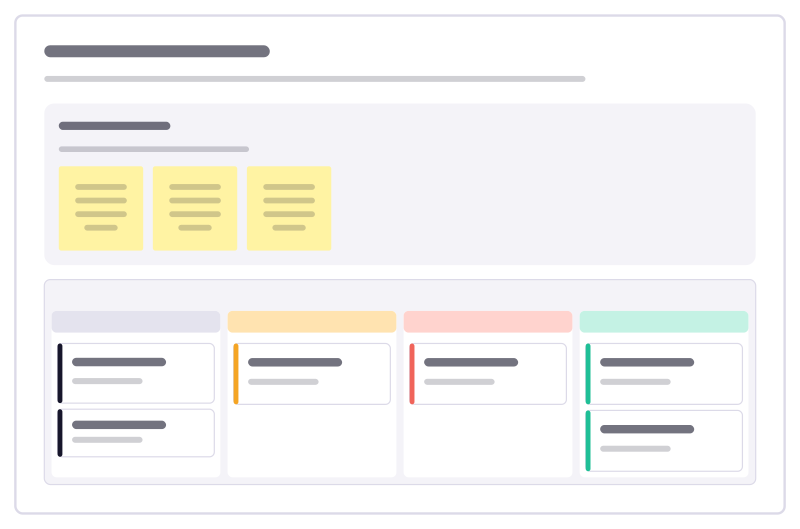
Backlog refinement
Move backlog items from rough idea to ready-to-plan, and catch the ones that are too big or too vague before planning day.
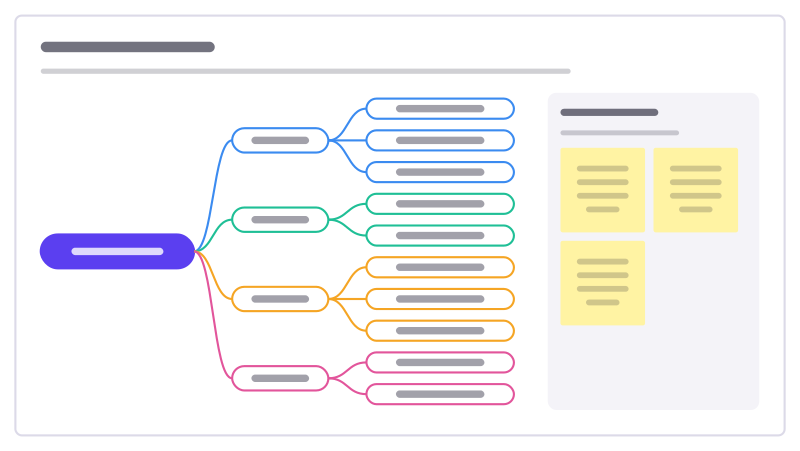
Story splitting
Break a story that’s too big into smaller ones that each still deliver something, using a few reliable ways to split.
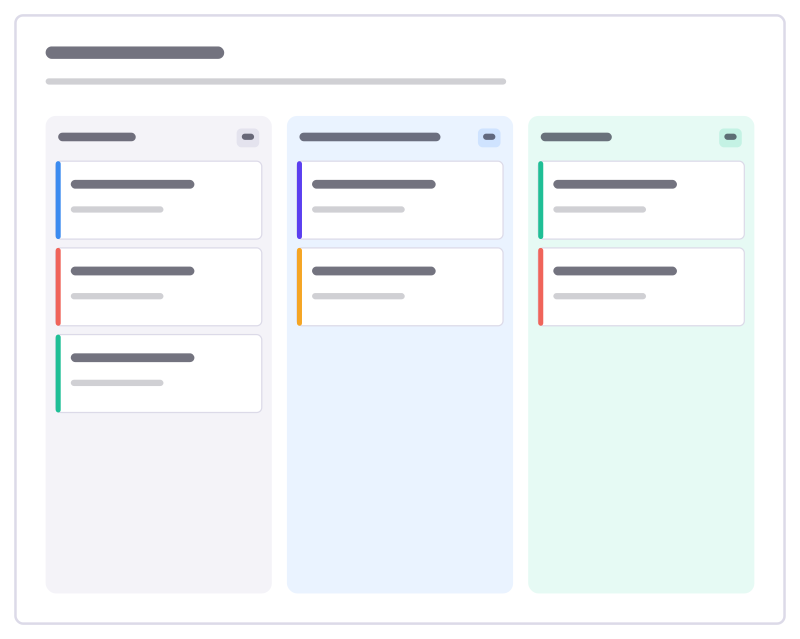
Kanban board
To do, Doing and Done columns with task cards and a work-in-progress limit.
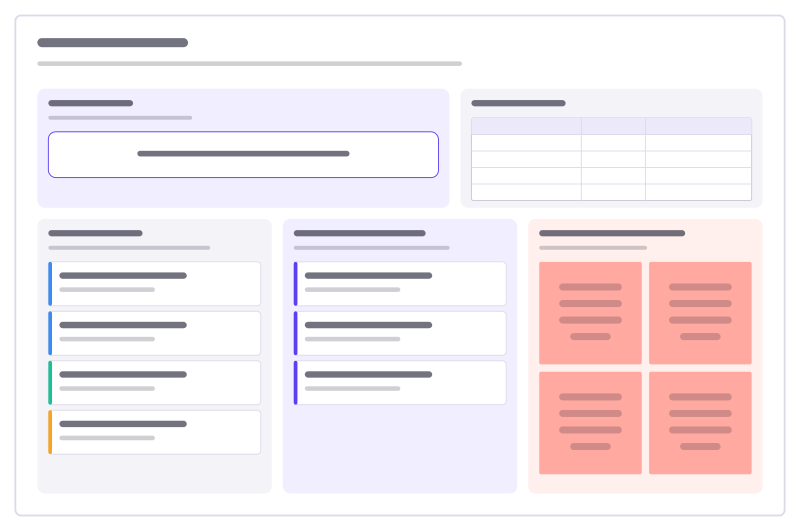
Sprint planning
Sprint goal, team capacity, the ready backlog, what you commit to, and the risks.
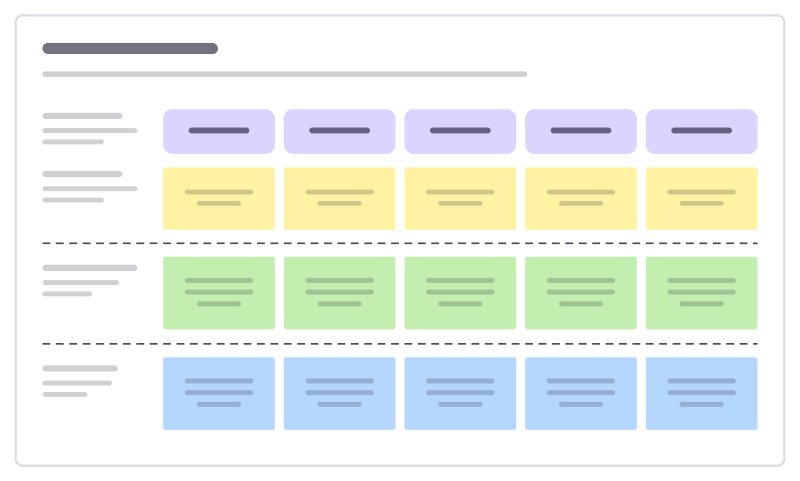
User story map
The user journey as a backbone of activities, with stories sliced into releases.
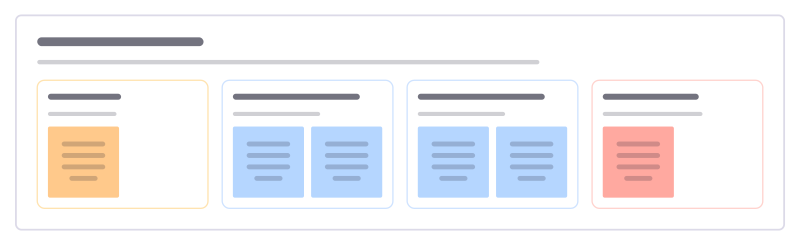
Rules and examples
Before building a story, agree its rules and a concrete example for each, and collect the questions nobody can answer yet.
Bring your team and your agents to one board
Free to use, open source, and yours to host. No credit card, no seat count.