Feature · Online whiteboard
A free online whiteboard for your whole team
An infinite canvas where everyone works live: sticky notes, shapes and diagrams, kanban boards and mind maps, with the workshop tools built in. No plan to upgrade to, no seat to buy, no cap of three boards.
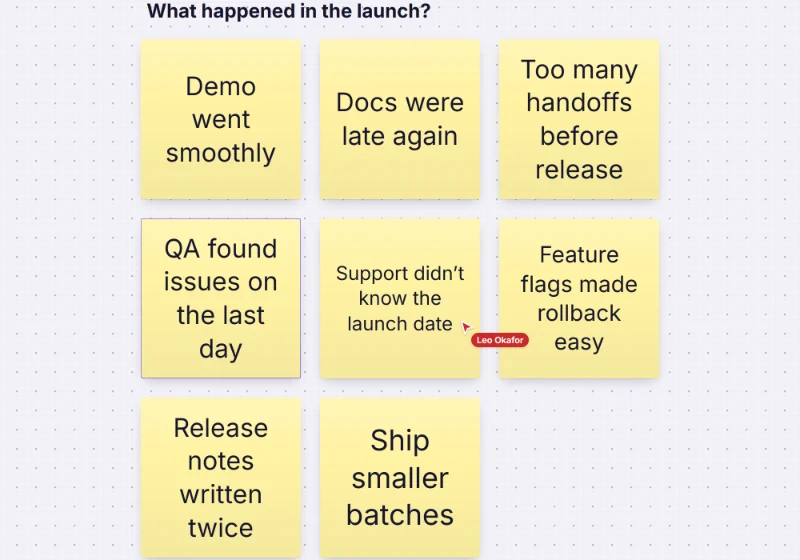
What free means here
- Can: As many editors, commenters and viewers as you like, on as many boards as you need: 5,000 per account by default
- Can: Every whiteboard, diagram and workshop feature, with no paid tier waiting behind it
- Can: Guests on a shared link can view or comment without an account
- Can: 1 GB of uploads per account for images, PDFs, video and audio
- Can: Export to PNG, JPG, SVG or PDF, and a full board backup you can restore
On 28 October 2026, the free plans of several well-known whiteboards allowed three editable boards or files (see Freero vs Miro, vs Mural and vs FigJam, with sources). Freero’s limits are on the pricing page, and whoever runs a Freero server can change them.
Everything on one canvas
Sticky notes and text
Twelve sticky colours, Tab for the next note, tags, clusters by colour or tag, and reactions.Flowcharts and diagrams
Shape sets for flowcharts, UML, BPMN, ERD and networks, attached connectors, auto-layout and Mermaid.Mind maps
Keyboard-first maps that lay themselves out; paste an indented list to start one.Kanban and cards
Columns that set status, WIP limits, due dates and assignees, synced with Jira, Linear or GitHub.Frames, docs and media
Frames that become slides, collaborative docs, images, PDFs, video, embeds and link previews.Timelines and tables
Roadmaps on a timeline, Gantt bars, and tables with typed columns and a board view.
Made for working together, live
- Live cursors and selections for everyone on the board, and follow mode to see what someone else sees.
- Comments with mentions, notifications, and an activity feed of who changed what.
- Version history that brings back any earlier state of the board.
- Facilitation: a shared timer, dot voting, private writing, polls and planning poker.
- Present from the board: frames as slides, a laser pointer and presenter notes.
- Roles and sharing: owner, editor, commenter and viewer, and links with a password or an expiry date.
See it in practice: retrospectives, workshops and user story mapping.
Your AI assistant can join the board
Freero is built for teams of people and AI agents.
Connect Claude or ChatGPT over MCP and the assistant reads the board, groups notes, drafts diagrams and proposes changes that people accept or reject. Everything it adds carries its name and yours. Building your own agent? Start at Freero for builders.
Free, and yours to keep
Freero is open source under the MIT licence. Use the hosted service, or run it on your own servers with one Docker image, including single sign-on, SCIM and an audit log. Your boards export as files you can restore anywhere Freero runs.
Start from a template
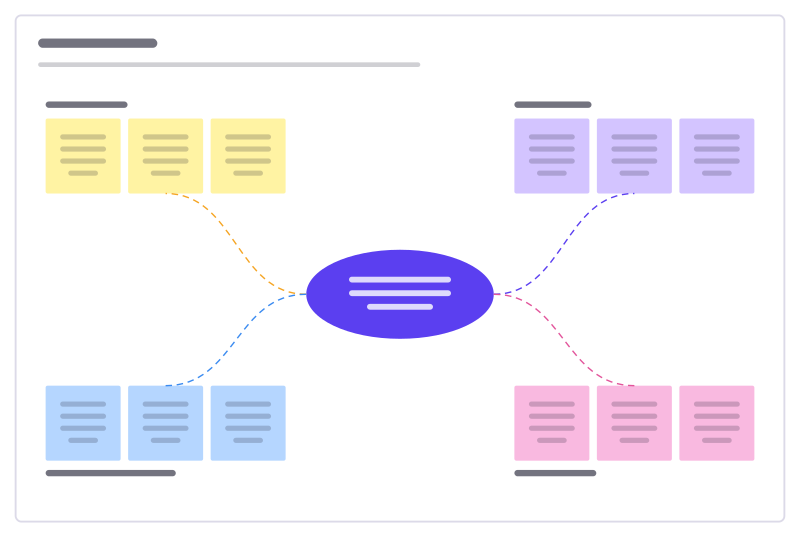
Idea burst
A central challenge with four idea clusters to fill, sort and vote on.
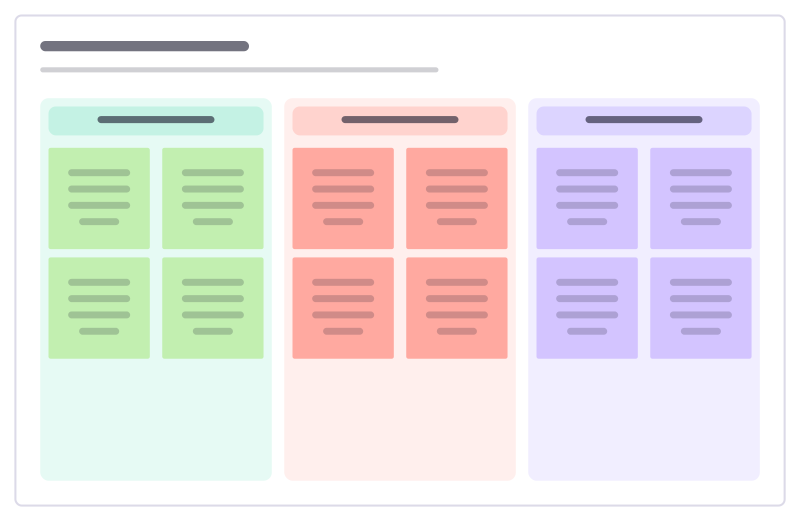
Retrospective
Went well, to improve and action items: a calm, classic sprint retro.
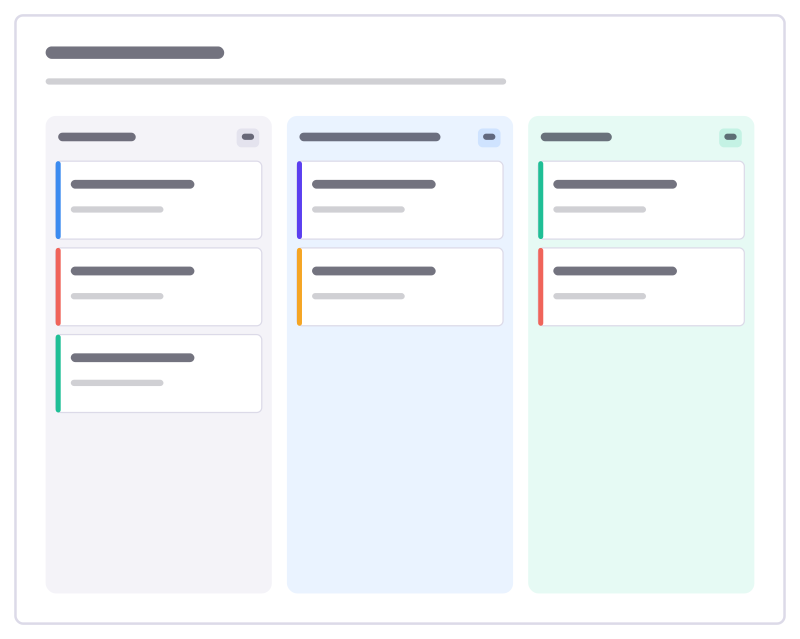
Kanban board
To do, Doing and Done columns with task cards and a work-in-progress limit.
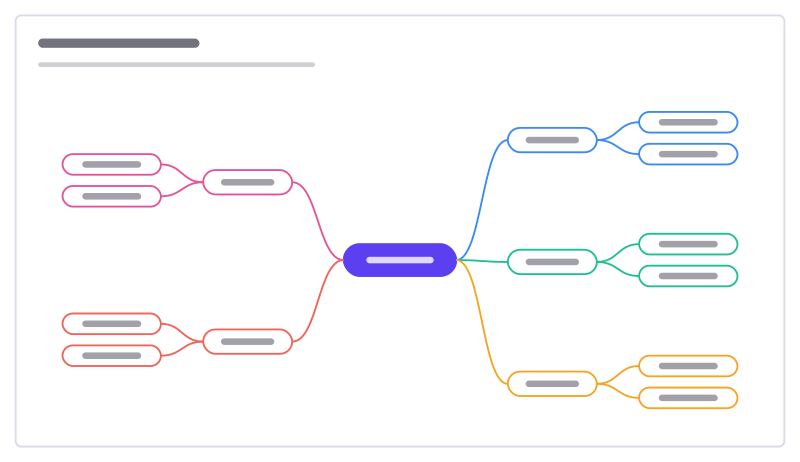
Mind map starter
A central topic with branches and sub-ideas, ready to grow in both directions.
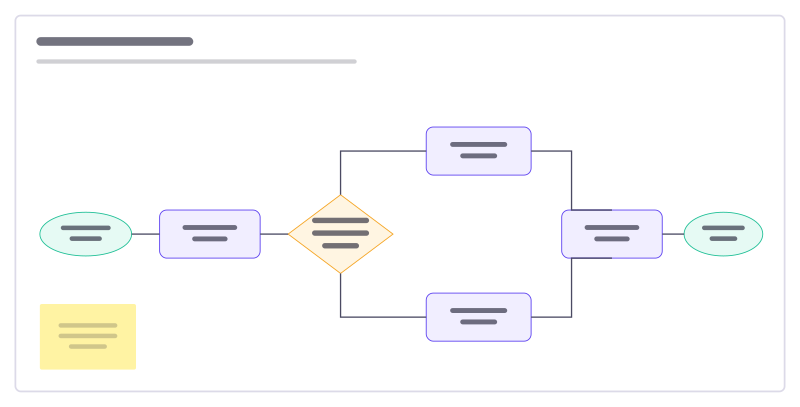
Flowchart starter
A support-request flow with a decision, two branches and connected steps.
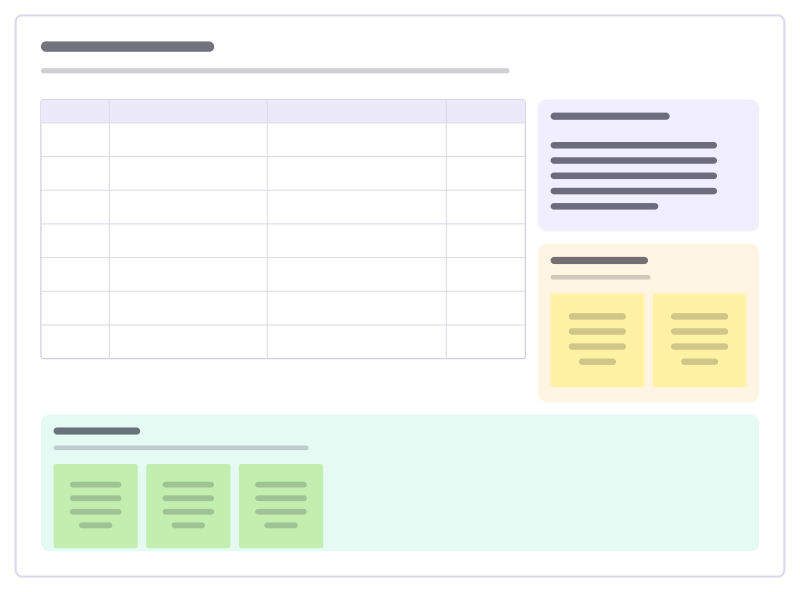
Workshop agenda
A timed agenda with methods and owners, the goals, a parking lot and a check-out.
More of the whiteboard
- Kanban board: Columns that set a card’s status, WIP limits, due dates and assignees, synced with Jira, Linear or GitHub.
- Mind map: Keyboard-first mind maps that lay themselves out: Tab for a child, Enter for a sibling, paste an outline to start.
- Flowcharts and diagrams: Flowchart, UML, BPMN, ERD and network shapes with attached connectors, auto-layout and Mermaid import.
Frequently asked questions
Is this online whiteboard really free?
Yes. Freero has no paid plan and no feature behind a paywall. Each account can own up to 5,000 boards and 1 GB of uploads by default, with as many editors, commenters and viewers as you like. Freero is open source under the MIT licence, so you can also run it on your own servers.
Do I need an account?
To create and edit boards, yes: sign-up is free with an email address. People you share a link with can join as guests without an account to view the board or, if the link allows it, to comment.
How many people can work on a board at once?
There is no seat count. Everyone you invite edits live, with their cursor and selection visible to the others, and you can follow someone’s view or bring everyone to yours.
Does it work on a tablet or phone?
Yes. Freero runs in current versions of Chrome, Edge, Firefox and Safari, on desktop, tablets and phones, and can be installed as an app from the browser.
Bring your team and your agents to one board
Free to use, open source, and yours to host. No credit card, no seat count.