Feature · Flowcharts and diagrams
A free online flowchart and diagram maker for teams
Draw a process with the people who run it. Freero has shape sets for flowcharts, UML, BPMN, ERD, networks and wireframes, connectors that stay attached when you move things, automatic layout, and Mermaid that turns into a diagram you can keep editing.
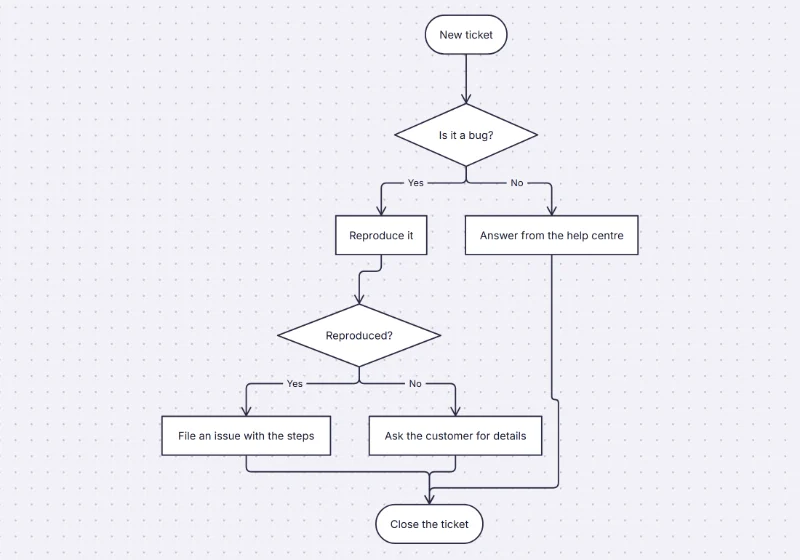
Shapes for every kind of diagram
Choose which shape sets a board shows, then search the shape library or use the shortcuts: S for shapes, R for a rectangle, O for a circle, L for a connector.
Flowchart
Process, decision, terminator, data, document, delay, manual input, off-page reference and the rest of the standard set.UML and sequence
Class, actor, package, component, node and note, plus lifelines, activations and fragments for sequence diagrams.BPMN and ERD
Events, gateways, subprocesses and message, timer and error events; entities with crow’s-foot line ends.Network and wireframe
Servers, firewalls, routers and devices; browser, phone and form controls for quick wireframes.
Connectors that stay connected
- Attached ends. Connect to any point on a shape’s outline; move the shape and the line follows.
- Straight, elbow or curved, solid, dashed or dotted, with arrowheads, circles, diamonds, bars and crow’s feet.
- Labels on lines. Double-click a line to label it, as many times as the line needs.
- Auto-layout. Select connected shapes and lay them out top-down, left to right, as a tree or as an org chart.
- Swimlanes and tables. Lanes and phases that grow with their content, and tables with typed columns.
- Bring your diagrams. Import draw.io and Excalidraw files as editable shapes.
Diagrams from text
Write it, paste it, and keep editing it as a diagram. Mermaid flowcharts, sequence diagrams and mind maps are laid out on the board as real shapes and connectors.
flowchart TD
  A([New ticket]) --> B{Is it a bug?}
  B -- Yes --> C[Reproduce it]
  B -- No --> D[Answer from the help centre]
  C --> E{Reproduced?}
  E -- Yes --> F[File an issue with the steps]
  E -- No --> G[Ask the customer for details]
Insert from text also takes an org chart as “Name, Title, Manager” lines, a tree or mind map as an indented list, a kanban and a table, each with a preview before it lands as one undo step.
Subgraphs become frames, node shapes and edge styles carry over, and Edit diagram source changes the diagram later. Diagrams of up to 2,000 elements.
Ask an agent to draw it
Connected over MCP, an assistant describes the diagram and Freero lays it out, so it never has to guess coordinates.
You ask: “Draw our deploy pipeline as a flowchart on the architecture board.”
What happens It sends the steps and decisions as a graph or Mermaid; Freero lays it out and, by default, shows it as a suggestion to accept.
You ask: “Explain the flow on this board and point out steps with no exit.”
What happens It reads the board’s shapes and connectors as an outline and answers in the chat.
Set it up for Claude, ChatGPT or any MCP client.
Diagram templates
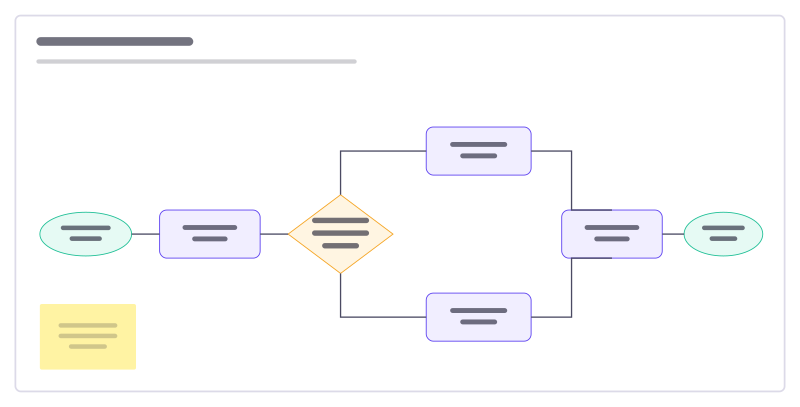
Flowchart starter
A support-request flow with a decision, two branches and connected steps.
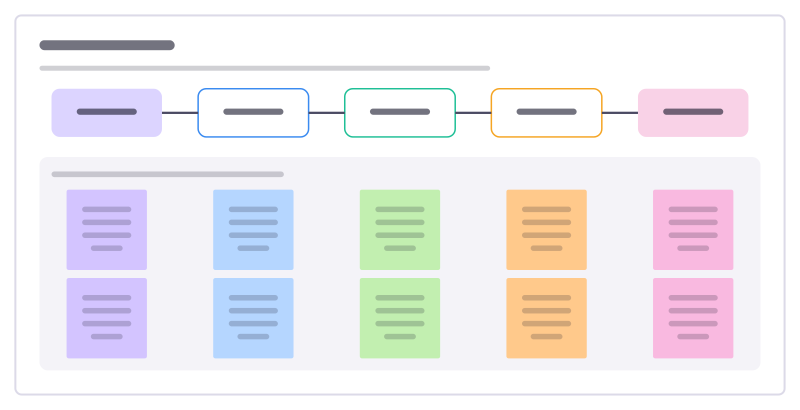
Process map
Lay out how a piece of work really flows today, step by step, with who does it, the tools involved and where time is lost.
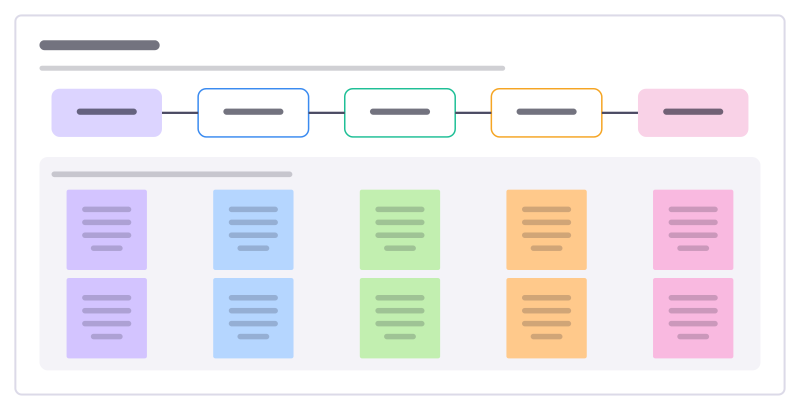
User flow
The screens and steps a person goes through to finish one task, with what each step must achieve and where it can go wrong.
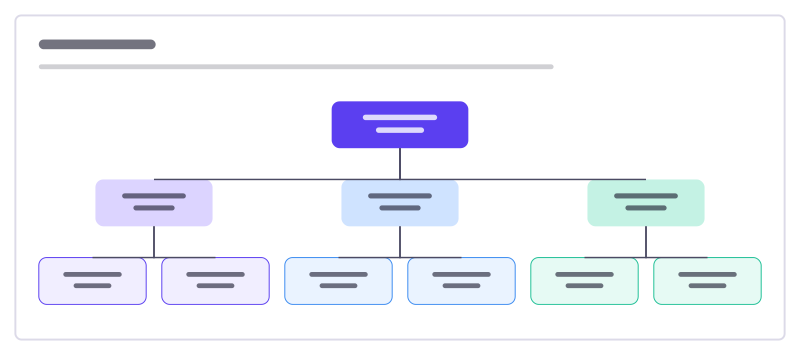
Org chart
Who leads what: a three-level reporting tree with connected, editable boxes.
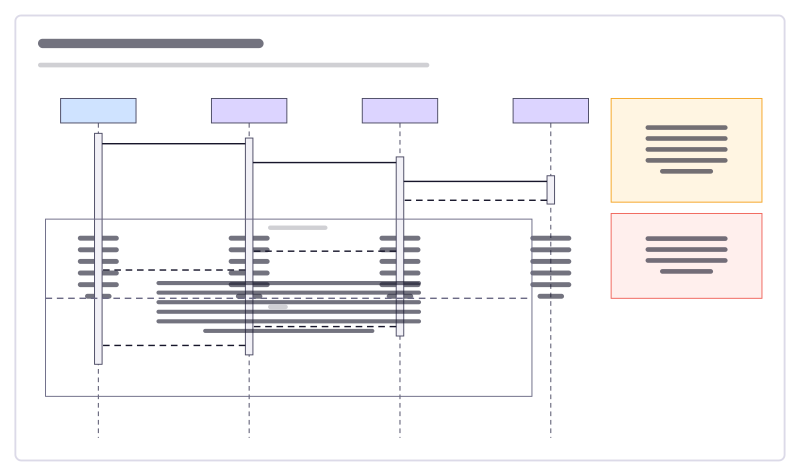
Sequence diagram
A sign-in flow as UML lifelines, activation bars, calls, replies and an alt fragment.
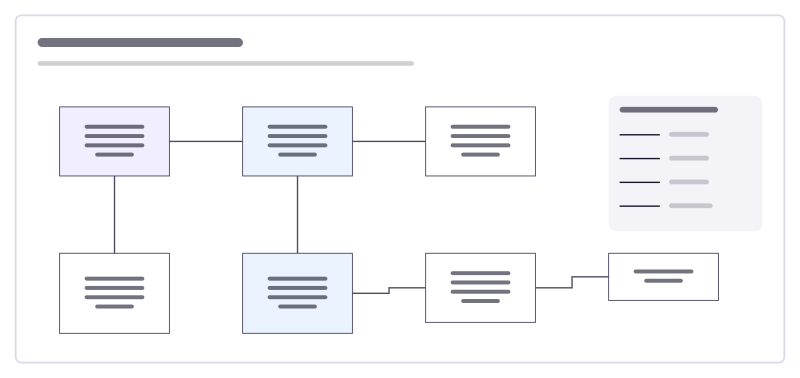
Data model (ERD)
An online shop’s tables and how they relate, drawn with crow’s-foot ends.
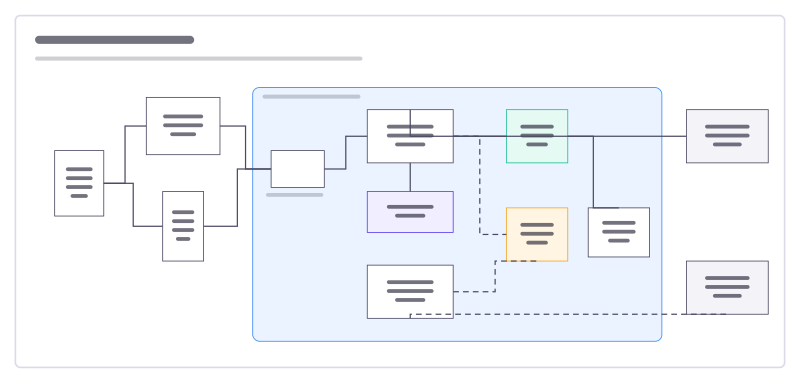
System architecture
Users, apps, services, data stores and outside providers, with what talks to what.
More of the whiteboard
- Online whiteboard: A free, real-time whiteboard for teams: unlimited editors, 5,000 boards per account, every feature included.
- Kanban board: Columns that set a card’s status, WIP limits, due dates and assignees, synced with Jira, Linear or GitHub.
- Mind map: Keyboard-first mind maps that lay themselves out: Tab for a child, Enter for a sibling, paste an outline to start.
Frequently asked questions
Is the flowchart maker free?
Yes. Every shape set, connector style, Mermaid import and export format is part of Freero, which has no paid plan. It is open source under the MIT licence.
Can I paste a Mermaid diagram?
Yes. Paste Mermaid text onto the board, or use Insert from text, and a flowchart (with subgraphs as frames), sequence diagram or mind map becomes editable shapes and connectors. The source is kept, so Edit diagram source changes the diagram and lays it out again. Other Mermaid diagram types are refused with the line that caused it.
Can I import draw.io or Excalidraw files?
Yes. Import a draw.io (.drawio) or Excalidraw file and its shapes, text and arrows become editable Freero items in one undo step, with a report of anything that could not be mapped.
How do I export a diagram?
Export the whole board, a selection or the visible area as PNG, JPG or SVG at 1x, 2x or 3x, with or without the background, or export frames as a PDF.
Bring your team and your agents to one board
Free to use, open source, and yours to host. No credit card, no seat count.