Feature · Mind map
A free mind map maker your whole team can edit
Start with one idea and branch out at the speed you type. Freero lays the map out for you, keeps every branch tidy as it grows, and puts the map on the same board as your notes, diagrams and plans.
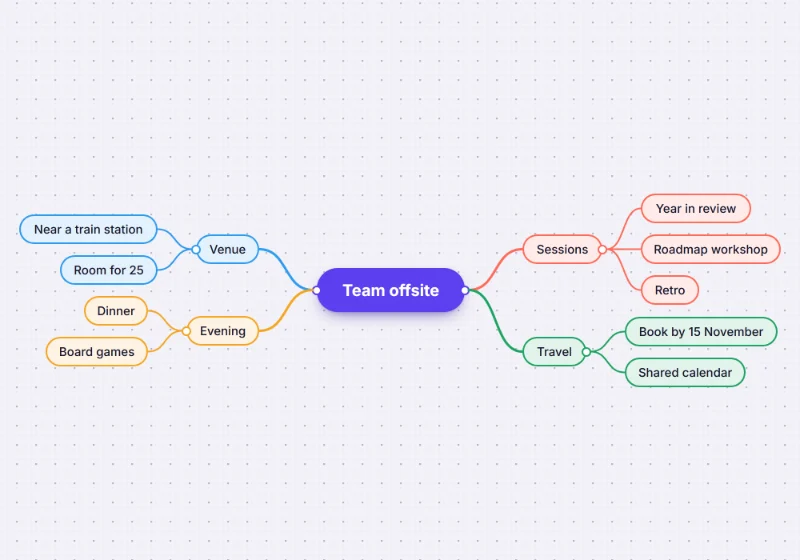
Built for the keyboard
Press M and click (or Enter) to place a central topic and start typing. From there you rarely need the mouse.
| Key | What it does |
|---|---|
| Tab | Add a child idea |
| Enter | Add a sibling idea |
| Shift+Tab | Move an idea up a level |
| Arrow keys | Move between ideas |
| Alt+↑ / Alt+↓ | Reorder an idea among its siblings |
| Space | Collapse or expand a branch |
| Delete | Delete an idea and its branch |
It lays itself out
No dragging boxes into place: the map grows to the left, the right or both sides, and Tidy up straightens it after you have moved things.
- Branches move as one. Drag an idea and its whole branch comes with it.
- Collapse what you are not discussing. Fold a branch away and open it again later.
- From an outline. Paste meeting notes or a document’s headings as an indented list and get a mind map of up to 500 ideas.
- From Mermaid. Paste a Mermaid
mindmapand it becomes an editable map; Edit diagram source changes it later. - Out again. Copy as outline gives you a Markdown list; export the board as PNG, JPG, SVG or PDF.
- Next to everything else. Turn ideas into kanban cards or a flowchart on the same board.
Mind maps from a conversation
Connected over MCP, Claude or ChatGPT can lay out a mind map on your board from what you discussed, or read one back as an outline.
You ask: “Make a mind map of the options we just talked about on my planning board.”
What happens It sends the ideas as an outline and Freero lays out the map; with the default permissions it arrives as a suggestion to accept.
You ask: “Read the mind map on this board and write it up as a plan.”
What happens It reads the board’s outline, branch by branch, and answers in the chat.
Set it up for Claude or ChatGPT. For running a whole session, see brainstorming on Freero.
Mind map templates
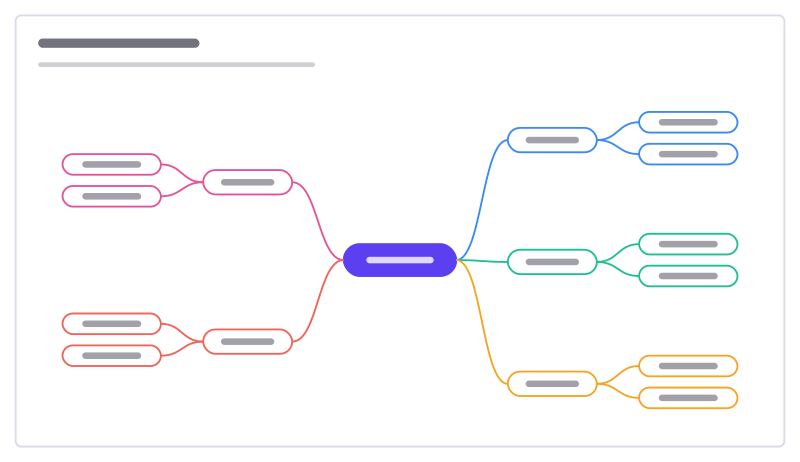
Mind map starter
A central topic with branches and sub-ideas, ready to grow in both directions.
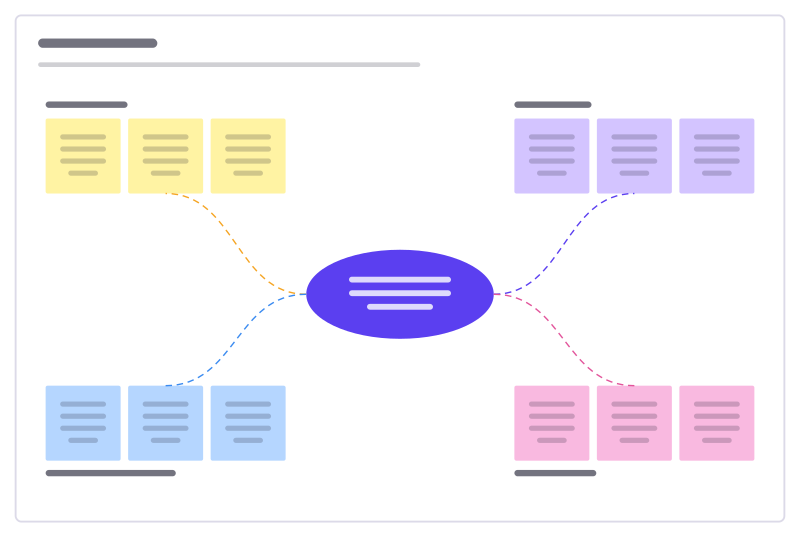
Idea burst
A central challenge with four idea clusters to fill, sort and vote on.
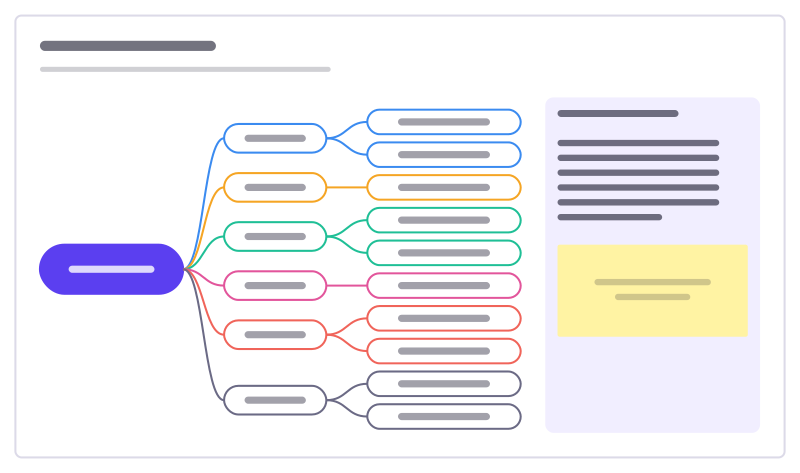
Class brainstorm
A topic web for the whole class: a big question, themes as branches, ideas as leaves.
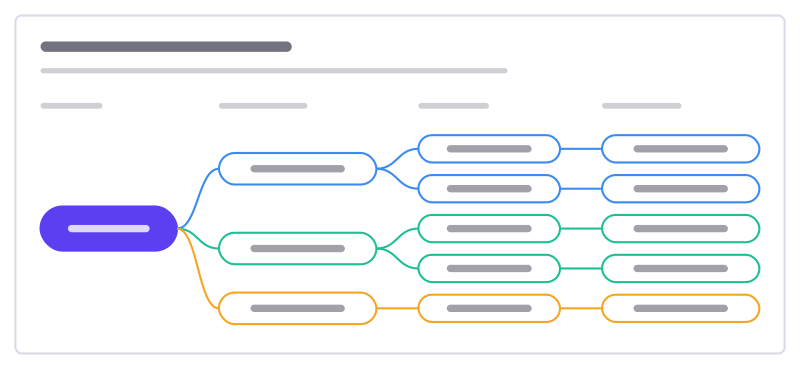
Opportunity solution tree
One outcome, the customer opportunities behind it, solutions for each and the experiments to test them.
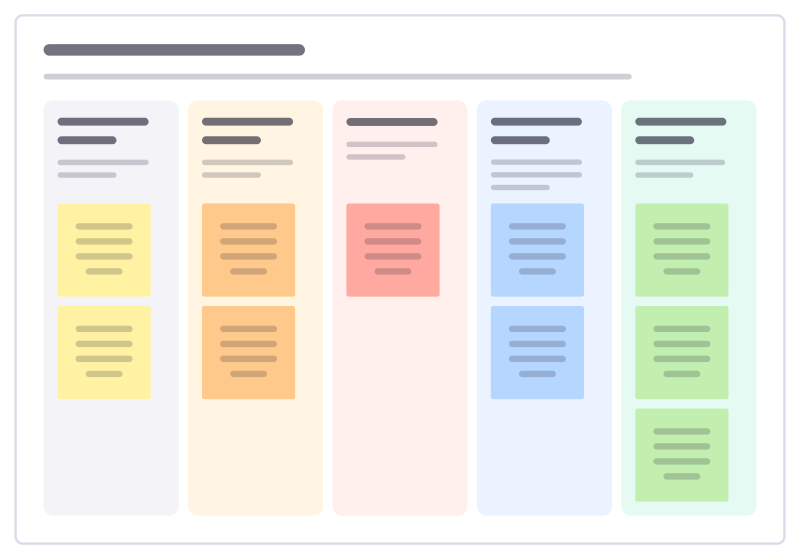
Causes and consequences
Unpick a historical event: the long-term causes, the short-term causes and the trigger, then what followed soon after and much later.
More of the whiteboard
- Online whiteboard: A free, real-time whiteboard for teams: unlimited editors, 5,000 boards per account, every feature included.
- Kanban board: Columns that set a card’s status, WIP limits, due dates and assignees, synced with Jira, Linear or GitHub.
- Flowcharts and diagrams: Flowchart, UML, BPMN, ERD and network shapes with attached connectors, auto-layout and Mermaid import.
Frequently asked questions
Is the mind map maker free?
Yes. Freero is free with no paid plan, and mind maps have no limit of their own beyond the default 5,000 boards per account. Freero is also open source, under the MIT licence.
Can several people edit a mind map at the same time?
Yes. A mind map is part of a Freero board, so everyone on the board edits it live and sees each other’s cursors. People you invite edit with a free account; guests on a shared link can view or comment.
Can I turn a list or notes into a mind map?
Yes. Paste an indented list (bullets, numbers, tabs or spaces, at least two levels deep) onto the board and it becomes a mind map, up to 500 ideas. Insert from text does the same with a preview, and also reads a Mermaid mindmap.
Can I export a mind map?
Copy as outline puts the mind map on the clipboard as an indented Markdown list. The board, a selection or the visible area exports as PNG, JPG or SVG, and frames as a PDF.
Bring your team and your agents to one board
Free to use, open source, and yours to host. No credit card, no seat count.