Feature · Kanban board
A free online kanban board, right on your whiteboard
Plan the work where you discussed it. Freero’s kanban board sits on the same canvas as your sticky notes and diagrams: drag a card to a column and its status changes, set WIP limits, and keep every card in step with Jira, Linear or GitHub.
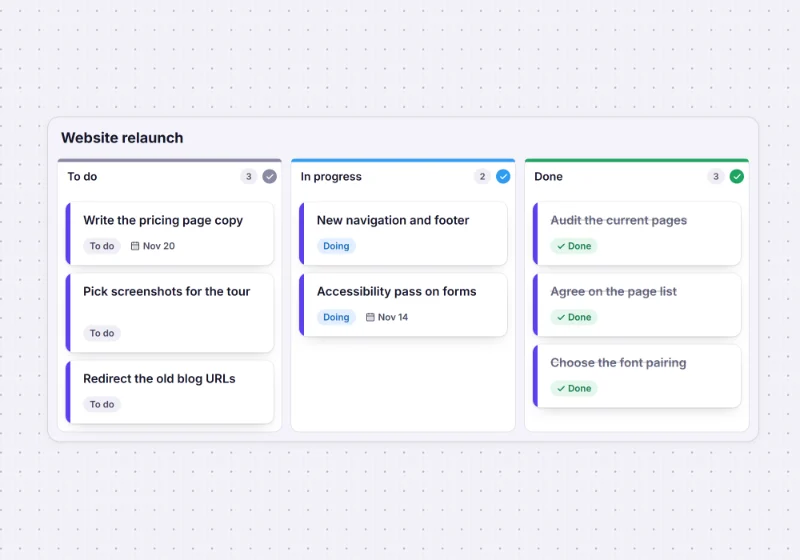
How the board works
Place a board
Pick Kanban board from the + menu of tools and click: a board with To do, In progress and Done columns lands on the canvas. Add, rename, reorder and delete columns from each column’s menu, and choose the column width.Add task cards
A card has a title, a description, a status, start and due dates, an assignee from the board’s members, tags, an accent colour and an estimate. Right-click a sticky note and Convert to card to turn an idea into a task.Move the work
Drag a card into a column and it stacks there. A column can set the status of the cards dropped into it, and a card whose status you change moves to the matching column.Keep work in progress honest
Give a column a WIP limit from 1 to 10. Its header shows how many cards it holds against the limit and flags the column when it goes over.
Synced with Jira, Linear and GitHub
Your team’s tracker stays the source of truth; the board is where you plan.
- Can: Import issues as cards from a JQL query or a Linear or GitHub search, each linked to its issue.
- Can: Send cards to the tracker as one issue each, with the fields the tracker has: title, description, labels, status, assignee and dates.
- Can: Both directions: a card moved to another column changes its issue’s status, and an issue changed in the tracker updates its card.
- Can: Jira Cloud and Jira Data Center, Linear, GitHub and GitHub Enterprise Server.
- Can: CSV in and out: up to 1,999 rows as a kanban by status, and every card back out as CSV.
- Can: Estimate on the board: planning poker writes the agreed value onto the card.
More in Jira planning on a whiteboard and roadmaps from Jira and Linear.
Let an agent update the board
Connected over MCP, an assistant reads the board and proposes cards; people accept what they want.
You ask: “Turn the action items from this retro into cards in the To do column.”
What happens It proposes one task card per action, placed in the column, for someone on the board to accept.
You ask: “Post your progress on the migration to our board.”
What happens A coding agent keeps its own lane of cards moving from To do to Done, so the team sees what it is doing.
Needs: permission to change boards
Set it up for Claude, ChatGPT or any MCP client, or see an agent control room.
Kanban templates
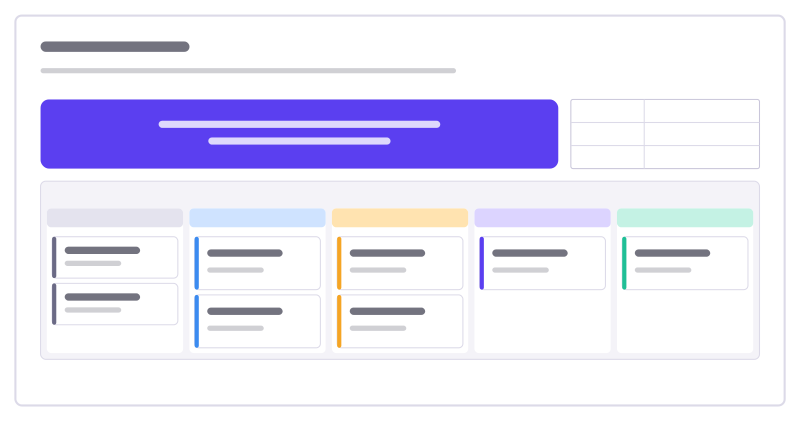
Sprint board
The sprint goal and facts on top, a five-column task kanban with WIP limits below.
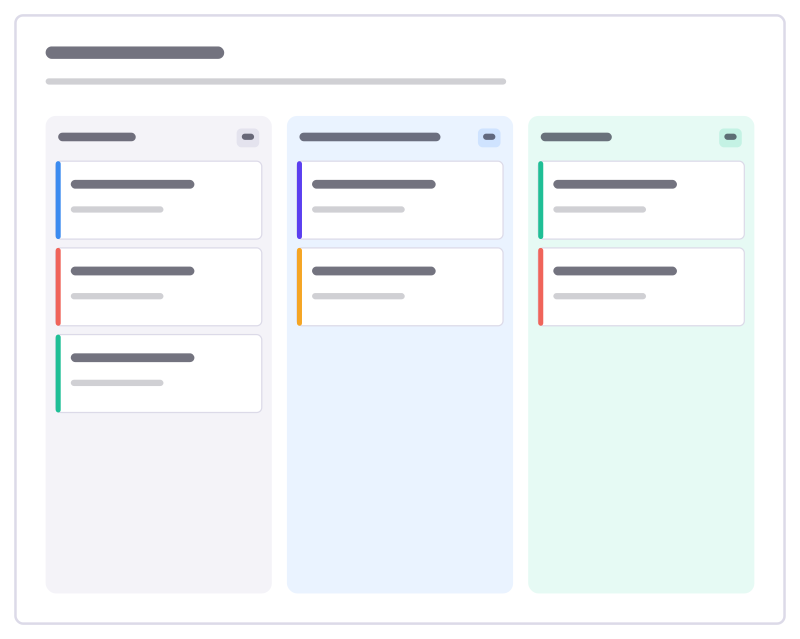
Kanban board
To do, Doing and Done columns with task cards and a work-in-progress limit.
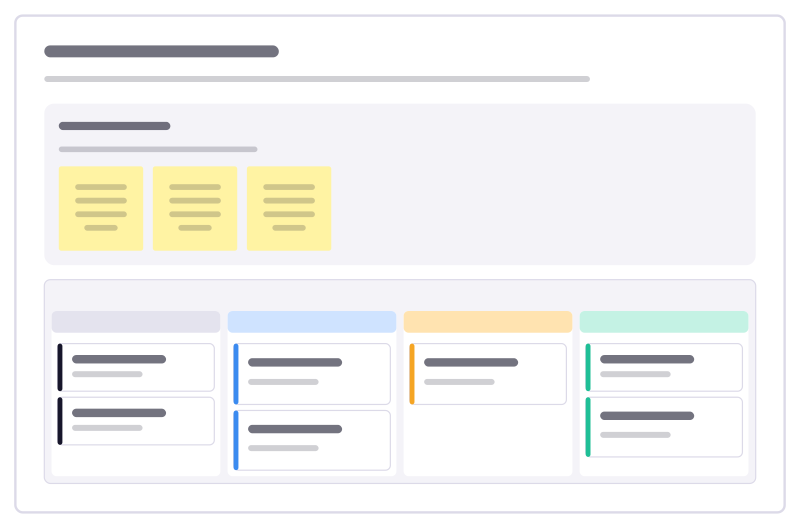
Personal task board
A small kanban for your own work: a later pile, a short next list, a strict limit on what you do at once, and a done column to enjoy.
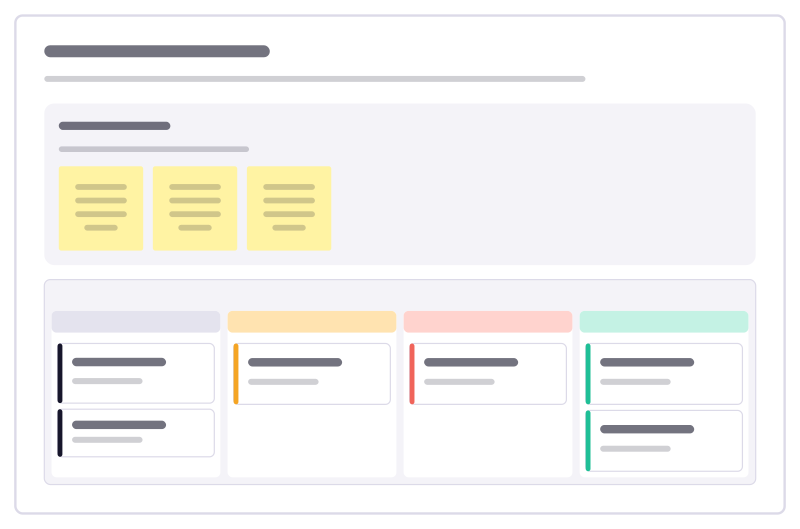
Backlog refinement
Move backlog items from rough idea to ready-to-plan, and catch the ones that are too big or too vague before planning day.
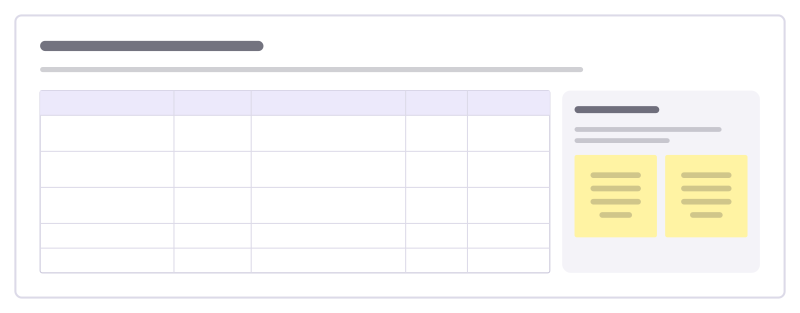
Feature request triage
Go through incoming feature requests: who asked, the problem behind the ask, how often it comes up and what we decide.
More of the whiteboard
- Online whiteboard: A free, real-time whiteboard for teams: unlimited editors, 5,000 boards per account, every feature included.
- Mind map: Keyboard-first mind maps that lay themselves out: Tab for a child, Enter for a sibling, paste an outline to start.
- Flowcharts and diagrams: Flowchart, UML, BPMN, ERD and network shapes with attached connectors, auto-layout and Mermaid import.
Frequently asked questions
Is the kanban board free?
Yes. Freero has no paid plan, so the kanban board, task cards, WIP limits, CSV import and the Jira, Linear and GitHub sync are free for any number of people.
Can I set WIP limits on kanban columns?
Yes. Each column can have a work-in-progress limit of 1 to 10 items. The column header shows the count against the limit and turns to a warning when the column holds more; it warns rather than blocking the move.
Does the kanban board sync with Jira?
Yes. Import issues from a Jira, Linear or GitHub search as cards, or send cards to the tracker as new issues. Linked cards show the issue key, status and assignee, and changes flow both ways: moving a card to another column changes the issue’s status, and an issue changed in the tracker updates its card.
Can I import tasks from a spreadsheet?
Yes. Import a CSV file of up to 1,999 rows as task cards laid out as a kanban by status, mapping your columns to title, description, tags, status, assignee, due date and colour. Cards can be exported to CSV again.
Bring your team and your agents to one board
Free to use, open source, and yours to host. No credit card, no seat count.