Operations template
Process map template
Lay out how a piece of work really flows today, step by step, with who does it, the tools involved and where time is lost.
Free · Editable · Works with Claude and ChatGPT · Also in Diagramming
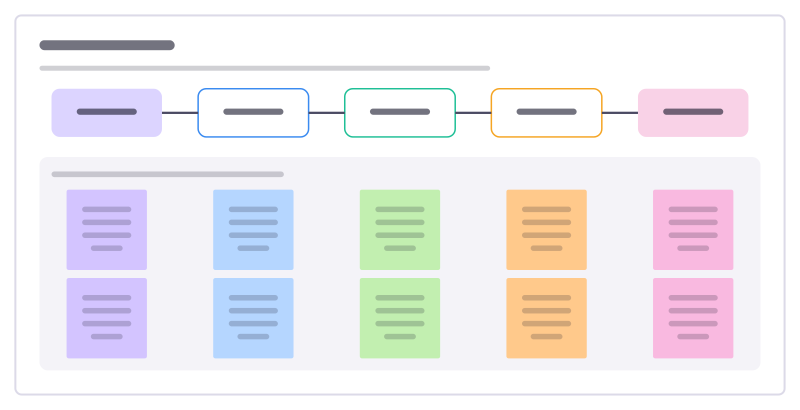
How to use the Process map template
Start a board from it
Use this template opens a new Freero board with the Process map template on it (sign up free first). On a board you already have, open Templates in the toolbar and search for “Process map”.
Follow the instruction on the board
“Map what actually happens, not what the manual says. Walk it with the people who do the work and mark every wait in red.”
Fill in each part
- Who does it, with which tool, and where it waits
- Customer emails a return
- Support checks the order
- Warehouse approves
- Label sent to customer
- Refund issued
Bring your team and your agents
Invite people to the board or share a link, and work on it together live. The timer is in the top bar, private mode and voting in the board menu, and Claude or ChatGPT can join through Freero’s MCP server.
Work on it with an AI agent
Connect an assistant once and it works on the board with you, with your permissions: by default it reads and proposes, and people decide.
You ask: “Fill in the Process map board from these notes.”
What happens It reads the board, then proposes sticky notes for it. Nothing changes until someone on the board accepts them.
You ask: “Group what we wrote into themes and list the actions.”
What happens It proposes clusters with a title each and task cards for the actions, labelled with its name and yours.
Set it up for Claude, ChatGPT or any MCP client.
Related operations templates
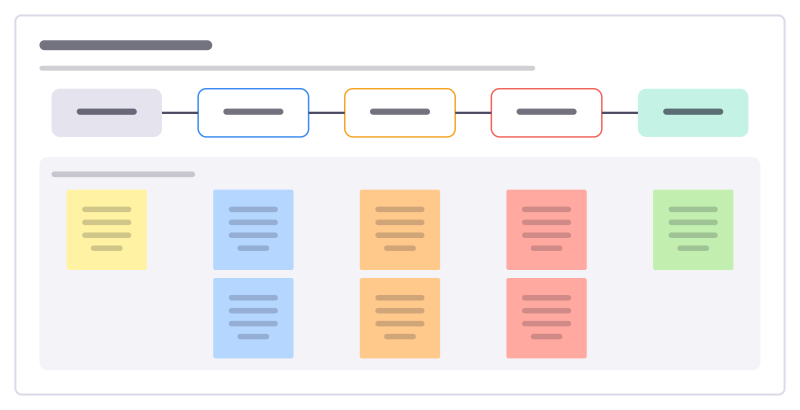
Value stream map
Follow one request through every step to delivery, with work time and wait time at each, to see where time really goes.
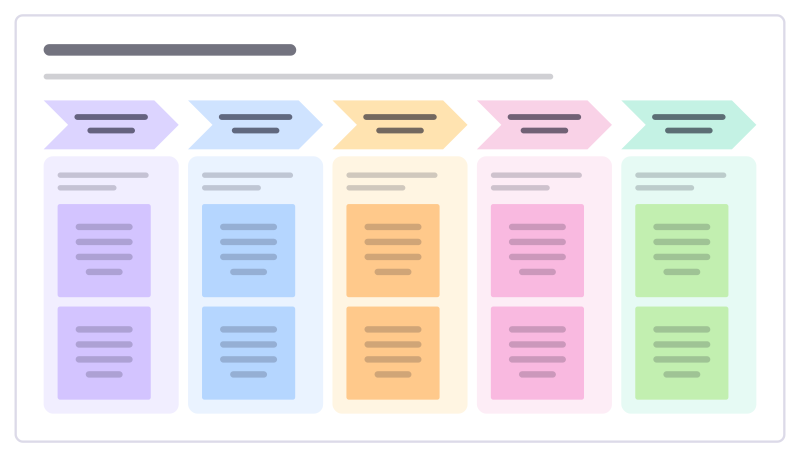
Improvement event plan
Plan a focused few days where a team fixes one process: scope, current state, ideas, changes tried and how they’re kept.
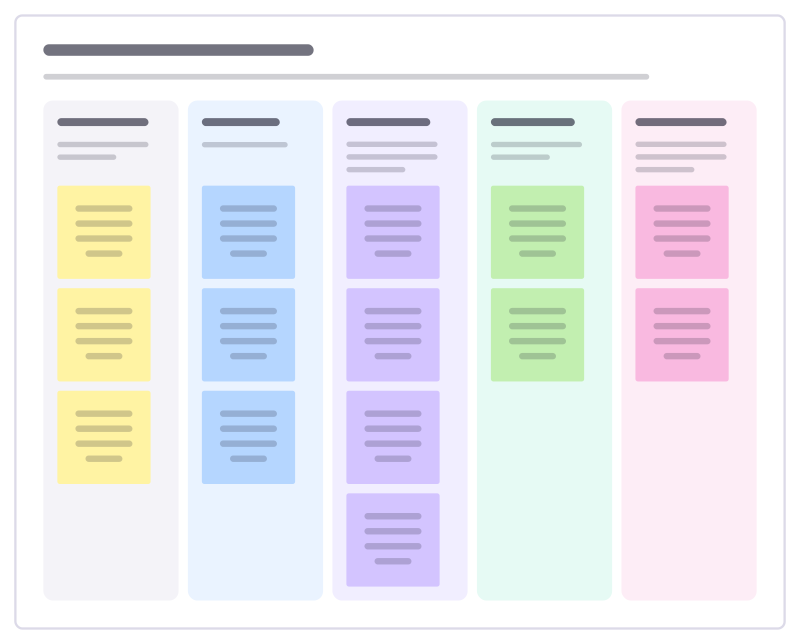
Supplier-to-customer map
One process on a page: who supplies what goes in, the few main steps, what comes out and who receives it.
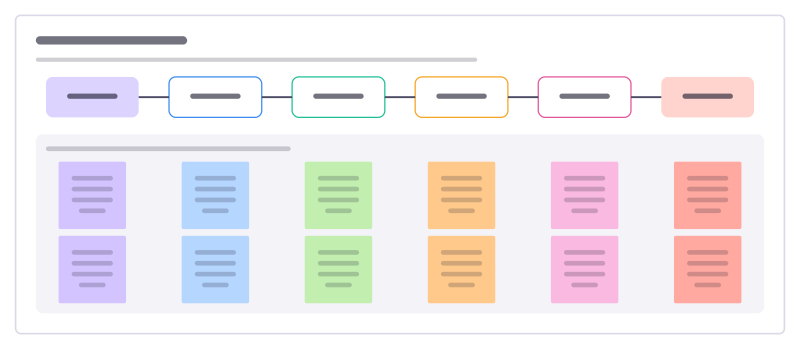
Agent handoff map
Who hands what to whom when people and agents share a piece of work, and the check that has to pass at each handoff.
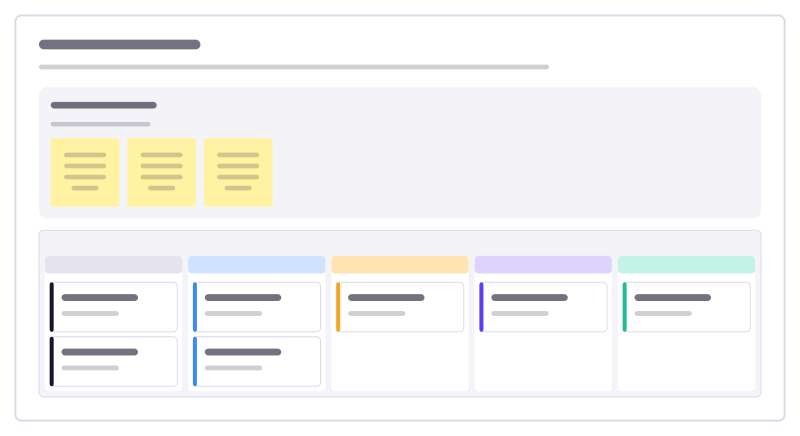
Month-end close
Track every task needed to close the books each month, who owns it and what is waiting on someone else.
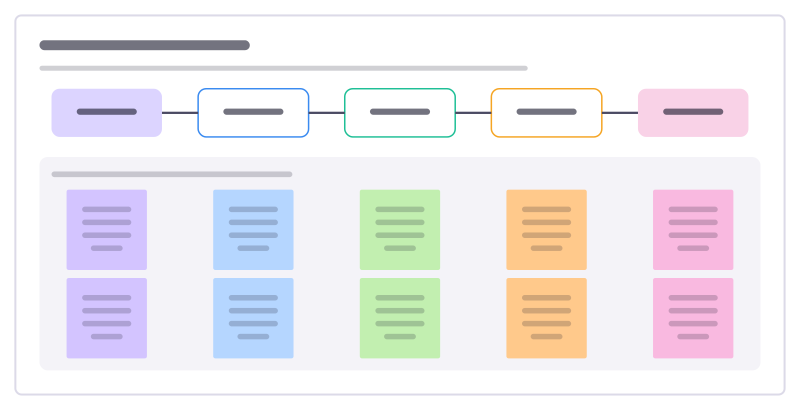
Expense claim process
Lay out how an expense goes from receipt to repayment, who checks what, and where claims get stuck or bounced back.
All 151 operations templates · All 584 templates by category
Bring your team and your agents to one board
Free to use, open source, and yours to host. No credit card, no seat count.