Product management template
Kano feature sort template
Sort features by how customers react to having or missing them: basics they expect, features where more is better, and delighters.
Free · Editable · Works with Claude and ChatGPT · Also in Research & UX
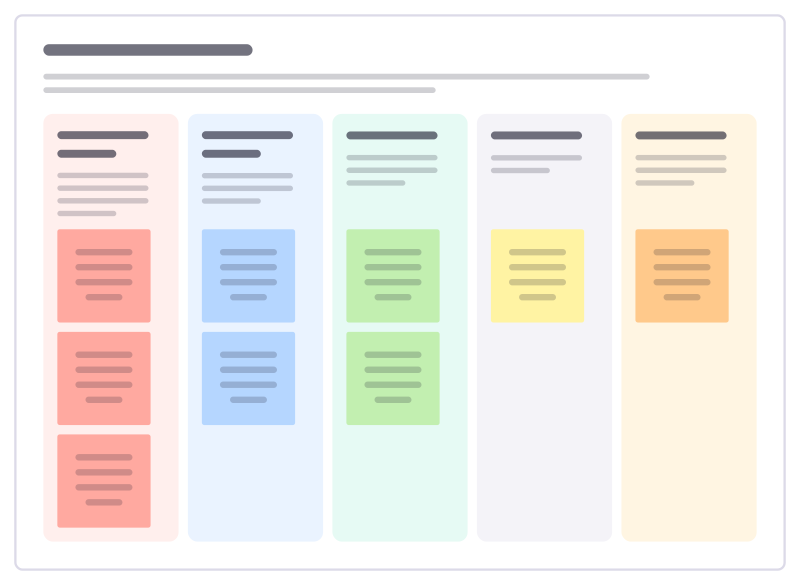
How to use the Kano feature sort template
Start a board from it
Use this template opens a new Freero board with the Kano feature sort template on it (sign up free first). On a board you already have, open Templates in the toolbar and search for “Kano feature sort”.
Follow the instruction on the board
“Base each placement on what customers said, not on what we like. A feature in the wrong column costs either trust (basics) or money (indifferent).”
Fill in each part
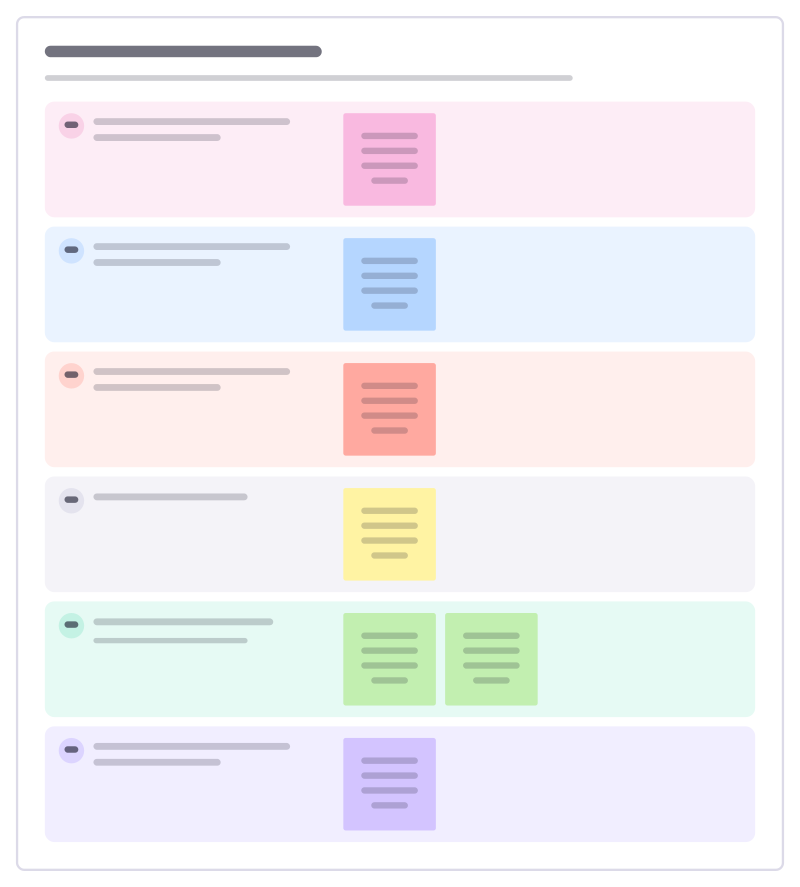
- Expected basics Nobody thanks you for these, but missing them makes people leave.
- More is better Satisfaction grows the better we do these.
- Delighters Unexpected touches that make people talk about us.
- Indifferent Customers don’t care either way.
- Turn-offs Some customers actively dislike these.
Bring your team and your agents
Invite people to the board or share a link, and work on it together live. The timer is in the top bar, private mode and voting in the board menu, and Claude or ChatGPT can join through Freero’s MCP server.
Work on it with an AI agent
Connect an assistant once and it works on the board with you, with your permissions: by default it reads and proposes, and people decide.
You ask: “Fill in the Kano feature sort board from these notes.”
What happens It reads the board, then proposes sticky notes for it. Nothing changes until someone on the board accepts them.
You ask: “Group what we wrote into themes and list the actions.”
What happens It proposes clusters with a title each and task cards for the actions, labelled with its name and yours.
Set it up for Claude, ChatGPT or any MCP client.
Related product management templates
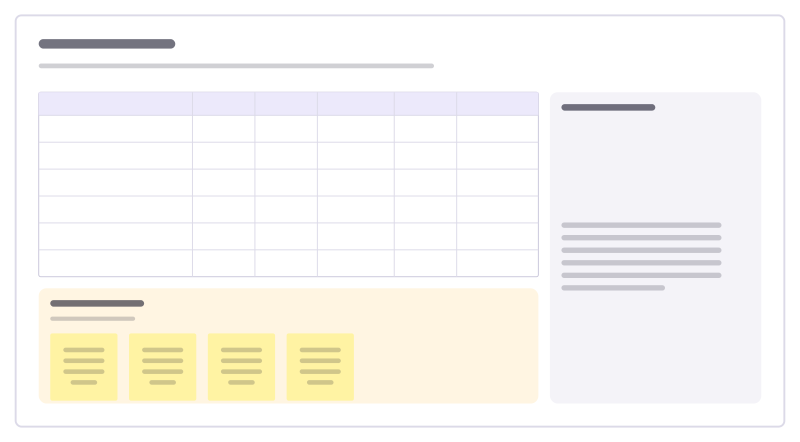
RICE scoring
Score ideas by reach, impact, confidence and effort, so the backlog order has reasons.
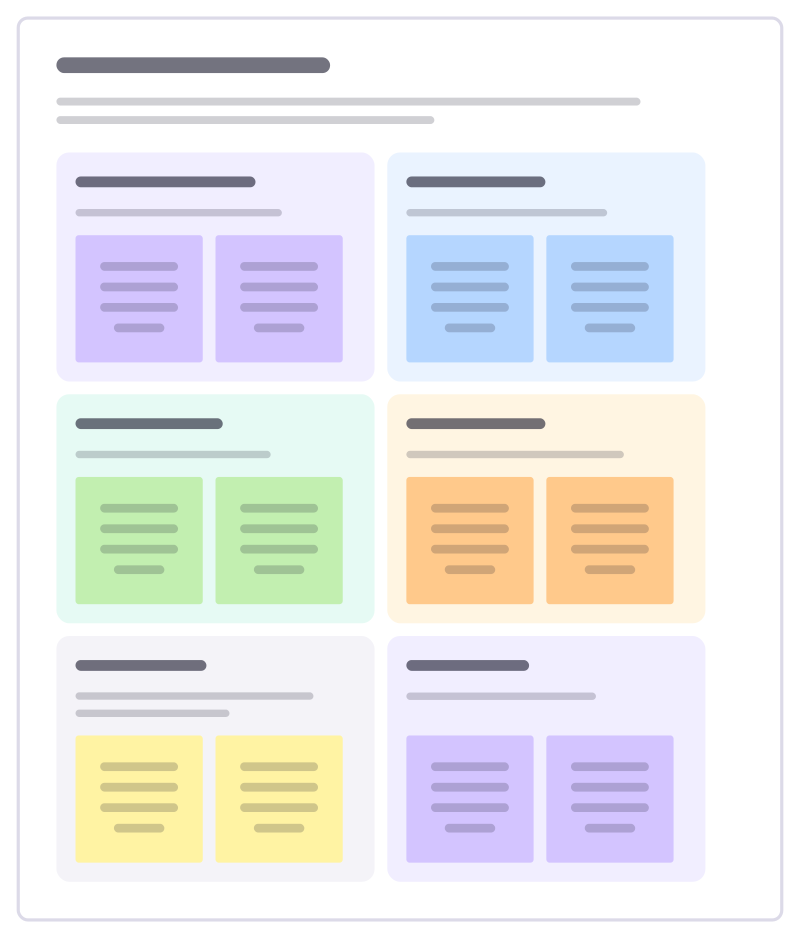
A/B test readout
Share the result of a finished A/B test: what changed, what happened to the main and guardrail metrics, and what you decide.
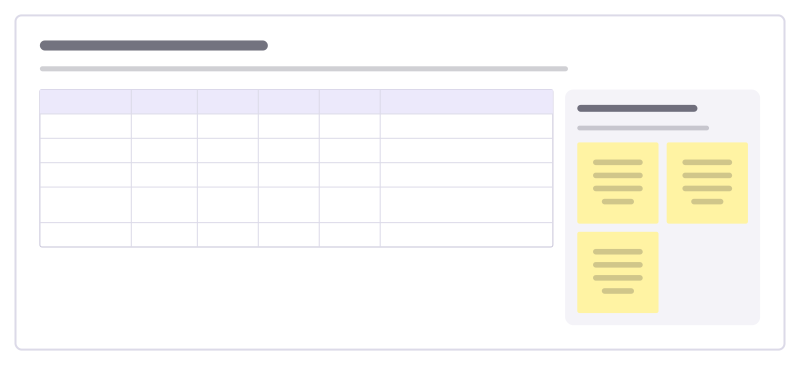
Cohort retention review
Read a cohort table together: how many customers from each sign-up month are still active later, and what explains the differences.
Problem statement builder
Write a problem worth solving before anyone suggests a solution: who has it, when, what it costs them and how we know.
Opportunity scoring
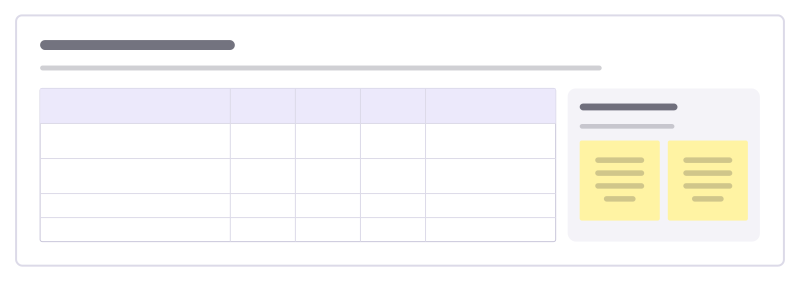
Find under-served needs: score how important each outcome is to customers and how satisfied they are today, then chase the biggest gaps.

Discovery sprint plan
Plan two to four weeks of discovery: frame the question, learn from customers, generate options, test them and decide.
All 83 product management templates · All 584 templates by category
Bring your team and your agents to one board
Free to use, open source, and yours to host. No credit card, no seat count.