Product management template
Problem statement builder template
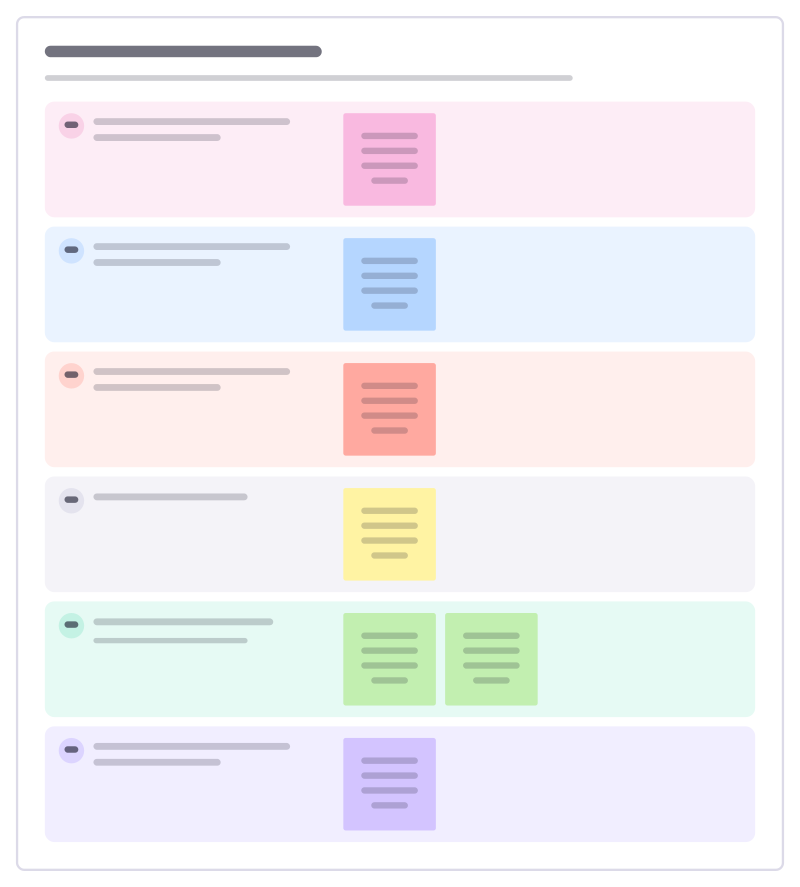
Write a problem worth solving before anyone suggests a solution: who has it, when, what it costs them and how we know.
Free · Editable · Works with Claude and ChatGPT · Also in Research & UX, Design
How to use the Problem statement builder template
Start a board from it
Use this template opens a new Freero board with the Problem statement builder template on it (sign up free first). On a board you already have, open Templates in the toolbar and search for “Problem statement builder”.
Follow the instruction on the board
“Answer each question with evidence, not opinion. If the last answer is weak, go back to research before building anything.”
Fill in each part
- Who has the problem? Be specific about the person and situation.
- What are they trying to do when it happens?
- What goes wrong, and what does it cost them?
- How do they cope today?
- How do we know this is real? Interviews, tickets, data. Count them.
- Our problem statement in one sentence
Bring your team and your agents
Invite people to the board or share a link, and work on it together live. The timer is in the top bar, private mode and voting in the board menu, and Claude or ChatGPT can join through Freero’s MCP server.
Work on it with an AI agent
Connect an assistant once and it works on the board with you, with your permissions: by default it reads and proposes, and people decide.
You ask: “Fill in the Problem statement builder board from these notes.”
What happens It reads the board, then proposes sticky notes for it. Nothing changes until someone on the board accepts them.
You ask: “Group what we wrote into themes and list the actions.”
What happens It proposes clusters with a title each and task cards for the actions, labelled with its name and yours.
Set it up for Claude, ChatGPT or any MCP client.
Related product management templates
Jobs to be done
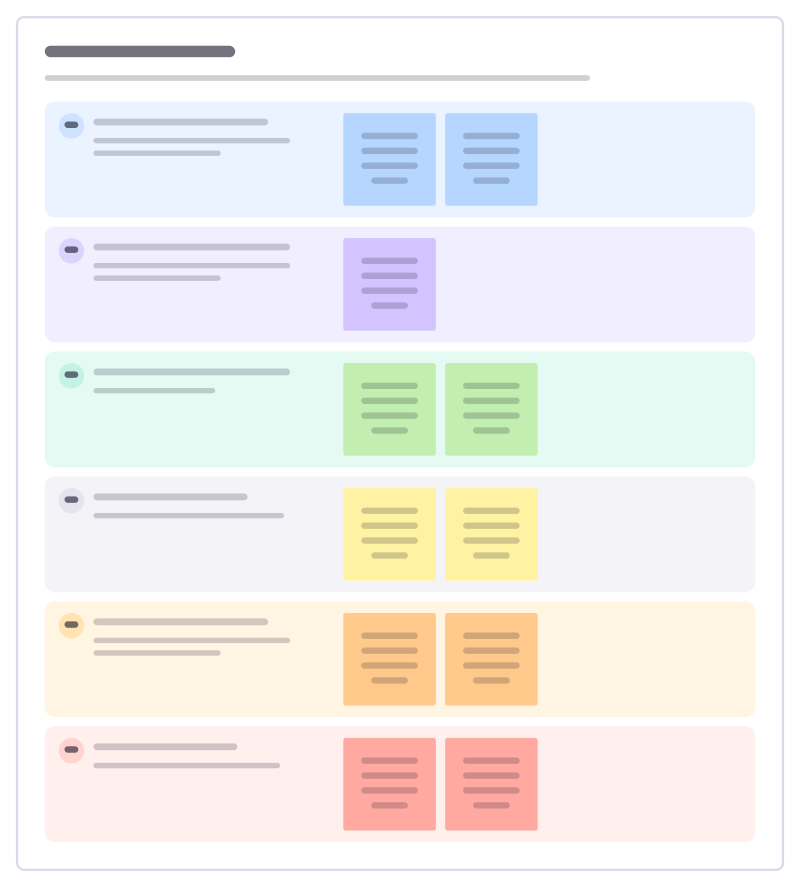
Understand the progress customers are trying to make: the situation, the job, what they use today and what holds them back.
Customer problem ranking
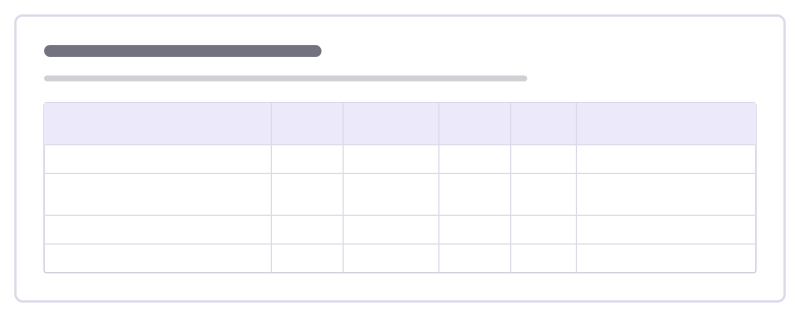
Rank the problems customers bring up by how many have them, how much they hurt and how well we could solve them.
Assumption map
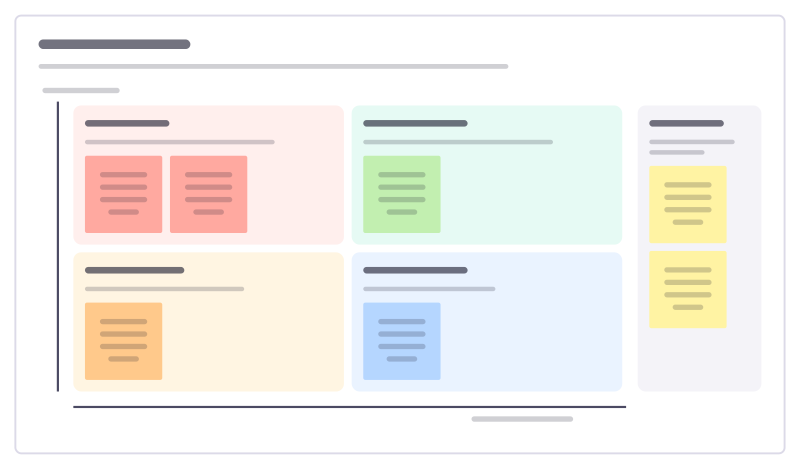
Sort what you believe about an idea by how much it matters and how much evidence you have, then test the risky ones first.
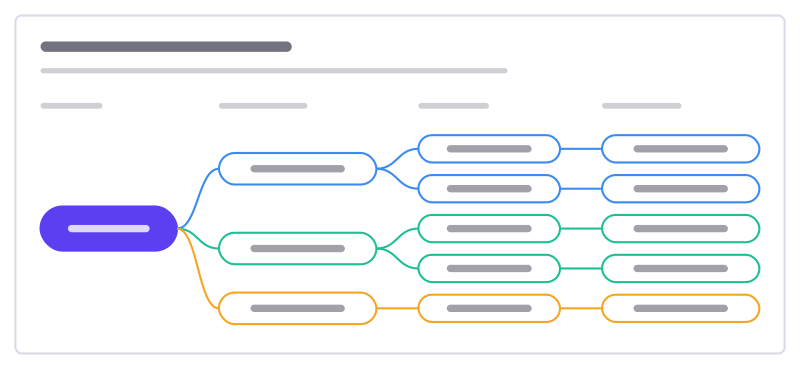
Opportunity solution tree
One outcome, the customer opportunities behind it, solutions for each and the experiments to test them.
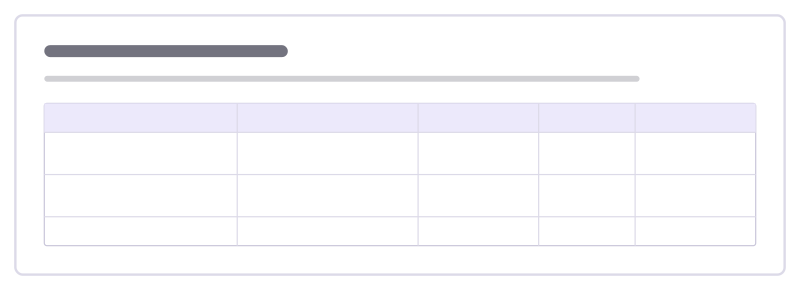
Assumption test plan
For each risky assumption behind a plan: how we will test it, what we will measure, where the pass line is and what we found.
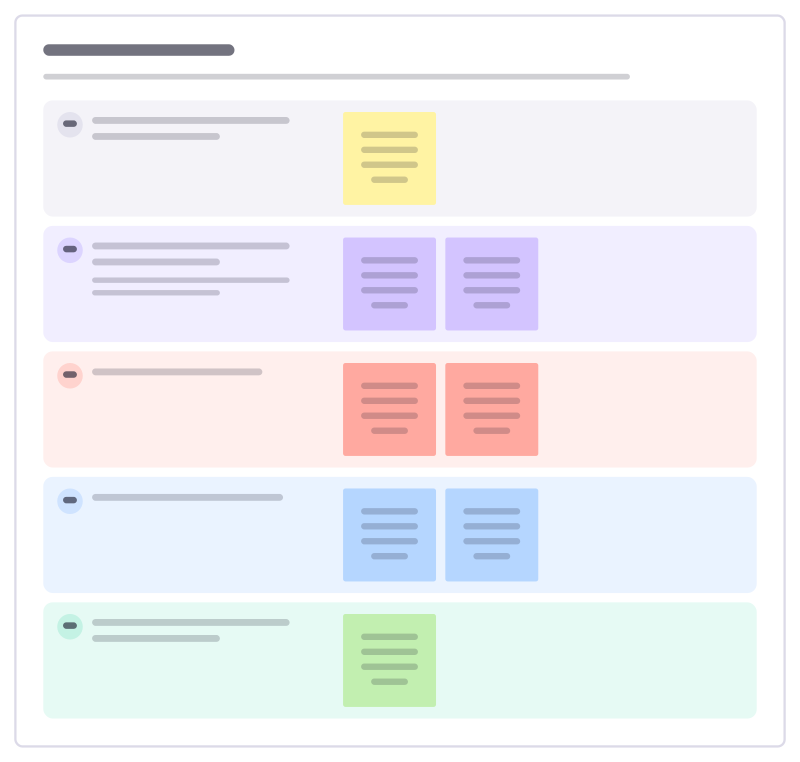
Interview guide
A discussion guide for customer interviews: warm-up, their story, the problem in depth, current workarounds and wrap-up.
All 83 product management templates · All 584 templates by category
Bring your team and your agents to one board
Free to use, open source, and yours to host. No credit card, no seat count.