AI and agent template
AI use case canvas template
Think an AI idea through before building it: the problem, the people, the data, what good looks like, risks and who stays in the loop.
Free · Editable · Works with Claude and ChatGPT · Also in Product, Strategy
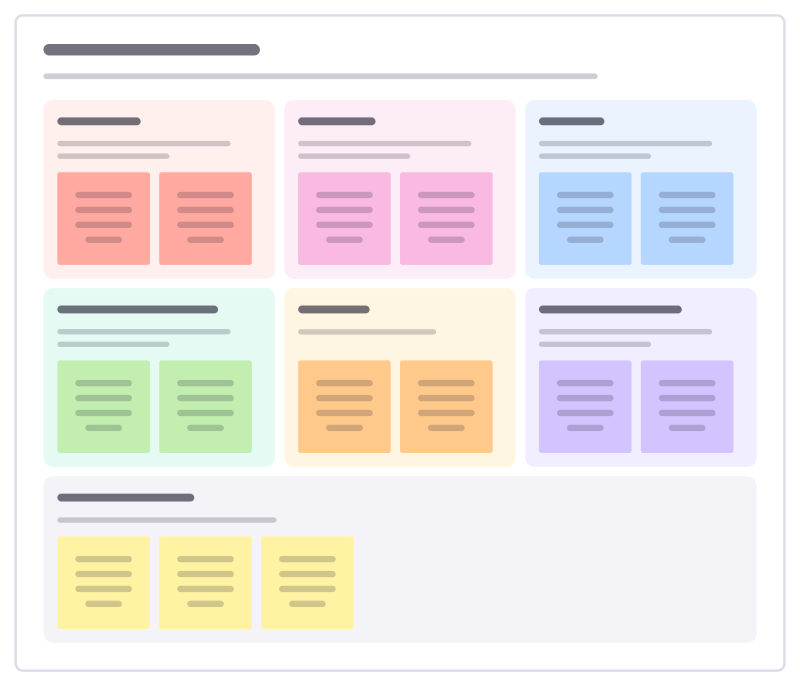
How to use the AI use case canvas template
Start a board from it
Use this template opens a new Freero board with the AI use case canvas template on it (sign up free first). On a board you already have, open Templates in the toolbar and search for “AI use case canvas”.
Follow the instruction on the board
“Fill the problem and the people before the solution. If you can’t say how you would measure good, the idea isn’t ready to build.”
Fill in each part
- Problem What is slow, costly or painful today, and how often?
- People Who uses the result, and who is affected by it?
- Data What data is there, who owns it, can we use it?
- What good looks like Which number tells us it works, compared with today?
- Risks What could go wrong, and for whom?
- Human in the loop Where does a person check, decide or override?
- First experiment The smallest test that tells us whether to go further.
Bring your team and your agents
Invite people to the board or share a link, and work on it together live. The timer is in the top bar, private mode and voting in the board menu, and Claude or ChatGPT can join through Freero’s MCP server.
Work on it with an AI agent
Connect an assistant once and it works on the board with you, with your permissions: by default it reads and proposes, and people decide.
You ask: “Fill in the AI use case canvas board from these notes.”
What happens It reads the board, then proposes sticky notes for it. Nothing changes until someone on the board accepts them.
You ask: “Group what we wrote into themes and list the actions.”
What happens It proposes clusters with a title each and task cards for the actions, labelled with its name and yours.
Set it up for Claude, ChatGPT or any MCP client.
Related AI and agent templates
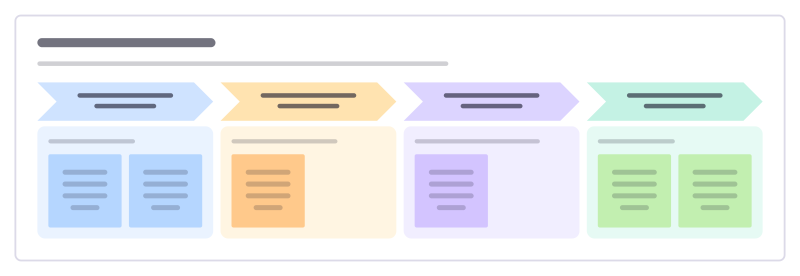
AI adoption roadmap
Plan how a team or company adopts AI in stages: learn, try safely, embed in workflows, and scale what works.
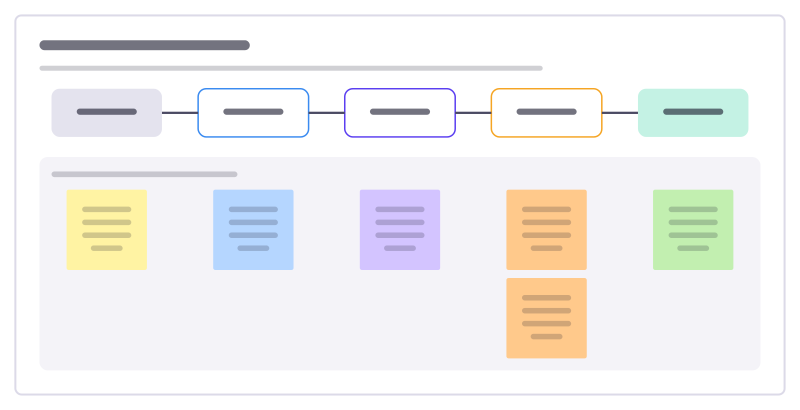
Agent workflow design
Design a workflow an AI agent runs: what starts it, what it gathers, what it does, how its work is checked and how it hands back.
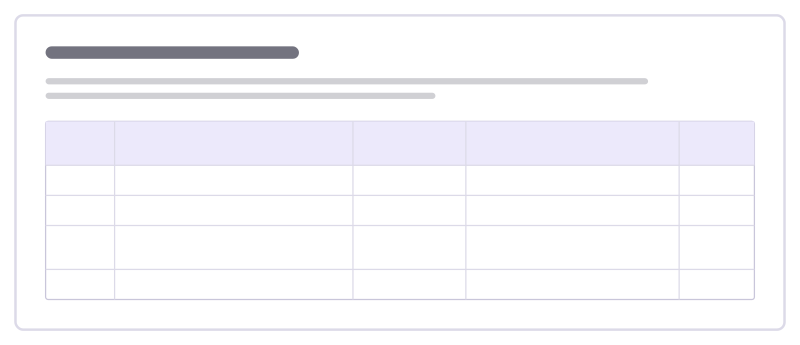
Prompt iteration log
Keep track of how a prompt evolves: each version, what changed, how it did on your test cases and whether to keep it.
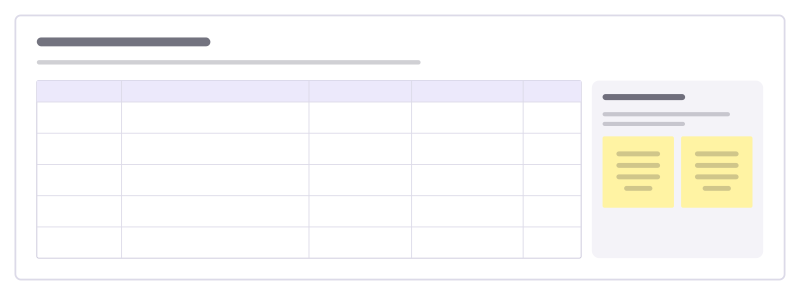
Team prompt library
The prompts your team reuses, with the inputs each one needs, when it works best and who keeps it up to date.
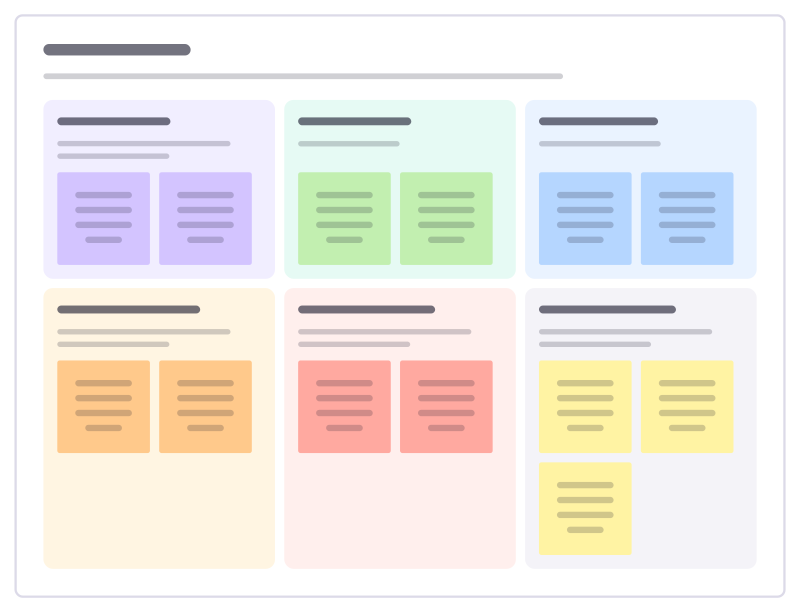
Model card
Describe a machine learning model for the people who rely on it: what it does, its data, how well it works, for whom, and its limits.
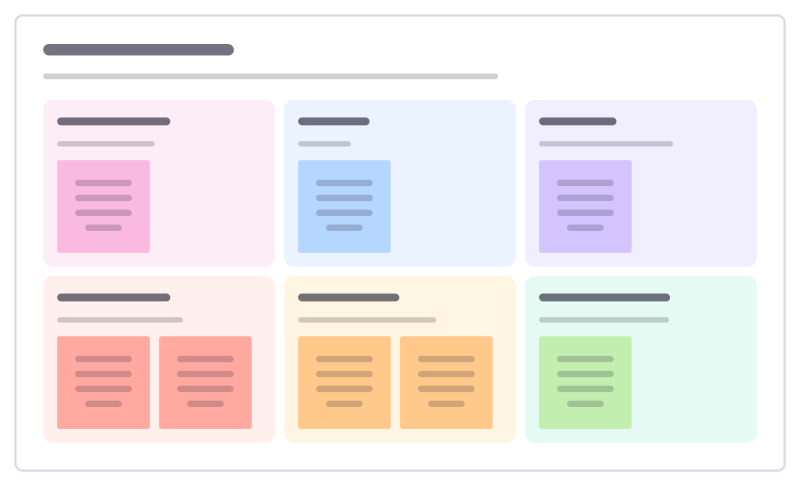
AI feature spec
Specify an AI-powered feature: the user and job, inputs and outputs, how it can fail, the guardrails and how you’ll measure quality.
All 24 AI and agent templates · All 584 templates by category
Bring your team and your agents to one board
Free to use, open source, and yours to host. No credit card, no seat count.