AI and agent template
AI feature spec template
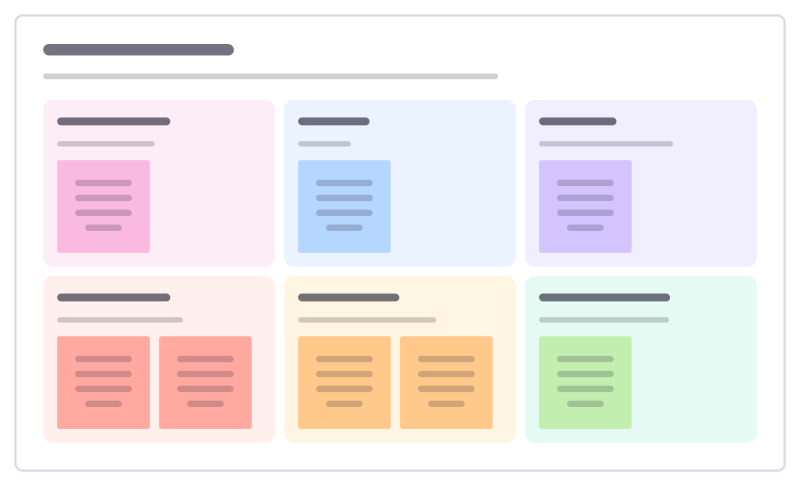
Specify an AI-powered feature: the user and job, inputs and outputs, how it can fail, the guardrails and how you’ll measure quality.
Free · Editable · Works with Claude and ChatGPT · Also in Product, Engineering
How to use the AI feature spec template
Start a board from it
Use this template opens a new Freero board with the AI feature spec template on it (sign up free first). On a board you already have, open Templates in the toolbar and search for “AI feature spec”.
Follow the instruction on the board
“Spend as long on “how it fails” as on the happy path. Decide what the user sees when the model is unsure.”
Fill in each part
- User and job Who uses it, to do what.
- Input What goes in.
- Output What comes out, and in what form.
- How it fails Likely mistakes and their cost.
- Guardrails What prevents or catches failures.
- Quality measure How we’ll know it’s good enough.
Bring your team and your agents
Invite people to the board or share a link, and work on it together live. The timer is in the top bar, private mode and voting in the board menu, and Claude or ChatGPT can join through Freero’s MCP server.
Work on it with an AI agent
Connect an assistant once and it works on the board with you, with your permissions: by default it reads and proposes, and people decide.
You ask: “Fill in the AI feature spec board from these notes.”
What happens It reads the board, then proposes sticky notes for it. Nothing changes until someone on the board accepts them.
You ask: “Group what we wrote into themes and list the actions.”
What happens It proposes clusters with a title each and task cards for the actions, labelled with its name and yours.
Set it up for Claude, ChatGPT or any MCP client.
Related AI and agent templates
Agent permissions review
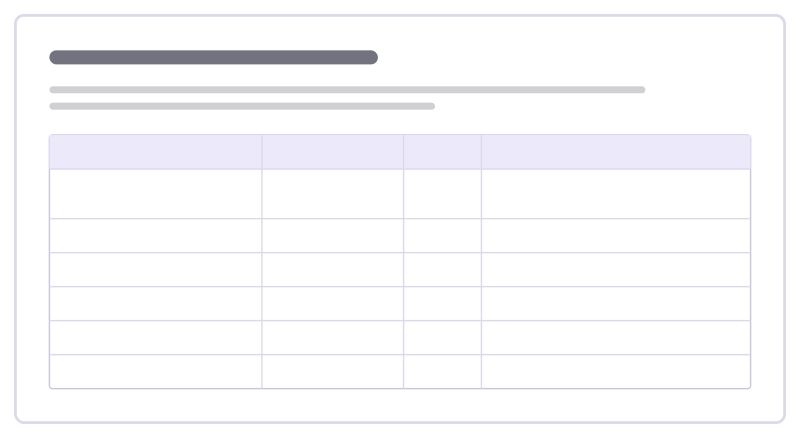
Decide what an AI agent may do on its own, what needs a person’s approval and what it must never do, action by action.
Agent incident review
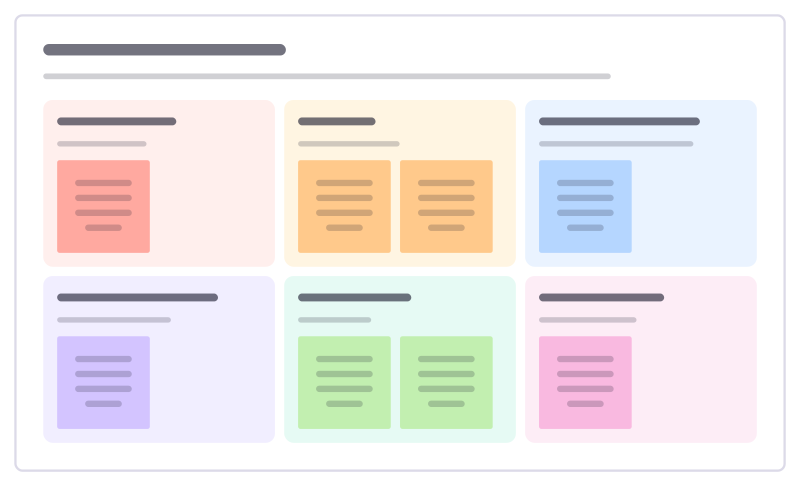
Look into a time an AI agent got something wrong: what happened, why it happened, why checks missed it, and what changes.
AI pilot plan
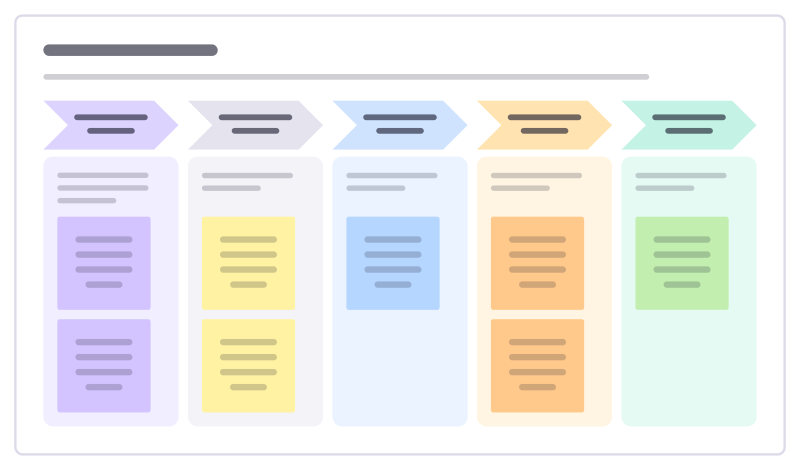
Run a small, honest pilot of an AI tool: the job it should do, the baseline, a test group, what you measure and the decision at the end.
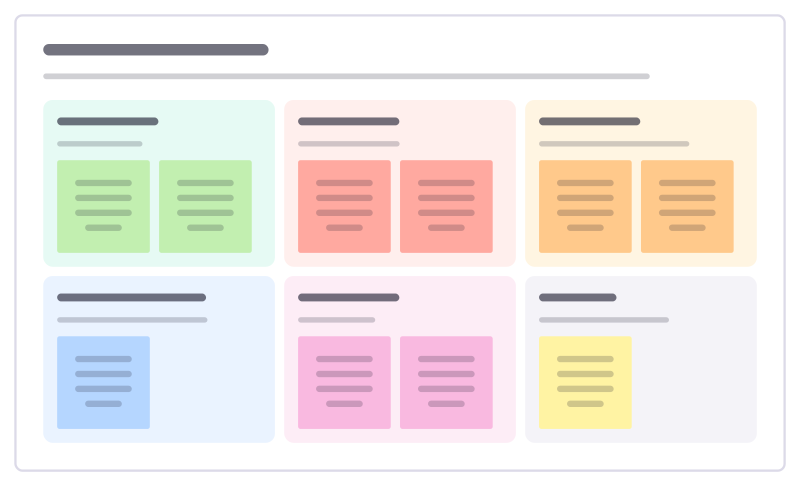
AI use policy draft
Draft the team’s rules for using AI tools: what’s encouraged, what’s off limits, what data can go in, and when to say AI was used.
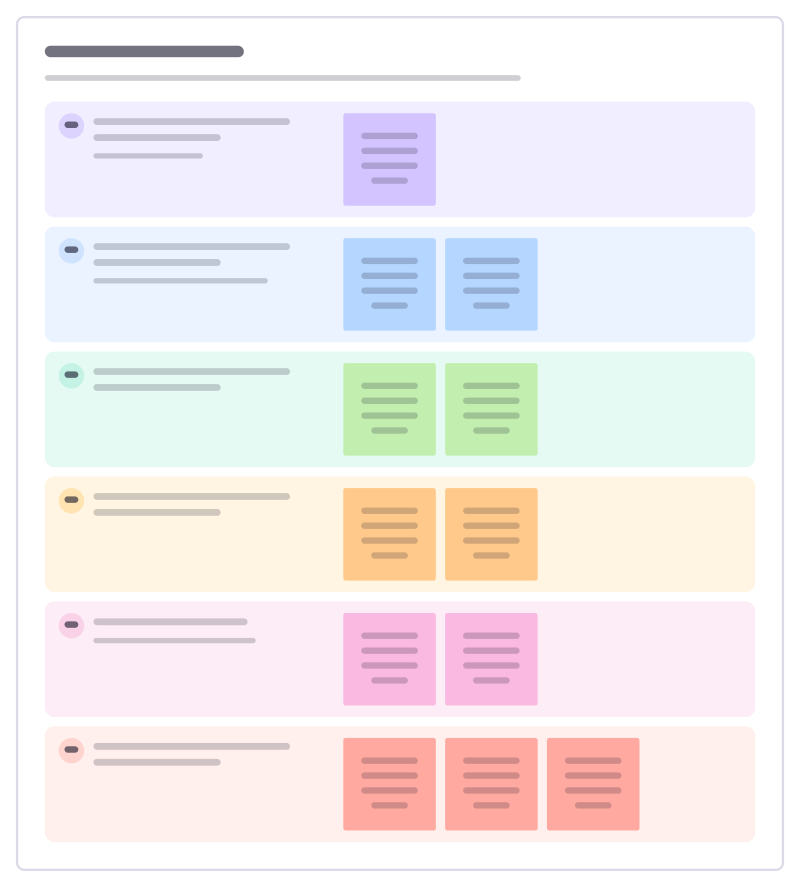
Agent task brief
Brief an AI agent like a new colleague: the goal, the context, the limits, when it is done, which tools it may use and when to stop and ask.
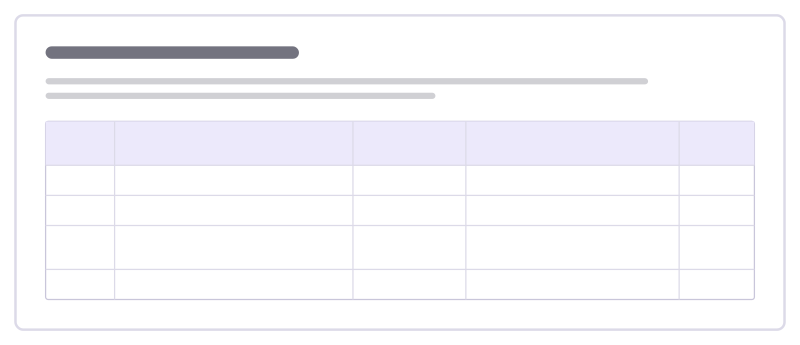
Prompt iteration log
Keep track of how a prompt evolves: each version, what changed, how it did on your test cases and whether to keep it.
All 24 AI and agent templates · All 584 templates by category
Bring your team and your agents to one board
Free to use, open source, and yours to host. No credit card, no seat count.