AI and agent template
Agent workflow design template
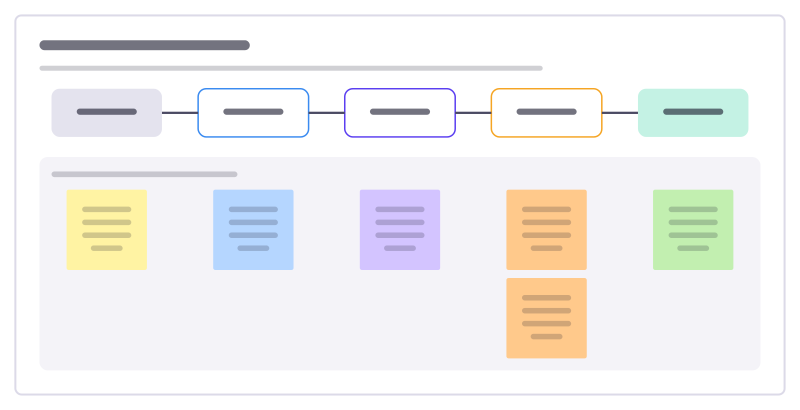
Design a workflow an AI agent runs: what starts it, what it gathers, what it does, how its work is checked and how it hands back.
Free · Editable · Works with Claude and ChatGPT · Also in Operations
How to use the Agent workflow design template
Start a board from it
Use this template opens a new Freero board with the Agent workflow design template on it (sign up free first). On a board you already have, open Templates in the toolbar and search for “Agent workflow design”.
Follow the instruction on the board
“Design the check and the hand-back before the clever part. If nobody can tell whether the agent did well, it shouldn’t run on its own.”
Fill in each part
- What happens, and who or what does it
- Trigger
- Gather
- Act
- Check
- Hand back
Bring your team and your agents
Invite people to the board or share a link, and work on it together live. The timer is in the top bar, private mode and voting in the board menu, and Claude or ChatGPT can join through Freero’s MCP server.
Work on it with an AI agent
Connect an assistant once and it works on the board with you, with your permissions: by default it reads and proposes, and people decide.
You ask: “Fill in the Agent workflow design board from these notes.”
What happens It reads the board, then proposes sticky notes for it. Nothing changes until someone on the board accepts them.
You ask: “Group what we wrote into themes and list the actions.”
What happens It proposes clusters with a title each and task cards for the actions, labelled with its name and yours.
Set it up for Claude, ChatGPT or any MCP client.
Related AI and agent templates
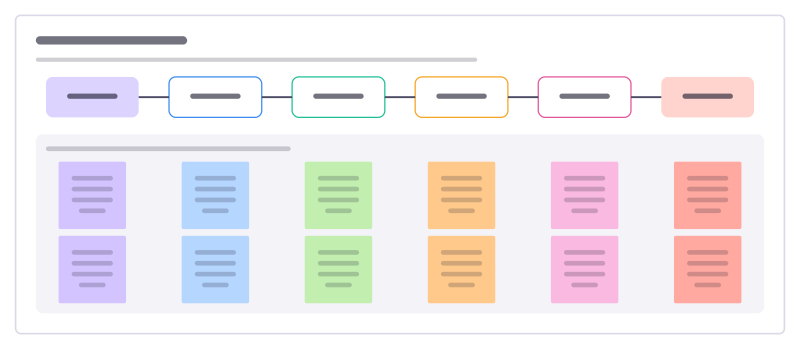
Agent handoff map
Who hands what to whom when people and agents share a piece of work, and the check that has to pass at each handoff.
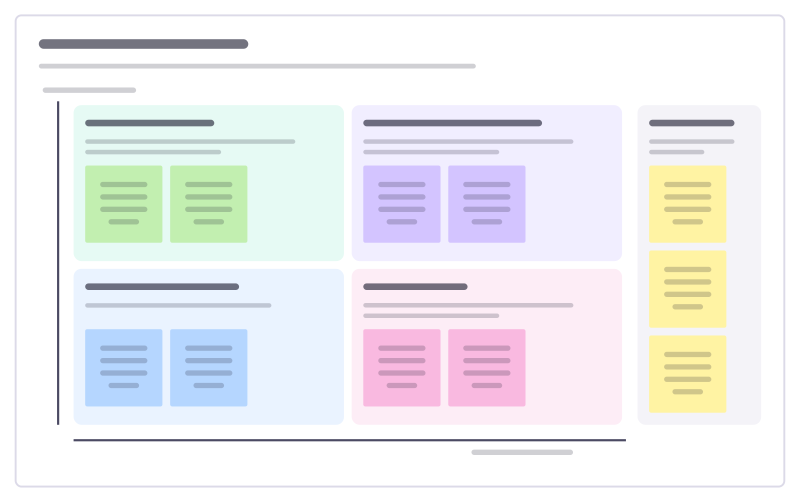
Human + agent workshop
Sort a team’s tasks by how much judgement and how much repetition they involve, to decide what agents do and what people keep.
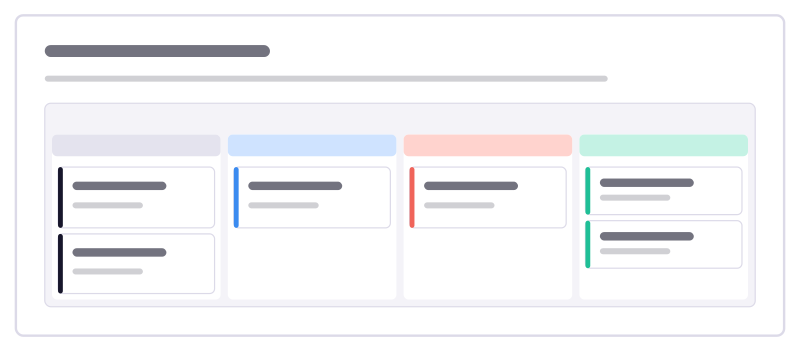
Human review queue
A board for people to review what agents produced: waiting, in review, sent back with a reason, and approved.
Automation candidates
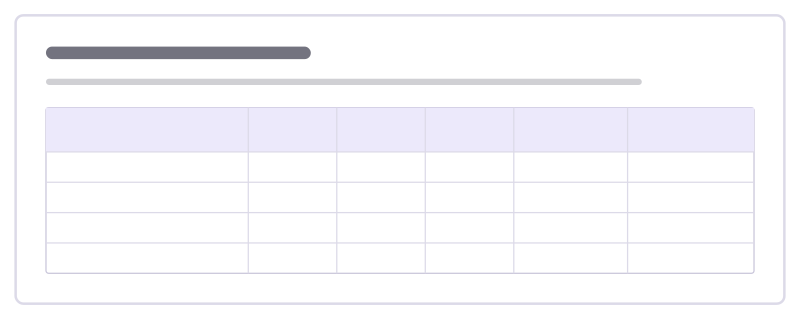
List repetitive tasks and score each for automation: time spent, how rule-based it is, data available and the cost of a mistake.
Team prompt library
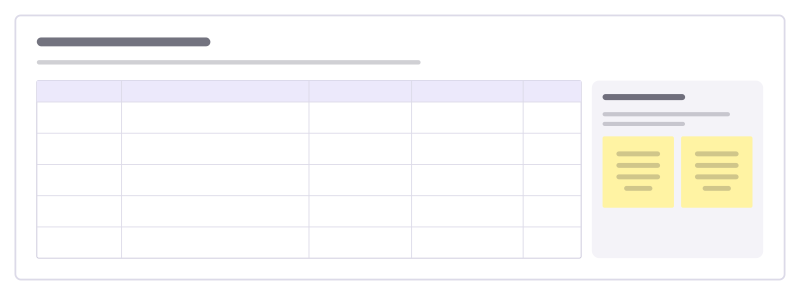
The prompts your team reuses, with the inputs each one needs, when it works best and who keeps it up to date.
Agent control room
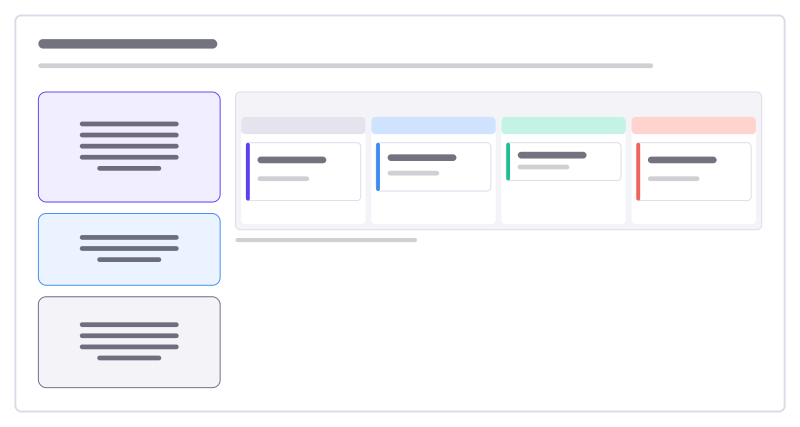
Watch and steer an AI agent: it posts its plan, status and tasks here; you move cards and comment to redirect it.
All 24 AI and agent templates · All 584 templates by category
Bring your team and your agents to one board
Free to use, open source, and yours to host. No credit card, no seat count.