Operations template
Work instruction template
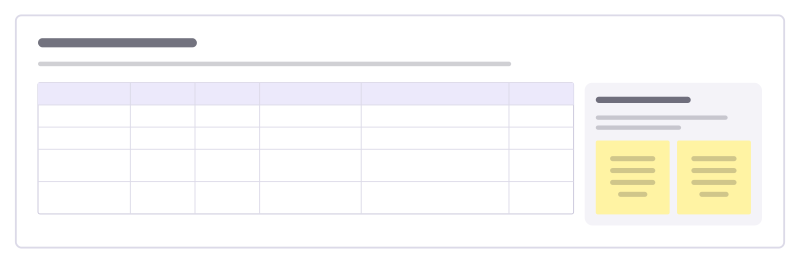
Show how to do one job at a station step by step, with the key point, the safety note and the quality check for each step.
Free · Editable · Works with Claude and ChatGPT · Also in HR & people
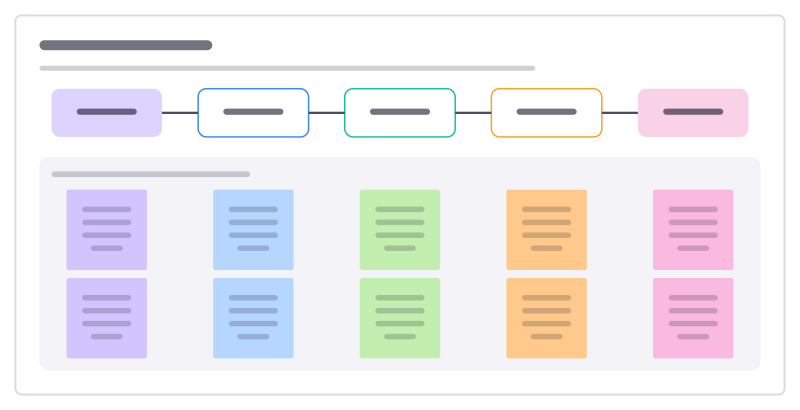
How to use the Work instruction template
Start a board from it
Use this template opens a new Freero board with the Work instruction template on it (sign up free first). On a board you already have, open Templates in the toolbar and search for “Work instruction”.
Follow the instruction on the board
“Write it at the station with the best operator. Keep one action per step, and have a new starter do the job from it while you watch.”
Fill in each part
- Key point, safety note and quality check
- Pick parts from kit tray
- Fit bracket to base
- Torque 4 bolts
- Connect sensor cable
- Check and pass on
Bring your team and your agents
Invite people to the board or share a link, and work on it together live. The timer is in the top bar, private mode and voting in the board menu, and Claude or ChatGPT can join through Freero’s MCP server.
Work on it with an AI agent
Connect an assistant once and it works on the board with you, with your permissions: by default it reads and proposes, and people decide.
You ask: “Fill in the Work instruction board from these notes.”
What happens It reads the board, then proposes sticky notes for it. Nothing changes until someone on the board accepts them.
You ask: “Group what we wrote into themes and list the actions.”
What happens It proposes clusters with a title each and task cards for the actions, labelled with its name and yours.
Set it up for Claude, ChatGPT or any MCP client.
Related operations templates
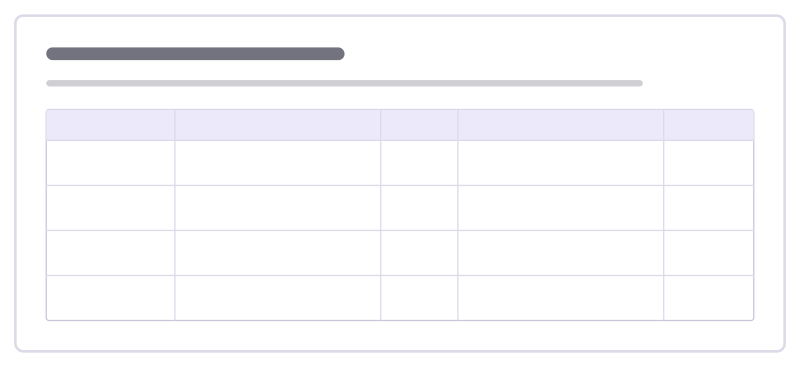
Change impact assessment
For each group a change touches, what changes for them, how big the impact is and the support they will need.

Daily tier meeting
A short stand-up board for a production team: yesterday’s safety, quality, delivery, cost and people issues and who acts today.

Store visit report
Record an area manager’s store visit: trading against plan, standards on the floor, stock, the team and the actions agreed.
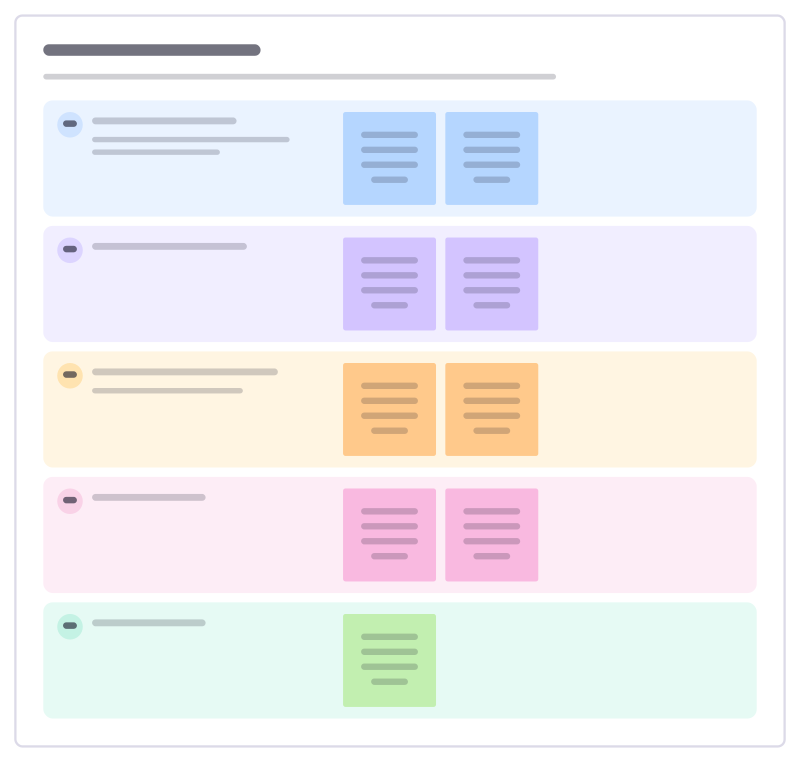
Store daily huddle
A five-minute team briefing before the doors open: yesterday’s numbers, today’s target, deliveries, focus and who is on what.
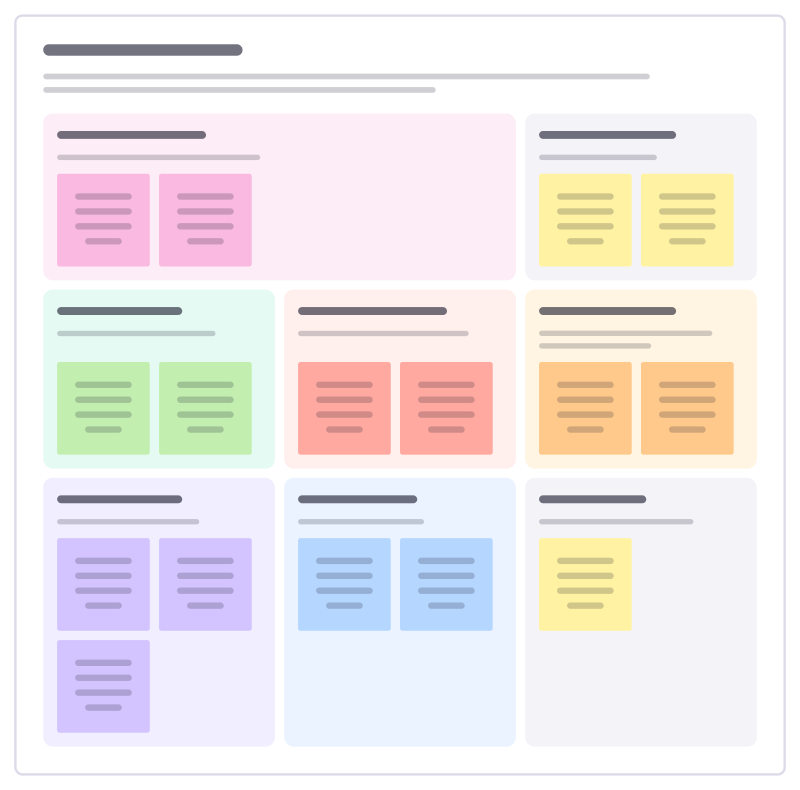
Care plan review
Review a person’s care with them and the people around them: what matters to them, what support works and what changes next.
Shift cover gaps
See every shift that is short of staff or skills in the coming weeks, and track how each gap will be filled before the day.
All 151 operations templates · All 584 templates by category
Bring your team and your agents to one board
Free to use, open source, and yours to host. No credit card, no seat count.