Operations template
Store visit report template
Record an area manager’s store visit: trading against plan, standards on the floor, stock, the team and the actions agreed.
Free · Editable · Works with Claude and ChatGPT · Also in Sales & marketing
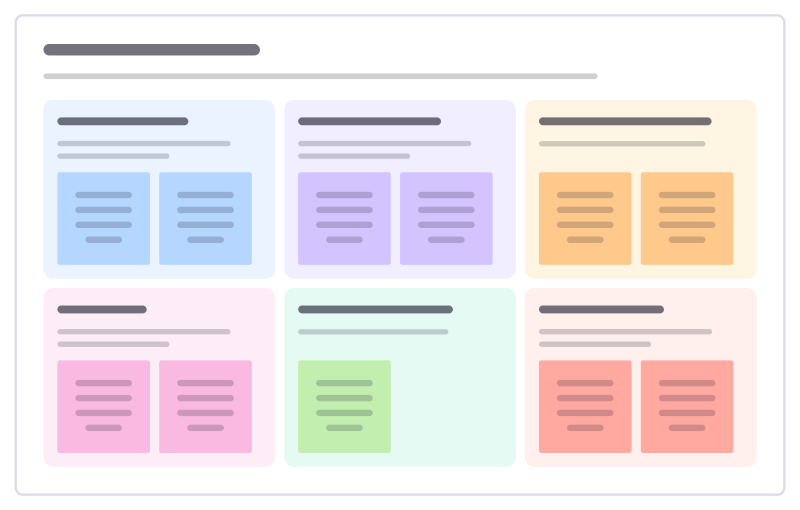
How to use the Store visit report template
Start a board from it
Use this template opens a new Freero board with the Store visit report template on it (sign up free first). On a board you already have, open Templates in the toolbar and search for “Store visit report”.
Follow the instruction on the board
“Walk the store as a customer first, then with the manager. Agree no more than three actions, each with a date, before you leave.”
Fill in each part
- Trading vs plan Sales, footfall and conversion this week and month.
- On the shop floor Layout, signage, tidiness, first impression.
- Stock and availability Gaps on shelf, deliveries, the stockroom.
- The team Staffing, morale, training, who stands out.
- What customers said Overheard, asked or complained about.
- Actions agreed At most three, each with an owner and date.
Bring your team and your agents
Invite people to the board or share a link, and work on it together live. The timer is in the top bar, private mode and voting in the board menu, and Claude or ChatGPT can join through Freero’s MCP server.
Work on it with an AI agent
Connect an assistant once and it works on the board with you, with your permissions: by default it reads and proposes, and people decide.
You ask: “Fill in the Store visit report board from these notes.”
What happens It reads the board, then proposes sticky notes for it. Nothing changes until someone on the board accepts them.
You ask: “Group what we wrote into themes and list the actions.”
What happens It proposes clusters with a title each and task cards for the actions, labelled with its name and yours.
Set it up for Claude, ChatGPT or any MCP client.
Related operations templates
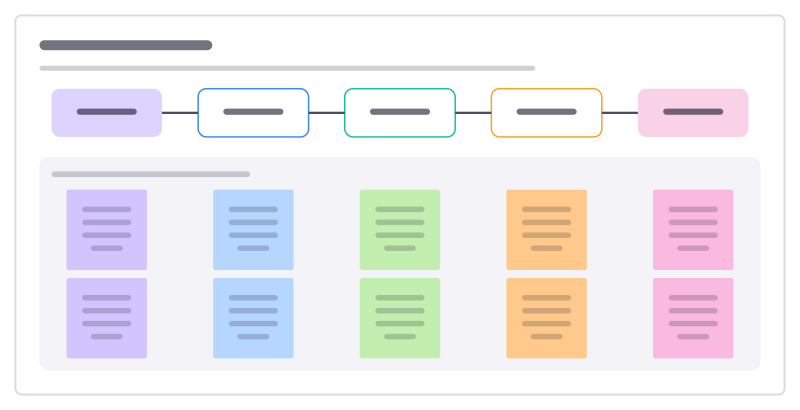
Work instruction
Show how to do one job at a station step by step, with the key point, the safety note and the quality check for each step.
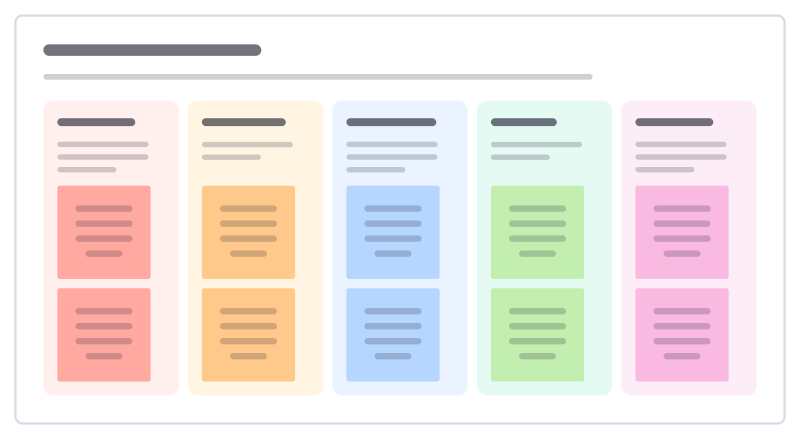
Daily tier meeting
A short stand-up board for a production team: yesterday’s safety, quality, delivery, cost and people issues and who acts today.
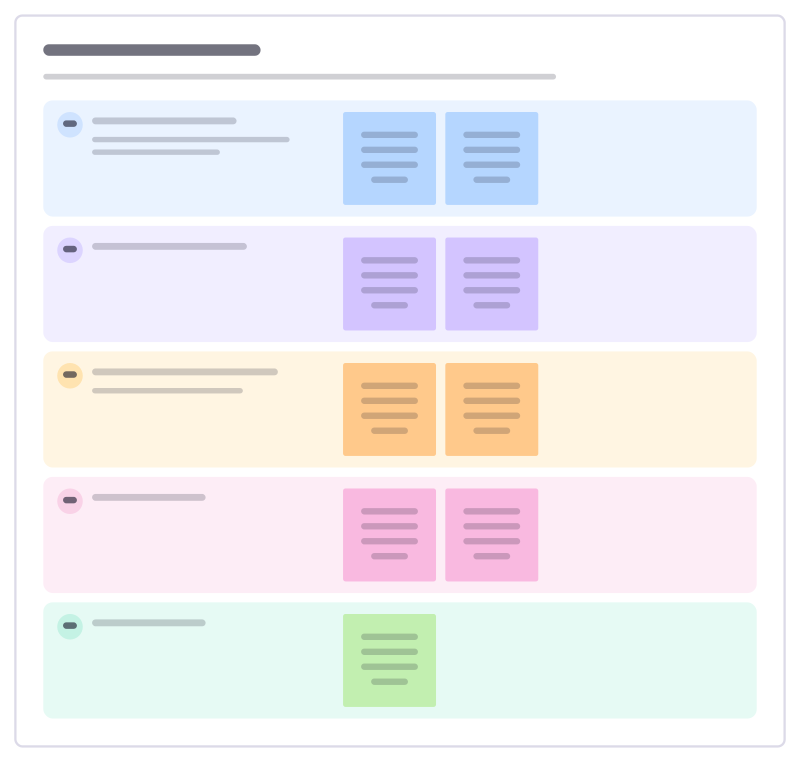
Store daily huddle
A five-minute team briefing before the doors open: yesterday’s numbers, today’s target, deliveries, focus and who is on what.
Mystery shop findings
Go through what a mystery shopper experienced moment by moment against your standard, and turn the gaps into coaching.
Invoice chasing board
Track unpaid customer invoices by how late they are, so the right reminder goes out at the right time and nothing is forgotten.
Event run of show
The minute-by-minute script for running a live event: segments, who’s on stage, what the crew does and the cues.
All 151 operations templates · All 584 templates by category
Bring your team and your agents to one board
Free to use, open source, and yours to host. No credit card, no seat count.