Operations template
Support ticket themes template
Group a month of support tickets into themes, with counts and examples, so product and ops fix the causes instead of answering forever.
Free · Editable · Works with Claude and ChatGPT · Also in Product, Research & UX

How to use the Support ticket themes template
Start a board from it
Use this template opens a new Freero board with the Support ticket themes template on it (sign up free first). On a board you already have, open Templates in the toolbar and search for “Support ticket themes”.
Follow the instruction on the board
“Read a sample of 100 tickets, not just the tags. Each theme needs a count, a typical quote and the fix that would make it disappear.”
Fill in each part
- Login trouble (31%) Example, and the fix that removes it.
- Billing questions (22%) Example, and the fix that removes it.
- Export problems (14%) Example, and the fix that removes it.
- How do I…? (18%) Example, and the fix that removes it.
- Feature requests (15%) Example, and where it goes.
Bring your team and your agents
Invite people to the board or share a link, and work on it together live. The timer is in the top bar, private mode and voting in the board menu, and Claude or ChatGPT can join through Freero’s MCP server.
Work on it with an AI agent
Connect an assistant once and it works on the board with you, with your permissions: by default it reads and proposes, and people decide.
You ask: “Fill in the Support ticket themes board from these notes.”
What happens It reads the board, then proposes sticky notes for it. Nothing changes until someone on the board accepts them.
You ask: “Group what we wrote into themes and list the actions.”
What happens It proposes clusters with a title each and task cards for the actions, labelled with its name and yours.
Set it up for Claude, ChatGPT or any MCP client.
Related operations templates
Patient pathway map
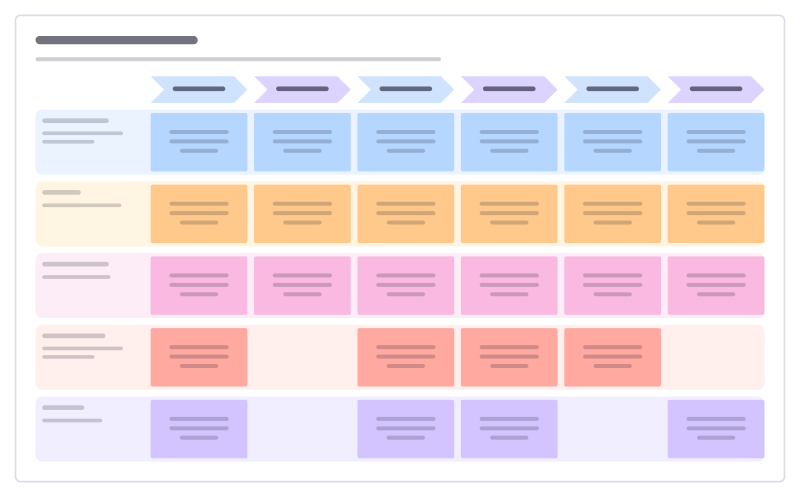
Follow one patient from referral to follow-up: what happens at each step, how long they wait, how it feels and what could be better.
Clinic flow and waiting times
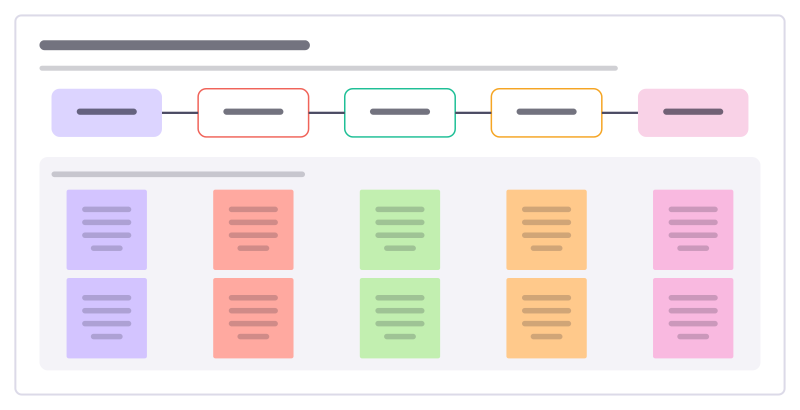
Time each step of a clinic visit from arrival to leaving, so you can see where patients wait and which delay to fix first.

Clinical audit cycle
Run an audit against an agreed standard: pick the topic, collect the data, compare, change practice and audit again.

Patient feedback themes
Sort comments from surveys, complaints and thank-you cards into themes, so the team sees what patients raise most and acts on it.
Infection control audit
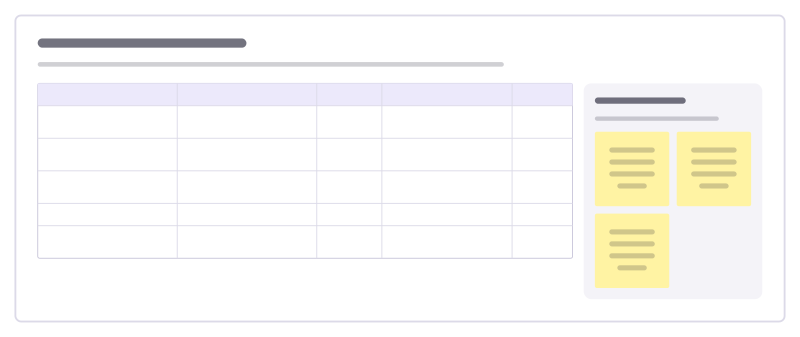
Walk a clinical area against its hygiene standards, record what you see and turn each miss into an action with an owner.

Floor walk notes
Notes from walking where the work happens: what you saw, what people told you, problems spotted and what you’ll follow up.
All 151 operations templates · All 584 templates by category
Bring your team and your agents to one board
Free to use, open source, and yours to host. No credit card, no seat count.