Classroom template
Staff professional learning template
Plan a term of professional learning for teachers: the focus, sessions, classroom trials and how you’ll see the impact.
Free · Editable · Works with Claude and ChatGPT · Also in HR & people, Planning
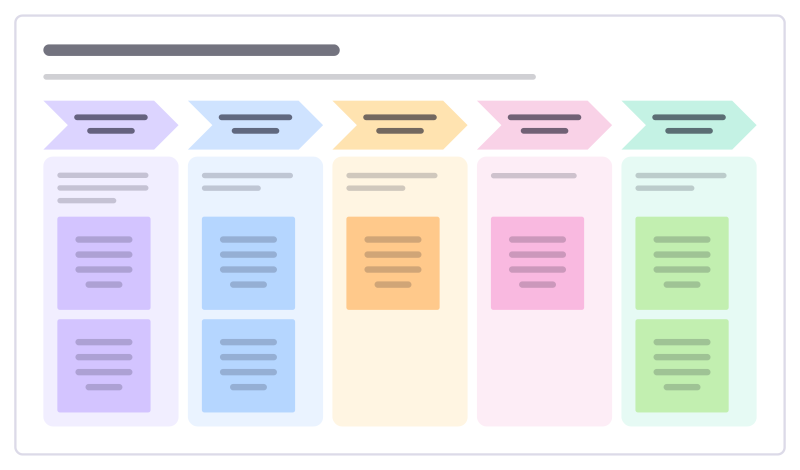
How to use the Staff professional learning template
Start a board from it
Use this template opens a new Freero board with the Staff professional learning template on it (sign up free first). On a board you already have, open Templates in the toolbar and search for “Staff professional learning”.
Follow the instruction on the board
“Choose one focus for the term. Every session should end with something teachers try in class before the next one.”
Fill in each part
- Launch Week 1
- Try it Weeks 2–4
- Share Week 5
- Refine Weeks 6–9
- Impact Week 10
Bring your team and your agents
Invite people to the board or share a link, and work on it together live. The timer is in the top bar, private mode and voting in the board menu, and Claude or ChatGPT can join through Freero’s MCP server.
Work on it with an AI agent
Connect an assistant once and it works on the board with you, with your permissions: by default it reads and proposes, and people decide.
You ask: “Fill in the Staff professional learning board from these notes.”
What happens It reads the board, then proposes sticky notes for it. Nothing changes until someone on the board accepts them.
You ask: “Group what we wrote into themes and list the actions.”
What happens It proposes clusters with a title each and task cards for the actions, labelled with its name and yours.
Set it up for Claude, ChatGPT or any MCP client.
Related classroom templates
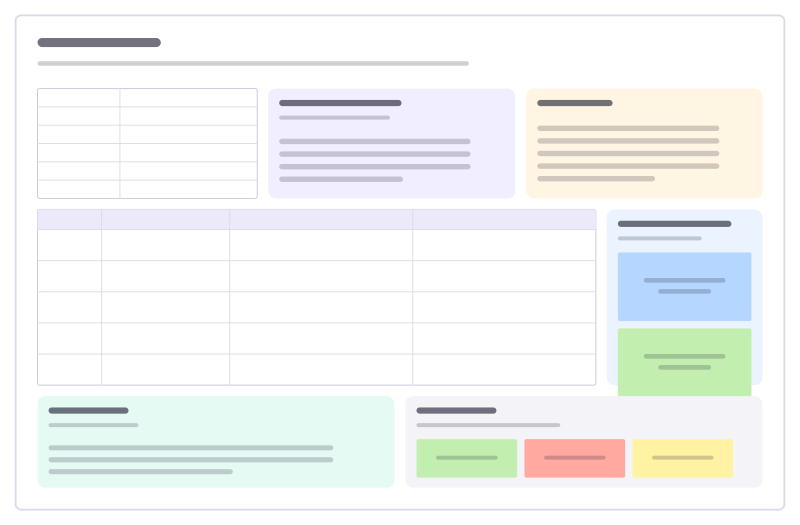
Lesson plan
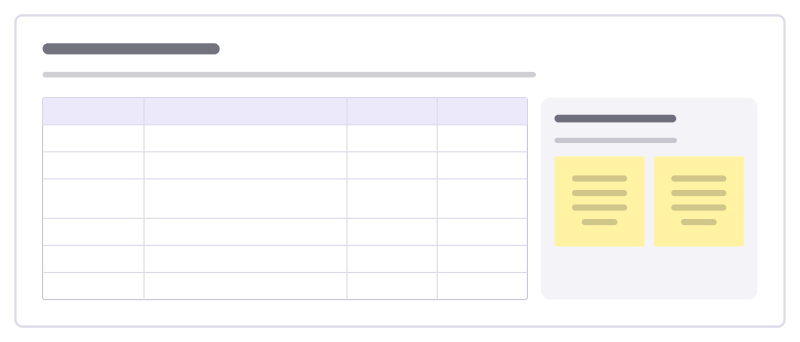
Objectives, materials, a timed lesson flow, support and stretch, assessment and reflection.
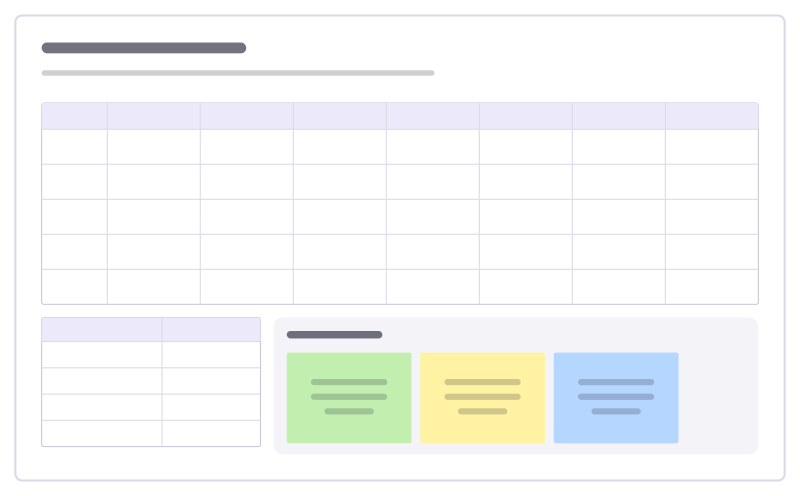
Revision timetable
A week of study sessions colored by subject, with exam dates and study tips.
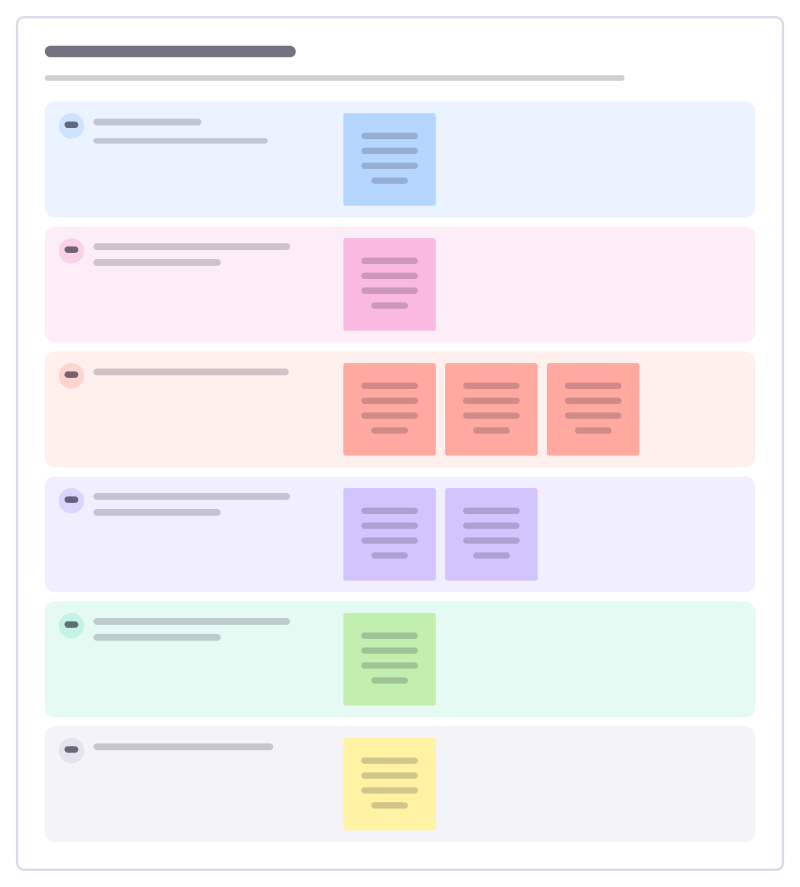
Restorative reflection
Talk through a conflict or broken rule with a student so they see who was affected and choose how to put it right.
Classroom jobs
Share out the class jobs, say what each one involves and rotate them fairly so every student gets a turn.
School event plan
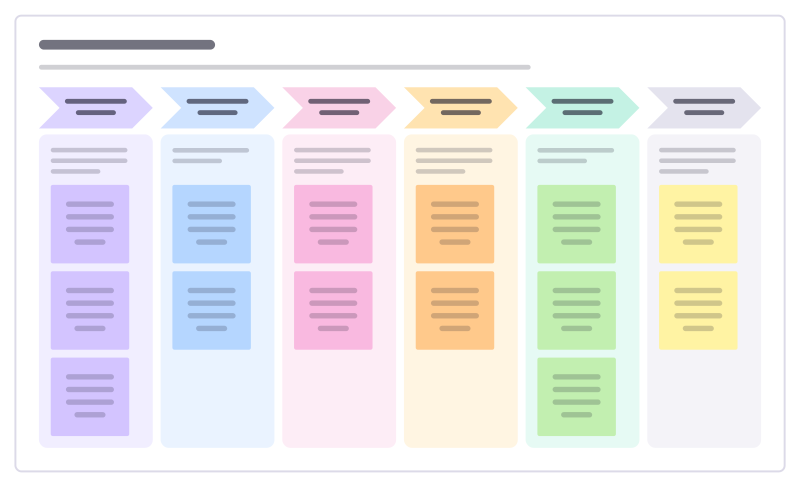
Plan a school fair, sports day or open evening backwards from the date: bookings, helpers, publicity and the day itself.
Learning support plan
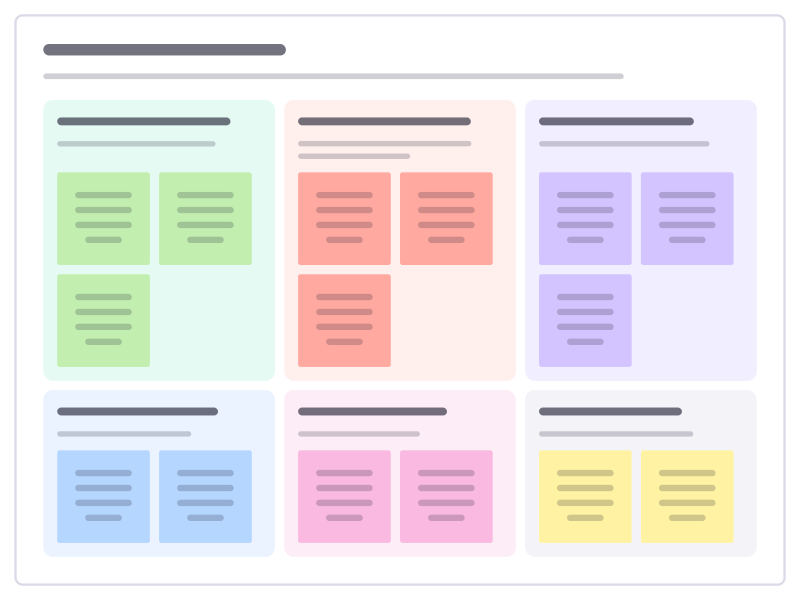
Agree with a student and their family what helps them learn: strengths, what is hard, classroom strategies and how progress is checked.
Bring your team and your agents to one board
Free to use, open source, and yours to host. No credit card, no seat count.