Consulting template
Issue tree template
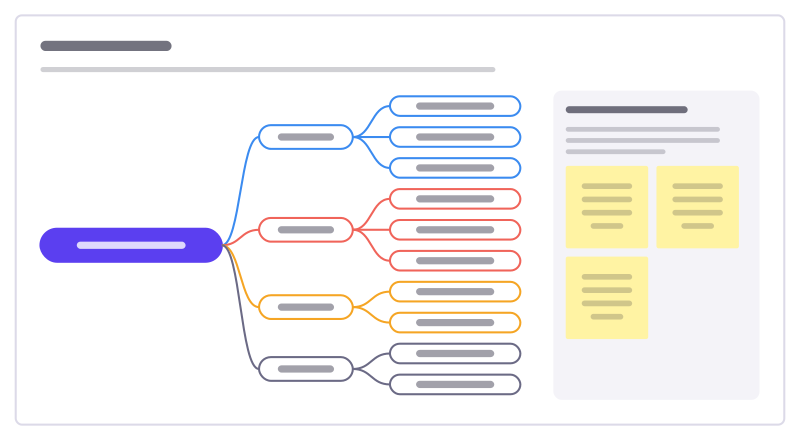
Break a big question into smaller ones that don’t overlap and together cover it, so a team can split the work and test each part.
Free · Editable · Works with Claude and ChatGPT · Also in Strategy, Research & UX
How to use the Issue tree template
Start a board from it
Use this template opens a new Freero board with the Issue tree template on it (sign up free first). On a board you already have, open Templates in the toolbar and search for “Issue tree”.
Follow the instruction on the board
“Phrase the root as a question. Each level should split its parent into parts that don’t overlap and leave nothing out.”
Fill in each part
- Why did profit fall 12%? Branches: Revenue went down · Costs went up · Mix shifted · One-off effects
- Working the tree Pick the branches most likely to explain the gap, and name the data that would prove or kill each.
Bring your team and your agents
Invite people to the board or share a link, and work on it together live. The timer is in the top bar, private mode and voting in the board menu, and Claude or ChatGPT can join through Freero’s MCP server.
Work on it with an AI agent
Connect an assistant once and it works on the board with you, with your permissions: by default it reads and proposes, and people decide.
You ask: “Fill in the Issue tree board from these notes.”
What happens It reads the board, then proposes sticky notes for it. Nothing changes until someone on the board accepts them.
You ask: “Group what we wrote into themes and list the actions.”
What happens It proposes clusters with a title each and task cards for the actions, labelled with its name and yours.
Set it up for Claude, ChatGPT or any MCP client.
Related consulting templates

PESTLE analysis
Scan the outside world in six lenses: political, economic, social, technological, legal and environmental forces that could affect you.
Five competitive forces
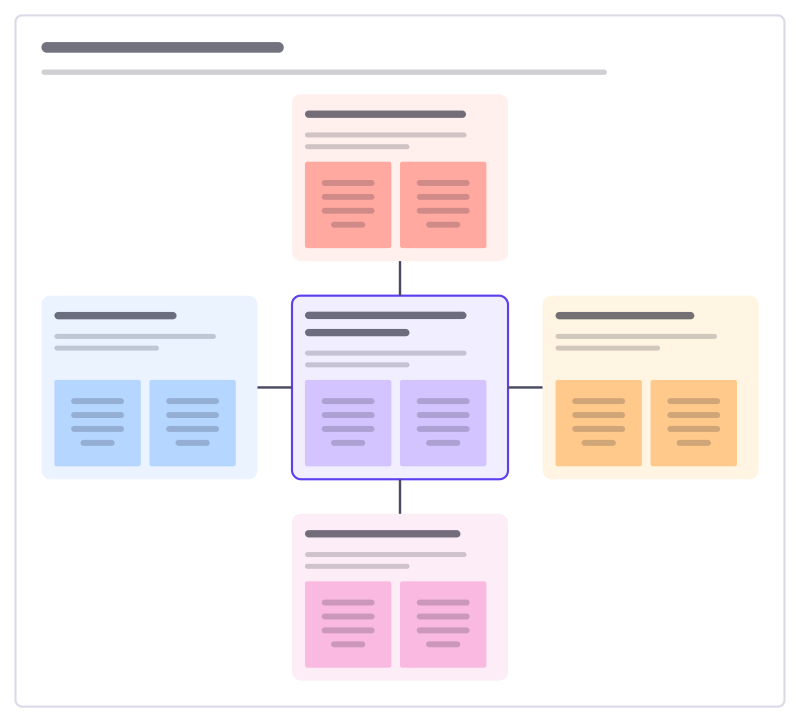
How attractive is a market? Look at rivals, new entrants, substitutes and the bargaining power of buyers and suppliers.
Growth options matrix
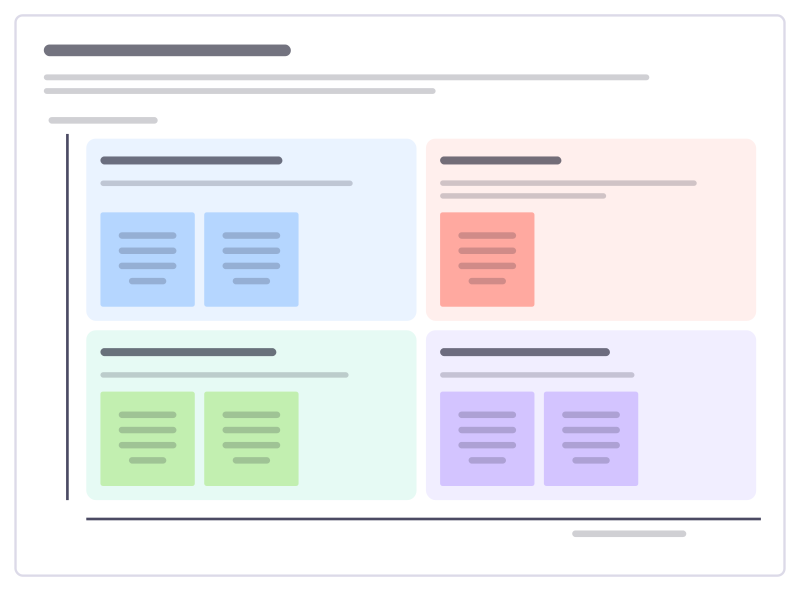
Four ways to grow: sell more of what you have, build new things for current customers, take what you have to new markets, or do both.
Hypothesis tracker
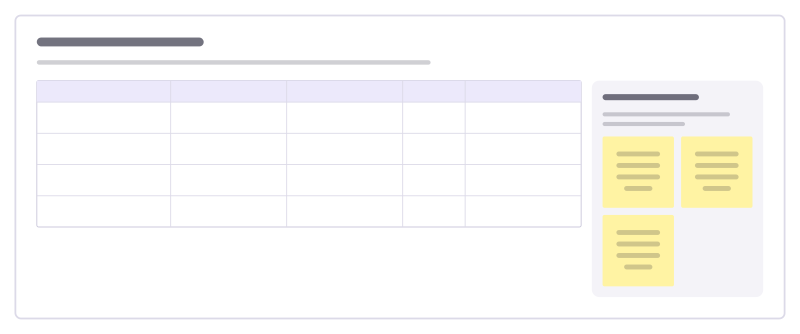
Keep every working hypothesis in one table with the evidence for and against, how confident you are and the next test.
Value chain map
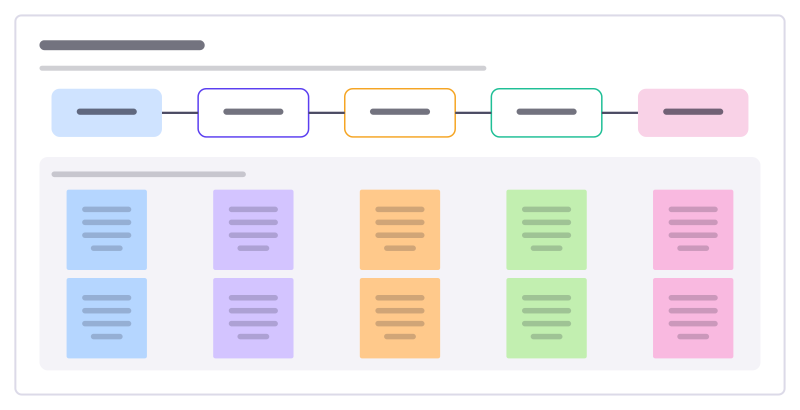
Follow how your organisation turns inputs into something customers pay for, step by step, and mark where you add or lose value.
Scenario planning
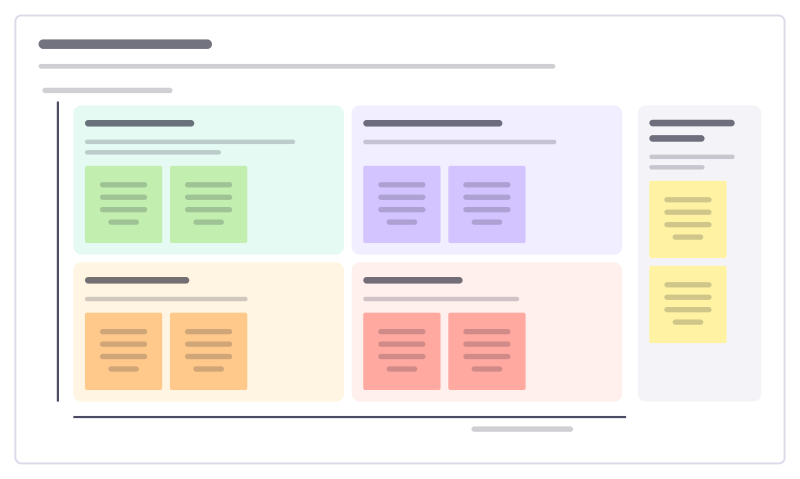
Pick the two biggest uncertainties about the future, cross them, and describe the four worlds that result, so plans hold up in each.
Bring your team and your agents to one board
Free to use, open source, and yours to host. No credit card, no seat count.