Software engineering template
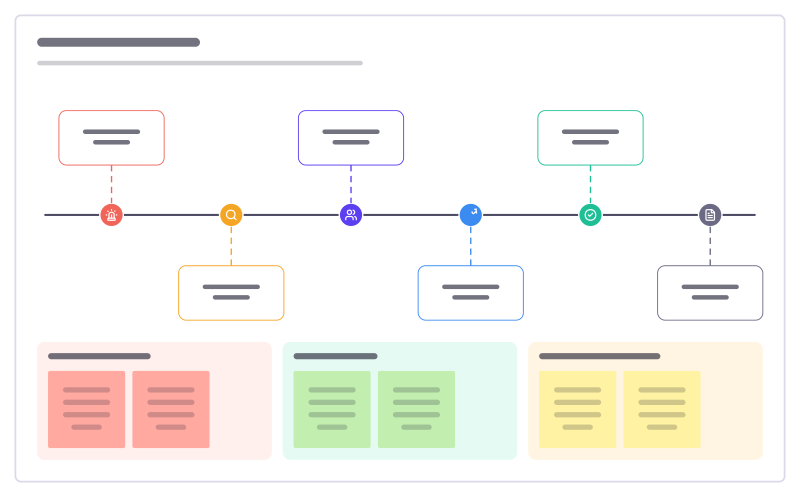
Incident timeline template
What happened when during an outage, from first alert to follow-up, with impact and lessons.
Free · Editable · Works with Claude and ChatGPT · Also in Meetings
How to use the Incident timeline template
Start a board from it
Use this template opens a new Freero board with the Incident timeline template on it (sign up free first). On a board you already have, open Templates in the toolbar and search for “Incident timeline”.
Follow the instruction on the board
“Write times in one time zone. Note facts, not blame: what was seen, what was done, what changed.”
Fill in each part
- 14:02 · Alert fires Checkout error rate above 5%
- 14:09 · Investigating On-call sees payment timeouts
- 14:15 · Incident call Lead, comms and a scribe assigned
- 14:31 · Mitigated Last deploy rolled back
- 15:05 · Resolved Errors back to normal for 30 min
- Next day · Review Blameless postmortem booked
- Customer impact
- What helped
- What slowed us down
Bring your team and your agents
Invite people to the board or share a link, and work on it together live. The timer is in the top bar, private mode and voting in the board menu, and Claude or ChatGPT can join through Freero’s MCP server.
Work on it with an AI agent
Connect an assistant once and it works on the board with you, with your permissions: by default it reads and proposes, and people decide.
You ask: “Fill in the Incident timeline board from these notes.”
What happens It reads the board, then proposes sticky notes for it. Nothing changes until someone on the board accepts them.
You ask: “Group what we wrote into themes and list the actions.”
What happens It proposes clusters with a title each and task cards for the actions, labelled with its name and yours.
Set it up for Claude, ChatGPT or any MCP client.
Related software engineering templates
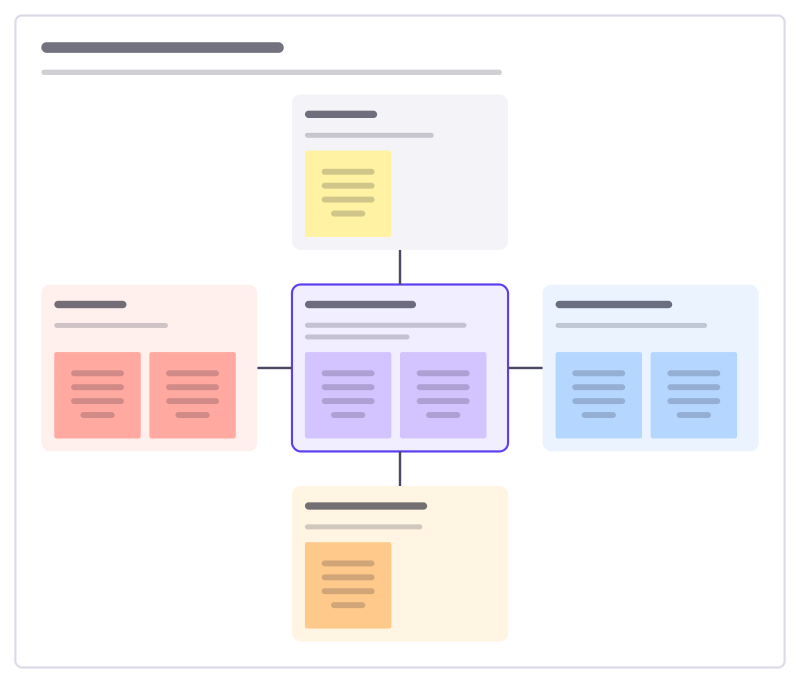
Incident response roles
Who does what when a serious incident starts: the incident lead in the middle, and the roles that support them.
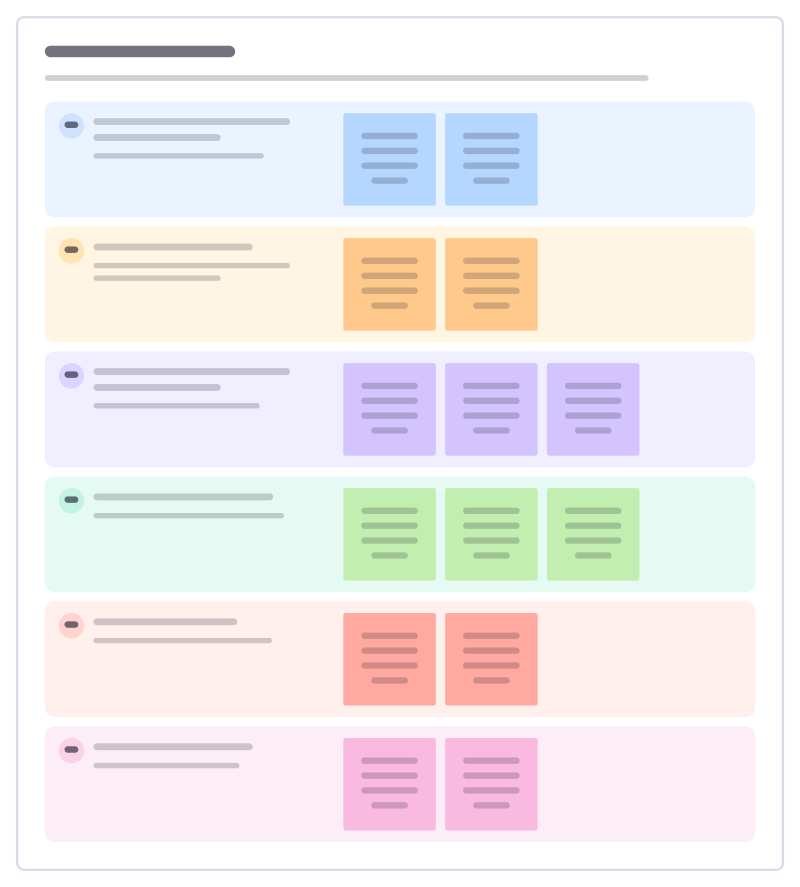
Service runbook
What an on-call engineer needs at 3am for one service: how to tell it’s broken, first checks, safe fixes and who to wake.
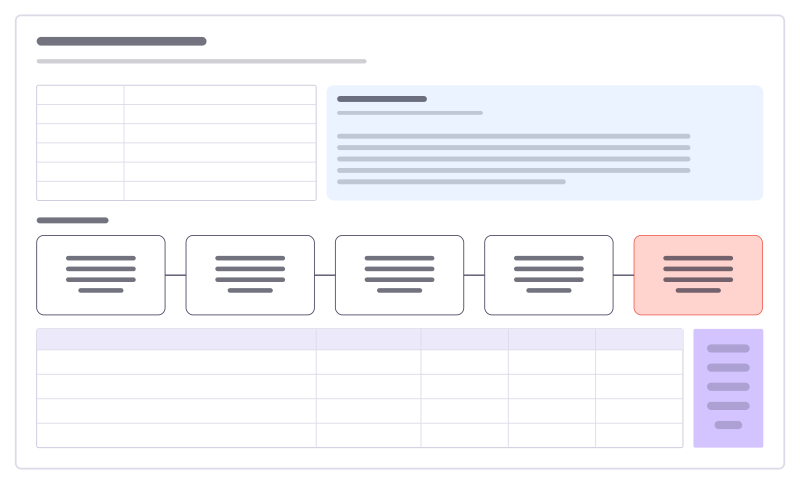
Incident postmortem
A blameless review: summary, what happened, five whys to the root cause and owned actions.
On-call handover
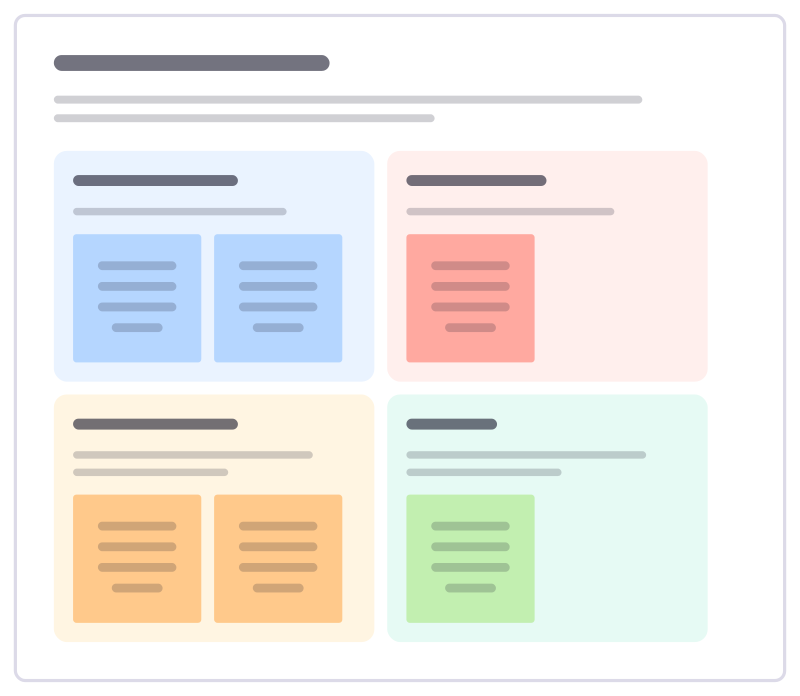
Hand the pager over cleanly: what happened this week, what’s still open, what to watch and what the next person needs to know.
On-call health check
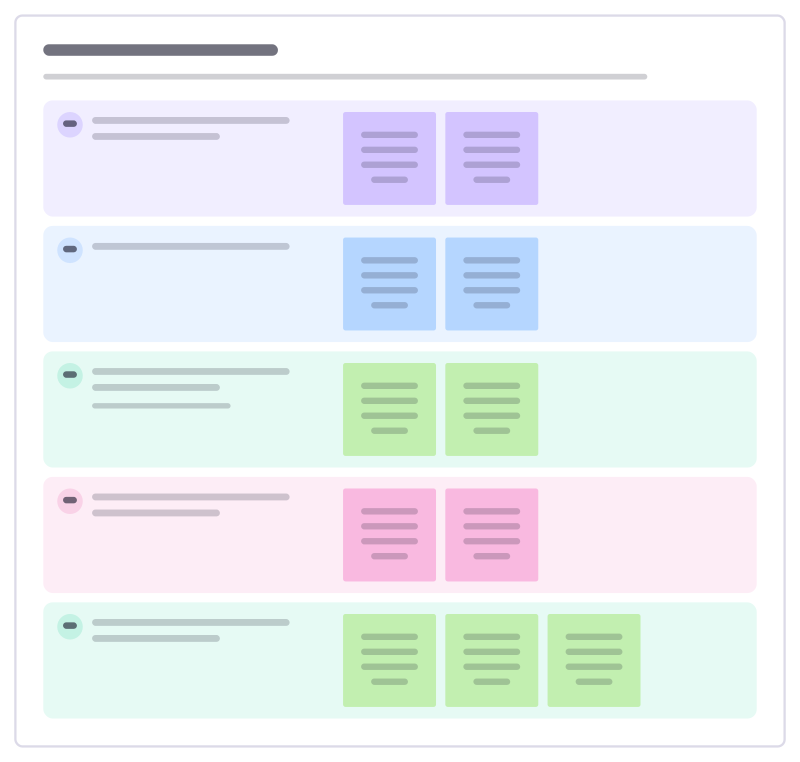
Ask how on-call is really going for the people who carry the pager: load, sleep, support and what would make it fairer.
Incident tabletop exercise
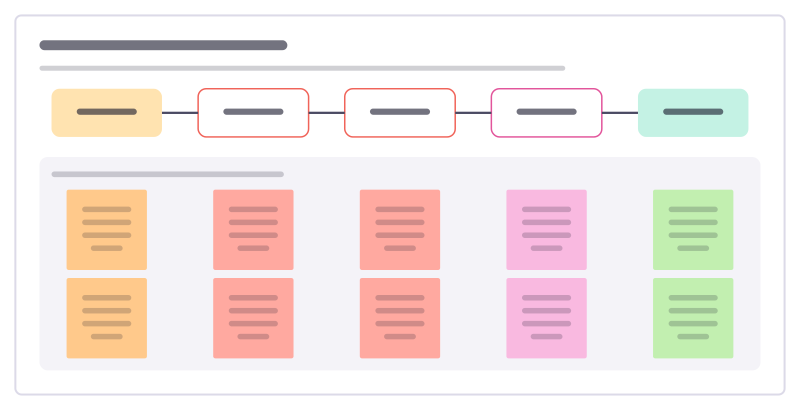
Walk a team through an imagined incident round by round, talking through what each person would do, to find gaps before a real one.
All 89 software engineering templates · All 584 templates by category
Bring your team and your agents to one board
Free to use, open source, and yours to host. No credit card, no seat count.