UX research template
Community needs assessment template
Gather what a community says it needs, what already exists and where the gaps are, before deciding what to start.
Free · Editable · Works with Claude and ChatGPT · Also in Strategy
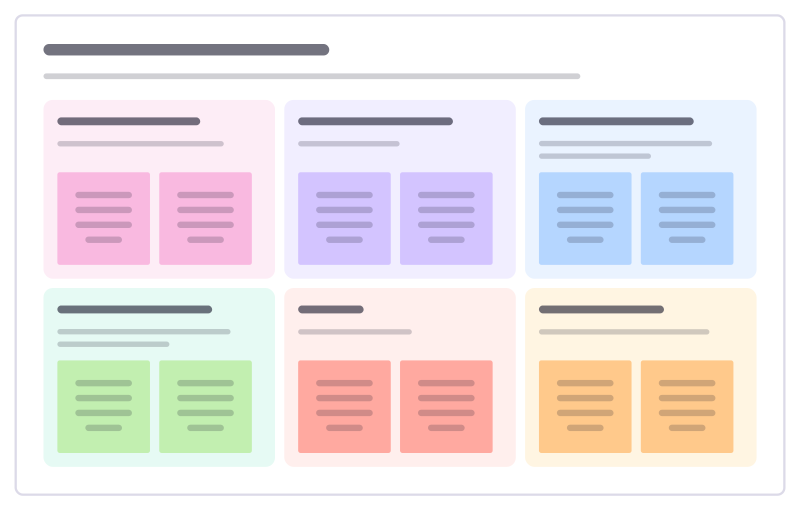
How to use the Community needs assessment template
Start a board from it
Use this template opens a new Freero board with the Community needs assessment template on it (sign up free first). On a board you already have, open Templates in the toolbar and search for “Community needs assessment”.
Follow the instruction on the board
“Hear from people who don’t usually come to meetings. Put what people said beside the numbers, and only then pick priorities.”
Fill in each part
- Who we heard from Groups, numbers and who is still missing.
- What people told us Needs in their own words.
- What the data shows Local figures that back it up or contradict it.
- What already exists Services, groups and spaces already helping.
- Gaps Needs nobody is meeting yet.
- Our priorities Where we are best placed to help, and why.
Bring your team and your agents
Invite people to the board or share a link, and work on it together live. The timer is in the top bar, private mode and voting in the board menu, and Claude or ChatGPT can join through Freero’s MCP server.
Work on it with an AI agent
Connect an assistant once and it works on the board with you, with your permissions: by default it reads and proposes, and people decide.
You ask: “Fill in the Community needs assessment board from these notes.”
What happens It reads the board, then proposes sticky notes for it. Nothing changes until someone on the board accepts them.
You ask: “Group what we wrote into themes and list the actions.”
What happens It proposes clusters with a title each and task cards for the actions, labelled with its name and yours.
Set it up for Claude, ChatGPT or any MCP client.
Related UX research templates
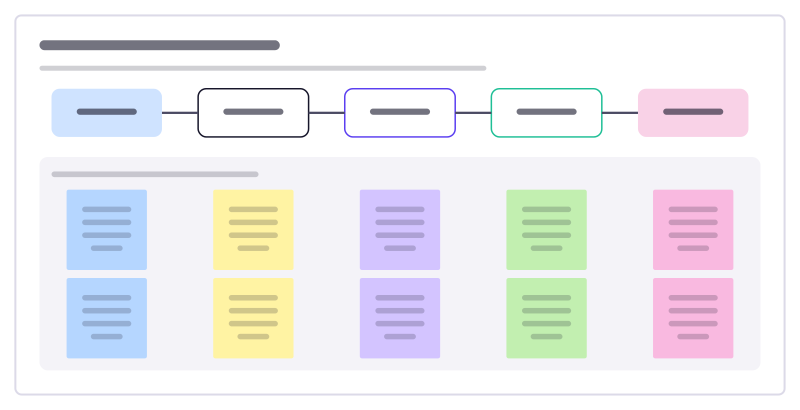
Beneficiary feedback loop
Ask the people you serve what is working, act on it and tell them what changed, so feedback becomes a habit and not a survey.
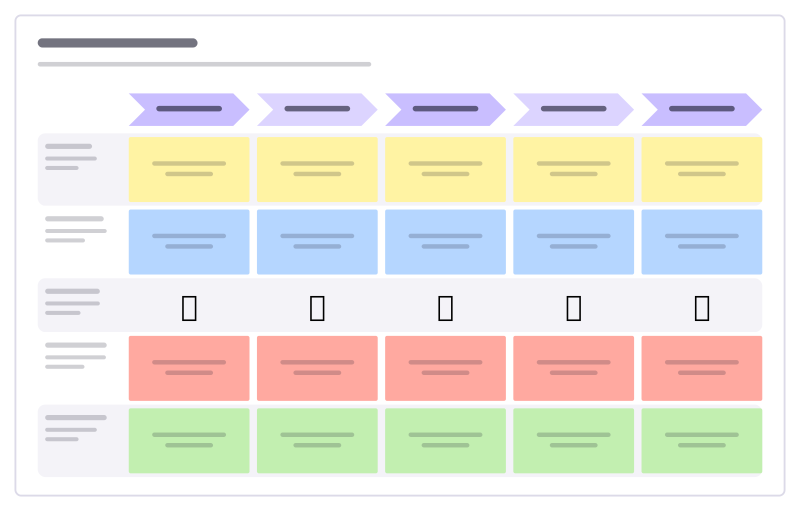
Customer journey
Stages across, lanes for doing, thinking, feeling, pain points and opportunities.
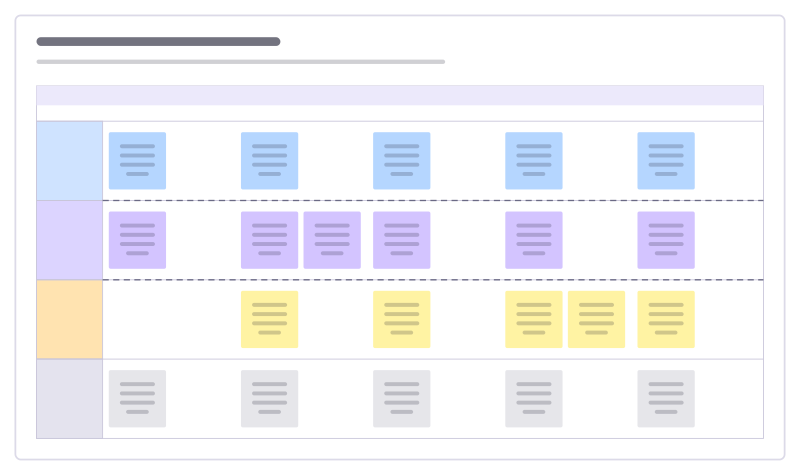
Service blueprint
What the customer does, what they see, what happens behind the scenes and the systems that support it.
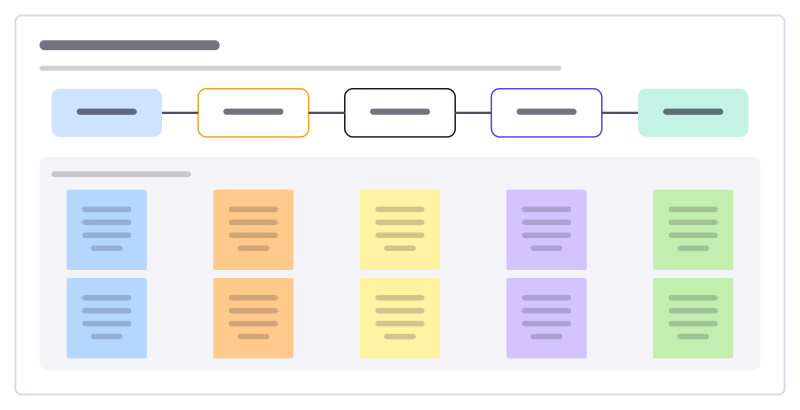
Insight to action
Take a finding from data and walk it through to a decision: what you saw, why it matters, what it might mean and what you will do.
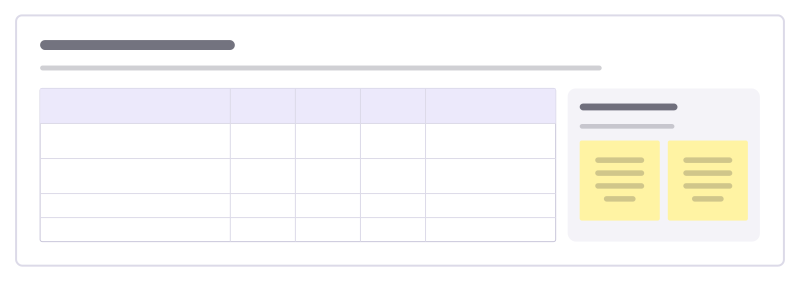
Opportunity scoring
Find under-served needs: score how important each outcome is to customers and how satisfied they are today, then chase the biggest gaps.
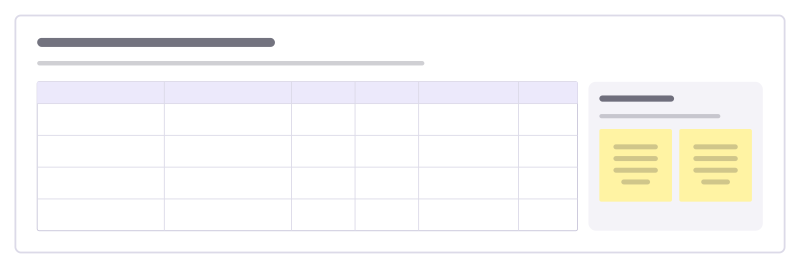
Impact measurement framework
Decide how you will show your work makes a difference: each outcome with an indicator, baseline, target and where the data comes from.
All 64 UX research templates · All 584 templates by category
Bring your team and your agents to one board
Free to use, open source, and yours to host. No credit card, no seat count.