Operations template
Supplier-to-customer map template
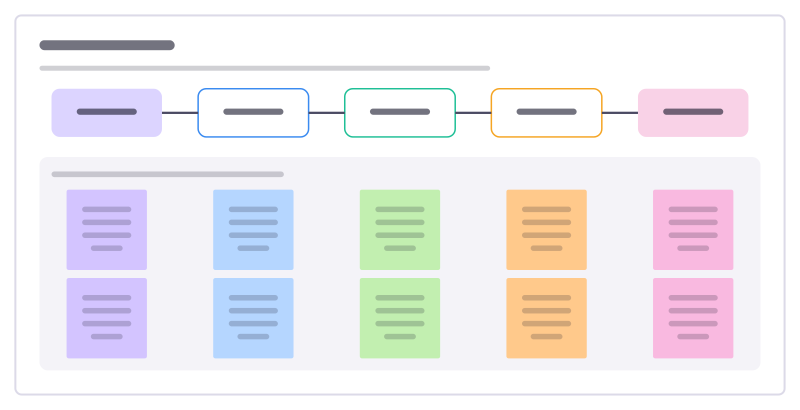
One process on a page: who supplies what goes in, the few main steps, what comes out and who receives it.
Free · Editable · Works with Claude and ChatGPT · Also in Diagramming
How to use the Supplier-to-customer map template
Start a board from it
Use this template opens a new Freero board with the Supplier-to-customer map template on it (sign up free first). On a board you already have, open Templates in the toolbar and search for “Supplier-to-customer map”.
Follow the instruction on the board
“Fill the process column first, in four to six steps, then work outwards to both edges. Keep it high level: detail belongs in a process map.”
Fill in each part
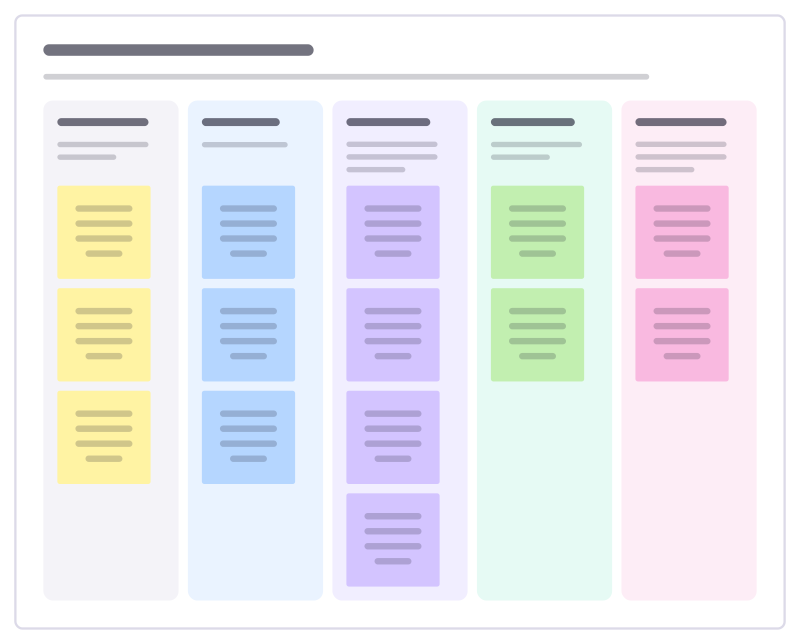
- Suppliers Who provides what the process needs?
- Inputs What do they provide?
- Process The main steps, in order, start to finish.
- Outputs What does the process produce?
- Customers Who receives the outputs, and what do they need?
Bring your team and your agents
Invite people to the board or share a link, and work on it together live. The timer is in the top bar, private mode and voting in the board menu, and Claude or ChatGPT can join through Freero’s MCP server.
Work on it with an AI agent
Connect an assistant once and it works on the board with you, with your permissions: by default it reads and proposes, and people decide.
You ask: “Fill in the Supplier-to-customer map board from these notes.”
What happens It reads the board, then proposes sticky notes for it. Nothing changes until someone on the board accepts them.
You ask: “Group what we wrote into themes and list the actions.”
What happens It proposes clusters with a title each and task cards for the actions, labelled with its name and yours.
Set it up for Claude, ChatGPT or any MCP client.
Related operations templates
Value stream map
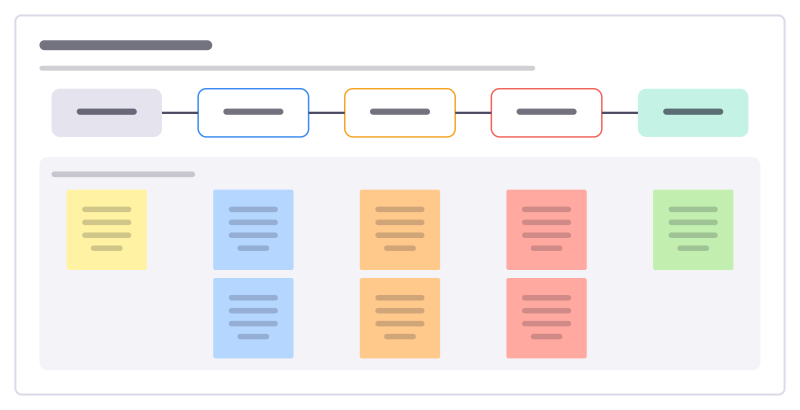
Follow one request through every step to delivery, with work time and wait time at each, to see where time really goes.

Improvement event plan
Plan a focused few days where a team fixes one process: scope, current state, ideas, changes tried and how they’re kept.
Workplace organisation audit
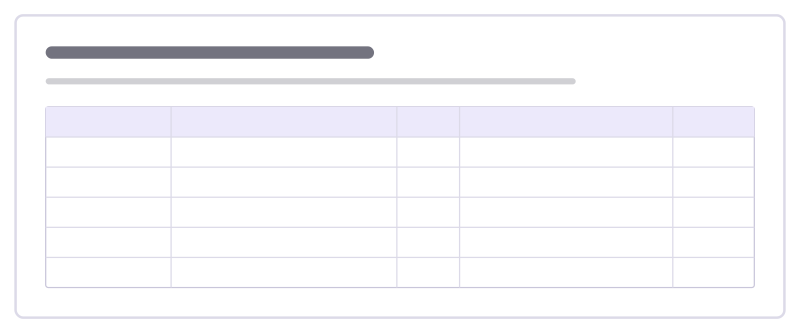
Score a work area on sort, set in order, shine, standardise and sustain, and agree the actions to lift each score.

Floor walk notes
Notes from walking where the work happens: what you saw, what people told you, problems spotted and what you’ll follow up.
Five whys
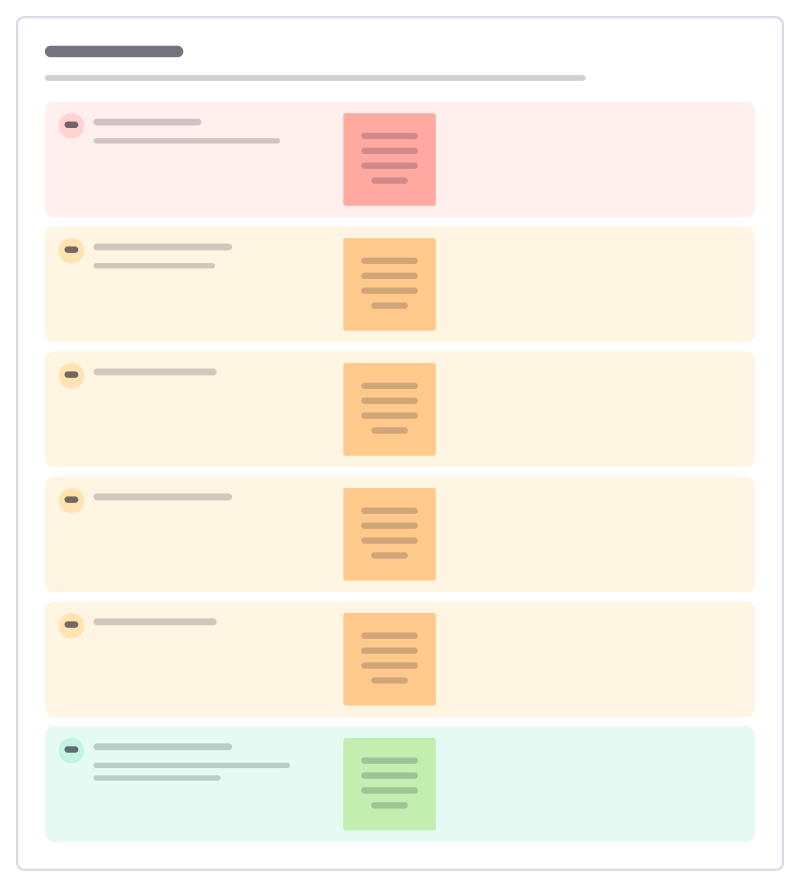
Ask "why?" until you reach a cause you can actually fix, writing down the evidence for each answer on the way.
Process map
Lay out how a piece of work really flows today, step by step, with who does it, the tools involved and where time is lost.
All 151 operations templates · All 584 templates by category
Bring your team and your agents to one board
Free to use, open source, and yours to host. No credit card, no seat count.