Meeting template
Self-organised agenda template
Let participants set the agenda on the day: anyone can host a session, and people go where they learn or contribute most.
Free · Editable · Works with Claude and ChatGPT · Also in Planning
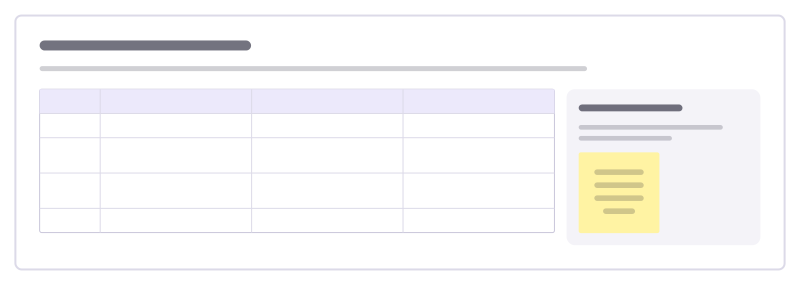
How to use the Self-organised agenda template
Start a board from it
Use this template opens a new Freero board with the Self-organised agenda template on it (sign up free first). On a board you already have, open Templates in the toolbar and search for “Self-organised agenda”.
Follow the instruction on the board
“Hosts write a session title and put it in a free slot. People vote with their feet: if you aren’t learning or contributing, move to another room.”
Fill in each part
- Table Columns: Time · Room A · Room B · Room C
- Session notes Each host leaves three lines for people who weren’t there.
Bring your team and your agents
Invite people to the board or share a link, and work on it together live. The timer is in the top bar, private mode and voting in the board menu, and Claude or ChatGPT can join through Freero’s MCP server.
Work on it with an AI agent
Connect an assistant once and it works on the board with you, with your permissions: by default it reads and proposes, and people decide.
You ask: “Fill in the Self-organised agenda board from these notes.”
What happens It reads the board, then proposes sticky notes for it. Nothing changes until someone on the board accepts them.
You ask: “Group what we wrote into themes and list the actions.”
What happens It proposes clusters with a title each and task cards for the actions, labelled with its name and yours.
Set it up for Claude, ChatGPT or any MCP client.
Related meeting templates
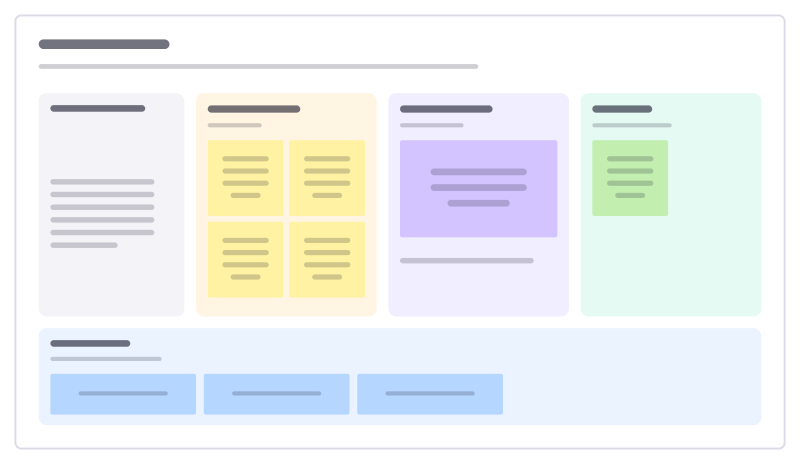
Lean coffee
An agenda-less meeting: propose topics, vote, and talk through them in timeboxes.
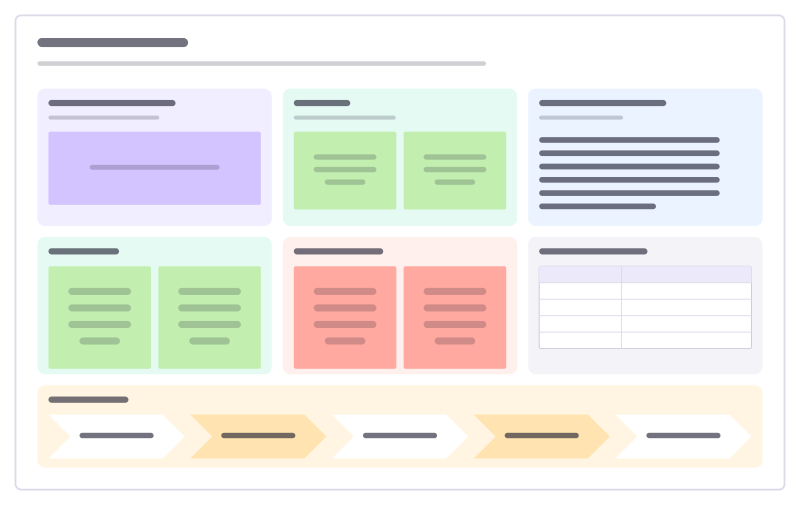
Project kickoff
Why, goals, how you’ll measure success, scope, roles and milestones on one board.
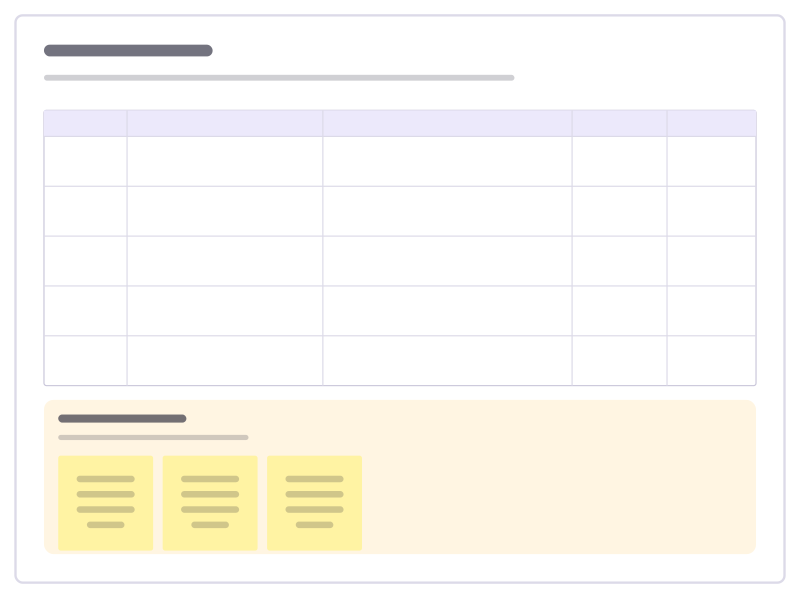
Decision log
A running table of decisions: what, why, who decided and when to revisit it.
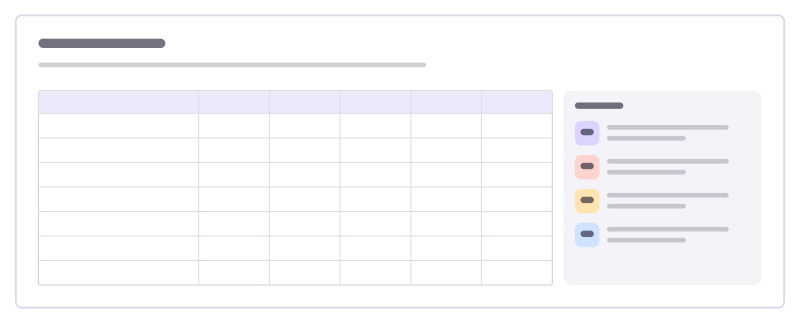
RACI matrix
Who is Responsible, Accountable, Consulted and Informed for each task, in one table.
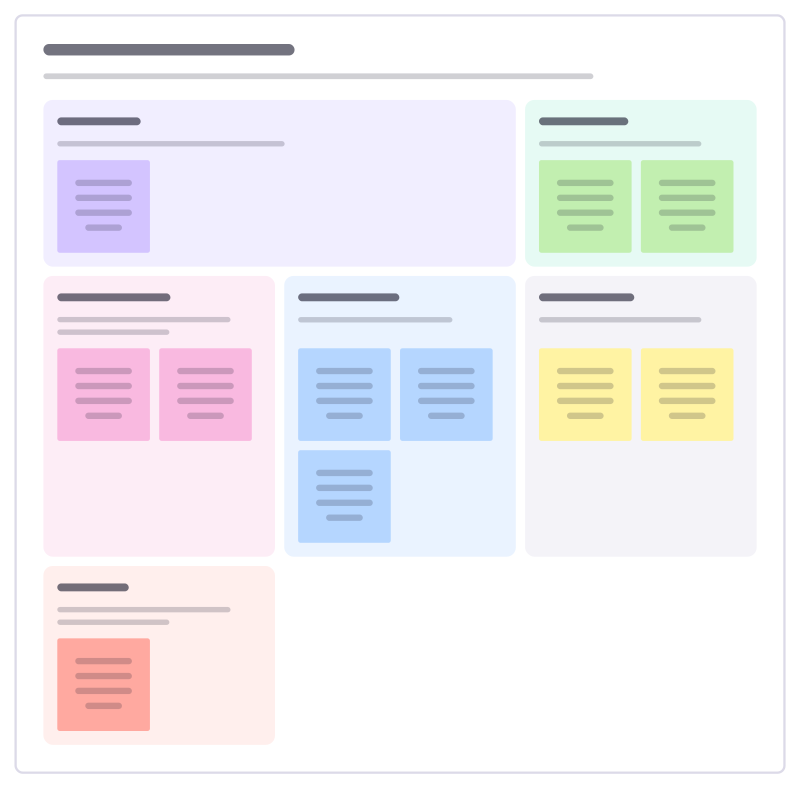
Workshop design canvas
Design a workshop before you book the room: purpose, people, outcomes, activities, materials and what could go wrong.
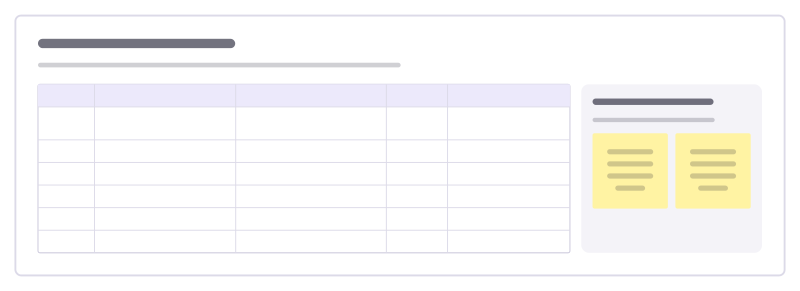
Facilitator run sheet
The minute-by-minute plan a facilitator runs from: time, activity, purpose, who leads and what needs to be ready.
Bring your team and your agents to one board
Free to use, open source, and yours to host. No credit card, no seat count.