Meeting template
Decision log template
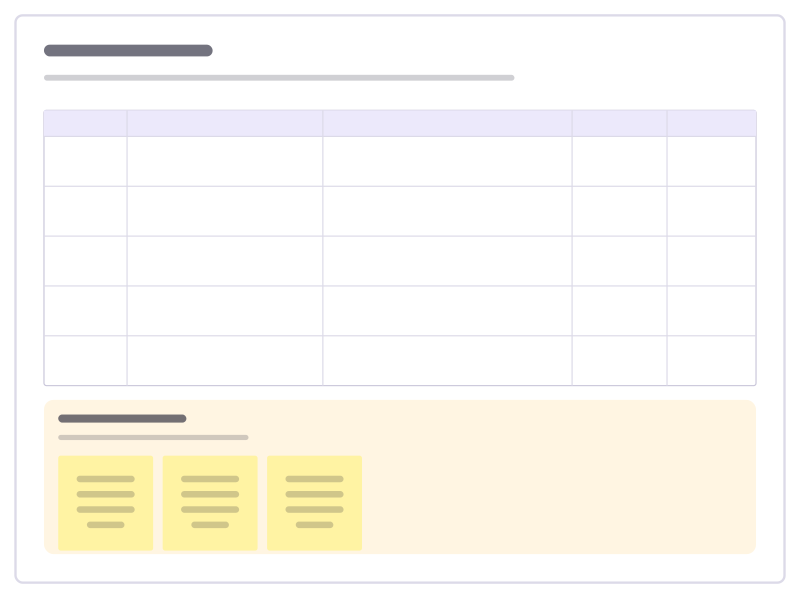
A running table of decisions: what, why, who decided and when to revisit it.
Free · Editable · Works with Claude and ChatGPT · Also in Planning
How to use the Decision log template
Start a board from it
Use this template opens a new Freero board with the Decision log template on it (sign up free first). On a board you already have, open Templates in the toolbar and search for “Decision log”.
Follow the instruction on the board
“Write a decision down the day it’s made, with the reason. Future you will want to know why, not just what.”
Fill in each part
- Table Columns: Date · Decision · Why (options we weighed) · Decided by · Status
- Open questions Waiting for a decision. Who decides, and by when?
Bring your team and your agents
Invite people to the board or share a link, and work on it together live. The timer is in the top bar, private mode and voting in the board menu, and Claude or ChatGPT can join through Freero’s MCP server.
Work on it with an AI agent
Connect an assistant once and it works on the board with you, with your permissions: by default it reads and proposes, and people decide.
You ask: “Fill in the Decision log board from these notes.”
What happens It reads the board, then proposes sticky notes for it. Nothing changes until someone on the board accepts them.
You ask: “Group what we wrote into themes and list the actions.”
What happens It proposes clusters with a title each and task cards for the actions, labelled with its name and yours.
Set it up for Claude, ChatGPT or any MCP client.
Related meeting templates
RACI matrix
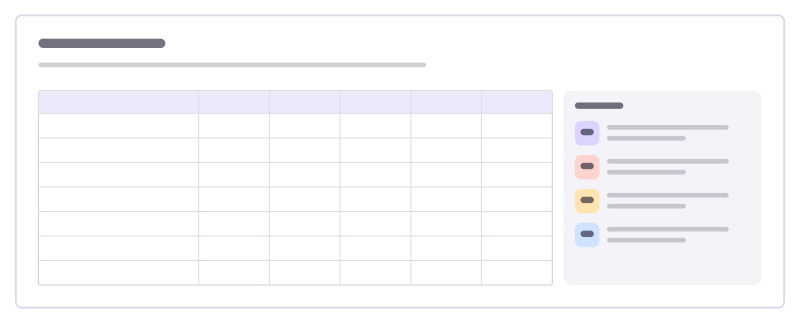
Who is Responsible, Accountable, Consulted and Informed for each task, in one table.
Meeting notes
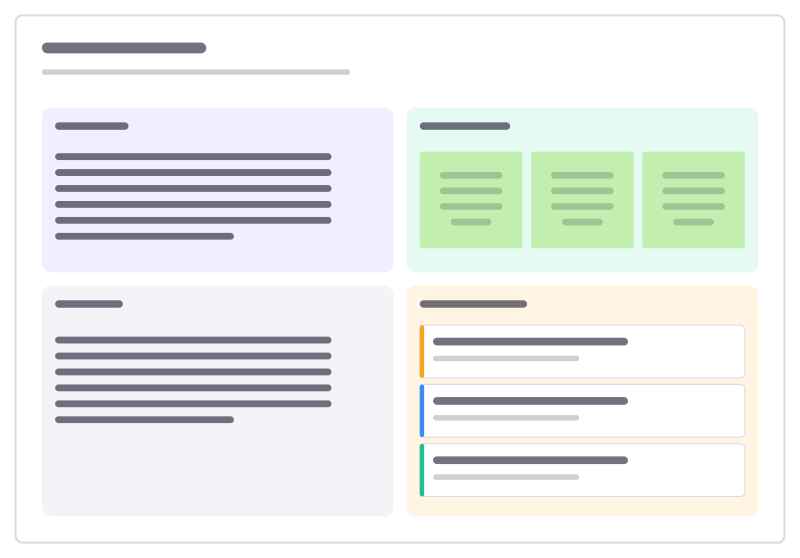
Agenda, running notes, decisions and action items with owners in one place.
Decision matrix
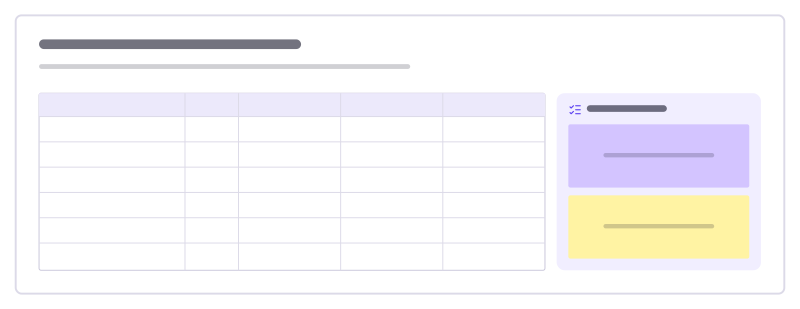
Compare options on weighted criteria: score each 1–5, multiply by the weight, add it up.
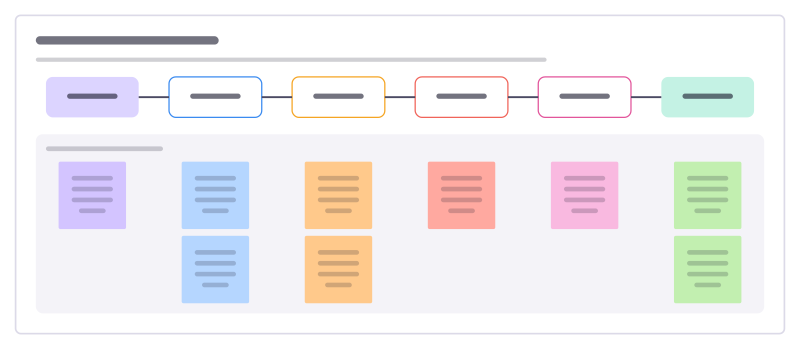
Consent decision round
Make a decision people can live with in one meeting: a proposal, questions, reactions, objections and a better version.
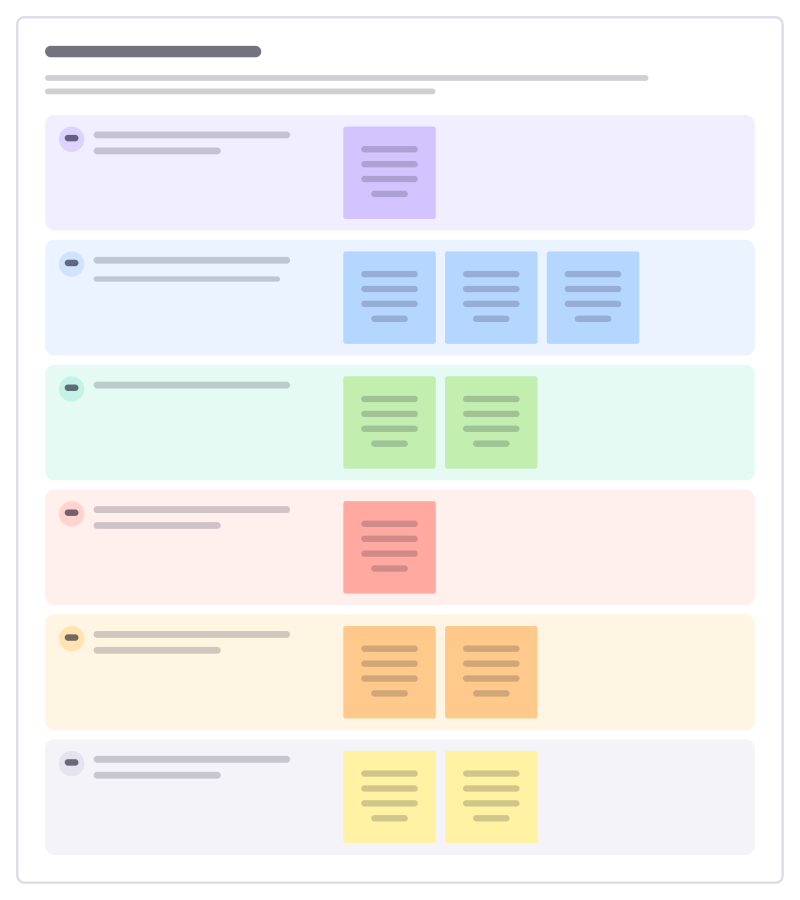
Board pack outline
Plan the papers for a board meeting: the headline, the numbers, the risks and the decisions you need the board to make.
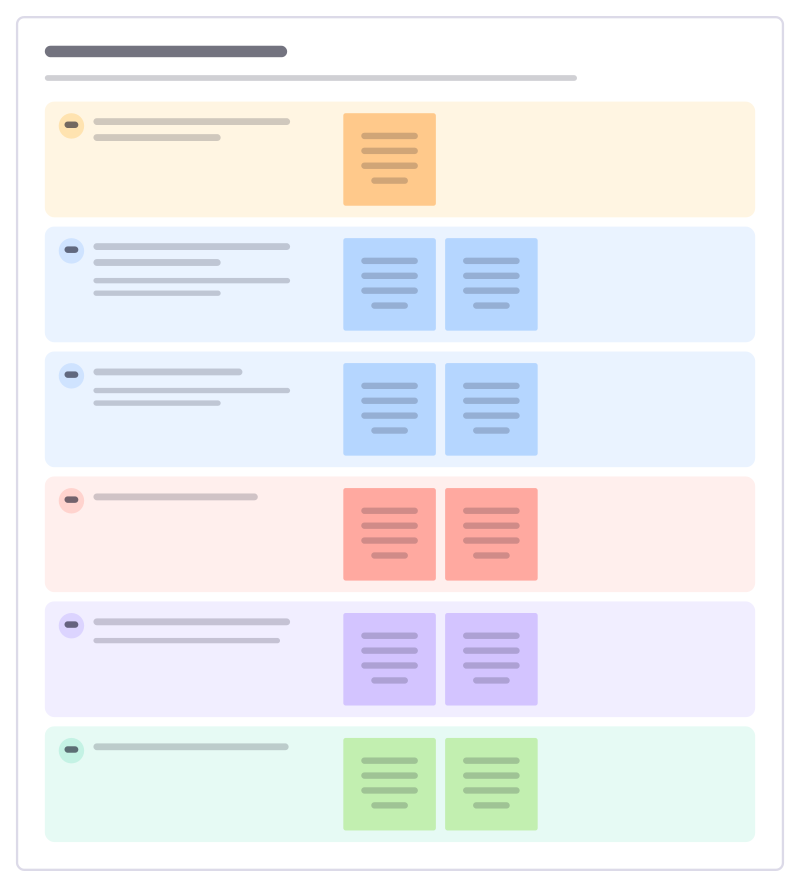
Trustee board meeting
Run a nonprofit board meeting that decides things: declarations, the director’s report, finances, risks and the decisions needed today.
Bring your team and your agents to one board
Free to use, open source, and yours to host. No credit card, no seat count.