Meeting template
Facilitator run sheet template
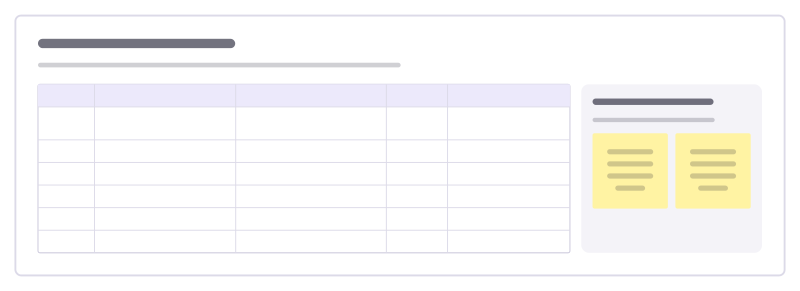
The minute-by-minute plan a facilitator runs from: time, activity, purpose, who leads and what needs to be ready.
Free · Editable · Works with Claude and ChatGPT · Also in Planning
How to use the Facilitator run sheet template
Start a board from it
Use this template opens a new Freero board with the Facilitator run sheet template on it (sign up free first). On a board you already have, open Templates in the toolbar and search for “Facilitator run sheet”.
Follow the instruction on the board
“Plan in five-minute units and add a buffer before every break. If a block has no clear purpose, cut it.”
Fill in each part
- Table Columns: Time · Activity · Purpose · Lead · Ready?
- If time runs short Decide in advance what you cut first.
Bring your team and your agents
Invite people to the board or share a link, and work on it together live. The timer is in the top bar, private mode and voting in the board menu, and Claude or ChatGPT can join through Freero’s MCP server.
Work on it with an AI agent
Connect an assistant once and it works on the board with you, with your permissions: by default it reads and proposes, and people decide.
You ask: “Fill in the Facilitator run sheet board from these notes.”
What happens It reads the board, then proposes sticky notes for it. Nothing changes until someone on the board accepts them.
You ask: “Group what we wrote into themes and list the actions.”
What happens It proposes clusters with a title each and task cards for the actions, labelled with its name and yours.
Set it up for Claude, ChatGPT or any MCP client.
Related meeting templates
Workshop agenda
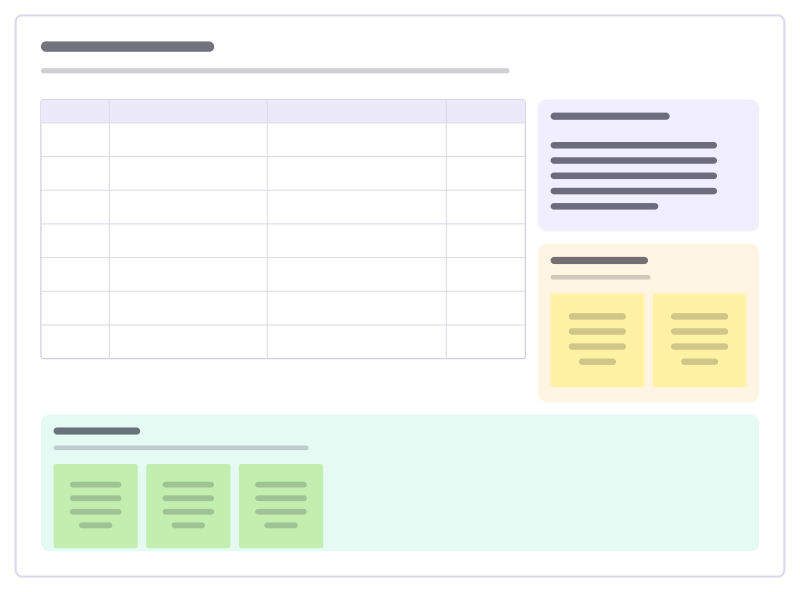
A timed agenda with methods and owners, the goals, a parking lot and a check-out.
Workshop design canvas
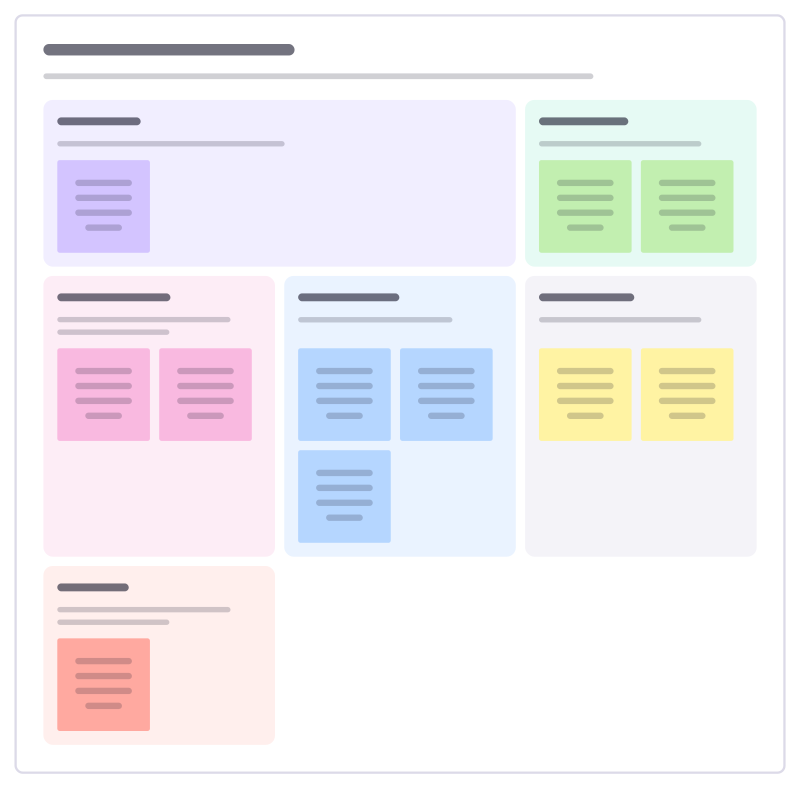
Design a workshop before you book the room: purpose, people, outcomes, activities, materials and what could go wrong.
Team offsite planner
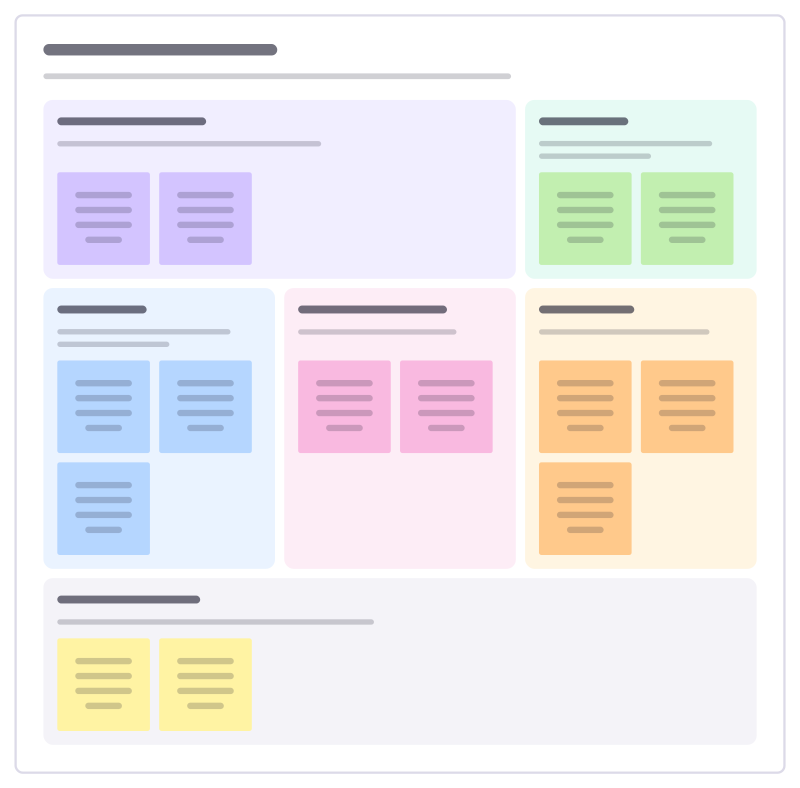
Plan an offsite people are glad they went to: purpose, outcomes, sessions, logistics and what happens after.
Meeting notes
Agenda, running notes, decisions and action items with owners in one place.
Parking lot
Catch the topics that come up but don’t belong in this meeting, and make sure each one ends with an answer or an owner.
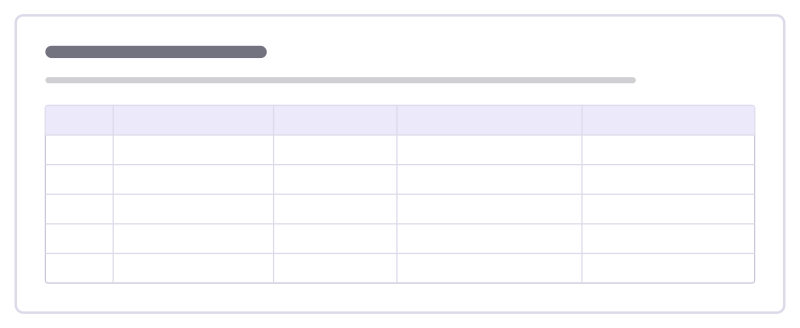
Event run of show
The minute-by-minute script for running a live event: segments, who’s on stage, what the crew does and the cues.
Bring your team and your agents to one board
Free to use, open source, and yours to host. No credit card, no seat count.