Strategy template
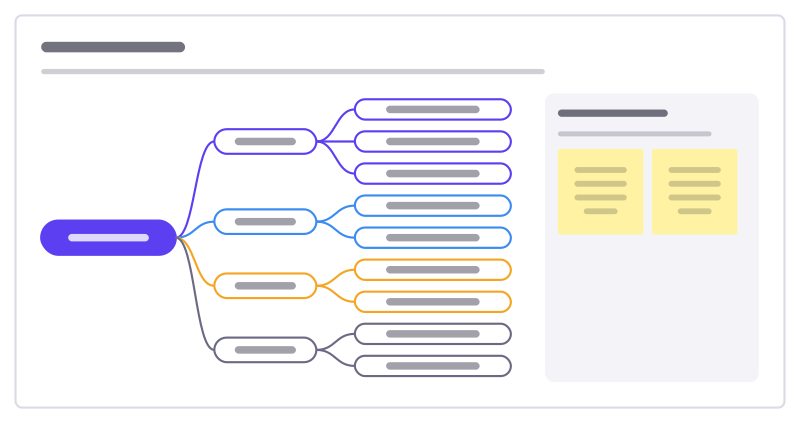
Option tree template
Lay out the options for a big decision as a tree, so the team sees every path before arguing for one.
Free · Editable · Works with Claude and ChatGPT · Also in Consulting, Planning
How to use the Option tree template
Start a board from it
Use this template opens a new Freero board with the Option tree template on it (sign up free first). On a board you already have, open Templates in the toolbar and search for “Option tree”.
Follow the instruction on the board
“Put the decision at the root. Branches are genuinely different paths; leaves are variations. Mark the paths you could combine.”
Fill in each part
- Grow in Germany? Branches: Do it ourselves · Through a partner · Buy a local player · Not yet
- How to use it Add facts to each branch before choosing.
Bring your team and your agents
Invite people to the board or share a link, and work on it together live. The timer is in the top bar, private mode and voting in the board menu, and Claude or ChatGPT can join through Freero’s MCP server.
Work on it with an AI agent
Connect an assistant once and it works on the board with you, with your permissions: by default it reads and proposes, and people decide.
You ask: “Fill in the Option tree board from these notes.”
What happens It reads the board, then proposes sticky notes for it. Nothing changes until someone on the board accepts them.
You ask: “Group what we wrote into themes and list the actions.”
What happens It proposes clusters with a title each and task cards for the actions, labelled with its name and yours.
Set it up for Claude, ChatGPT or any MCP client.
Related strategy templates
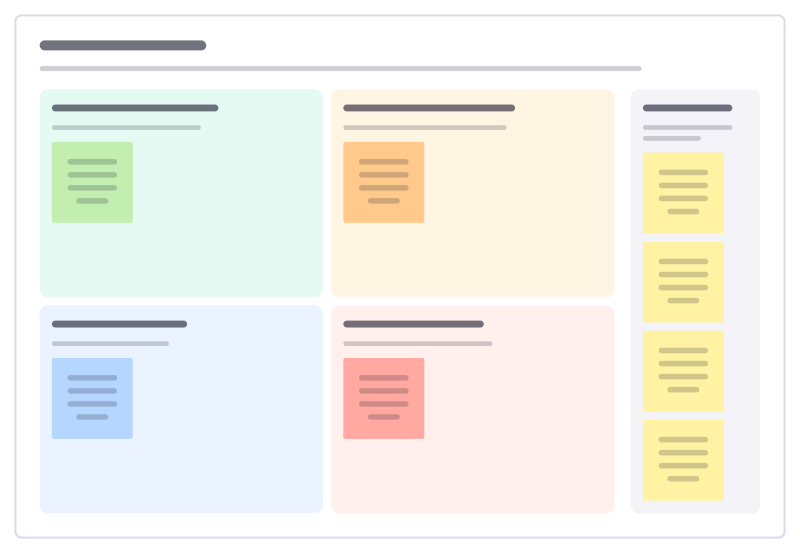
SWOT to actions
Turn a finished SWOT into moves: use strengths on opportunities, fix weaknesses that block them, and defend against threats.
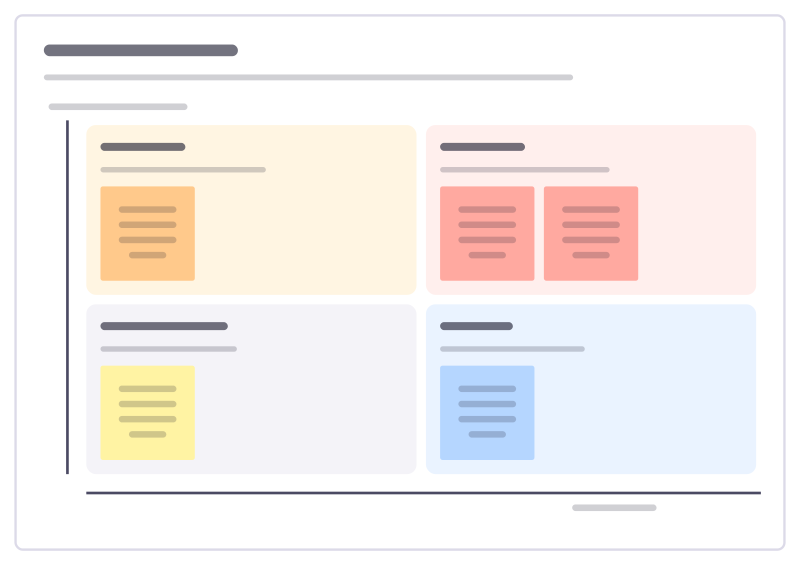
Trends to watch
Sort the trends that could change your market by how soon they arrive and how much they would matter, and decide what to do about each.
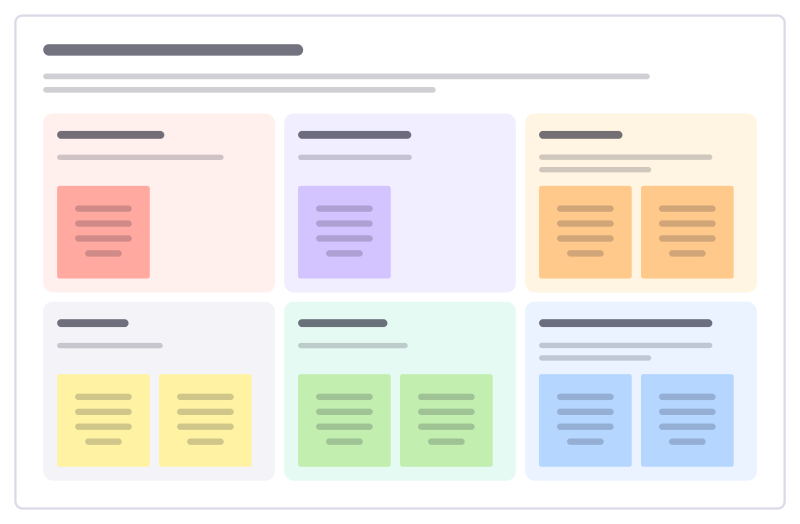
Business case on a page
Make the case for an investment on one page: the problem, the proposal, costs, benefits, risks and what you ask for.
Impact × effort
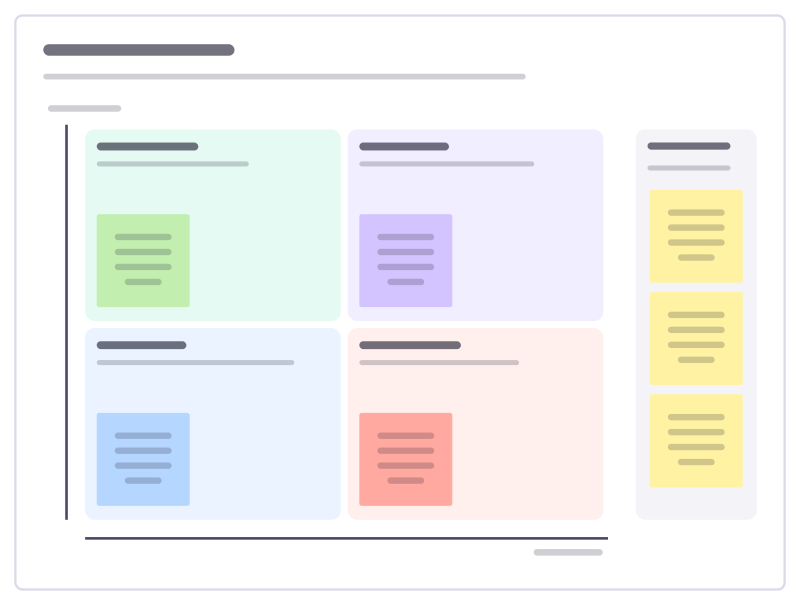
A 2×2 matrix to sort ideas into quick wins, big bets, fill-ins and time sinks.
OKRs
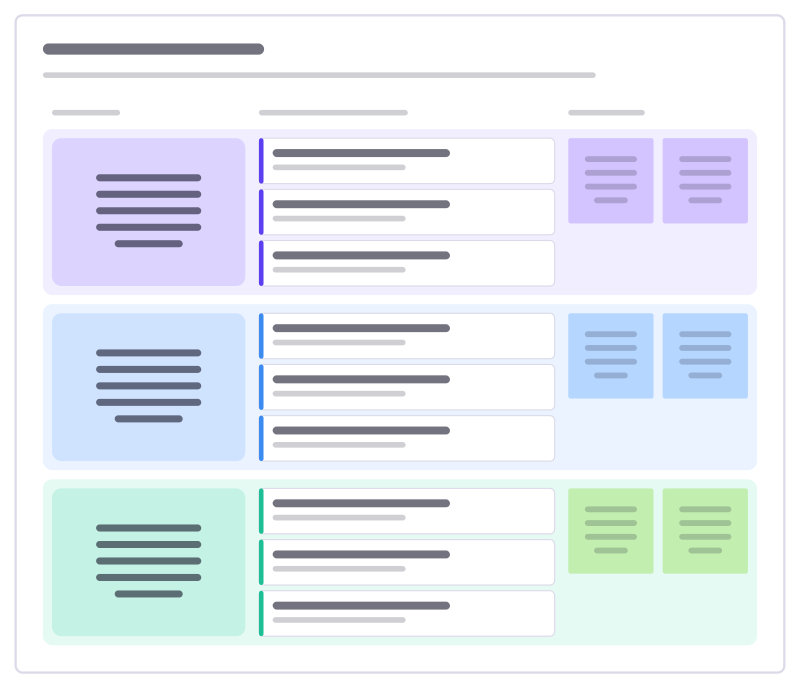
Three objectives, each with measurable key results and the initiatives that move them.
Product roadmap
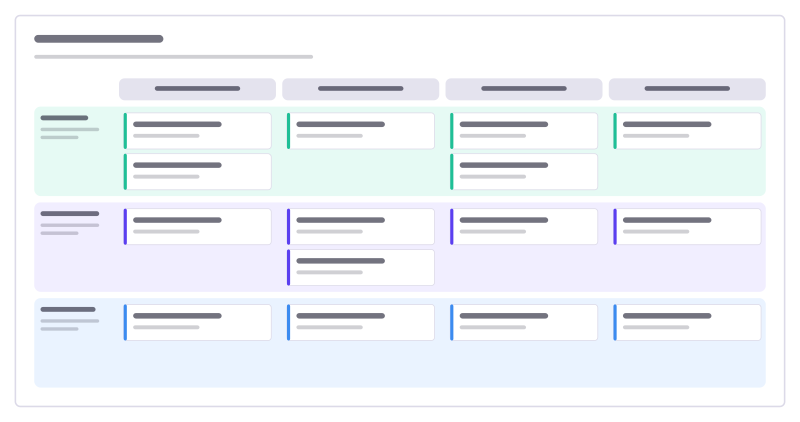
Four quarters across, product themes down, with cards for each initiative.
Bring your team and your agents to one board
Free to use, open source, and yours to host. No credit card, no seat count.