HR template
Hiring scorecard template
Agree what good looks like before the first interview, then score every candidate against the same evidence.
Free · Editable · Works with Claude and ChatGPT
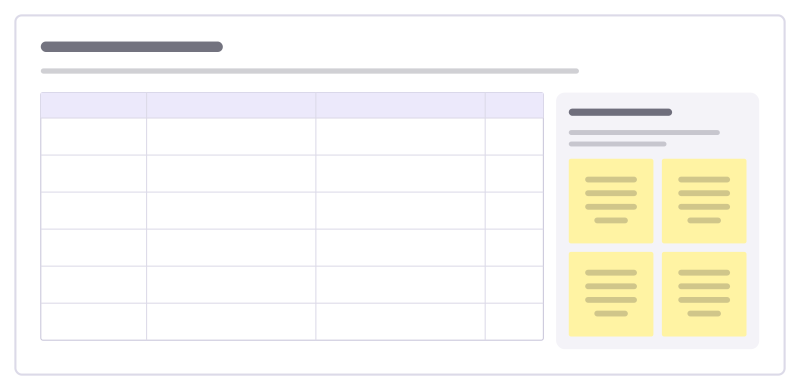
How to use the Hiring scorecard template
Start a board from it
Use this template opens a new Freero board with the Hiring scorecard template on it (sign up free first). On a board you already have, open Templates in the toolbar and search for “Hiring scorecard”.
Follow the instruction on the board
“Write the "what good looks like" column before you meet anyone. Score only on evidence you heard, and write the evidence down.”
Fill in each part
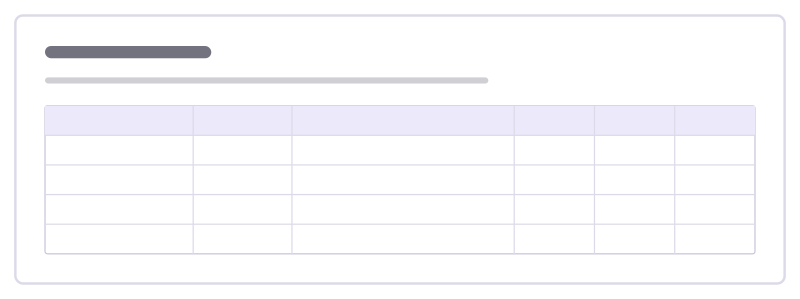
- Table Columns: Competency · What good looks like · Evidence heard · Score
- Rating scale Use the same four steps for every competency and every candidate.
Bring your team and your agents
Invite people to the board or share a link, and work on it together live. The timer is in the top bar, private mode and voting in the board menu, and Claude or ChatGPT can join through Freero’s MCP server.
Work on it with an AI agent
Connect an assistant once and it works on the board with you, with your permissions: by default it reads and proposes, and people decide.
You ask: “Fill in the Hiring scorecard board from these notes.”
What happens It reads the board, then proposes sticky notes for it. Nothing changes until someone on the board accepts them.
You ask: “Group what we wrote into themes and list the actions.”
What happens It proposes clusters with a title each and task cards for the actions, labelled with its name and yours.
Set it up for Claude, ChatGPT or any MCP client.
Related HR templates
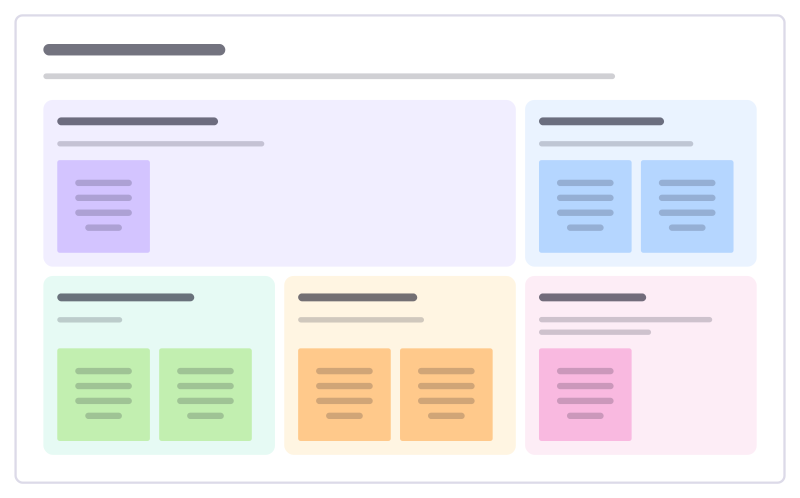
Job ad builder
Write a job ad people want to read: why the role exists, what they’ll do, who’ll thrive, what you offer and how hiring works.
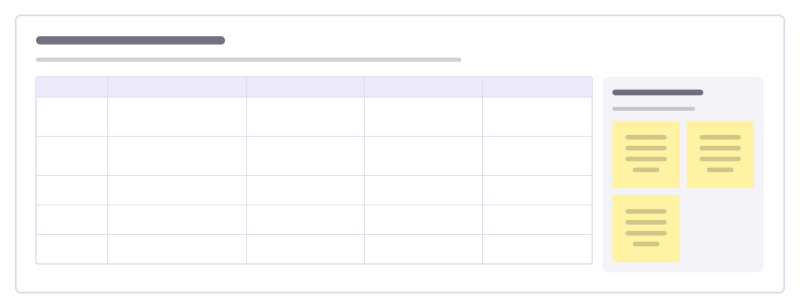
Interview question bank
Collect the questions your team asks in interviews, the skill each one tests, good follow-ups and what strong and weak answers sound like.
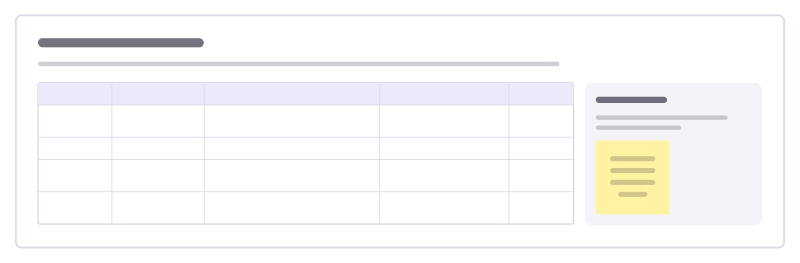
Interview debrief
Bring interviewers together after a loop: what each assessed, the evidence they saw, concerns, and a hiring decision.
Hiring plan
Plan the roles to hire this year: why each is needed now, when they start, the budget and who leads the search.
Reference check
A short structured call with a candidate’s former manager or colleague, checking what interviews could not show.
Interview loop
Every step a candidate goes through, who runs it, what it tests and the signals to listen for, so no two interviews overlap.
Bring your team and your agents to one board
Free to use, open source, and yours to host. No credit card, no seat count.