HR template
Reference check template
A short structured call with a candidate’s former manager or colleague, checking what interviews could not show.
Free · Editable · Works with Claude and ChatGPT
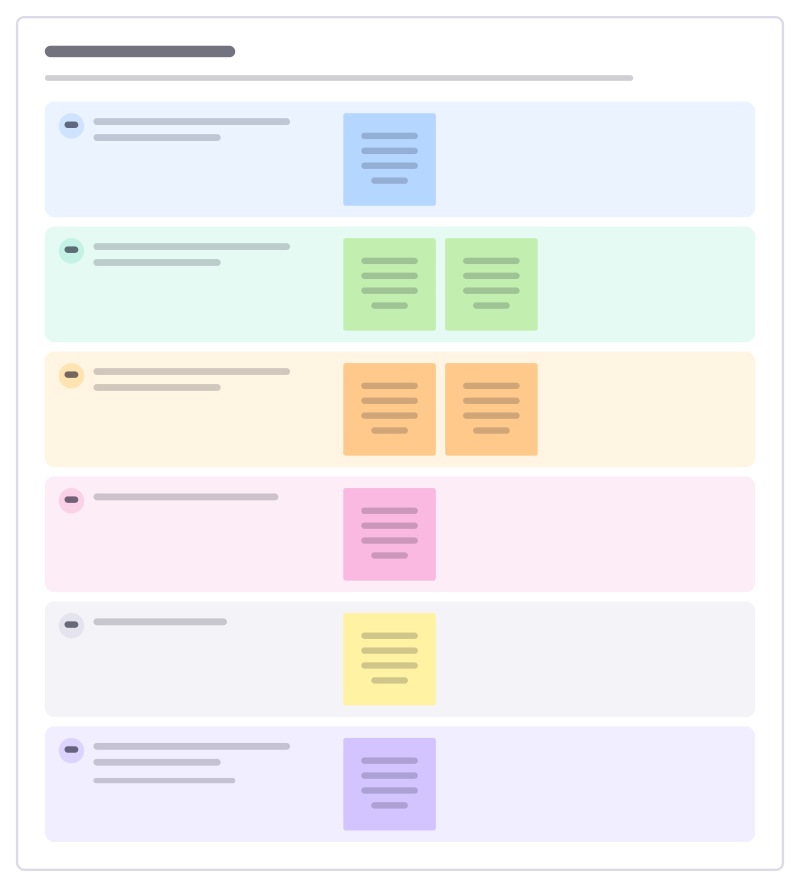
How to use the Reference check template
Start a board from it
Use this template opens a new Freero board with the Reference check template on it (sign up free first). On a board you already have, open Templates in the toolbar and search for “Reference check”.
Follow the instruction on the board
“Ask for examples, not ratings, and listen for hesitation. Call at least two referees and ask each the same questions so you can compare.”
Fill in each part
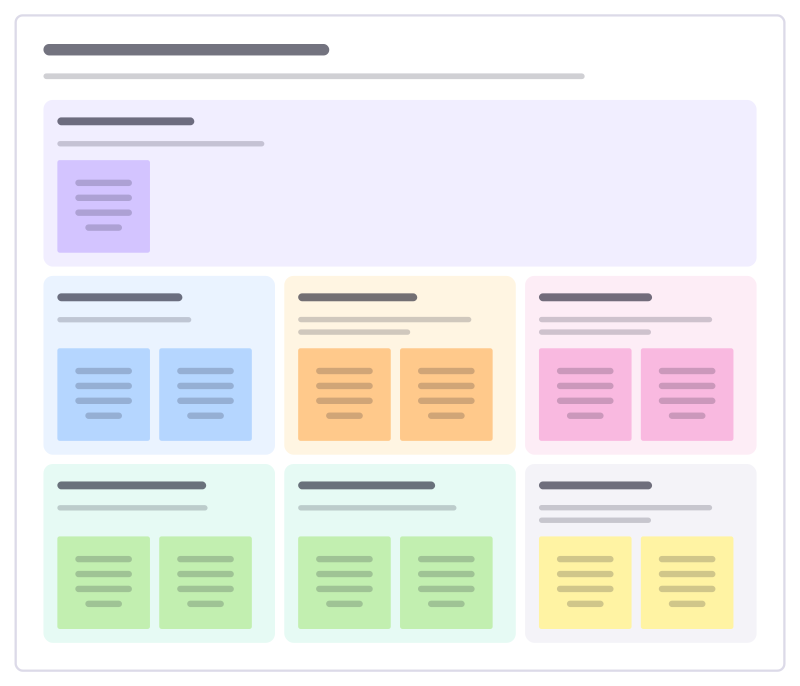
- How did you work with the candidate, and for how long?
- What were they best at? Give me an example.
- Where did they need the most support?
- How did they handle feedback?
- Why did they leave?
- Would you work with them again? Why? Listen for a pause or a “yes, but”.
Bring your team and your agents
Invite people to the board or share a link, and work on it together live. The timer is in the top bar, private mode and voting in the board menu, and Claude or ChatGPT can join through Freero’s MCP server.
Work on it with an AI agent
Connect an assistant once and it works on the board with you, with your permissions: by default it reads and proposes, and people decide.
You ask: “Fill in the Reference check board from these notes.”
What happens It reads the board, then proposes sticky notes for it. Nothing changes until someone on the board accepts them.
You ask: “Group what we wrote into themes and list the actions.”
What happens It proposes clusters with a title each and task cards for the actions, labelled with its name and yours.
Set it up for Claude, ChatGPT or any MCP client.
Related HR templates

Job ad builder
Write a job ad people want to read: why the role exists, what they’ll do, who’ll thrive, what you offer and how hiring works.
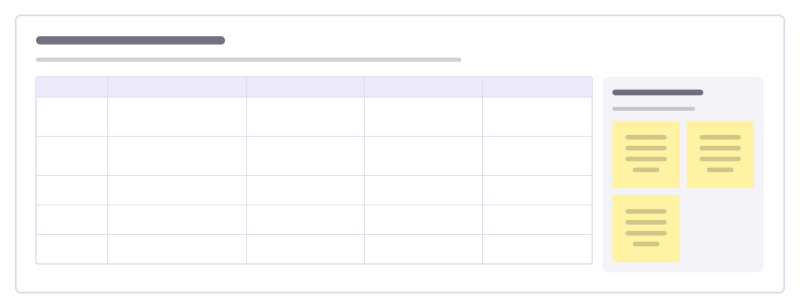
Interview question bank
Collect the questions your team asks in interviews, the skill each one tests, good follow-ups and what strong and weak answers sound like.
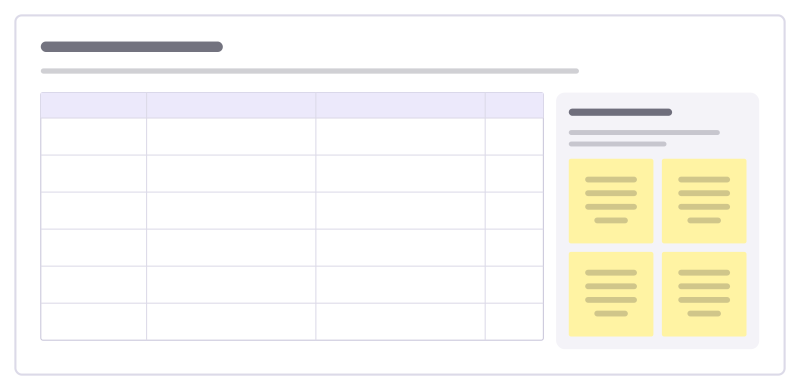
Hiring scorecard
Agree what good looks like before the first interview, then score every candidate against the same evidence.
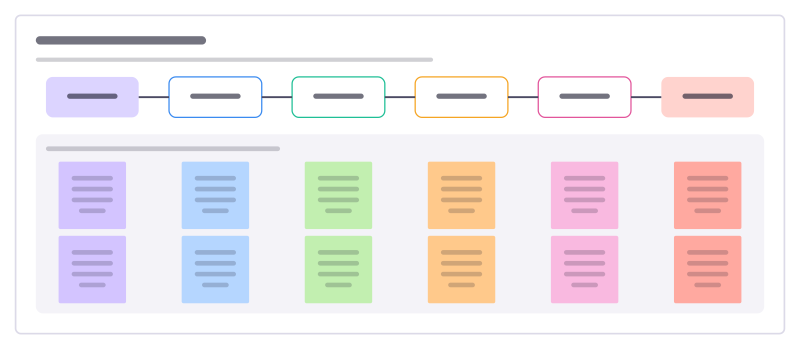
Volunteer onboarding
Take a new volunteer from signing up to their first shifts without losing them to slow replies, checks or a confusing first day.
Volunteer role description
Describe a volunteer role so the right people say yes: why it matters, what they will do, the time it takes and the support they get.

New hire first week
Plan a new colleague’s first five days so they meet the right people, get set up and do something real by Friday.
Bring your team and your agents to one board
Free to use, open source, and yours to host. No credit card, no seat count.