UX research template
Field visit notes template
Capture what you see on a site visit: the setting, people, tools and paper, the workarounds and the quotes worth keeping.
Free · Editable · Works with Claude and ChatGPT · Also in Design, Operations
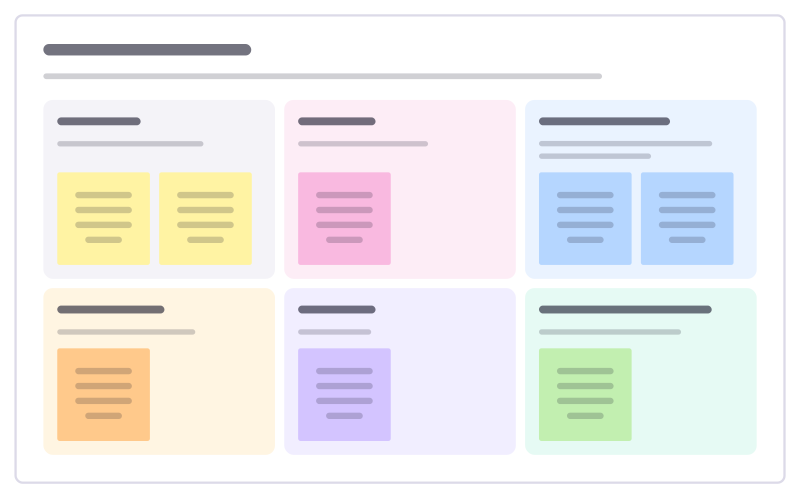
How to use the Field visit notes template
Start a board from it
Use this template opens a new Freero board with the Field visit notes template on it (sign up free first). On a board you already have, open Templates in the toolbar and search for “Field visit notes”.
Follow the instruction on the board
“Write what you saw before what you think. Photograph the sticky notes and printouts people use: workarounds point to unmet needs.”
Fill in each part
- Setting Where, when, what the place is like.
- People Who was there and what they did.
- Tools and paper What they use, including the unofficial stuff.
- Workarounds Ways people get around the system.
- Quotes Their exact words.
- Questions to follow up What you want to understand better.
Bring your team and your agents
Invite people to the board or share a link, and work on it together live. The timer is in the top bar, private mode and voting in the board menu, and Claude or ChatGPT can join through Freero’s MCP server.
Work on it with an AI agent
Connect an assistant once and it works on the board with you, with your permissions: by default it reads and proposes, and people decide.
You ask: “Fill in the Field visit notes board from these notes.”
What happens It reads the board, then proposes sticky notes for it. Nothing changes until someone on the board accepts them.
You ask: “Group what we wrote into themes and list the actions.”
What happens It proposes clusters with a title each and task cards for the actions, labelled with its name and yours.
Set it up for Claude, ChatGPT or any MCP client.
Related UX research templates
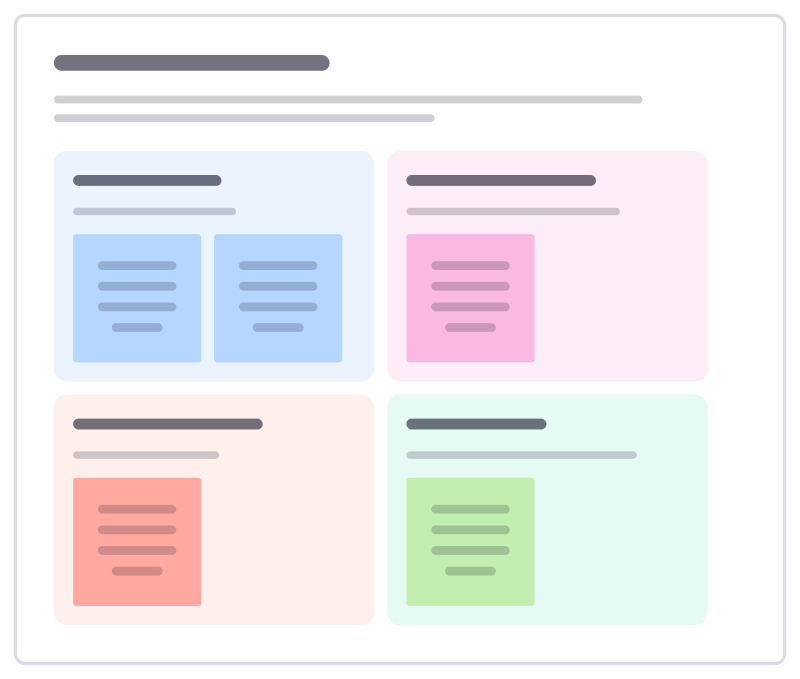
Floor walk notes
Notes from walking where the work happens: what you saw, what people told you, problems spotted and what you’ll follow up.
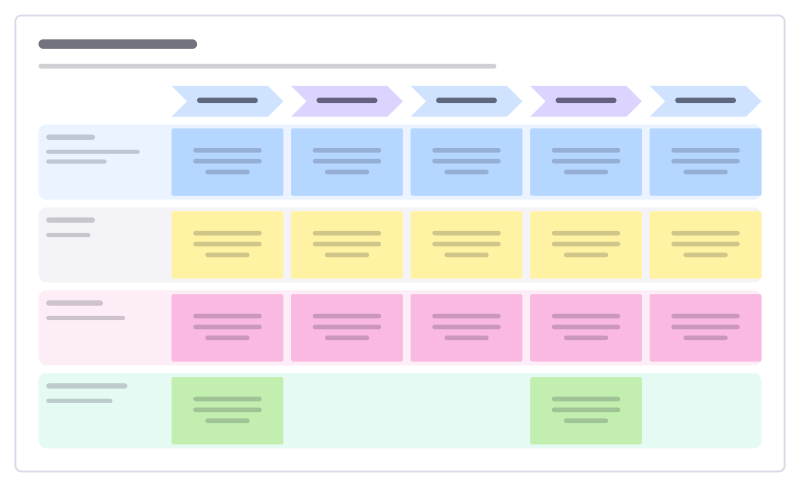
Day in the life
Follow one kind of user through a typical day: what they do, the tools they touch, how they feel and where you could help.
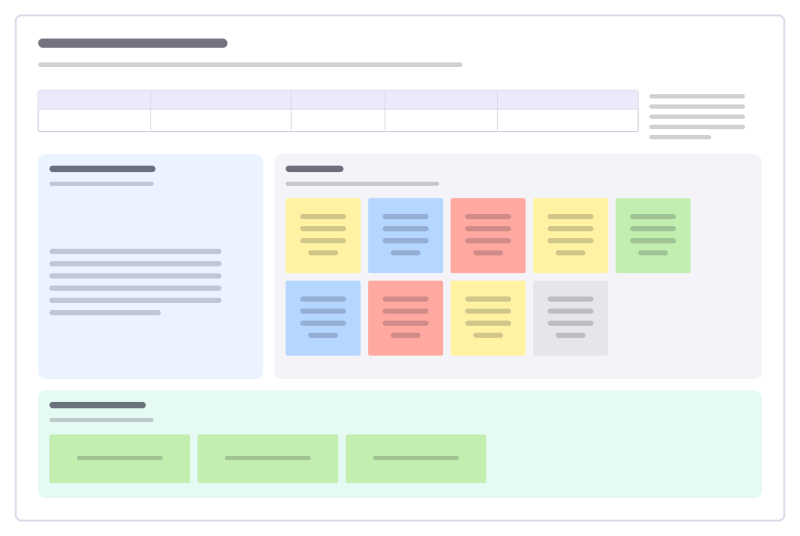
User interview notes
Interview guide, color-coded notes and the key takeaways from one conversation.
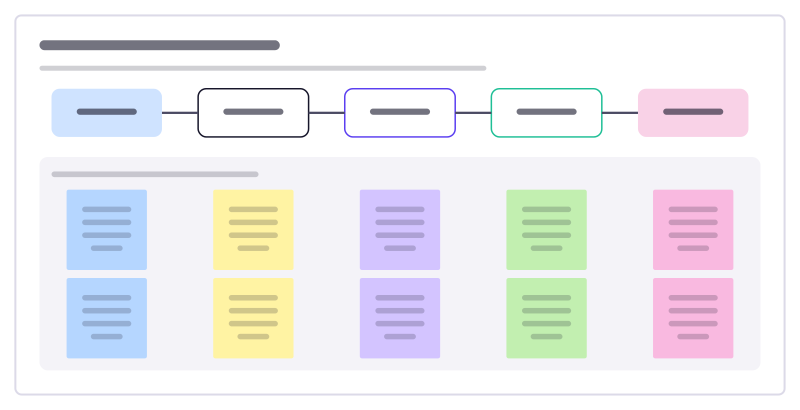
Beneficiary feedback loop
Ask the people you serve what is working, act on it and tell them what changed, so feedback becomes a habit and not a survey.
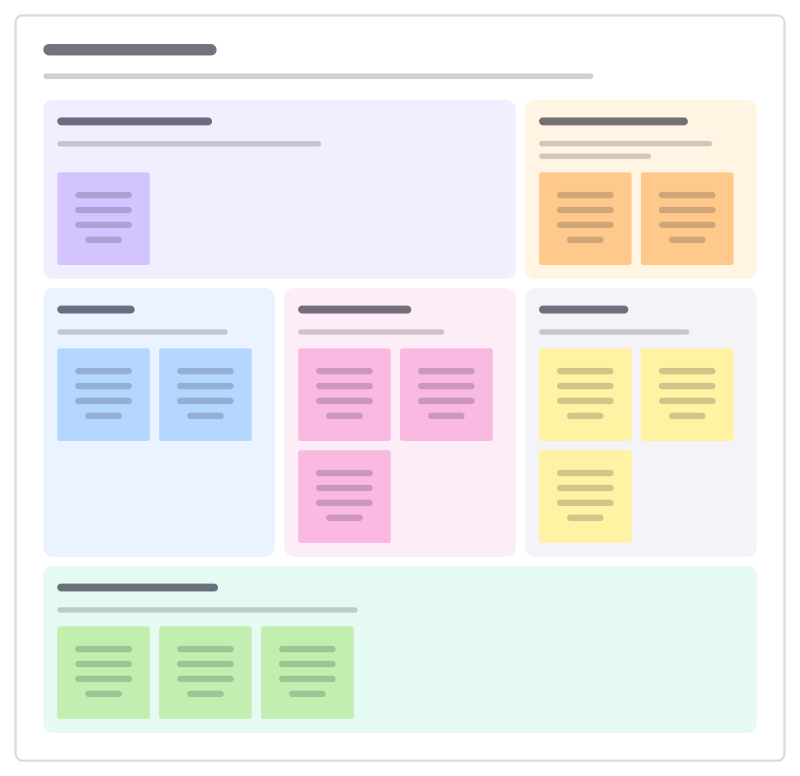
Research plan
Plan a study before booking anyone: the decision it informs, the questions, method, participants, timeline and how you’ll share it.
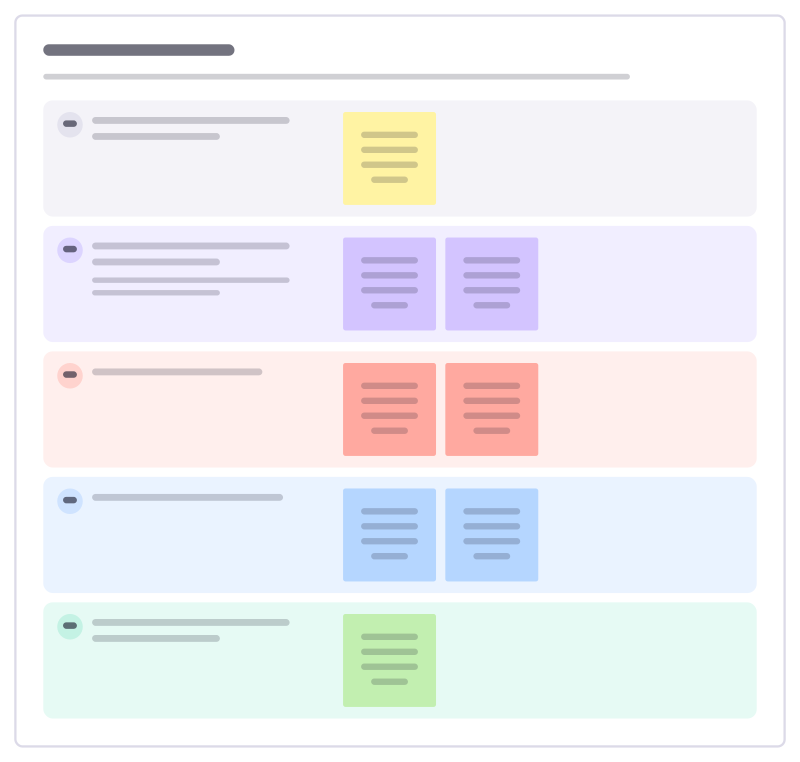
Interview guide
A discussion guide for customer interviews: warm-up, their story, the problem in depth, current workarounds and wrap-up.
All 64 UX research templates · All 584 templates by category
Bring your team and your agents to one board
Free to use, open source, and yours to host. No credit card, no seat count.