UX research template
User interview notes template
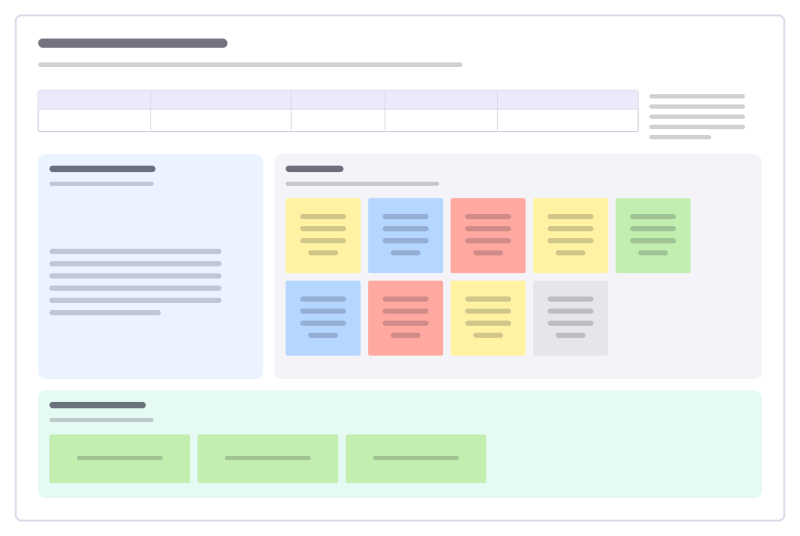
Interview guide, color-coded notes and the key takeaways from one conversation.
Free · Editable · Works with Claude and ChatGPT · Also in Meetings
How to use the User interview notes template
Start a board from it
Use this template opens a new Freero board with the User interview notes template on it (sign up free first). On a board you already have, open Templates in the toolbar and search for “User interview notes”.
Follow the instruction on the board
“Ask about the last time it happened, not what they would do. Note their exact words; sort the notes right after the call.”
Fill in each part
- Table Columns: Participant · Role and company · Date · Interviewer · Recording link
- Interview guide Open questions. Follow the energy.
- Notes One idea per sticky, in their words where you can.
- Key takeaways The three things to tell the team.
Bring your team and your agents
Invite people to the board or share a link, and work on it together live. The timer is in the top bar, private mode and voting in the board menu, and Claude or ChatGPT can join through Freero’s MCP server.
Work on it with an AI agent
Connect an assistant once and it works on the board with you, with your permissions: by default it reads and proposes, and people decide.
You ask: “Fill in the User interview notes board from these notes.”
What happens It reads the board, then proposes sticky notes for it. Nothing changes until someone on the board accepts them.
You ask: “Group what we wrote into themes and list the actions.”
What happens It proposes clusters with a title each and task cards for the actions, labelled with its name and yours.
Set it up for Claude, ChatGPT or any MCP client.
Related UX research templates
Interview guide
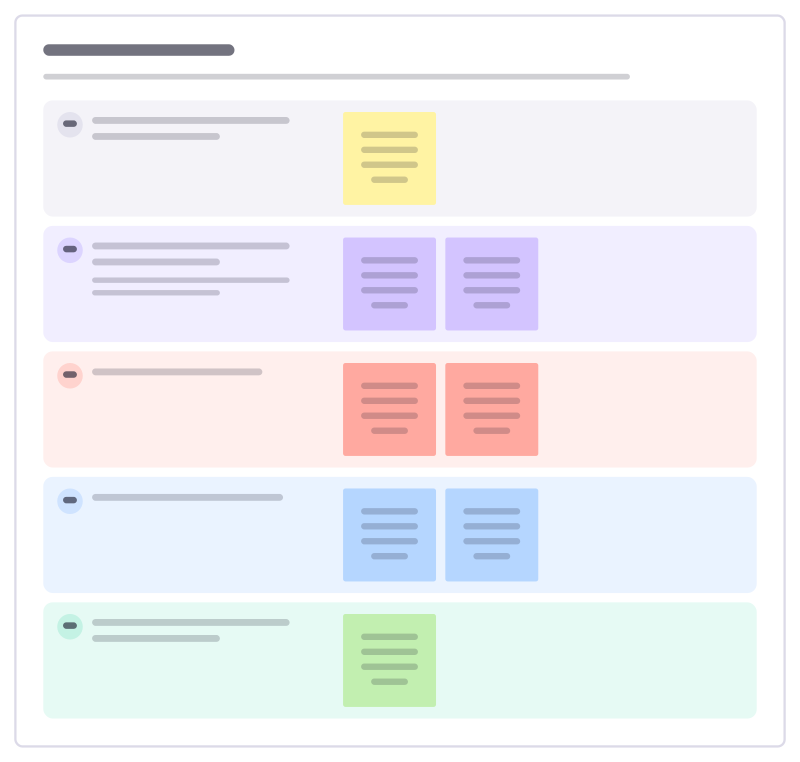
A discussion guide for customer interviews: warm-up, their story, the problem in depth, current workarounds and wrap-up.
Customer journey
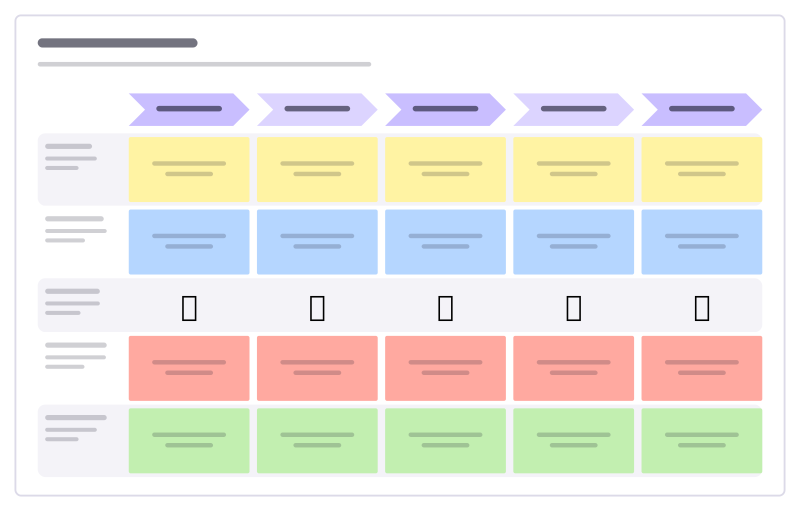
Stages across, lanes for doing, thinking, feeling, pain points and opportunities.
Affinity map
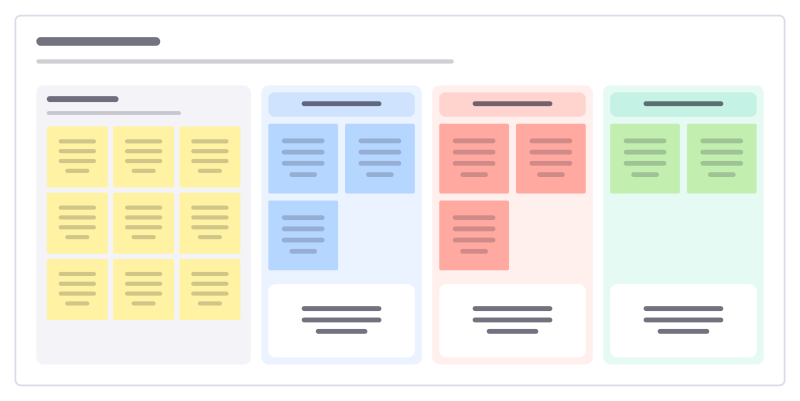
Turn a pile of research notes into themes, with one insight written under each.
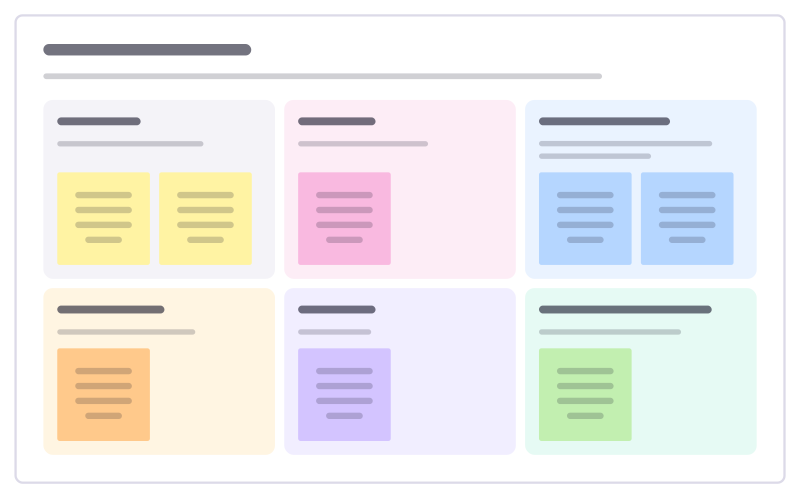
Field visit notes
Capture what you see on a site visit: the setting, people, tools and paper, the workarounds and the quotes worth keeping.
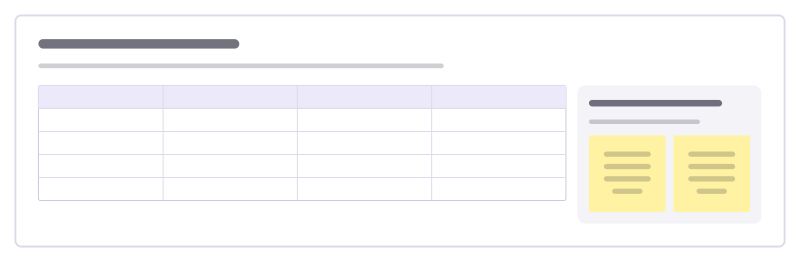
Competitive UX review
Compare how you and your competitors handle the same key tasks, step by step, to see where you lead and where you lag.
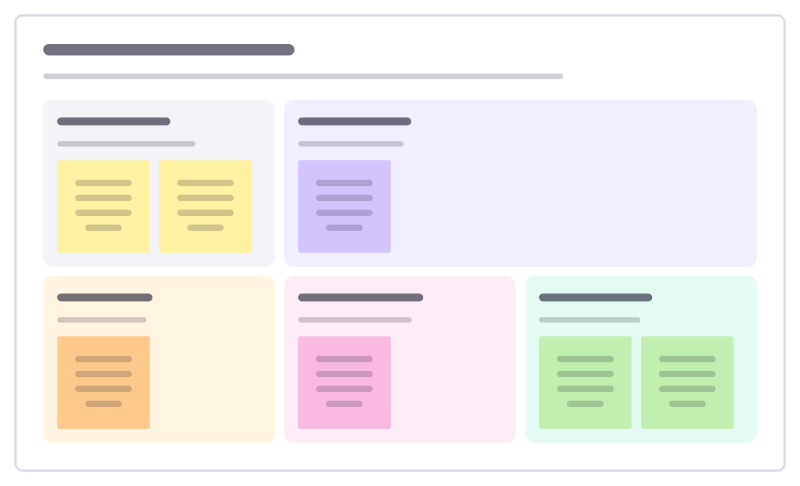
Survey results readout
Share survey results so people act on them: who answered, the headline, surprises, quotes and what changes.
All 64 UX research templates · All 584 templates by category
Bring your team and your agents to one board
Free to use, open source, and yours to host. No credit card, no seat count.