Strategy template
Competitor comparison template
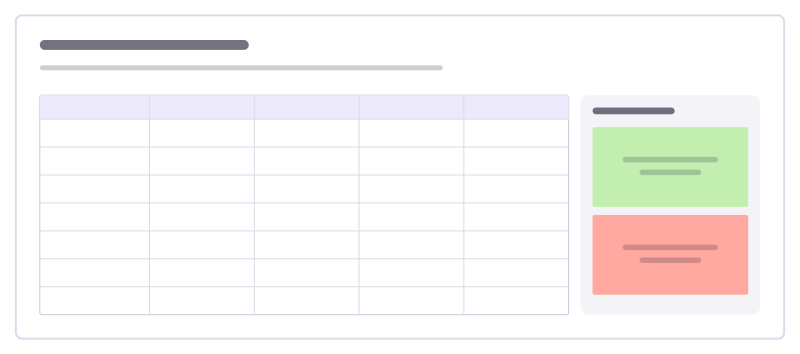
A table of you against alternatives on the criteria customers care about, plus takeaways.
Free · Editable · Works with Claude and ChatGPT · Also in Research & UX
How to use the Competitor comparison template
Start a board from it
Use this template opens a new Freero board with the Competitor comparison template on it (sign up free first). On a board you already have, open Templates in the toolbar and search for “Competitor comparison”.
Follow the instruction on the board
“Compare on what customers weigh when they choose, not on feature lists. Include the option of doing nothing.”
Fill in each part
- Table Columns: Us · Rival A · Rival B · Spreadsheets
- Takeaways
Bring your team and your agents
Invite people to the board or share a link, and work on it together live. The timer is in the top bar, private mode and voting in the board menu, and Claude or ChatGPT can join through Freero’s MCP server.
Work on it with an AI agent
Connect an assistant once and it works on the board with you, with your permissions: by default it reads and proposes, and people decide.
You ask: “Fill in the Competitor comparison board from these notes.”
What happens It reads the board, then proposes sticky notes for it. Nothing changes until someone on the board accepts them.
You ask: “Group what we wrote into themes and list the actions.”
What happens It proposes clusters with a title each and task cards for the actions, labelled with its name and yours.
Set it up for Claude, ChatGPT or any MCP client.
Related strategy templates
Competitive landscape map
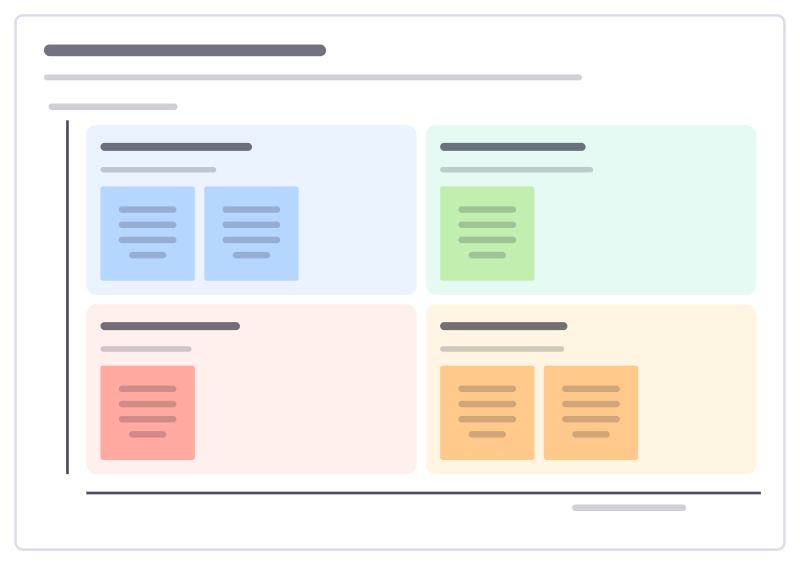
Place competitors on the two dimensions customers care about most, to see where the market is crowded and where there’s room.
Impact measurement framework
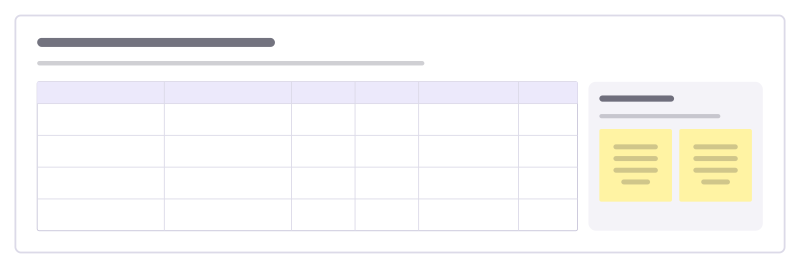
Decide how you will show your work makes a difference: each outcome with an indicator, baseline, target and where the data comes from.
Competitive UX review
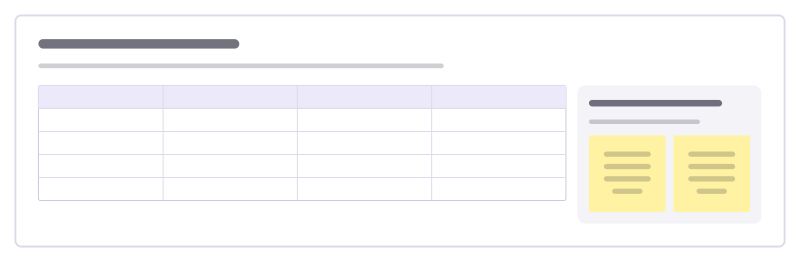
Compare how you and your competitors handle the same key tasks, step by step, to see where you lead and where you lag.
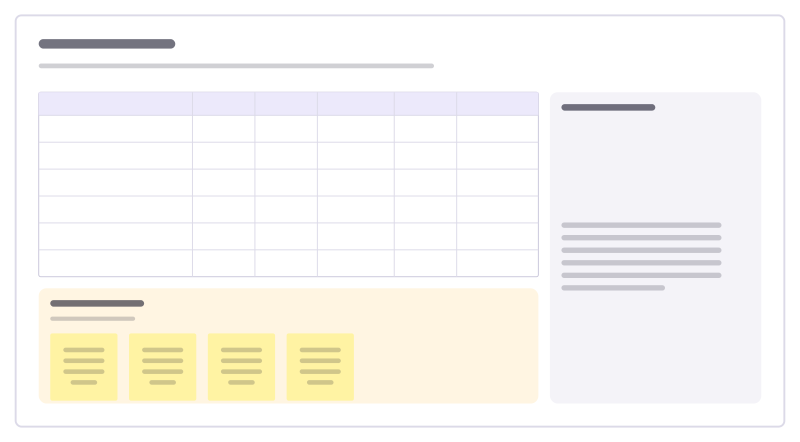
RICE scoring
Score ideas by reach, impact, confidence and effort, so the backlog order has reasons.
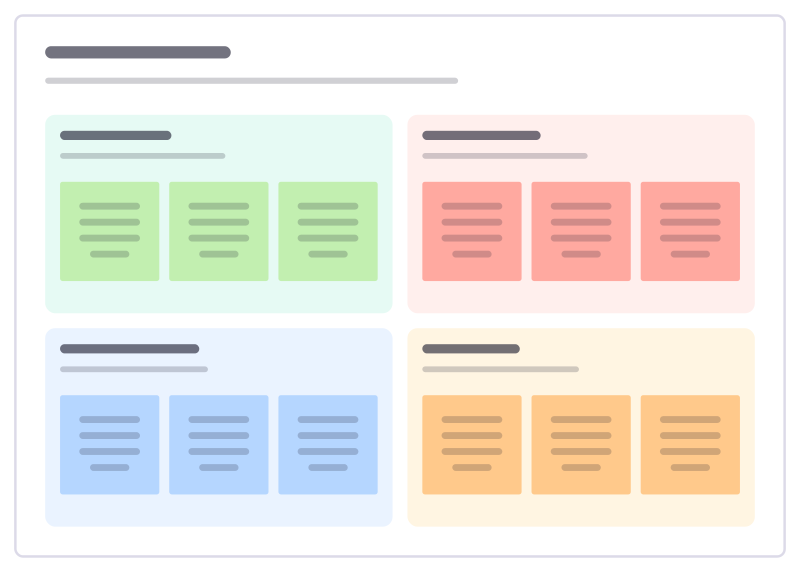
SWOT analysis
Strengths, weaknesses, opportunities and threats, with a guiding question in each.
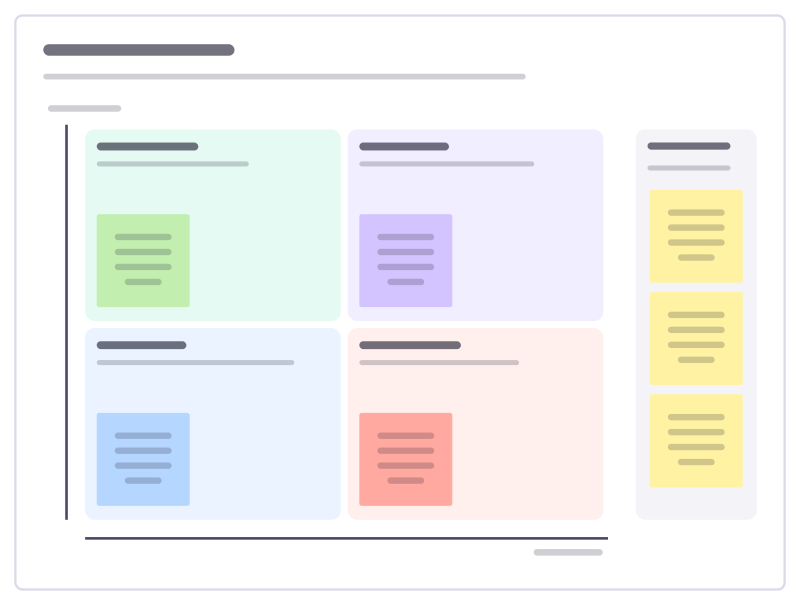
Impact × effort
A 2×2 matrix to sort ideas into quick wins, big bets, fill-ins and time sinks.
Bring your team and your agents to one board
Free to use, open source, and yours to host. No credit card, no seat count.