Strategy template
Competitive landscape map template
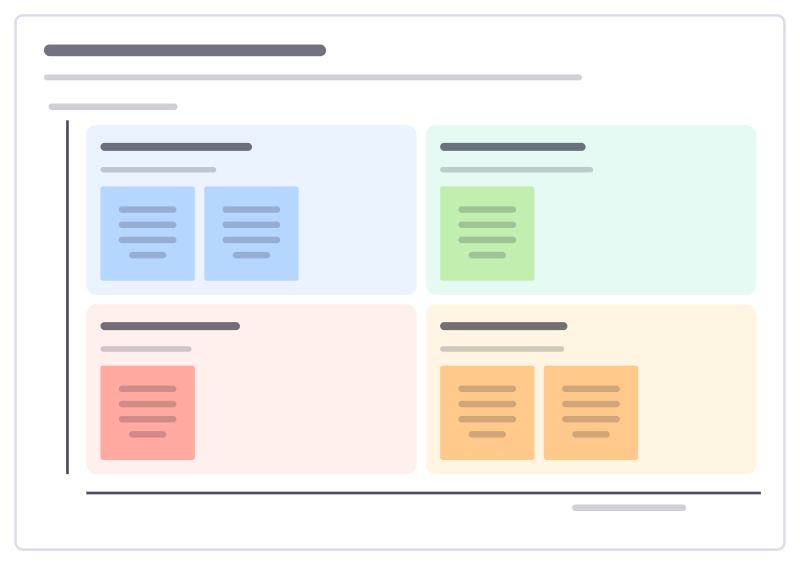
Place competitors on the two dimensions customers care about most, to see where the market is crowded and where there’s room.
Free · Editable · Works with Claude and ChatGPT · Also in Sales & marketing, Consulting
How to use the Competitive landscape map template
Start a board from it
Use this template opens a new Freero board with the Competitive landscape map template on it (sign up free first). On a board you already have, open Templates in the toolbar and search for “Competitive landscape map”.
Follow the instruction on the board
“Pick axes customers use to choose, not ones that flatter you. Place everyone, including the spreadsheet and doing nothing.”
Fill in each part
- Powerful but heavy Deep, but slow to get going.
- Powerful and easy The spot customers want. Who is here?
- Basic and fiddly Neither deep nor easy.
- Basic but easy Quick to start, outgrown fast.
- Depth of features ↑
- Easy to set up →
Bring your team and your agents
Invite people to the board or share a link, and work on it together live. The timer is in the top bar, private mode and voting in the board menu, and Claude or ChatGPT can join through Freero’s MCP server.
Work on it with an AI agent
Connect an assistant once and it works on the board with you, with your permissions: by default it reads and proposes, and people decide.
You ask: “Fill in the Competitive landscape map board from these notes.”
What happens It reads the board, then proposes sticky notes for it. Nothing changes until someone on the board accepts them.
You ask: “Group what we wrote into themes and list the actions.”
What happens It proposes clusters with a title each and task cards for the actions, labelled with its name and yours.
Set it up for Claude, ChatGPT or any MCP client.
Related strategy templates
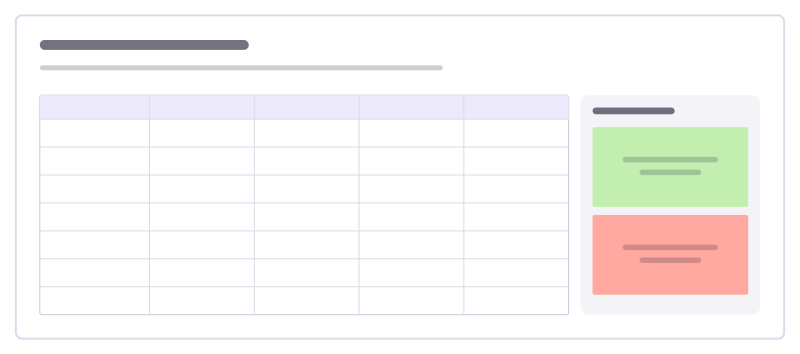
Competitor comparison
A table of you against alternatives on the criteria customers care about, plus takeaways.
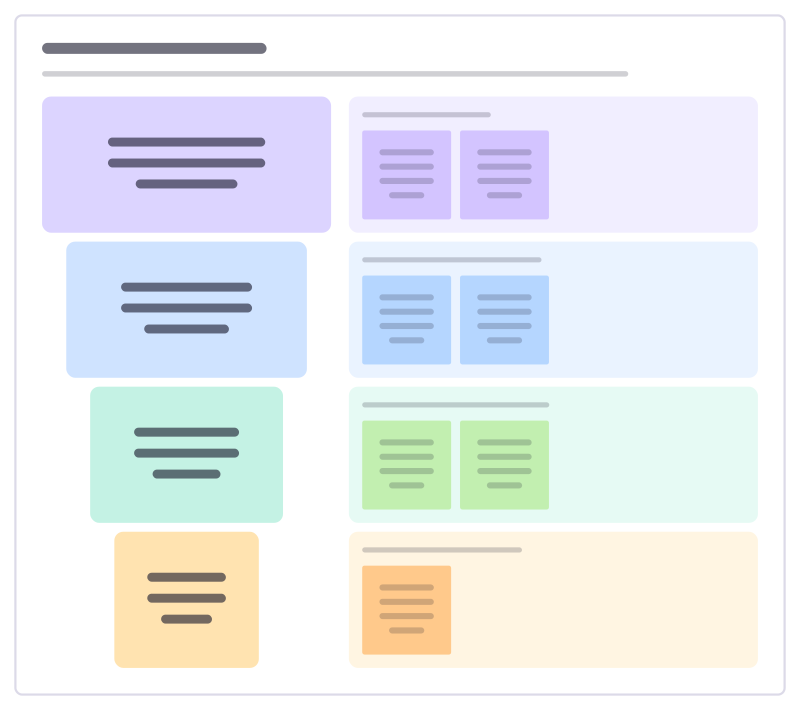
Market sizing funnel
Size a market from everyone who could buy down to who you can realistically win in year one, with the assumption behind each cut.
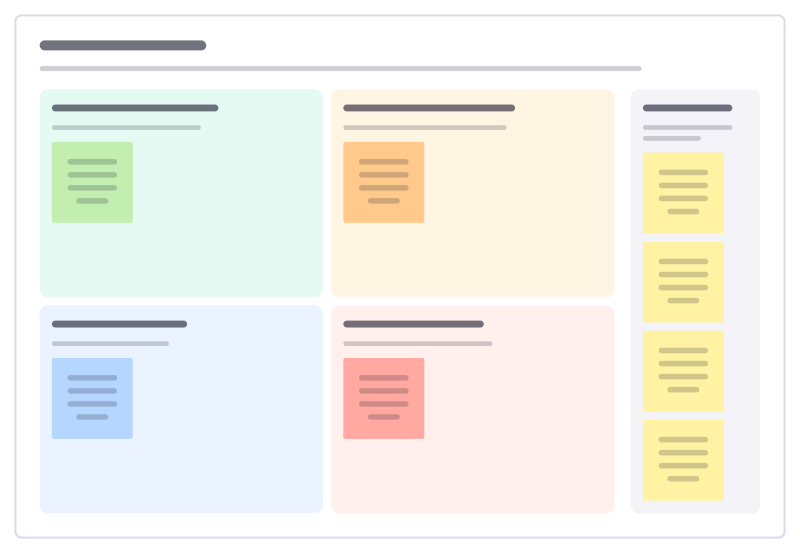
SWOT to actions
Turn a finished SWOT into moves: use strengths on opportunities, fix weaknesses that block them, and defend against threats.
Build, buy or partner
Compare building a capability yourself, buying it, or partnering for it, on cost, speed, control and risk.
Strategy diagnosis
Build a strategy from the problem up: what’s really going on, the approach we’ll take, the actions that follow, and what we stop.
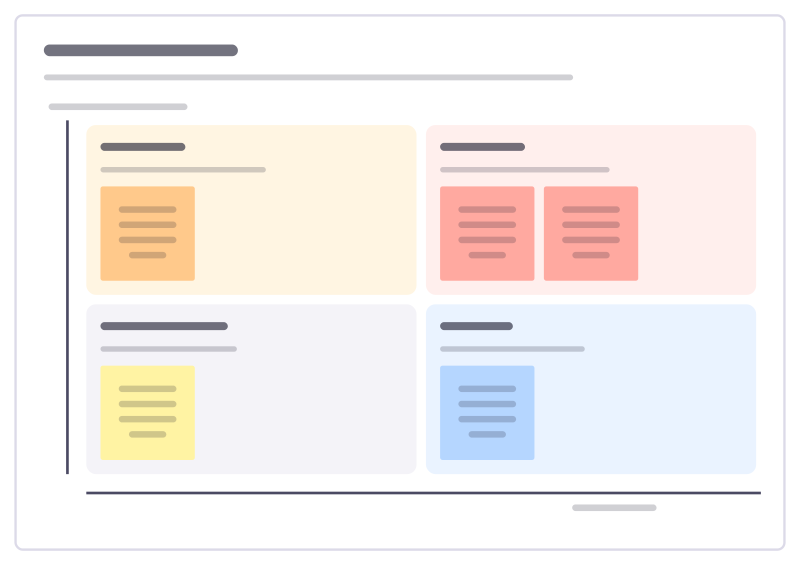
Trends to watch
Sort the trends that could change your market by how soon they arrive and how much they would matter, and decide what to do about each.
Bring your team and your agents to one board
Free to use, open source, and yours to host. No credit card, no seat count.