Brainstorming template
Attribute listing template
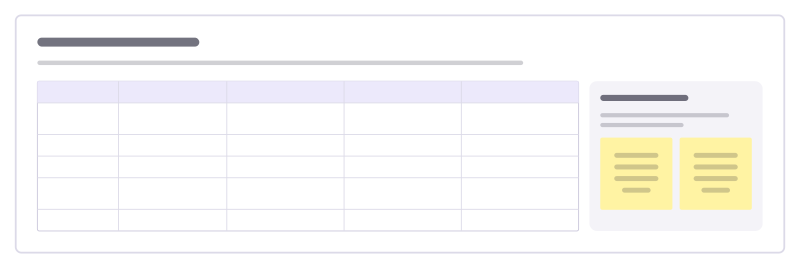
Break a product into its attributes (size, material, price, how it is used) and change one attribute at a time to find new versions.
Free · Editable · Works with Claude and ChatGPT · Also in Product, Design
How to use the Attribute listing template
Start a board from it
Use this template opens a new Freero board with the Attribute listing template on it (sign up free first). On a board you already have, open Templates in the toolbar and search for “Attribute listing”.
Follow the instruction on the board
“List what the product is like today in each row, then write two or three alternatives per attribute. Combine the most promising ones at the end.”
Fill in each part
- Table Columns: Attribute · Today · Alternative 1 · Alternative 2 · Alternative 3
- New versions Combine one alternative from three rows into a product worth sketching.
Bring your team and your agents
Invite people to the board or share a link, and work on it together live. The timer is in the top bar, private mode and voting in the board menu, and Claude or ChatGPT can join through Freero’s MCP server.
Work on it with an AI agent
Connect an assistant once and it works on the board with you, with your permissions: by default it reads and proposes, and people decide.
You ask: “Fill in the Attribute listing board from these notes.”
What happens It reads the board, then proposes sticky notes for it. Nothing changes until someone on the board accepts them.
You ask: “Group what we wrote into themes and list the actions.”
What happens It proposes clusters with a title each and task cards for the actions, labelled with its name and yours.
Set it up for Claude, ChatGPT or any MCP client.
Related brainstorming templates
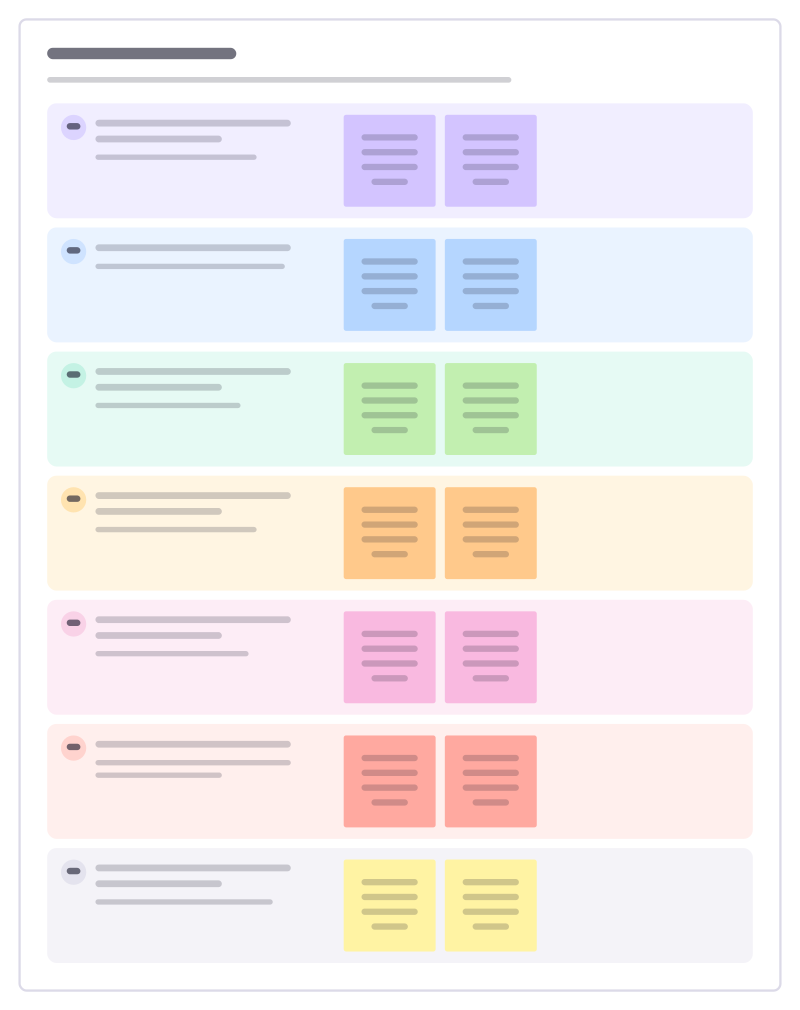
SCAMPER prompts
Seven ways to twist an existing product or process into new ideas: swap, combine, adapt, resize, repurpose, remove, reverse.
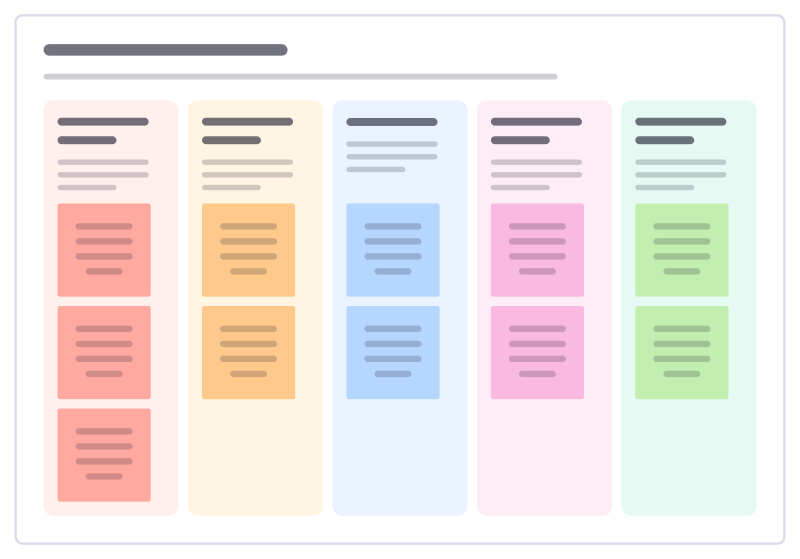
Constraint brainstorm
Generate ideas under a deliberately harsh limit (no budget, one week, no screens) to shake loose solutions nobody had tried.
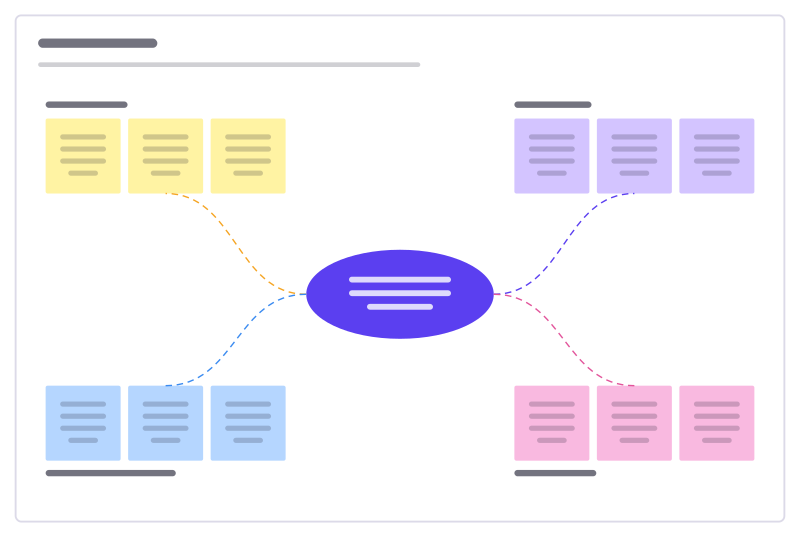
Idea burst
A central challenge with four idea clusters to fill, sort and vote on.
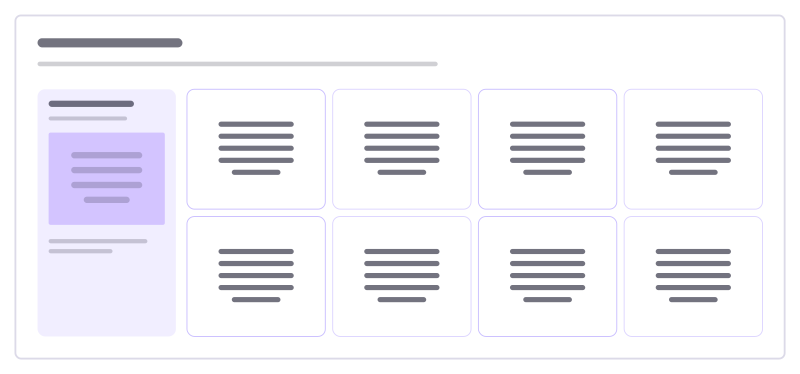
Eight sketches
Fold one problem into eight fast sketches, one minute each, then pick the strongest.
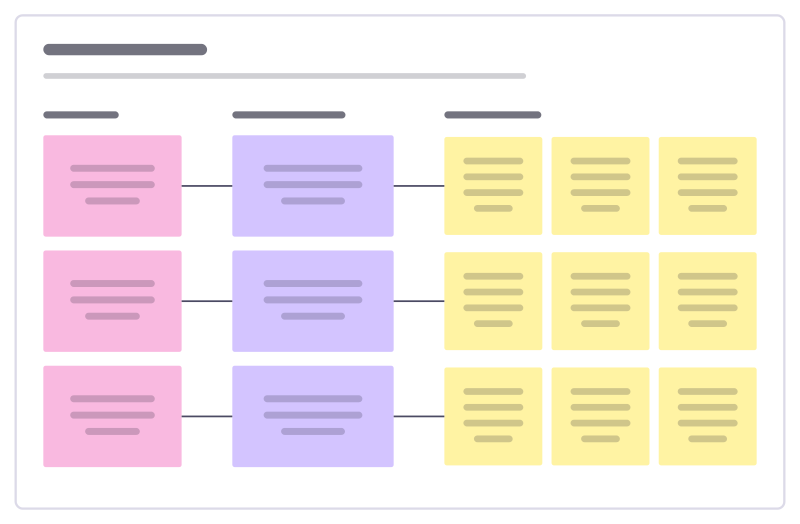
How might we
Turn research insights into “How might we…?” questions, then into first ideas.
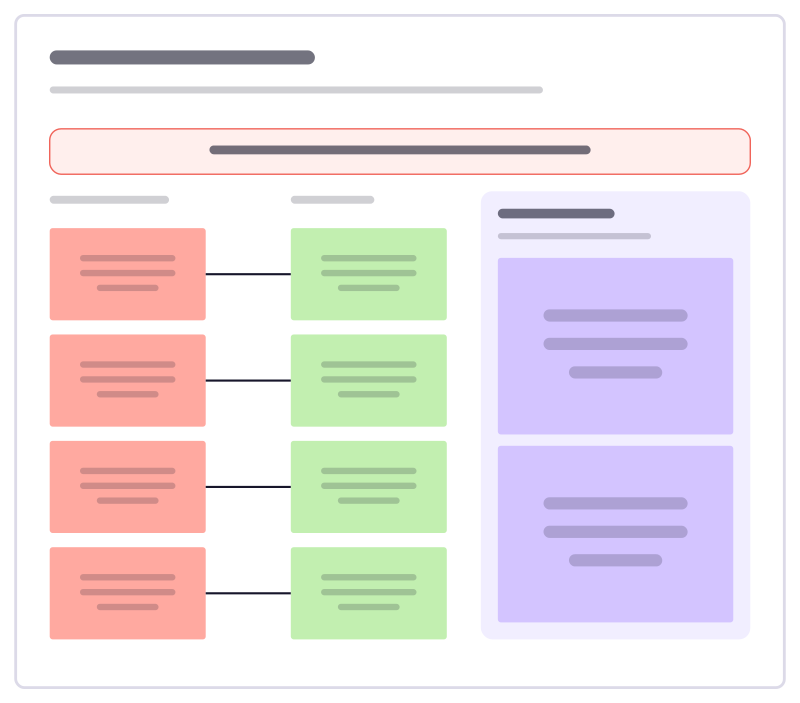
Reverse brainstorm
List ways to make a problem worse, then flip each one into an idea worth trying.
All 42 brainstorming templates · All 584 templates by category
Bring your team and your agents to one board
Free to use, open source, and yours to host. No credit card, no seat count.