Meeting template
Weekly metrics review template
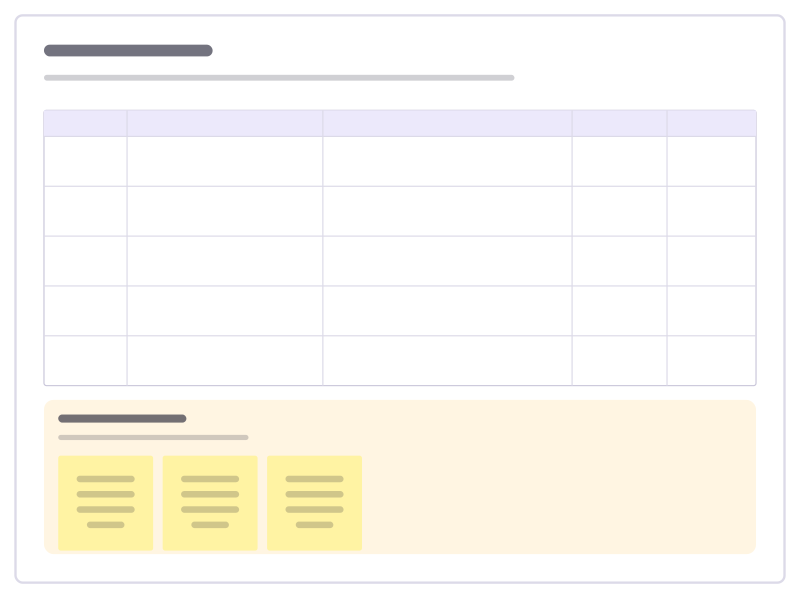
Run a short weekly look at the numbers that matter: what moved, why you think it moved and whether anyone needs to act.
Free · Editable · Works with Claude and ChatGPT · Also in Product
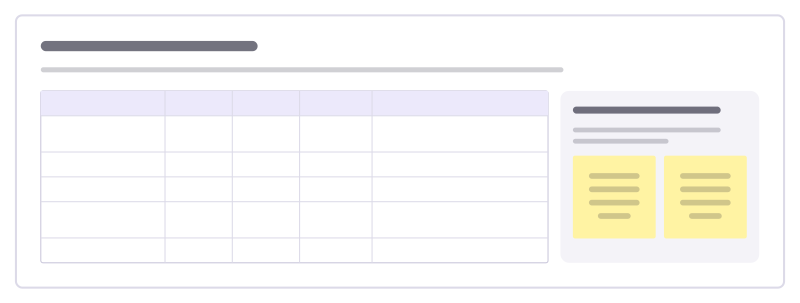
How to use the Weekly metrics review template
Start a board from it
Use this template opens a new Freero board with the Weekly metrics review template on it (sign up free first). On a board you already have, open Templates in the toolbar and search for “Weekly metrics review”.
Follow the instruction on the board
“Same numbers, same order, every week. Owners explain any move bigger than normal; if nobody knows why it moved, that becomes an action.”
Fill in each part
- Table Columns: Metric · Owner · This week · vs last week · Why it moved
- What counts as a move Explain anything outside its usual range.
Bring your team and your agents
Invite people to the board or share a link, and work on it together live. The timer is in the top bar, private mode and voting in the board menu, and Claude or ChatGPT can join through Freero’s MCP server.
Work on it with an AI agent
Connect an assistant once and it works on the board with you, with your permissions: by default it reads and proposes, and people decide.
You ask: “Fill in the Weekly metrics review board from these notes.”
What happens It reads the board, then proposes sticky notes for it. Nothing changes until someone on the board accepts them.
You ask: “Group what we wrote into themes and list the actions.”
What happens It proposes clusters with a title each and task cards for the actions, labelled with its name and yours.
Set it up for Claude, ChatGPT or any MCP client.
Related meeting templates
Meeting notes
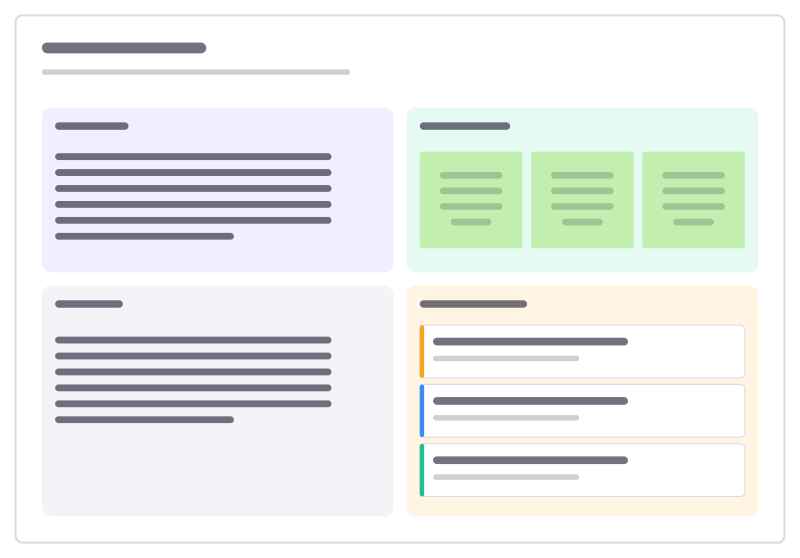
Agenda, running notes, decisions and action items with owners in one place.

1:1 meeting
A shared space for a recurring 1:1: check-in, both people’s topics, feedback, growth, actions.
Weather check-in
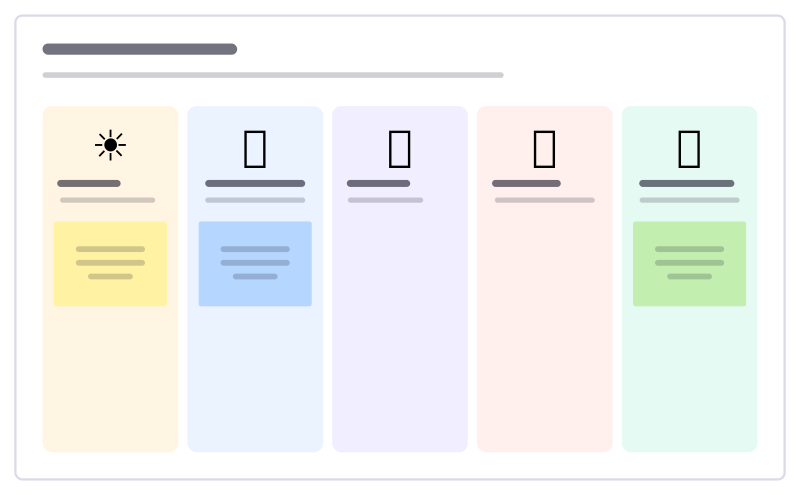
A light warm-up: everyone places a sticky under the weather that matches their week.
Workshop agenda
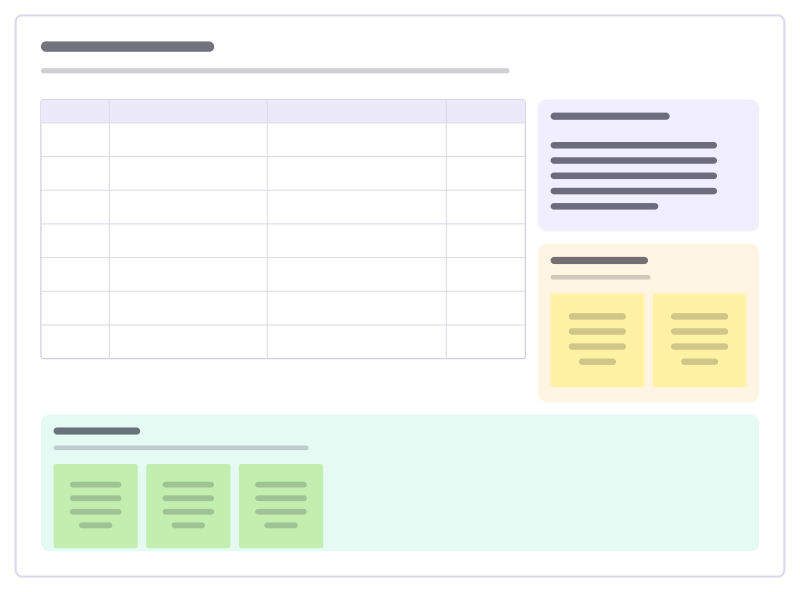
A timed agenda with methods and owners, the goals, a parking lot and a check-out.

Project kickoff
Why, goals, how you’ll measure success, scope, roles and milestones on one board.
Decision log
A running table of decisions: what, why, who decided and when to revisit it.
Bring your team and your agents to one board
Free to use, open source, and yours to host. No credit card, no seat count.