Classroom template
Station rotation plan template
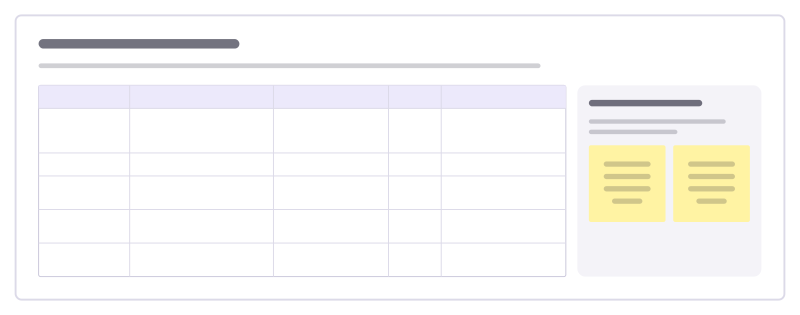
Groups move through learning stations: what happens at each, the materials, the timing and who works with the teacher.
Free · Editable · Works with Claude and ChatGPT · Also in Planning
How to use the Station rotation plan template
Start a board from it
Use this template opens a new Freero board with the Station rotation plan template on it (sign up free first). On a board you already have, open Templates in the toolbar and search for “Station rotation plan”.
Follow the instruction on the board
“Keep every station the same length and give each one a visible "finished early" task, so the teacher station is never interrupted.”
Fill in each part
- Table Columns: Station · Activity · Materials · Time · If you finish early
- Groups and order Who starts where, and which way they move when the timer rings.
Bring your team and your agents
Invite people to the board or share a link, and work on it together live. The timer is in the top bar, private mode and voting in the board menu, and Claude or ChatGPT can join through Freero’s MCP server.
Work on it with an AI agent
Connect an assistant once and it works on the board with you, with your permissions: by default it reads and proposes, and people decide.
You ask: “Fill in the Station rotation plan board from these notes.”
What happens It reads the board, then proposes sticky notes for it. Nothing changes until someone on the board accepts them.
You ask: “Group what we wrote into themes and list the actions.”
What happens It proposes clusters with a title each and task cards for the actions, labelled with its name and yours.
Set it up for Claude, ChatGPT or any MCP client.
Related classroom templates
Gallery walk
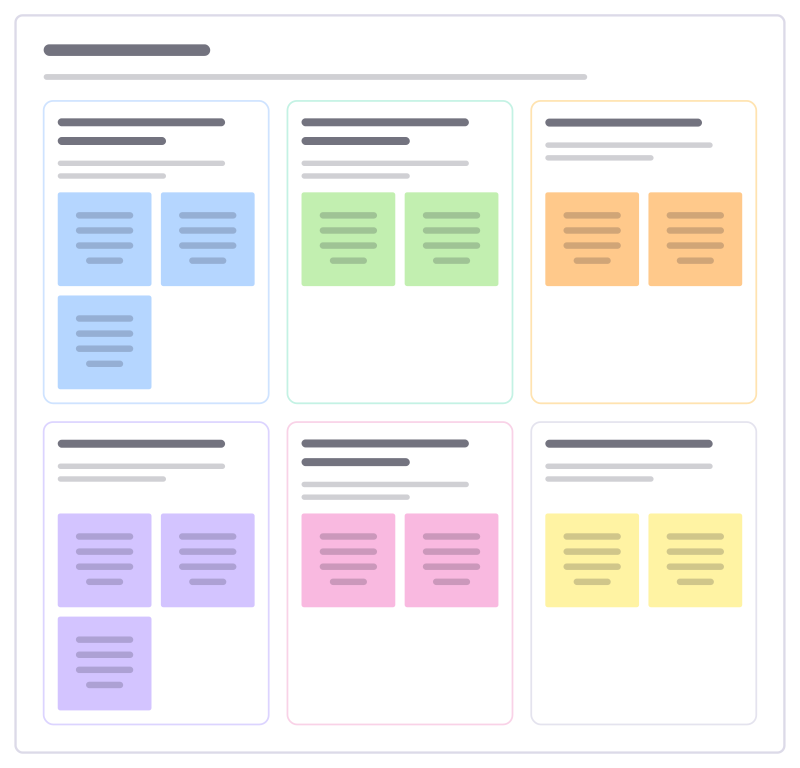
Groups post their work around the room, then walk from piece to piece leaving notices, questions and suggestions on each.
Classroom jobs
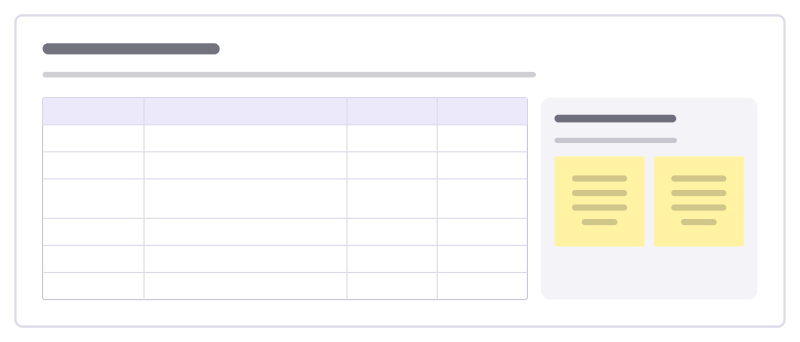
Share out the class jobs, say what each one involves and rotate them fairly so every student gets a turn.
Group project roles
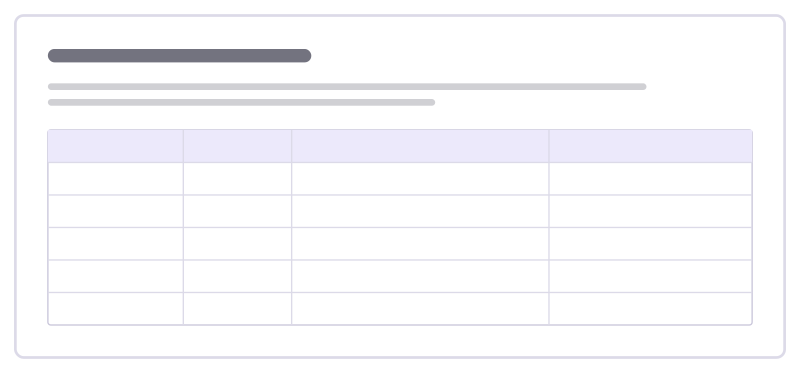
Give every student in a group a clear role, the tasks that come with it and how the group checks in, so work is shared fairly.
Restorative reflection
Talk through a conflict or broken rule with a student so they see who was affected and choose how to put it right.
Learning support plan
Agree with a student and their family what helps them learn: strengths, what is hard, classroom strategies and how progress is checked.
Jigsaw groups
Each group becomes expert in one part of a topic, then experts regroup and teach each other until everyone knows the whole.
Bring your team and your agents to one board
Free to use, open source, and yours to host. No credit card, no seat count.