Agile template
Remote team retro template
For distributed teams: which tools and rituals help you work apart, where people lose each other, and what to try next.
Free · Editable · Works with Claude and ChatGPT · Also in Meetings, HR & people
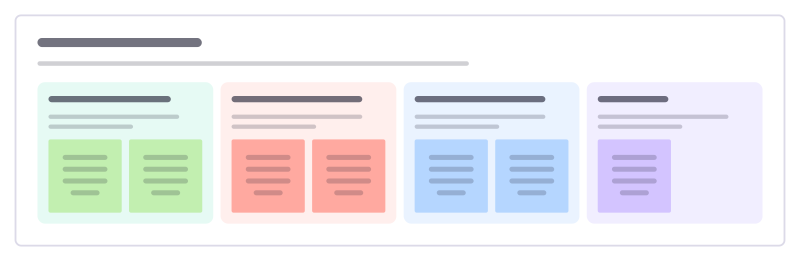
How to use the Remote team retro template
Start a board from it
Use this template opens a new Freero board with the Remote team retro template on it (sign up free first). On a board you already have, open Templates in the toolbar and search for “Remote team retro”.
Follow the instruction on the board
“Ask the people in the least convenient time zone to share first. Look for the moments when someone waited hours for an answer.”
Fill in each part
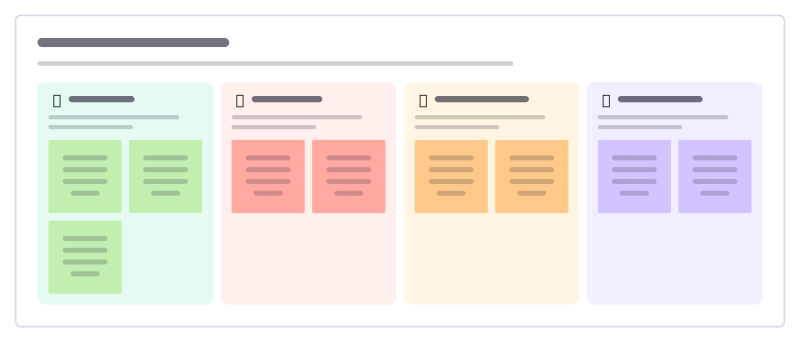
- Helps us work apart Tools, habits and rituals that make distance easier.
- Where we lose each other When did someone wait, miss out or duplicate work?
- Rituals worth keeping Which meetings or habits earn their time?
- Try next One or two experiments, each with an owner.
Bring your team and your agents
Invite people to the board or share a link, and work on it together live. The timer is in the top bar, private mode and voting in the board menu, and Claude or ChatGPT can join through Freero’s MCP server.
Work on it with an AI agent
Connect an assistant once and it works on the board with you, with your permissions: by default it reads and proposes, and people decide.
You ask: “Fill in the Remote team retro board from these notes.”
What happens It reads the board, then proposes sticky notes for it. Nothing changes until someone on the board accepts them.
You ask: “Group what we wrote into themes and list the actions.”
What happens It proposes clusters with a title each and task cards for the actions, labelled with its name and yours.
Set it up for Claude, ChatGPT or any MCP client.
Related agile templates
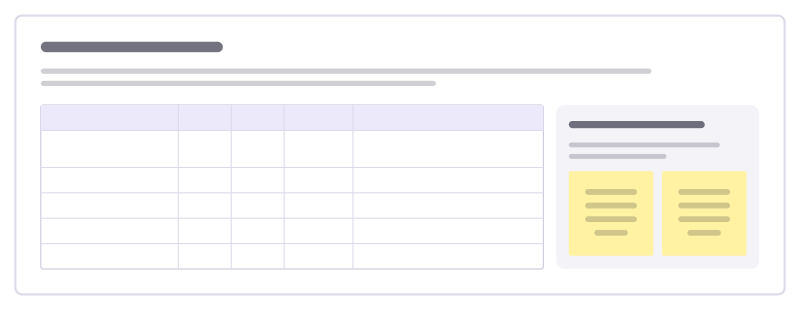
Team radar check
Each person scores how the team is doing on a handful of areas, then the team talks about the spread, not just the average.

Control and influence retro
Sort the team’s problems by what it controls, what it can influence and what it has to accept, then act where it has power.
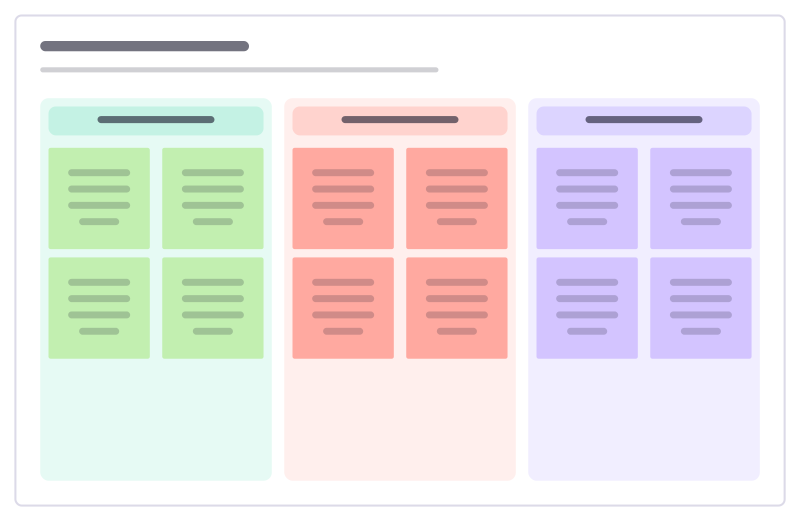
Retrospective
Went well, to improve and action items: a calm, classic sprint retro.
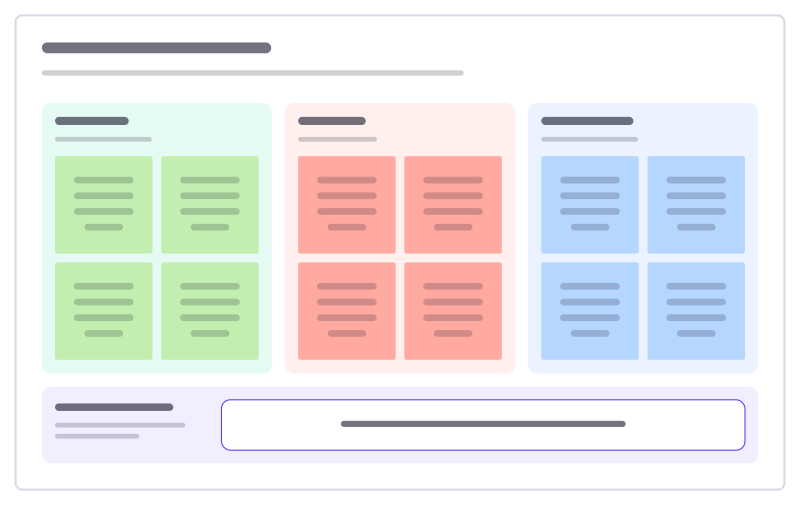
Start, stop, continue
A quick retro: what to begin, what to drop, what to keep, and one experiment.
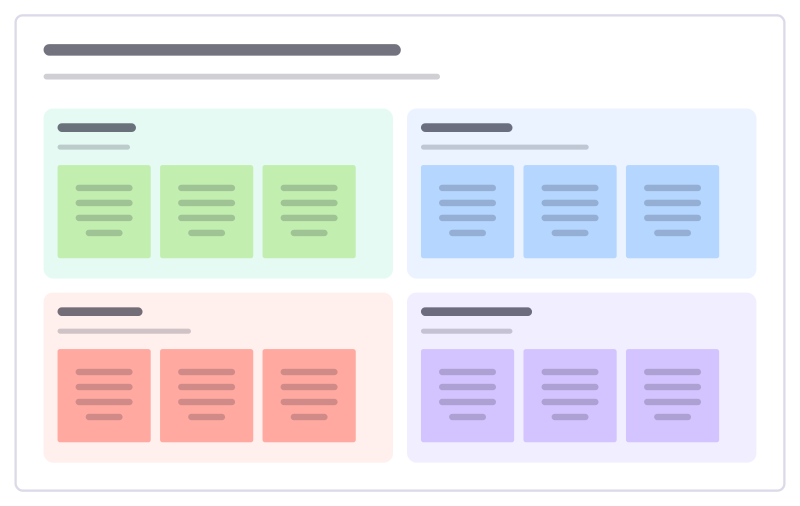
Liked, learned, lacked, longed for
A reflective retro in four quadrants that looks at learning, not only problems.
Hot air balloon retro
A picture-led retro: what lifts the team, what weighs it down, the weather ahead and where the balloon should go next.
Bring your team and your agents to one board
Free to use, open source, and yours to host. No credit card, no seat count.